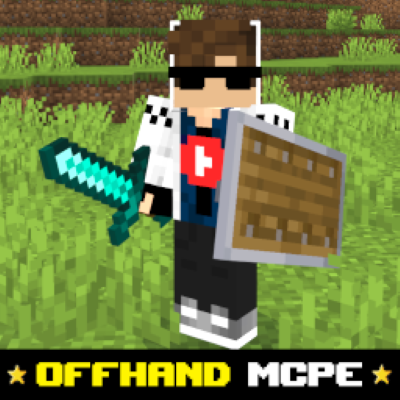
Offhand Addon MCPE
Bedrock add-on listed for Minecraft 1.20–26.x (behavior pack only). File opened and checked on 19 Sep 2026; installs from the MC Bedrock Mods app on Android.
I don't know my version
Offhand Addon for Minecraft Bedrock/MCPE
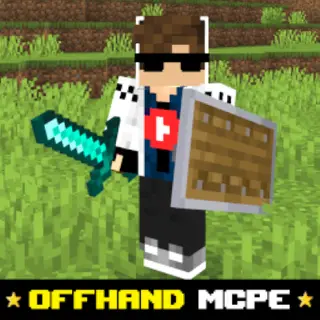
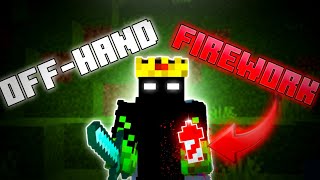
The Offhand Addon brings a near-Java experience to Bedrock Edition by letting you use your second hand for useful items like torches, totems, shields, and more. Bedrock players usually have a limited offhand, but with this addon you can finally enjoy smoother gameplay and better utility just like Java Edition.
✨ What This Addon Does
- ✔️ Enables the offhand slot for more items
- ✔️ Works like Java-style dual-wielding (depending on configuration)
- ✔️ Great for mining, exploring & combat
- ✔️ Mobile-friendly controls
- ✔️ Lightweight & no lag
✅ Items Supported in Offhand
| Item Type | Example |
|---|---|
| Light Sources | Torches, Lanterns (for cave exploring) |
| Safety Items | Totem of Undying |
| Combat Utility | Shields (addon-dependent) |
| Tools / Utility | Sometimes arrows, depending on version |
(Exact supported items depend on your subpack or addon version)
How to use?
Double crouch to swap items into off hand (only few things not work)
To use water Bucket (like mlg or whatever) crouch and right click three times
🧩 Why Offhand is Useful
| Activity | Benefit |
|---|---|
| Mining | Hold torch in offhand, pickaxe in main hand |
| PvP / Combat | Keep totem or shield ready |
| Survival | Fast switching without inventory opening |
| Exploration | Better visibility + safety |
📥 How to Install
- Download the
.mcpackfile - Open it to import into Minecraft
- Go to Settings → Global Resources
- Activate the addon
- (If required) enable Experimental Features
- Restart the world and enjoy dual wielding
✅ Compatibility
| Version | Support |
|---|---|
| Minecraft Bedrock 1.19+ | ✅ |
| MCPE (Android/iOS) | ✅ |
| Windows 10/11 | ✅ |
| Consoles (Xbox/PS/Switch) | ✅ |
| Realms | ❌ (most offhand addons can’t run on Realms) |
- Edition: Minecraft Bedrock
- File type: .mcpack or .mcaddon
- Minecraft versions listed: 26.0.02, 26.0, 26.3
- How to install: Download the .mcpack or .mcaddon file. → Open it — Minecraft imports it. → In your world: Behavior Packs → Available → Activate, then the same under Resource Packs.
- Where to get it: Opens on CurseForge — not every file is mirrored on our own servers.
Install steps are the general flow for this file type — How to install Minecraft Bedrock addons & mods walks through it step by step.
- Pack type: .mcpack — a single pack
- Manifest requires Minecraft 1.26.0 or newer
- Complete pack — everything it depends on is inside the file
- Download size: 92 KB
- Download link checked 5 Oct 2026 — working
These come from our own check of the pack file, not from the source page.