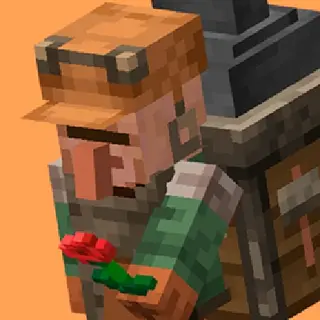
Better Backpacks
Bedrock add-on listed for Minecraft 26.x (behavior + resource pack). File opened and checked on 3 Oct 2026; installs from the MC Bedrock Mods app on Android.
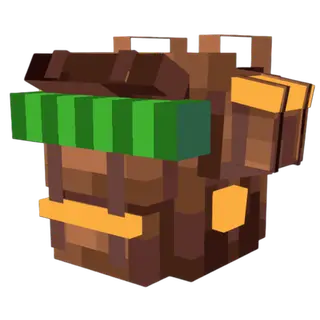
Craft a backpack, sneak to wear it, and carry up to 54 extra slots wherever you go. 15 variants across 3 types, lightweight.
⬇ DownloadThe author built this one for Minecraft 26.0–26.50. On other versions it may install and then do nothing.
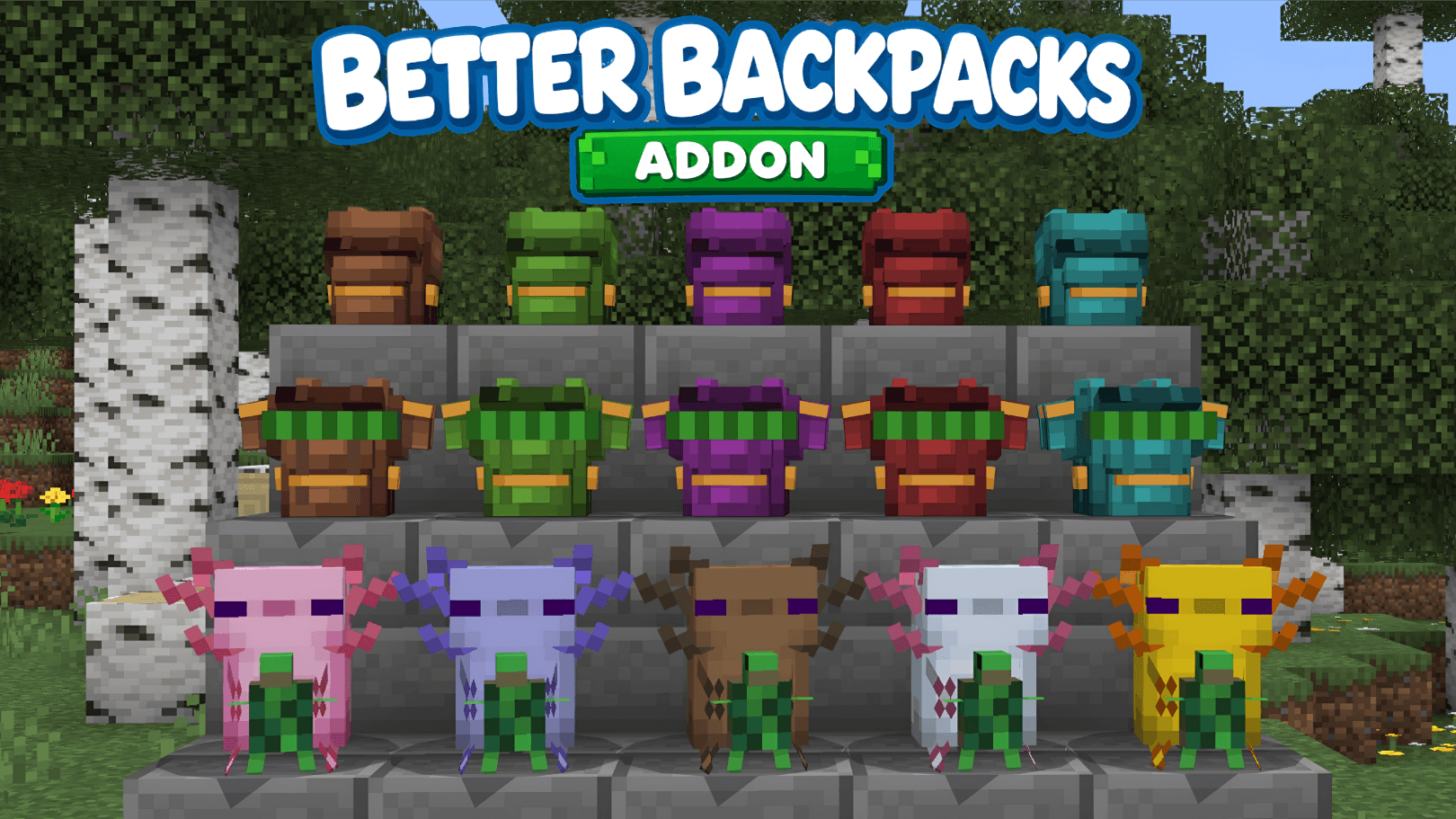
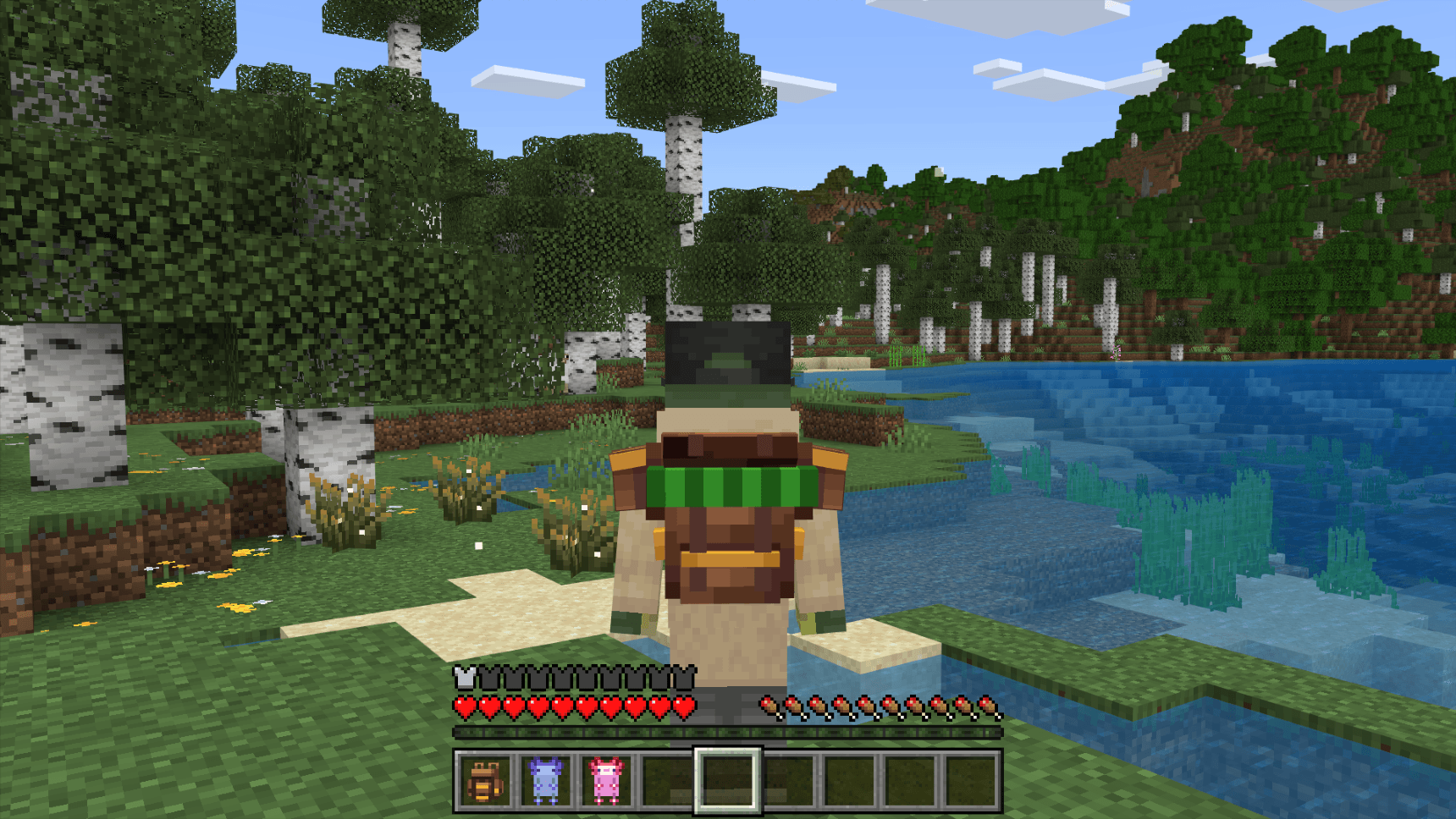
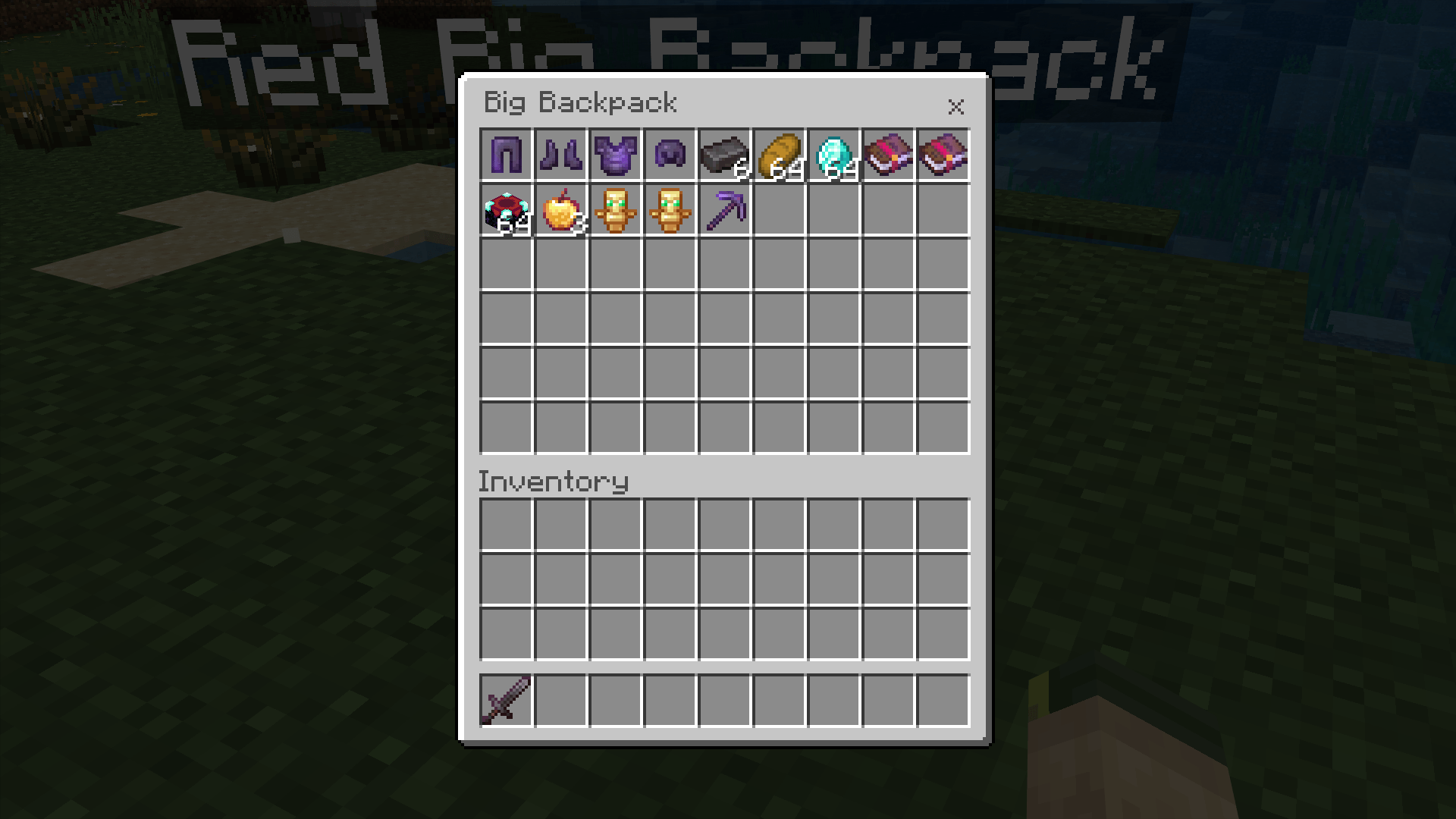
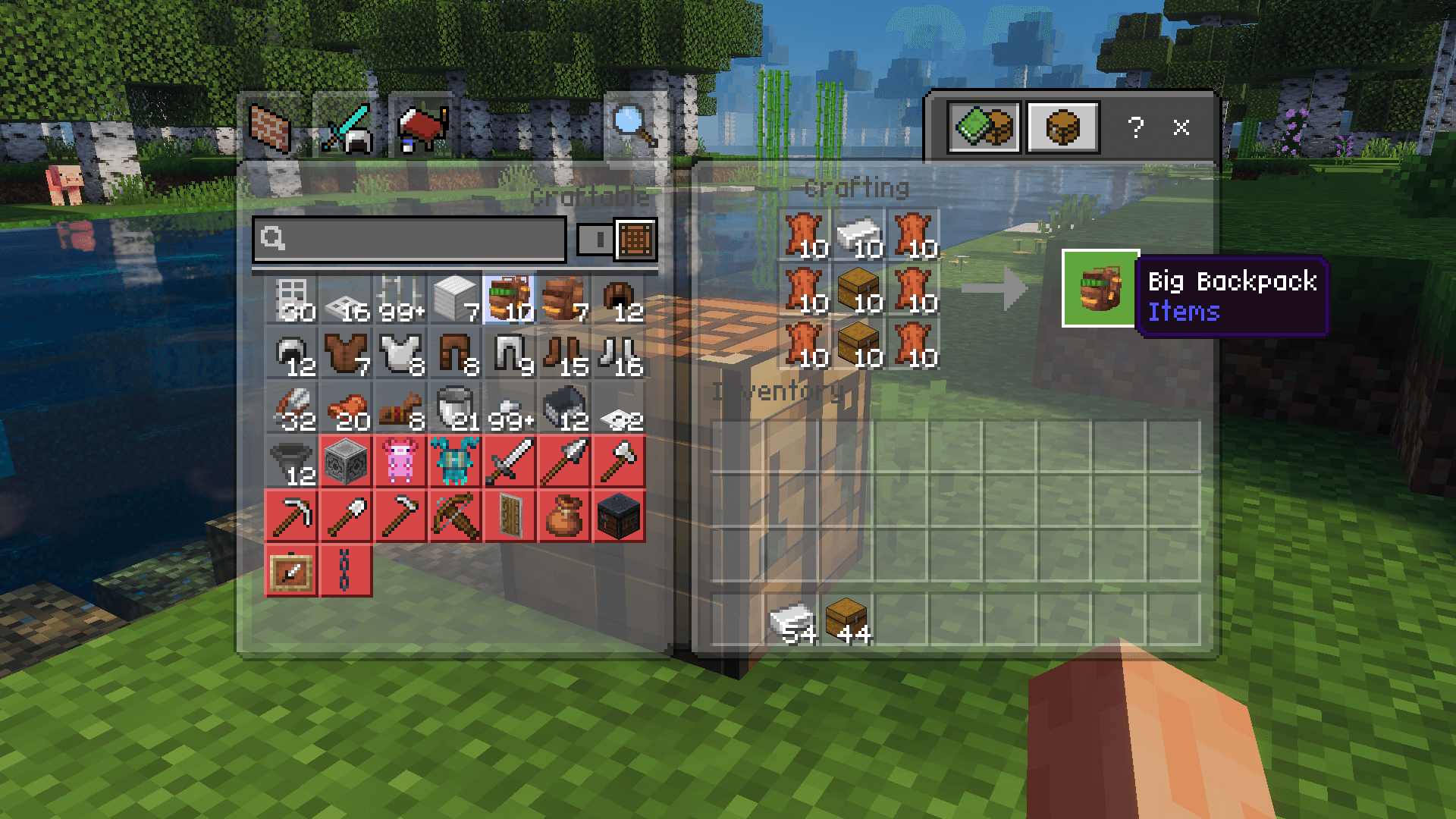
Better Backpacks adds craftable, wearable storage to Minecraft Bedrock. Craft a backpack, sneak to wear it, and carry your inventory with you. Place it down to use it as a chest, then pick it back up with everything still inside.
-Important Note
This pack will not appear in the main Settings → Packs menu. To activate it, edit or create a world, go to the Behavior Packs section, and enable the addon there.
Requires Minecraft 26.0 or newer.
-How To Use
Craft a backpack at a crafting table Sneak and right-click to wear it Place it on the ground to open it like a chest, it turns to face you Sneak and right-click, or hit it, to pick it back up
-The Backpacks
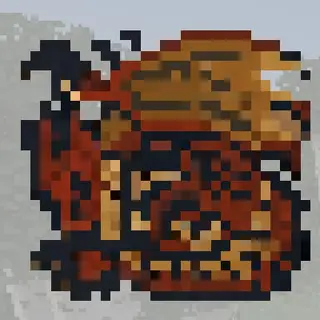
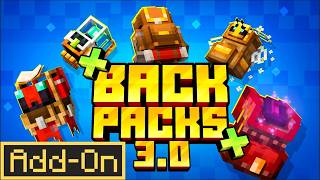
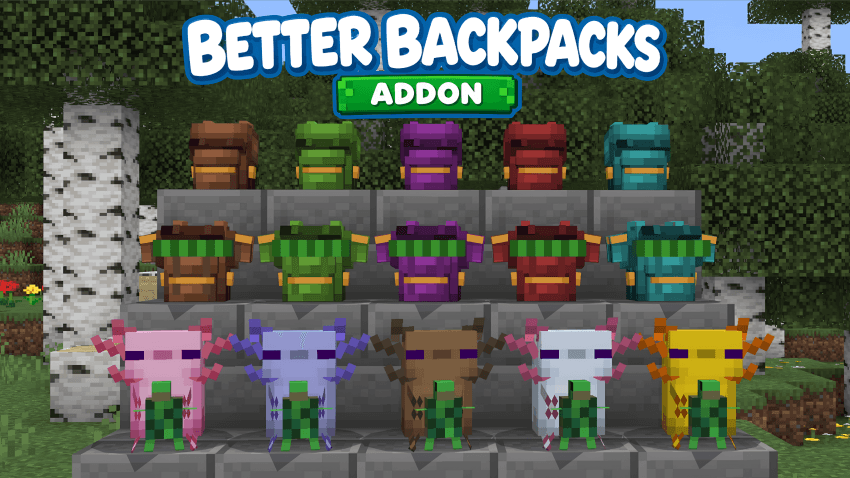
Backpack — 27 slots, Big Backpack — 54 slots, Axolotl Backpack — 27 slots
Each comes in 5 colours, 15 in total. Add a dye to the recipe to craft a coloured one. In creative they are grouped into three expandable slots under Equipment.
-Features
Wear it in the chest slot for 2 armour points Enchantments, durability, custom names and lore are all kept Potions, written books and dyed armour keep their effects, pages and colour Contents survive world reloads, chests and ender chests PBR textures for Vibrant Visuals Works in survival and multiplayer.
- Edition: Minecraft Bedrock
- File type: .mcpack or .mcaddon
- Minecraft versions listed: 26.0.02, 26.0, 26.3
- How to install: Download the .mcpack or .mcaddon file. → Open it — Minecraft imports it. → In your world: Behavior Packs → Available → Activate, then the same under Resource Packs.
- Where to get it: In MCModsHub, or directly above on this page.
Install steps are the general flow for this file type — How to install Minecraft Bedrock addons & mods walks through it step by step.
- Pack type: .mcaddon — behaviour and resource pack in one file
- Complete pack — everything it depends on is inside the file
- Download size: 122 KB
- Download link checked 18 Jun 2026 — working
These come from our own check of the pack file, not from the source page.