Java's Dynamic Lighting
Bedrock add-on listed for Minecraft 1.21–26.x (behavior + resource pack). File opened and checked on 26 Oct 2026; installs from the MC Bedrock Mods app on Android.
⬇ Download on CurseForge
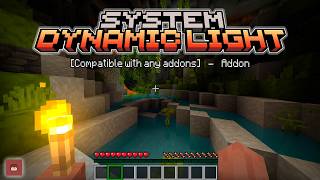
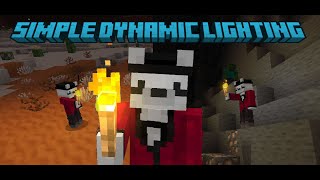
 Experience Dynamic Lighting in Bedrock like your using Java Optifine.
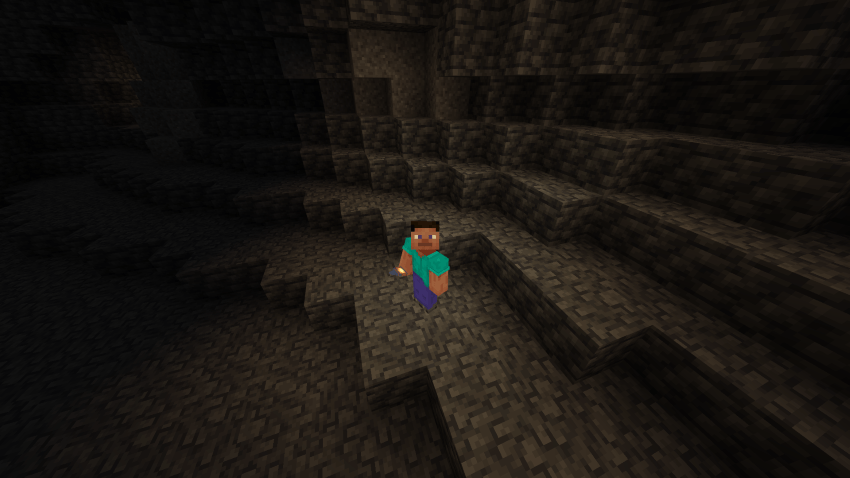
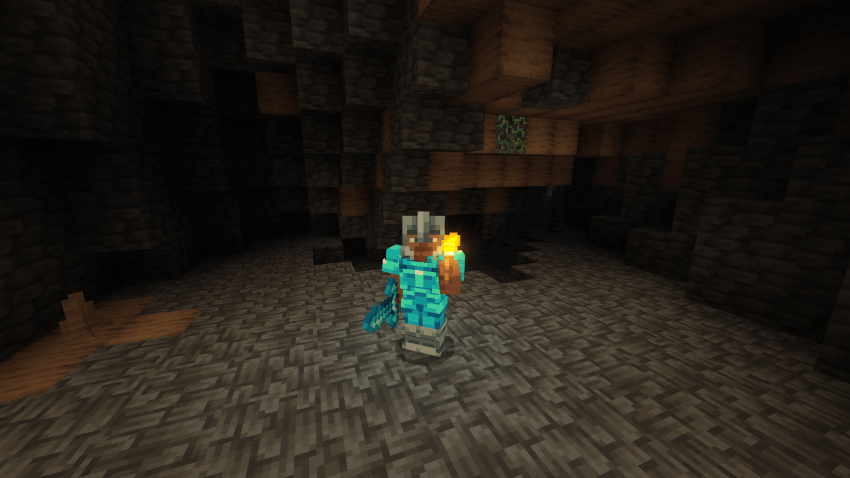
In dark caves:
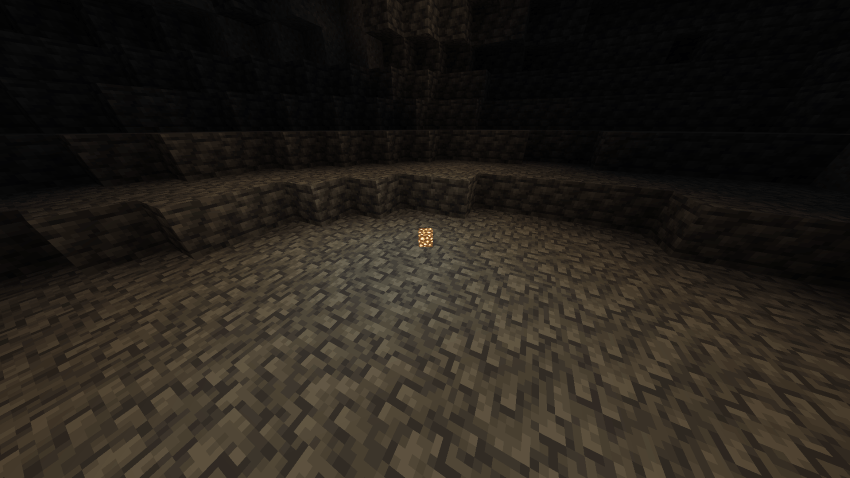
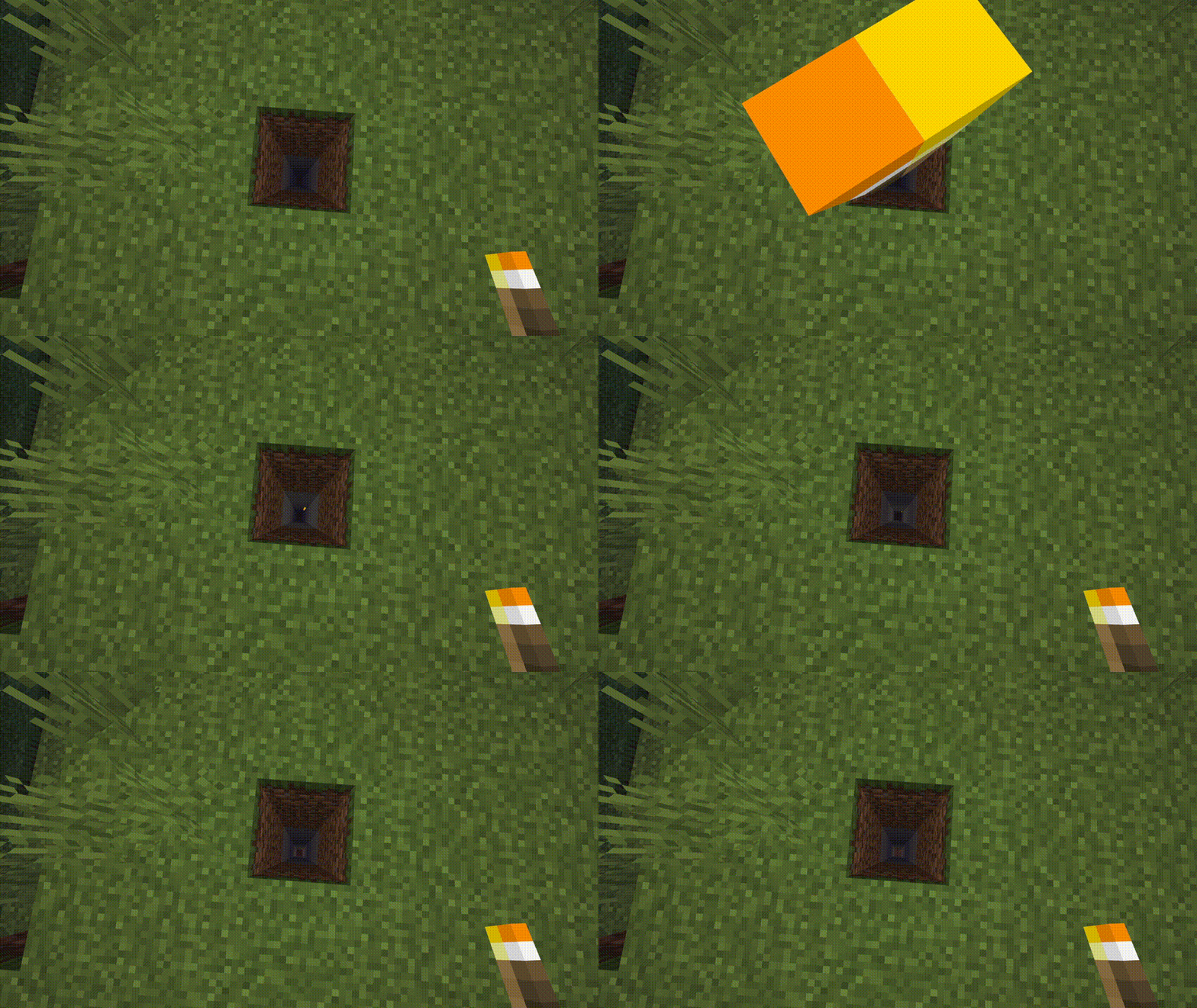
Items can also emit light
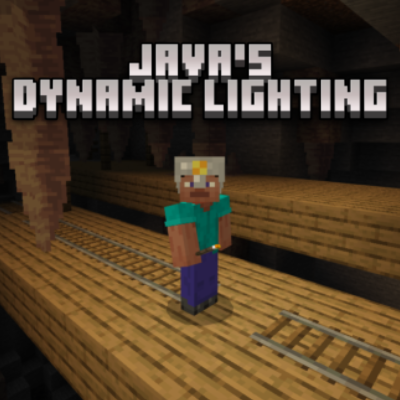
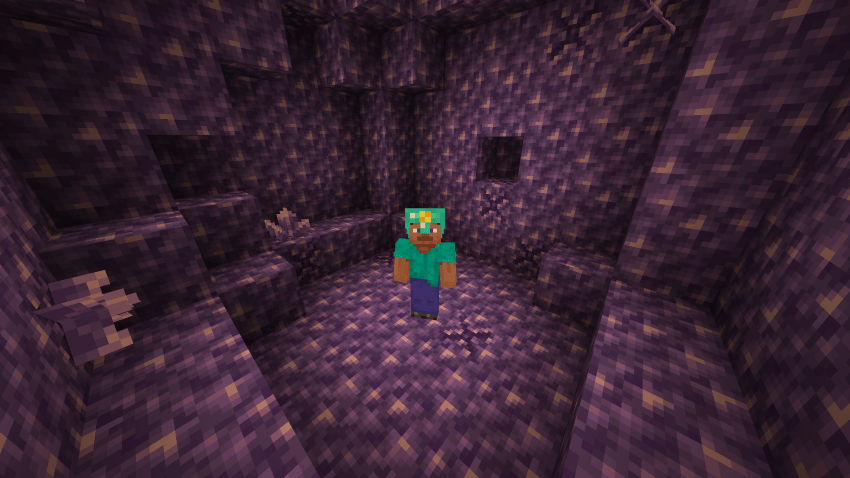
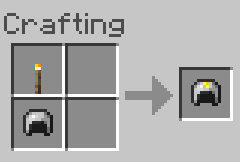
Now, you can add a torch to your helmet:
Recipe for Mining Helmet:
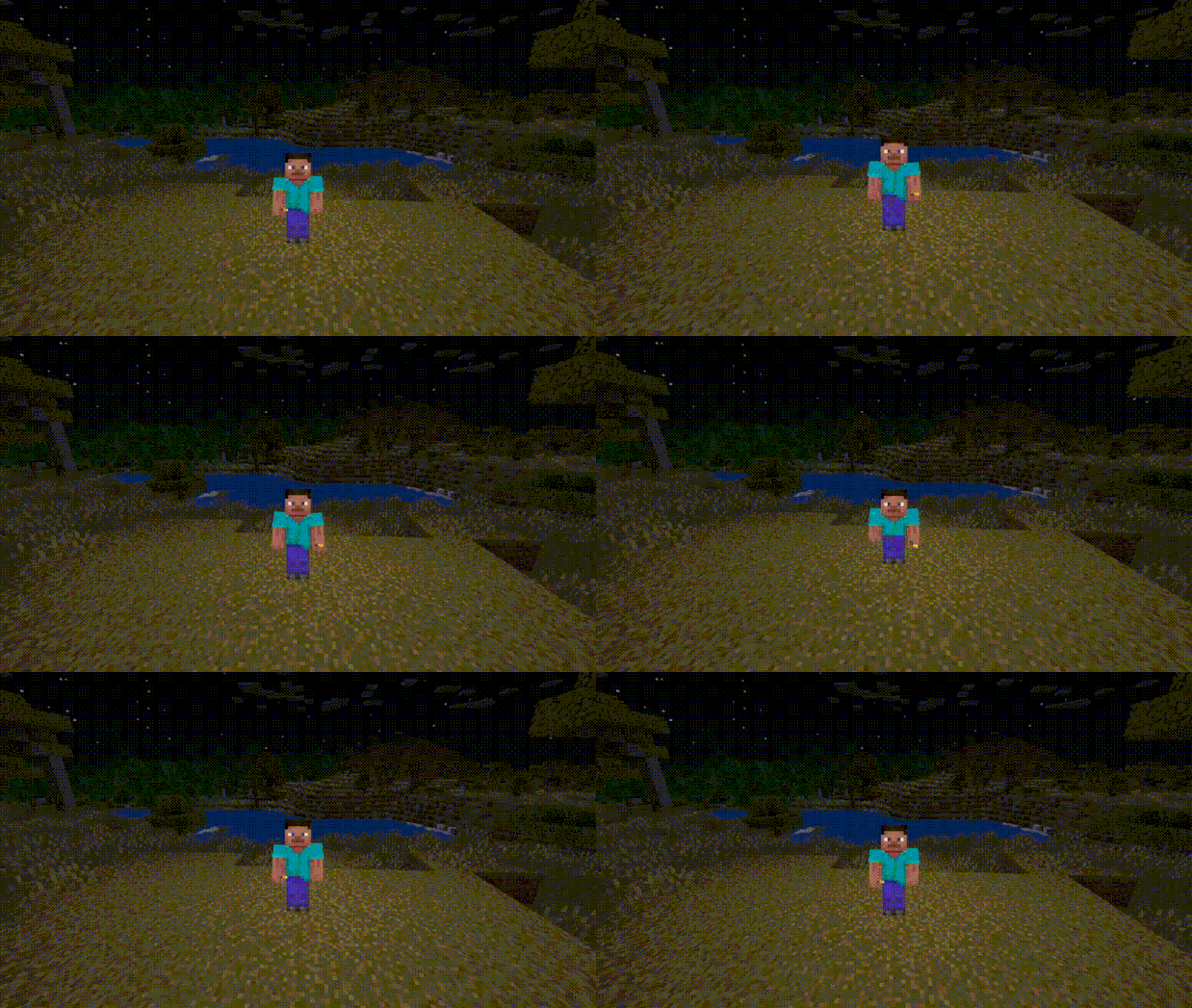
You can switch an item to your offhand by sneaking twice
Entities including Players that is on fire also emit lights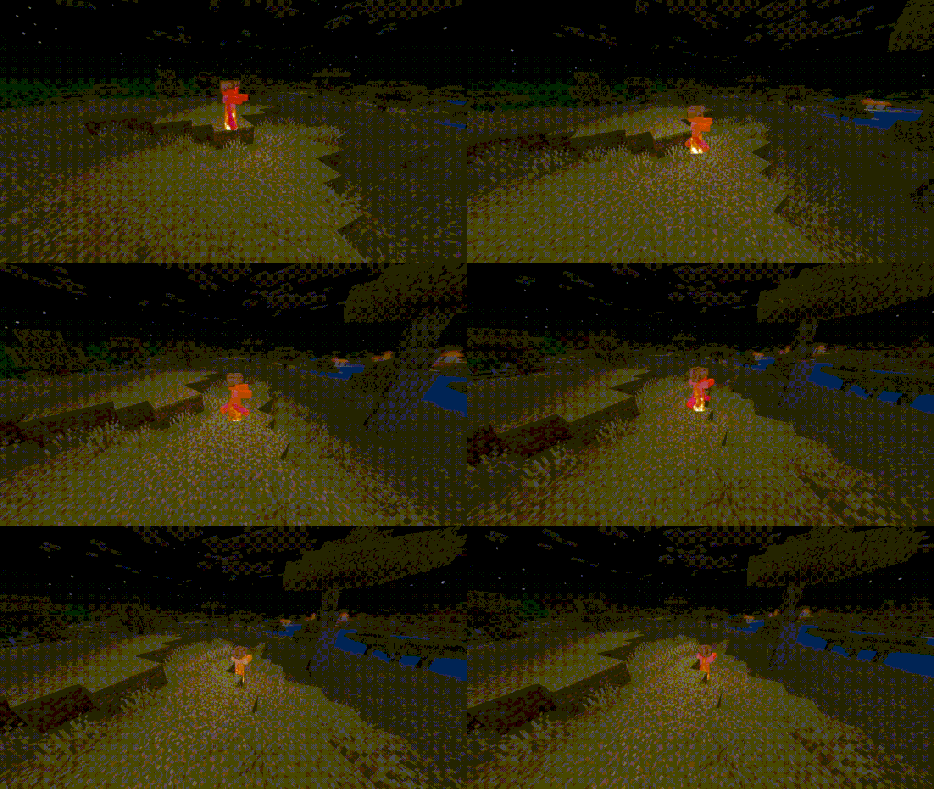
Glow Squid, Magma Cube, and Blaze now emits light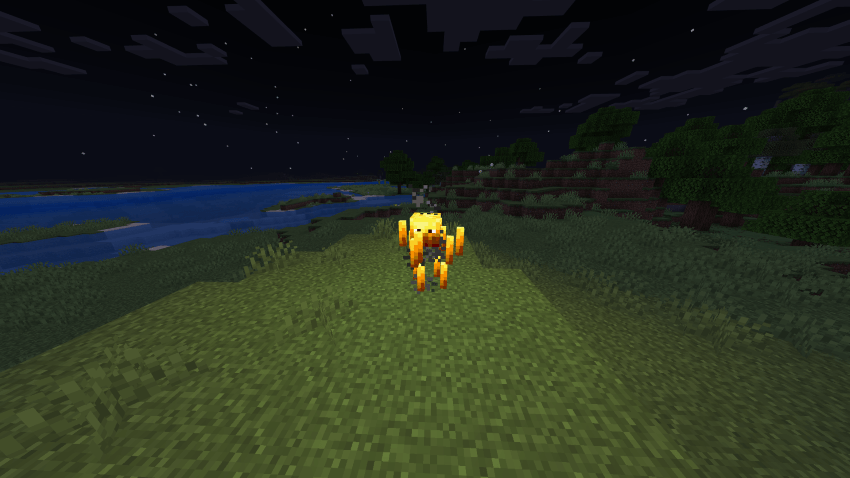
When holding items that has enchants, it emits light level 5
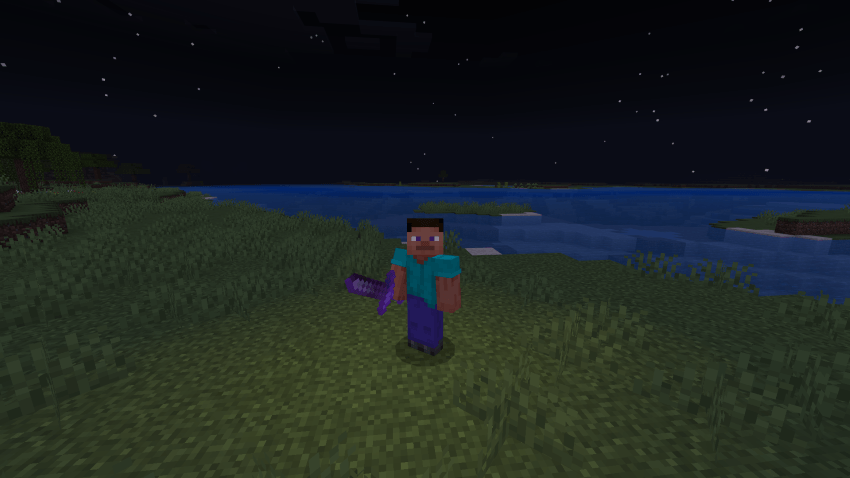
Actions and Stuff compatible
List of things that emit lights
- Magma
- Breeze Rod
- Large Amethyst Bud
- Enchanted Items
- Enchanted Book
- Enchanted Golden Apple
- Nether Star
- Sculk Catalyst
- Glowstone Dust
- Experience Bottle
- End Crystal
- Blaze Powder
- Firefly Bush
- Amethyst Cluster
- Blaze Rod
- Redstone Torch
- Ender Chest
- Enchanting Table
- Glow Lichen
- Magma Cream
- Totem Of Undying
- Crying Obsidian
- Soul Torch
- Soul Lantern
- Soul Campfire
- End Rod
- Conduit
- Glow Frame
- Ender Eye
- Torch
- Lava Bucket
- Glowstone
- Campfire
- Lit Pumpkin
- Beacon
- Lantern
- Sea Lantern
- Sea Pickle
- Shroomlight
- All Froglights
- Glow Ink Sac
- Fire Charge
- Iron Mining Helmet
- Diamond Mining Helmet
- Gold Mining Helmet
- Netherite Mining Helmet
- All Candles
- Conduit
- Sea Pickle
- Glow Ink Sac
- Blaze
- Magma Cube
- Glow Squid
- Ender Eye
7 commands in the mod:
/jdl disable
/jdl enable
/jdl inc <num>
/jdl dec <num>
/jdl reset
/mode mobile
/mode default
Light Levels are now shown in items as lores
<num> can be any number
inc is to increment the light levels
dec is to decrement the light levels
To use mobile mode: click the interact button 2 times to swap offhand
- Works with Vibrant Visuals -
- Works with Actions & Stuff -
NEW UPDATE - 2.6.4
- Netherite Mining Helmet now doesn't burn on lava and fire
----------------------------
Leave suggestions on the comments.
Only modify for personal use.
Join my discord server here!
---------------------------
- Edition: Minecraft Bedrock
- File type: .mcpack or .mcaddon
- Minecraft versions listed: 1.21.101, 1.21.100, 1.21.111
- How to install: Download the .mcpack or .mcaddon file. → Open it — Minecraft imports it. → In your world: Behavior Packs → Available → Activate, then the same under Resource Packs.
- Where to get it: Opens on CurseForge — not every file is mirrored on our own servers.
Install steps are the general flow for this file type — How to install Minecraft Bedrock addons & mods walks through it step by step.
- Pack type: .mcaddon — behaviour and resource pack in one file
- Manifest requires Minecraft 1.21.100 or newer
- Complete pack — everything it depends on is inside the file
- Download size: 35 KB
- Download link checked 26 Oct 2026 — working
These come from our own check of the pack file, not from the source page.