Craftopia Furniture | +2000 BLOCKS ✨
Bedrock add-on listed for Minecraft 1.21–26.x (behavior + resource pack). File opened and checked on 13 Oct 2026; installs from the MC Bedrock Mods app on Android.
Are you ready to take your Minecraft Bedrock adventures to the next level? Look no further than the Craftopia Furniture modpack, a comprehensive…
⬇ Download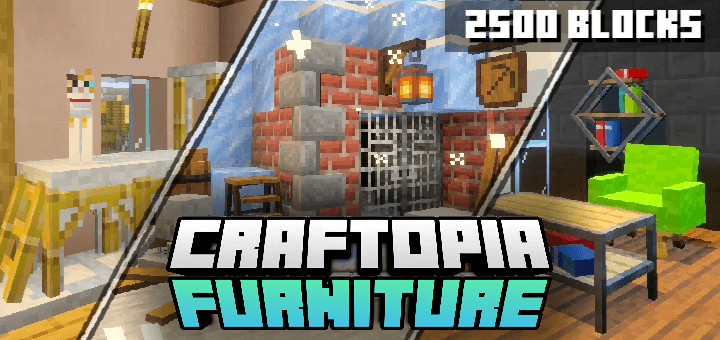
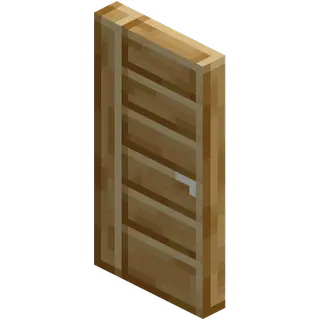
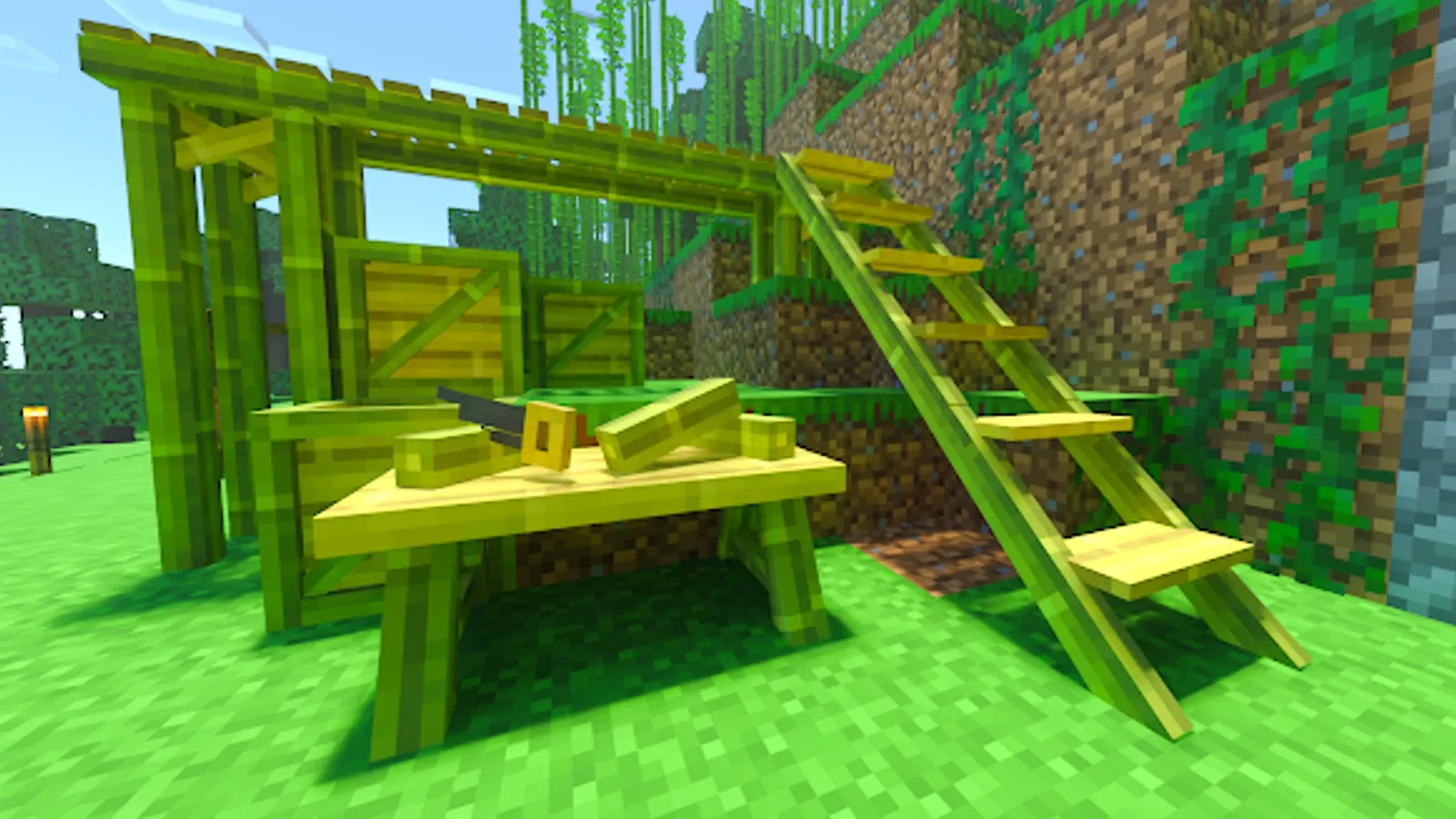
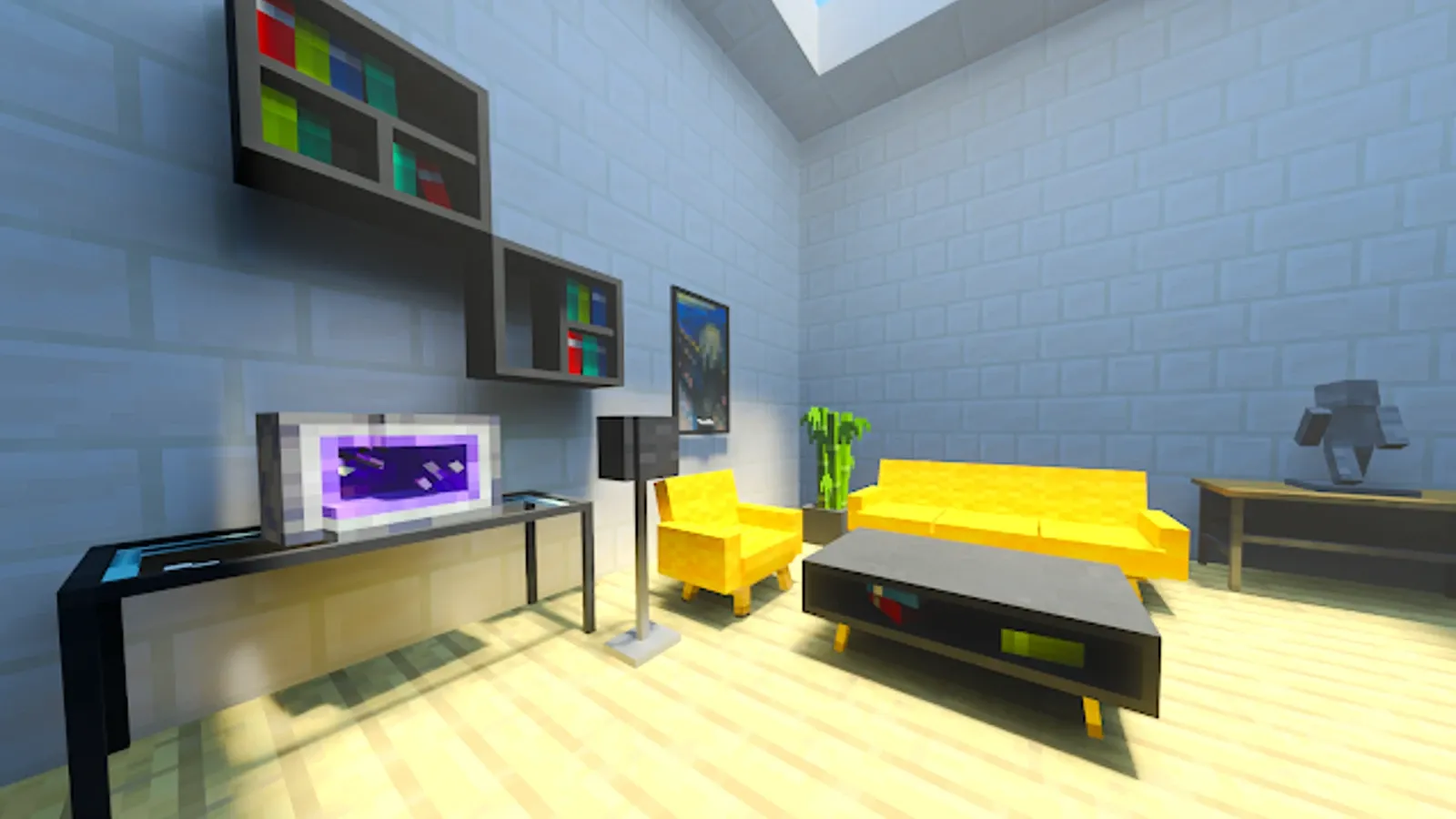
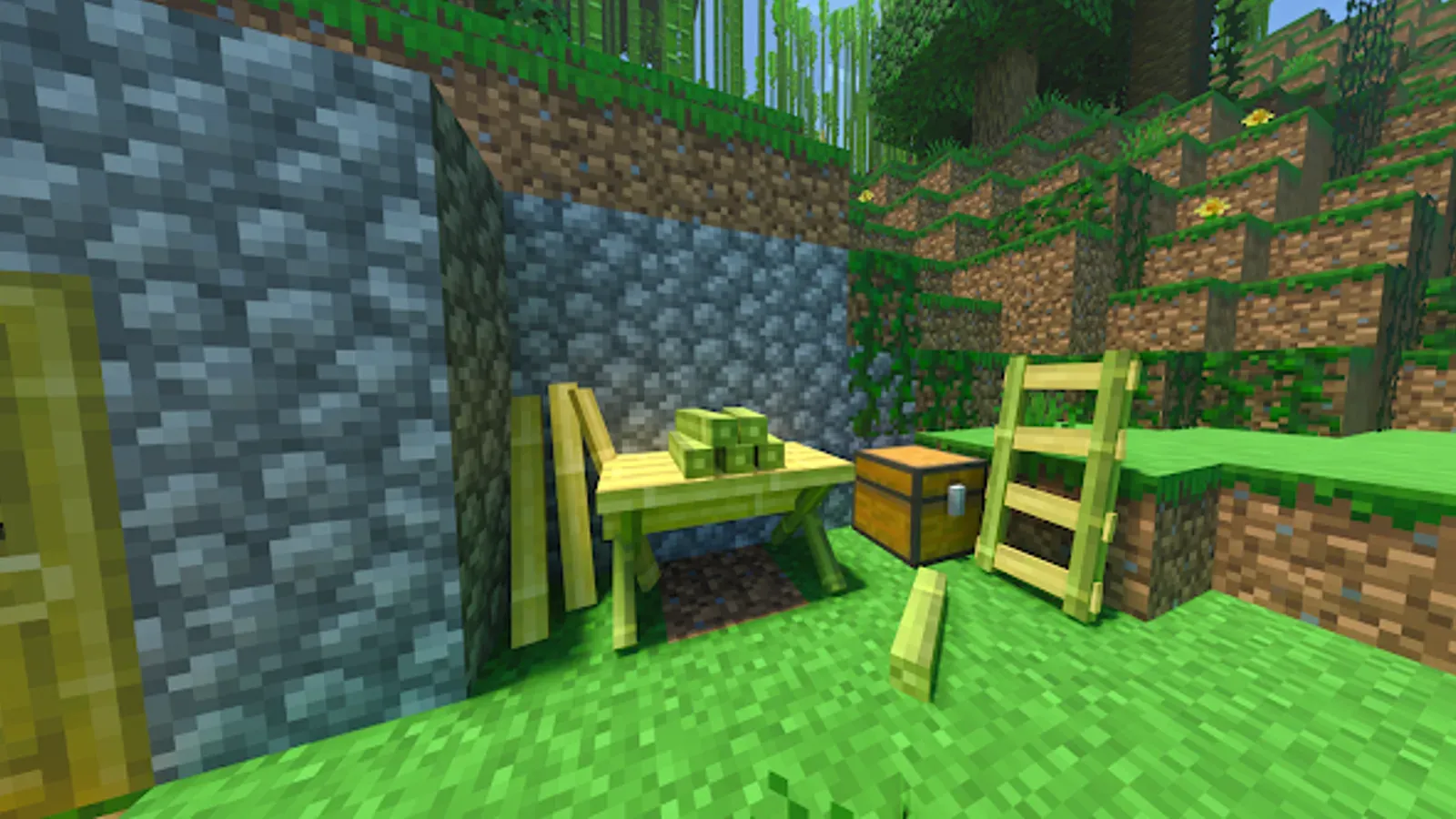
Craftopia Furniture is an Add-On that adds more than 2,000 new blocks to Minecraft Bedrock, covering all kinds of blocks, categories, and colors.
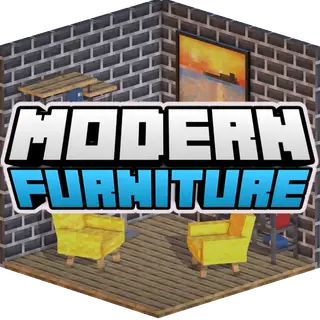
This Add-On is a Mod Pack, also known as an Add-On Pack, which combines our three furniture Add-Ons: Pet Furniture, Feudal Furniture, and Modern Furniture. Playing with this pack or using the three Add-Ons separately makes no difference, but the choice is entirely up to you.
If you want a vast selection of furniture and decorations without worrying about updates, I recommend the Mod Pack. However, if you prefer to keep each Add-On updated individually, I suggest installing them separately for better version control.
What categories of blocks does it include? Since it is a compilation of so many blocks, it covers all styles, including medieval, modern, contemporary, and neolithic. In terms of block variety, it includes everything from shelves, chairs, sofas, medieval and modern decorations, pet decorations, and much more. The combinations are almost infinite!
Additionally, using it in multiplayer on a realm or server (whether a paid one or a free one like Aternos) is fantastic. It allows you to decorate all kinds of structures from any era or style. However, I recommend not mixing aesthetics too much, as some furniture, like medieval pieces, obviously won't match well in a modern building.
Craftting
Creative:
Since there are so many blocks, there is a chance you might feel overwhelmed by the vast amount of options. I recommend navigating using the categories. Categories help group many blocks in the menu based on their type (wood type, category, decoration, etc.).
If you need to access blocks via commands, you will have to use the /give command. Depending on whether the block belongs to Modern Furniture, Pet Furniture, or Feudal Furniture, you will need to add their respective initials at the beginning (mf, pf, or ff). For example: /give ff: (feudal furniture block).
Survival:
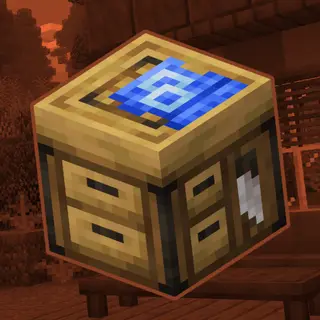
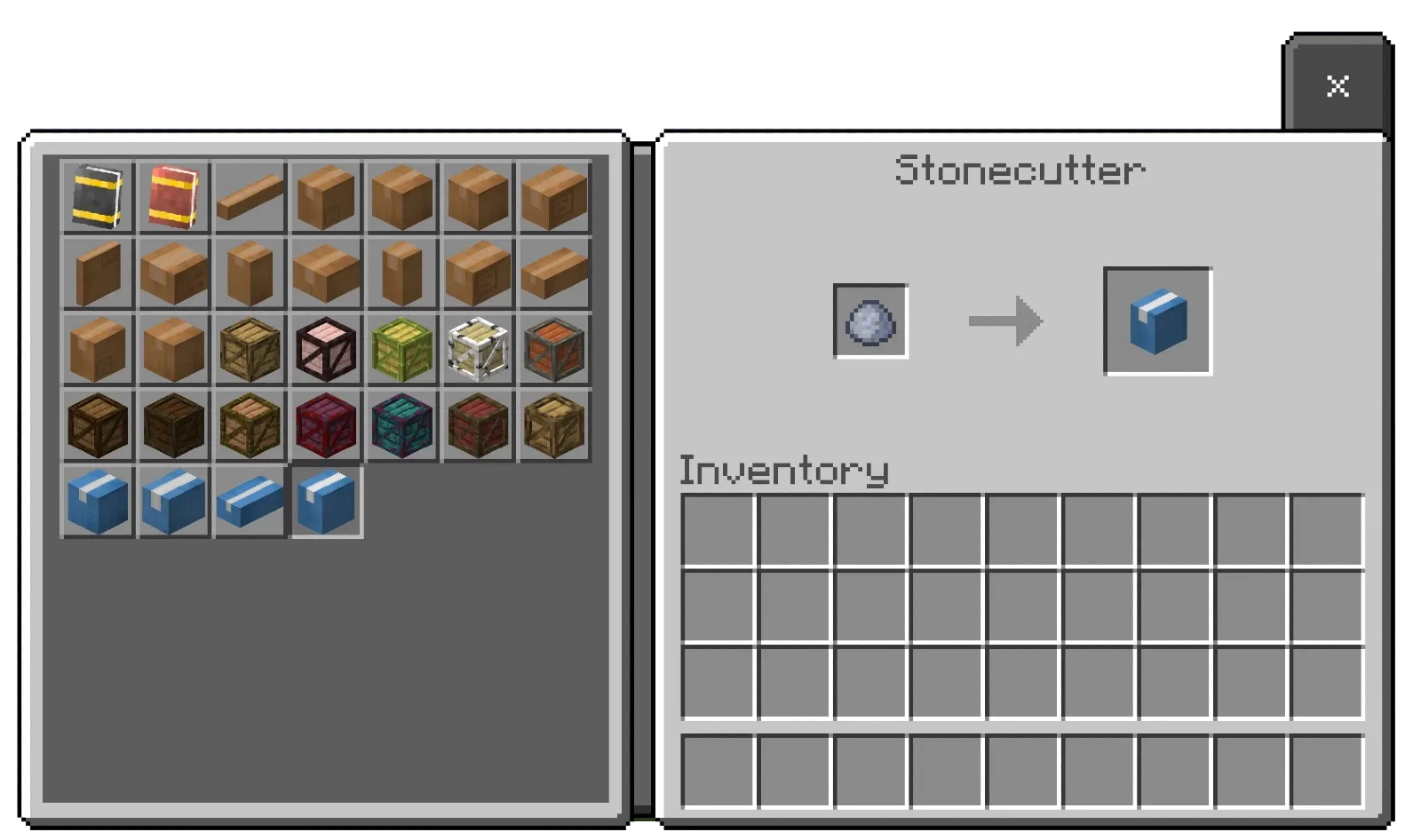
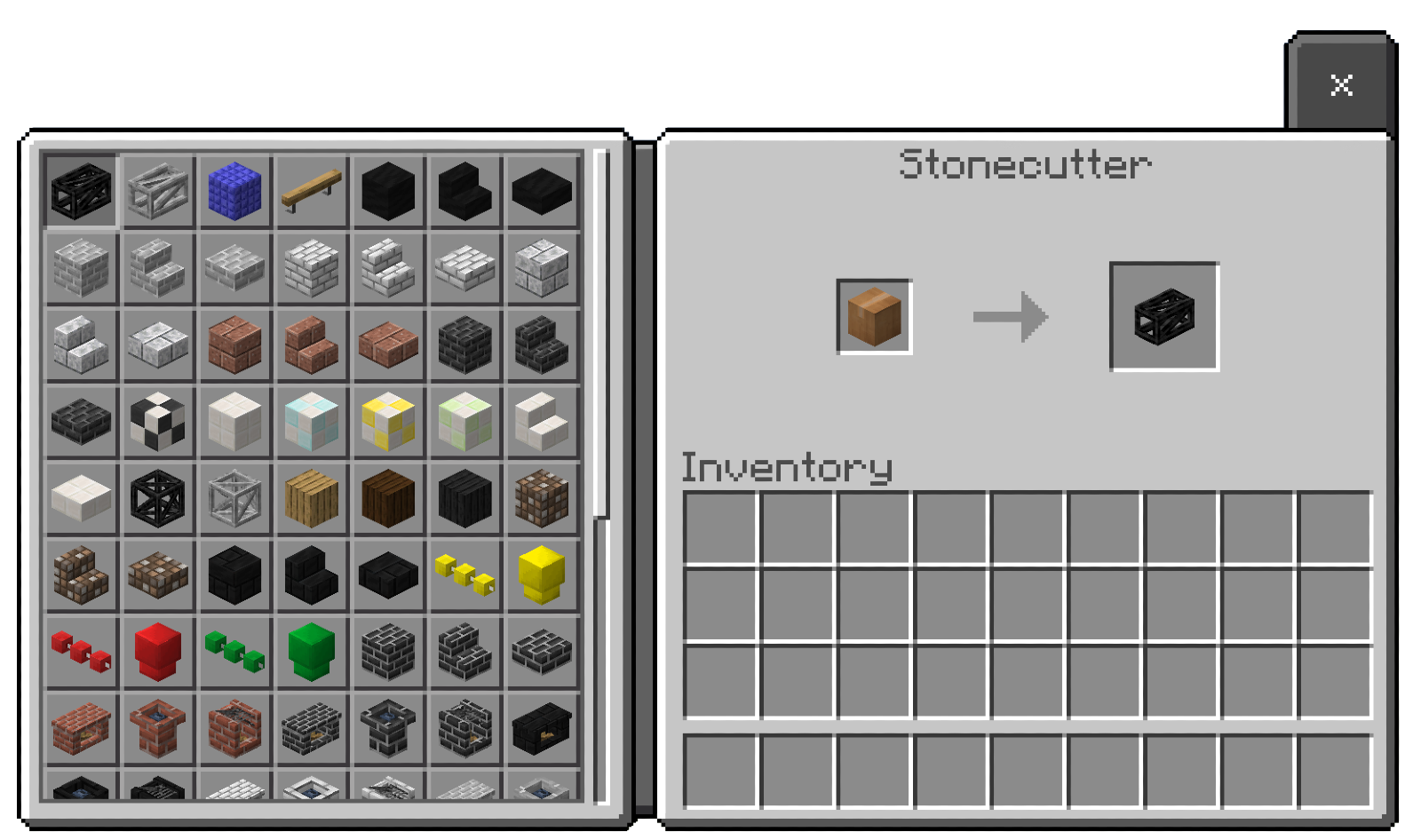
To craft it in survival mode, you will need clay and a stonecutter. In the stonecutter, you will see a large number of crates representing different categories.
These categories include wood type, decoration type, environment type, etc. Once selected, more blocks will appear, allowing you to choose the specific block you want.
Modern Tool:
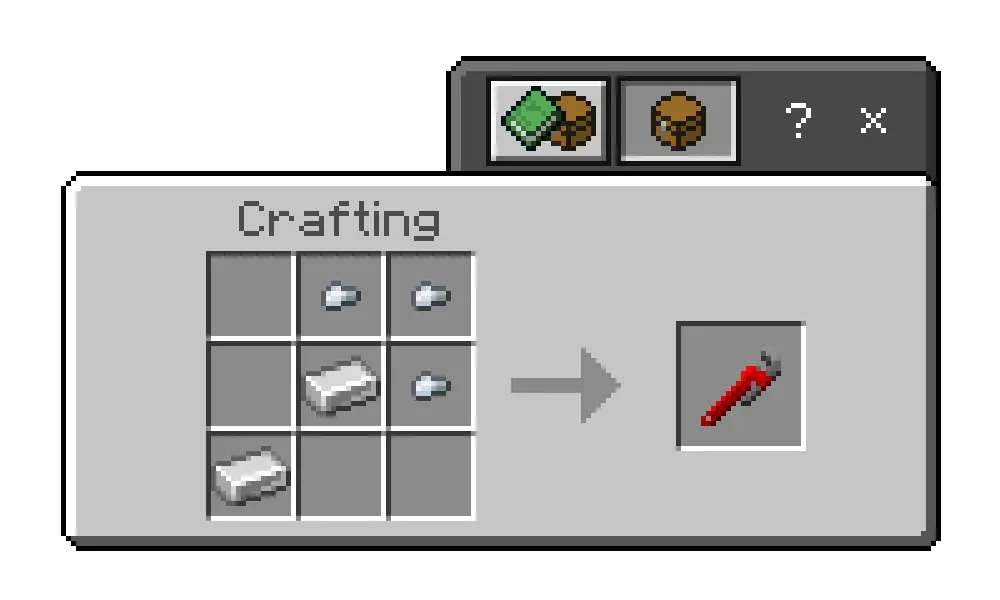
The Modern Tool is used to modify the geometry of blocks. If you want to know which blocks are interactive, they will have the label "Configurable" and a wrench symbol.
Clicking on them will change their geometry or a specific aspect of the block. If you want to revert it to its original state, you can either break and replace the block or click it a few more times until it returns to its original form.
Images


Support me on Patreon to continue developing my addons!


Share your suggestions for creating better add-ons!
Downloads at TRMC Add-Ons
- Edition: Minecraft Bedrock
- File type: .mcpack or .mcaddon
- Minecraft versions listed: 1.21.114, 1.21.120, 1.21.122
- How to install: Download the .mcpack or .mcaddon file. → Open it — Minecraft imports it. → In your world: Behavior Packs → Available → Activate, then the same under Resource Packs.
- Where to get it: In MCModsHub, or directly above on this page.
Install steps are the general flow for this file type — How to install Minecraft Bedrock addons & mods walks through it step by step.
- Pack type: .mcaddon — behaviour and resource pack in one file
- Complete pack — everything it depends on is inside the file
- Download size: 10.0 MB
- Download link checked 18 Jun 2026 — working
These come from our own check of the pack file, not from the source page.