AddonsBedrock
KwZ's Connected Glass — Update 4.3.0
I don't know my version
Open Minecraft and look at the bottom-left corner of the main screen — the version is printed there, like v1.26.30.
The game writes a 1. in front; the buttons above leave it off. v1.26.30 in the game is 26.30 here.
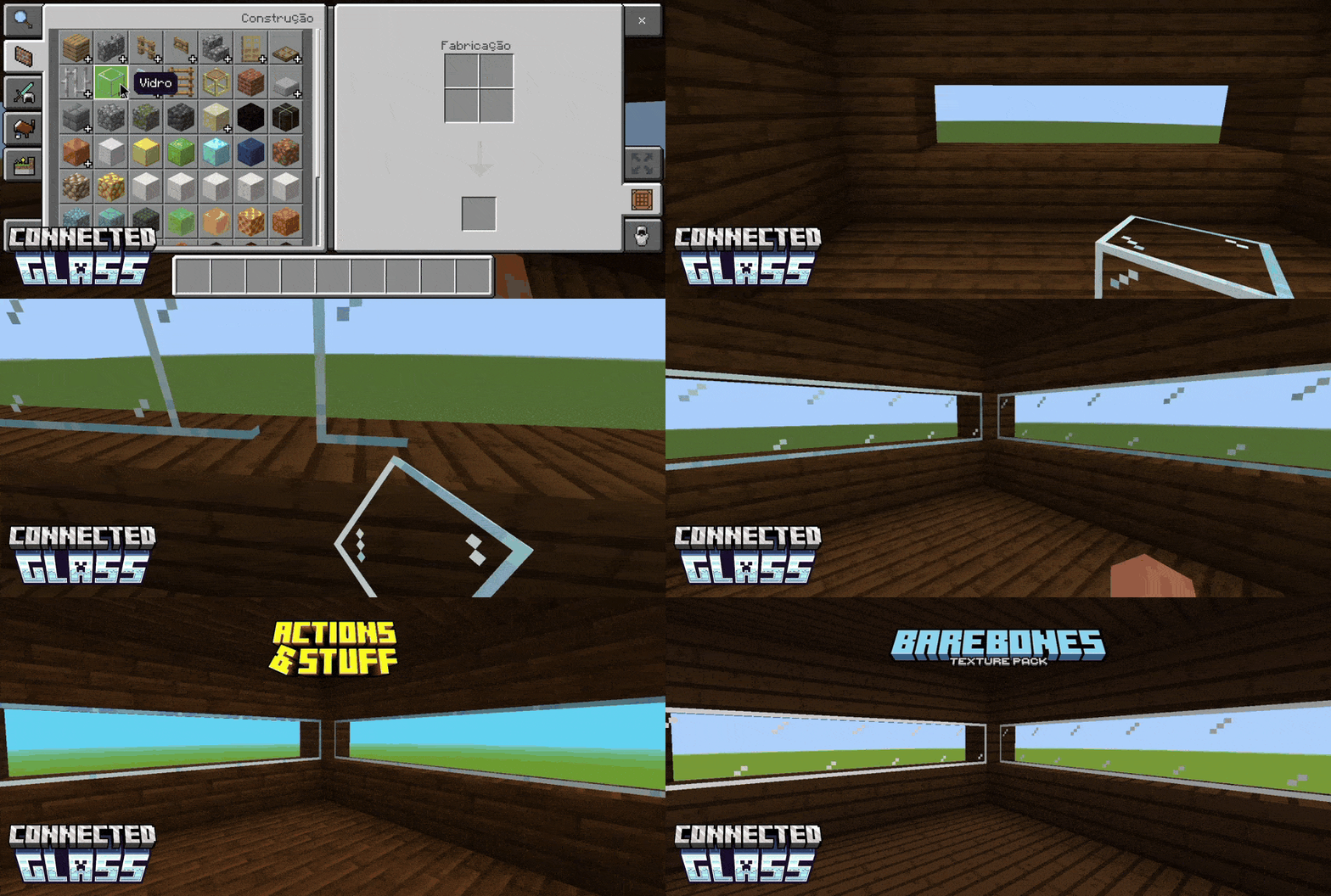
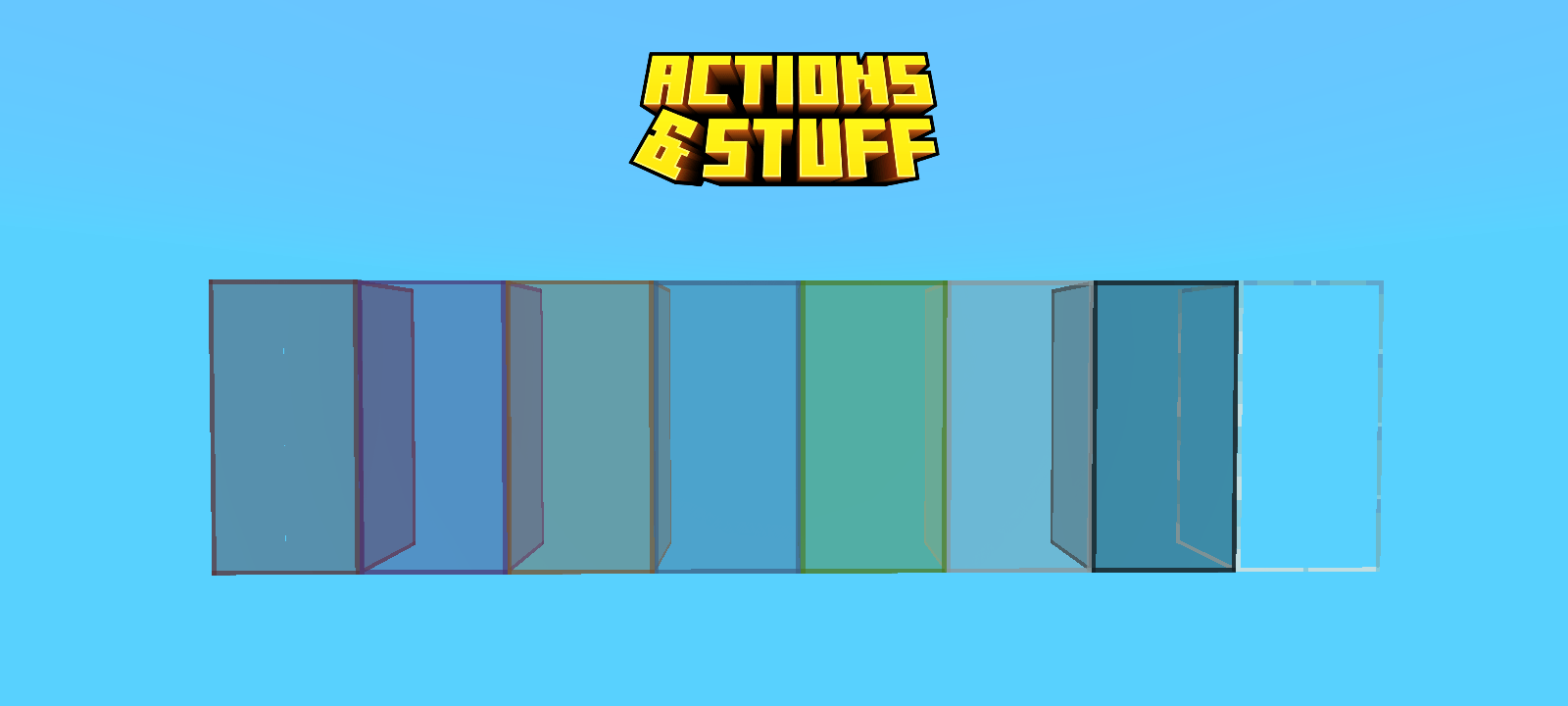
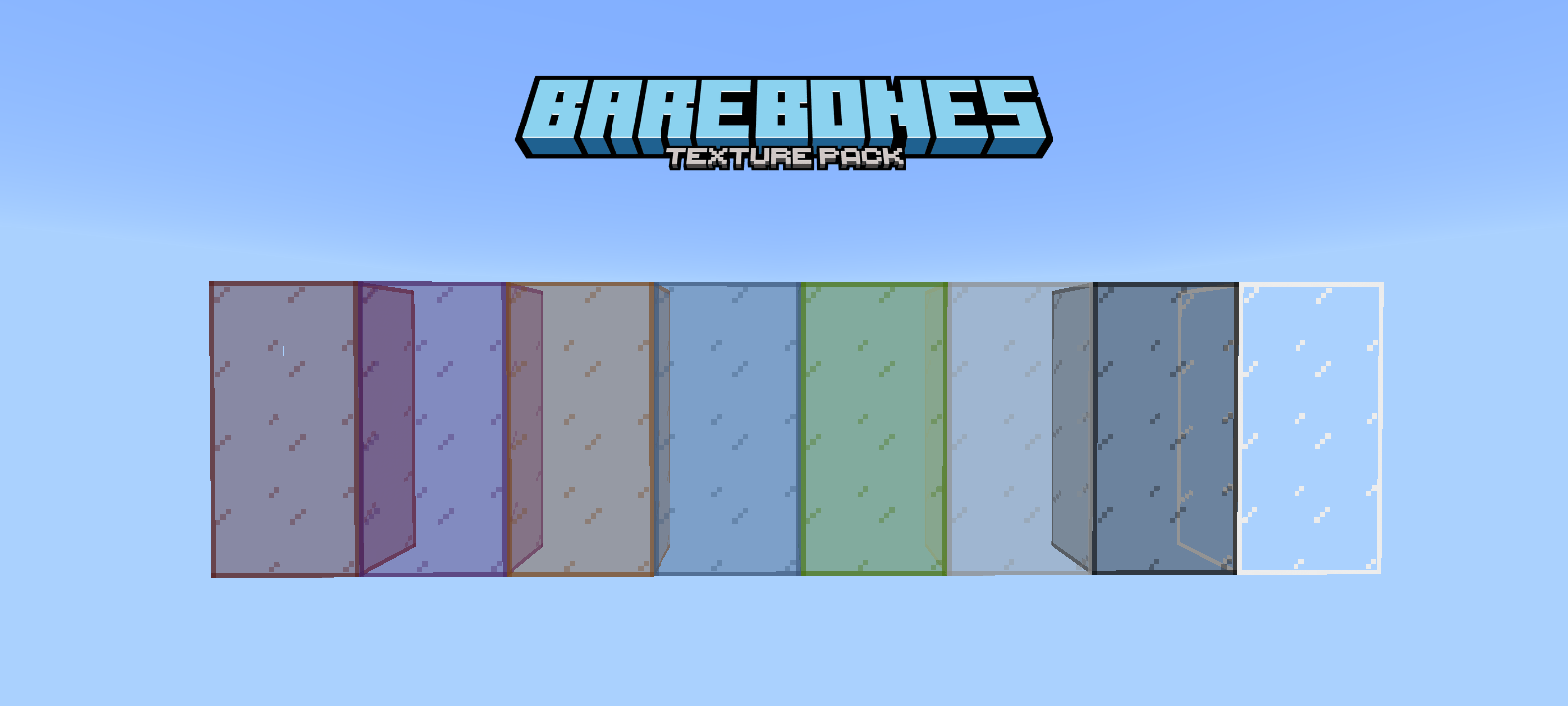
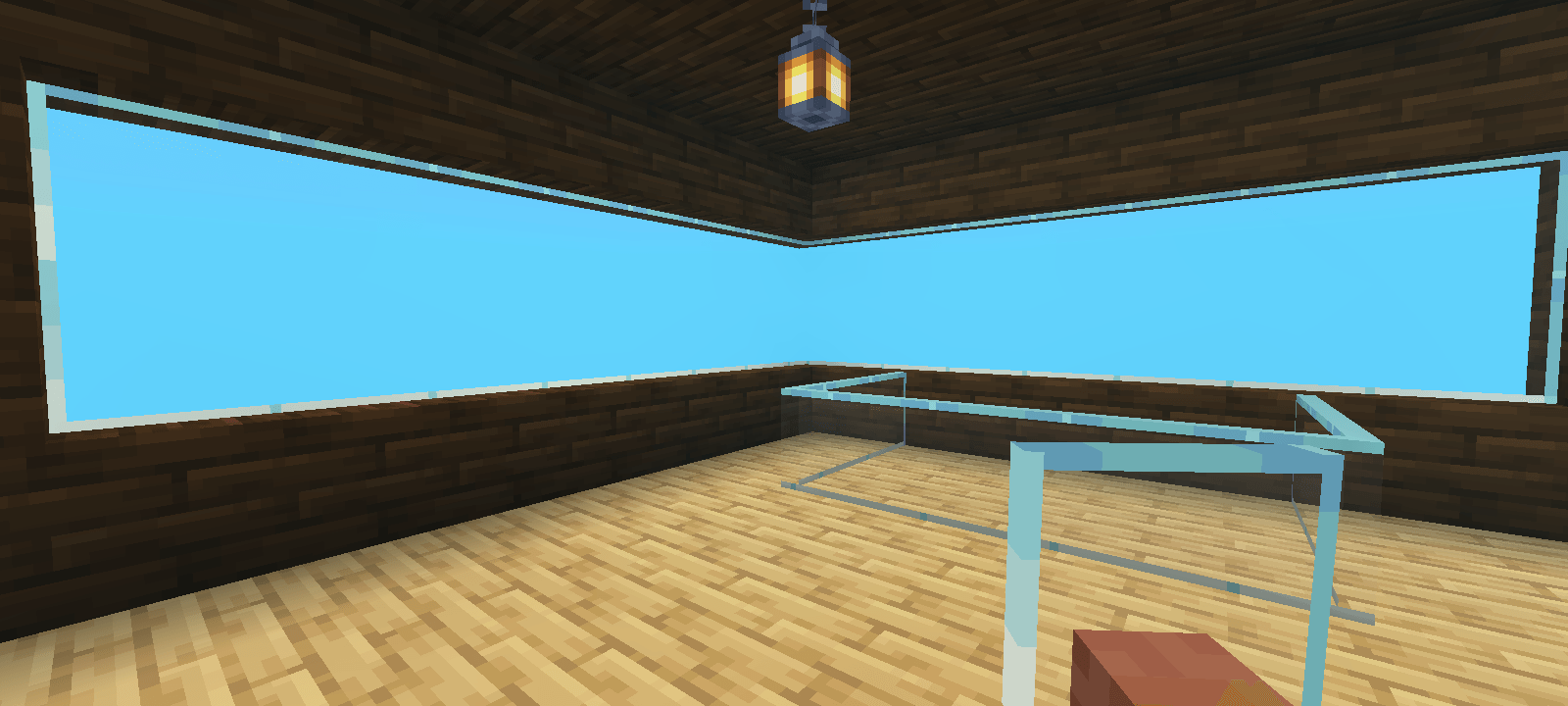
There's not much to describe, the name is self-explanatory: This add-on adds glass with support for texture packs (but not all textures work well).
When you place a Glass block, it automatically transforms into Connected Glass with seamless textures.
Supported Blocks
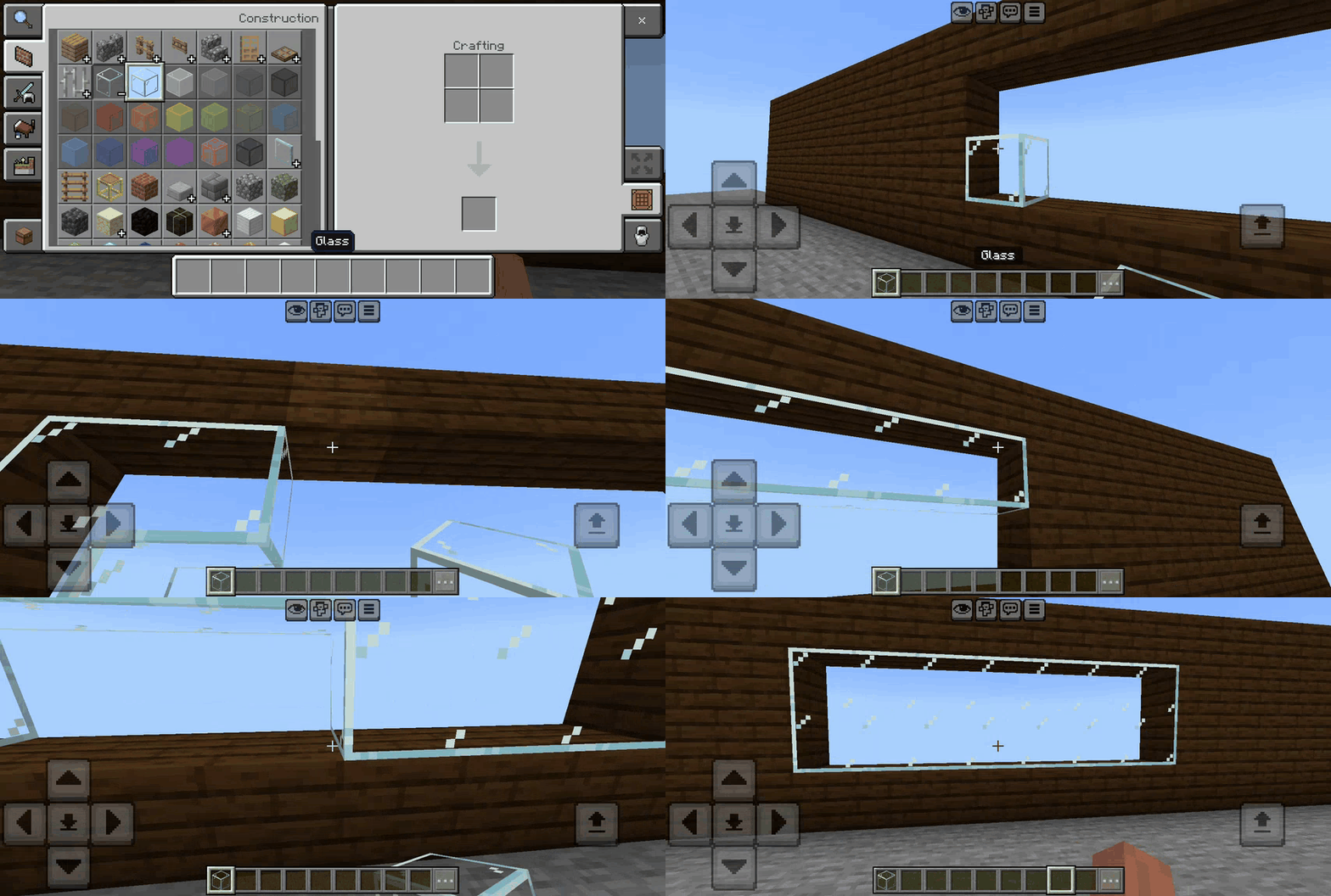
Settings Menu:
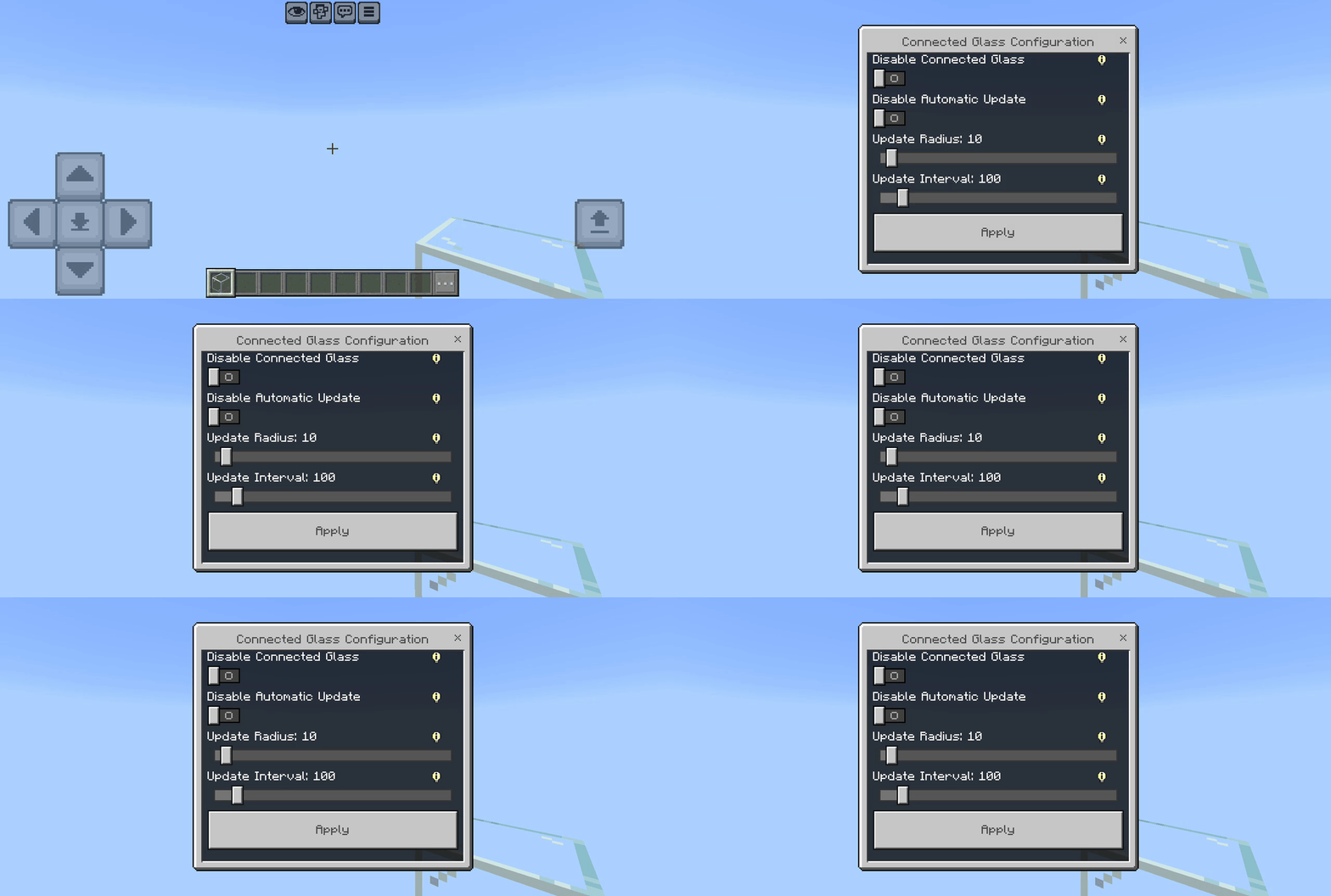
While sneaking and holding any Glass Block, interact with the Air to open the Settings Menu fast.
You can also open the menu using the /kwz:glass_config command.
Only player with Host perm. can open it.
Features
- Does not replace Vanilla Glass, only intercepts placement
- Uses Vanilla textures - compatible with any texture pack (but there's no guarantee it will work smoothly)
- Works in existing worlds (break and replace glass to update)
- Do NOT modify "player.json"
- No experimental features required
- Achievement Friendly
Quick facts
- Edition: Minecraft Bedrock
- File type: .mcpack or .mcaddon
- Minecraft versions listed: 1.21.120, 1.21.122, 1.21.121
- How to install: Download the .mcpack or .mcaddon file. → Open it — Minecraft imports it. → In your world: Behavior Packs → Available → Activate, then the same under Resource Packs.
- Where to get it: Opens on CurseForge — not every file is mirrored on our own servers.
Install steps are the general flow for this file type — How to install Minecraft Bedrock addons & mods walks through it step by step.
Verified by MCModsHub
- Pack type: .mcaddon — behaviour and resource pack in one file
- Manifest requires Minecraft 1.21.130 or newer
- Complete pack — everything it depends on is inside the file
- Download size: 120 KB
- Download link checked 25 Aug 2026 — working
These come from our own check of the pack file, not from the source page.

