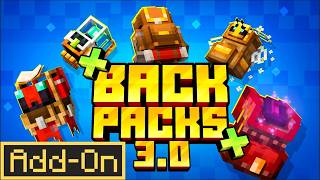
Multi Backpack v1.17.3
Bedrock add-on listed for Minecraft 1.21 (behavior + resource pack). File opened and checked on 10 Oct 2026; installs from the MC Bedrock Mods app on Android.
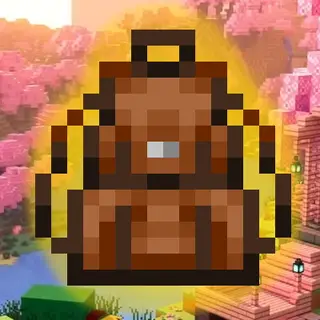
To have a backpack in the palm of your hand is very easy to use. Additionally, backpacks come in various colors: red, blue, green, yellow, orange, purple…
⬇ Download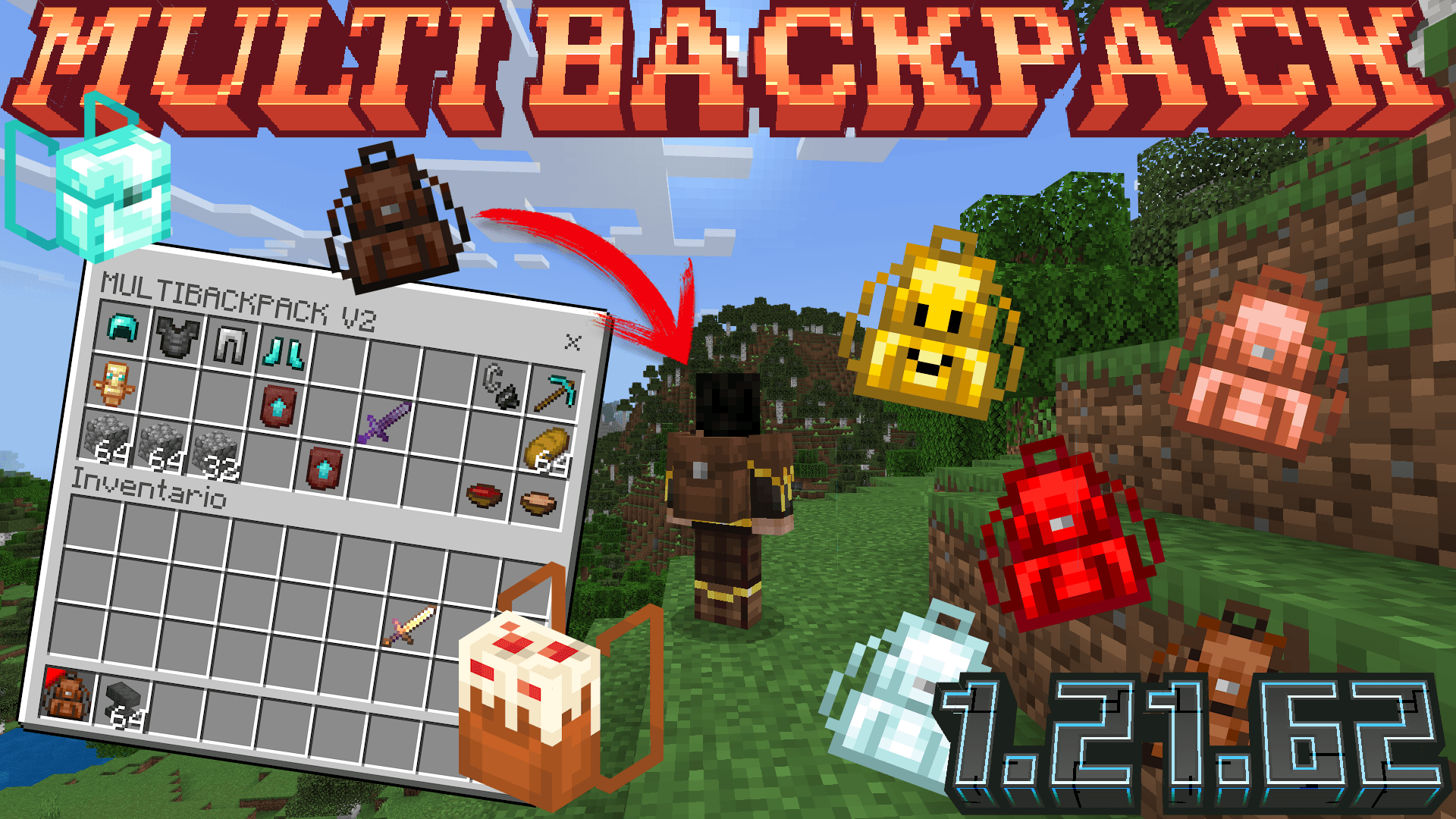
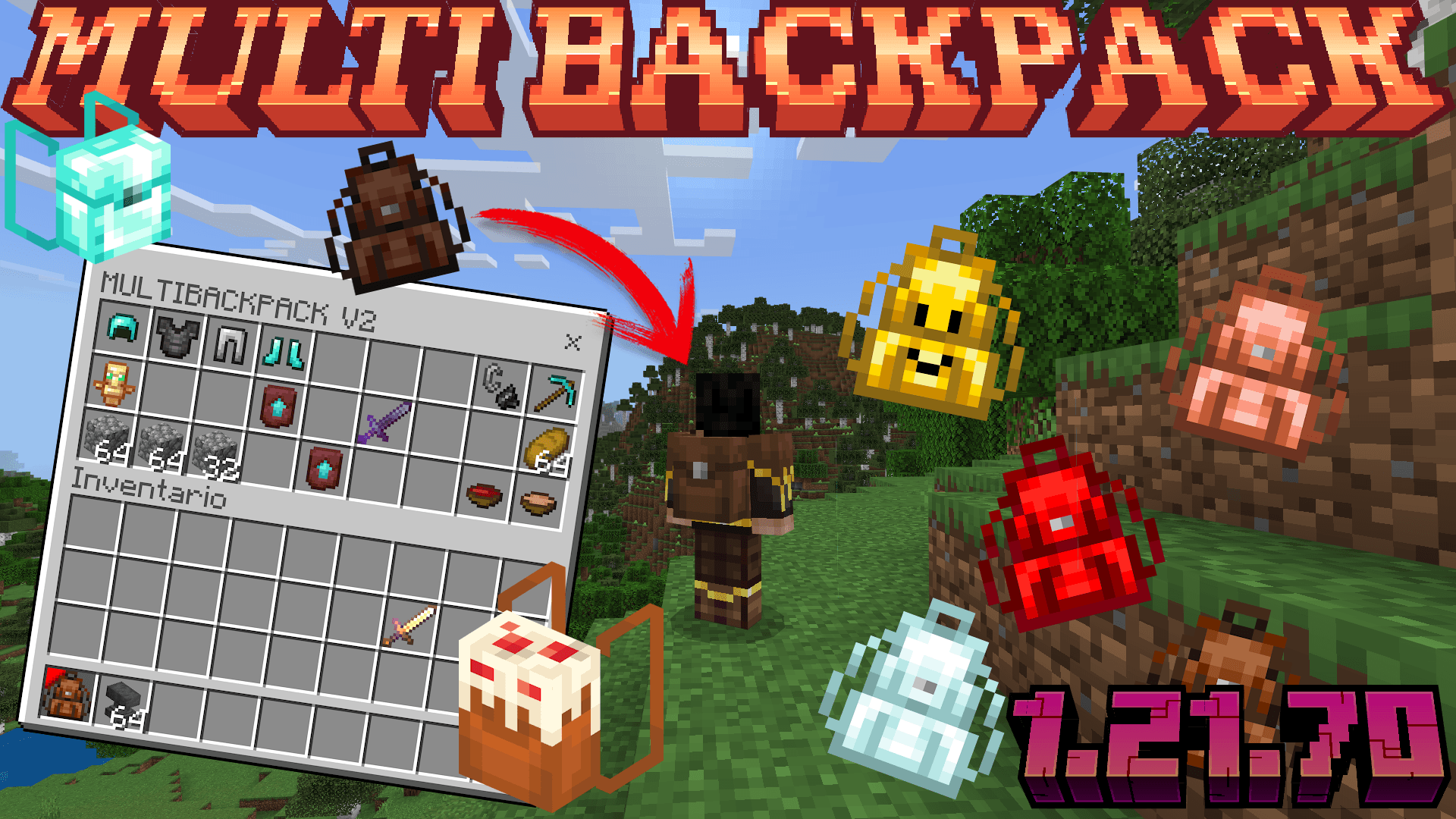
Now works for minecraft 1.21.71
New interface!!
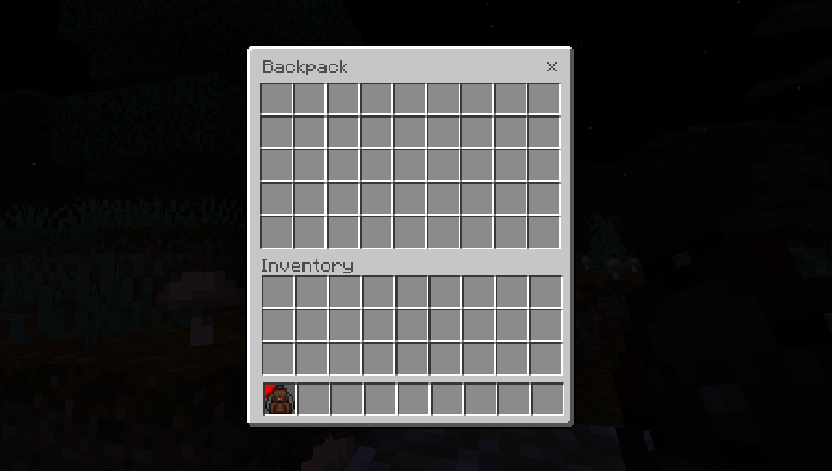
-The backpack now has 45 spaces to store things.
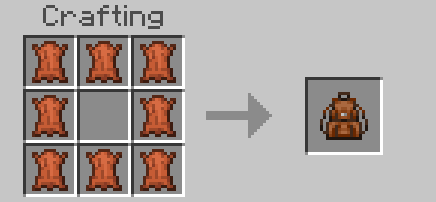
BACKPACK RECIPE
HOW TO USE ?
How to put the backpack on your back?
If you want to see the backpack on your back, you have to place the backpack item in your inventory, NOT in the hotbar.
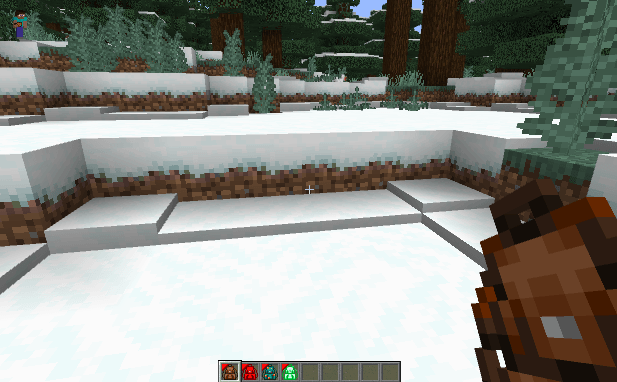
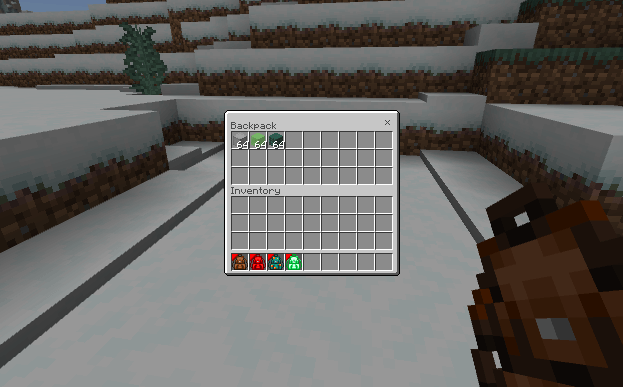
If you can't deselect your backpack, stop holding it for a moment to put it in your inventory.
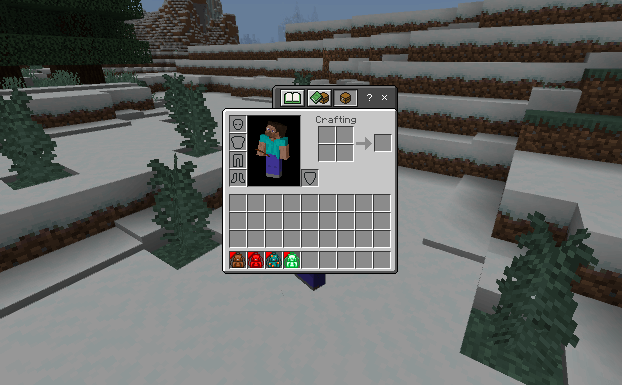
Now that you have your backpack in your inventory it will now be visible!! Try all the designs you want and choose the one you like the most. Have fun!!
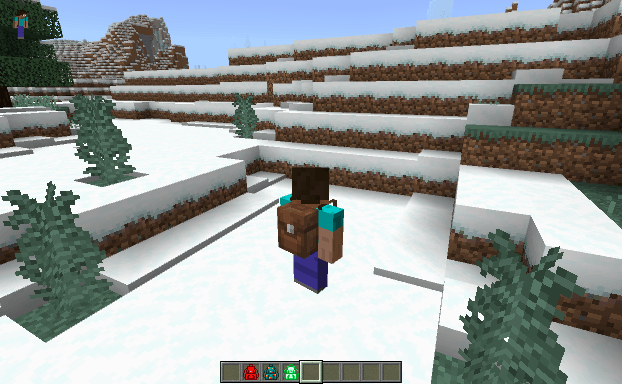
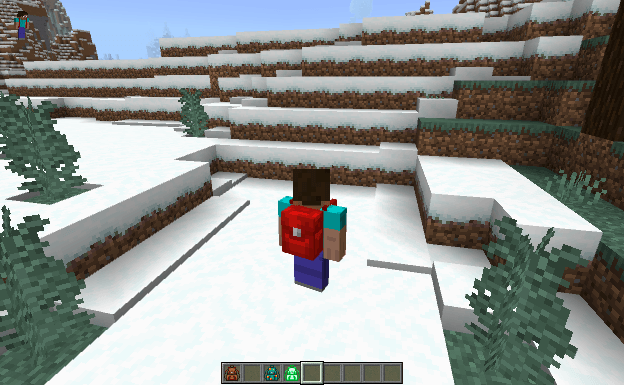
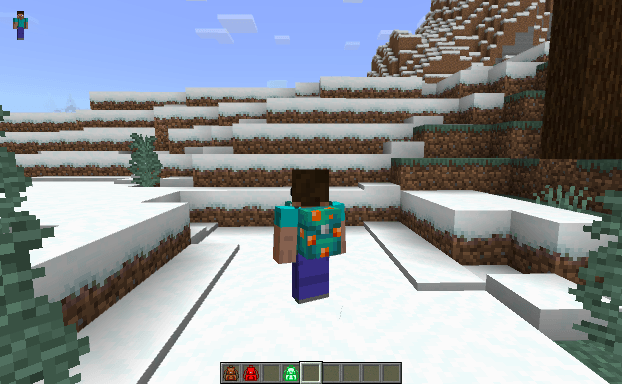
NEW!!
NOTEBLOCK:
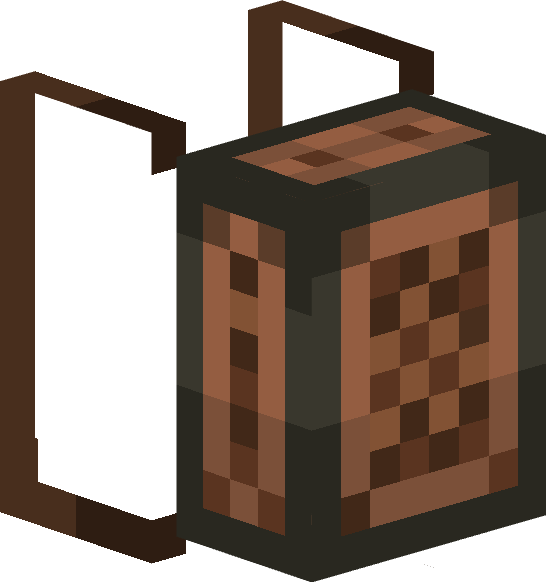
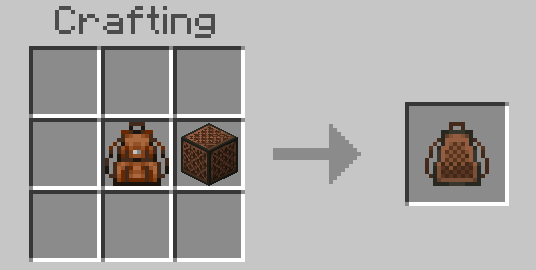
Cherry Leaves
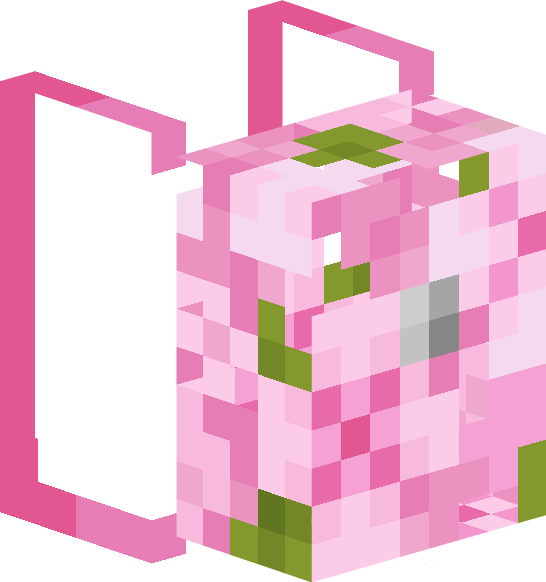
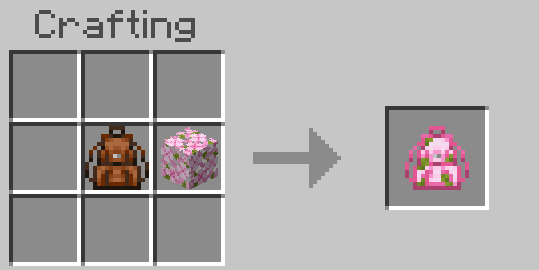
DEFAULT:
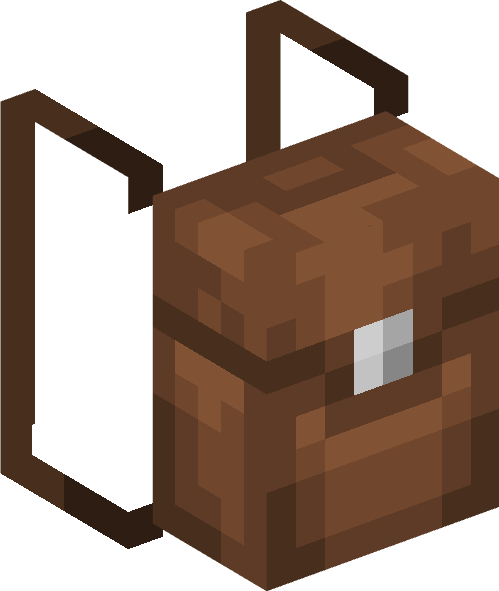
Black:
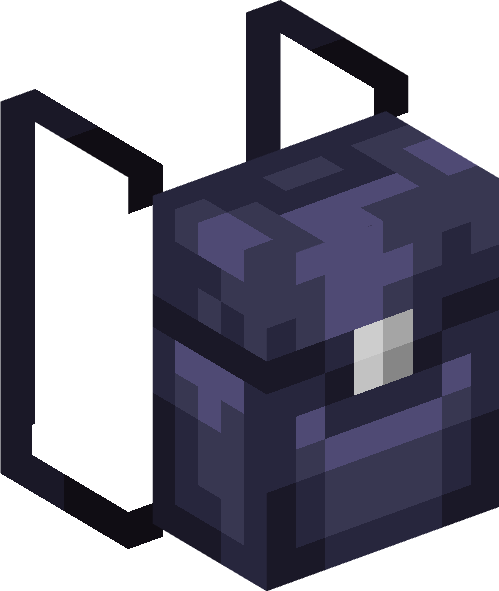
Blue:
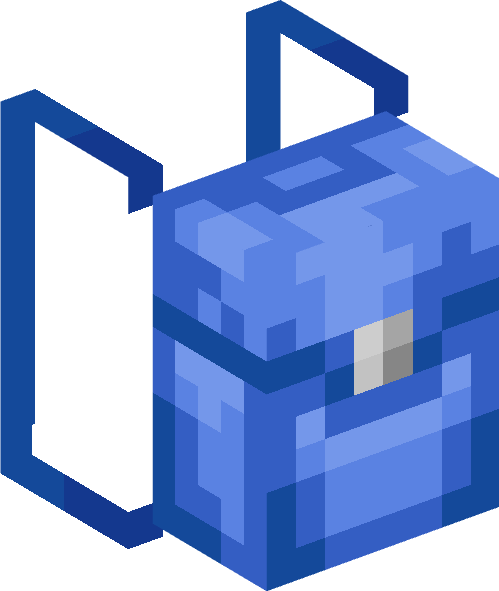
Cyan:
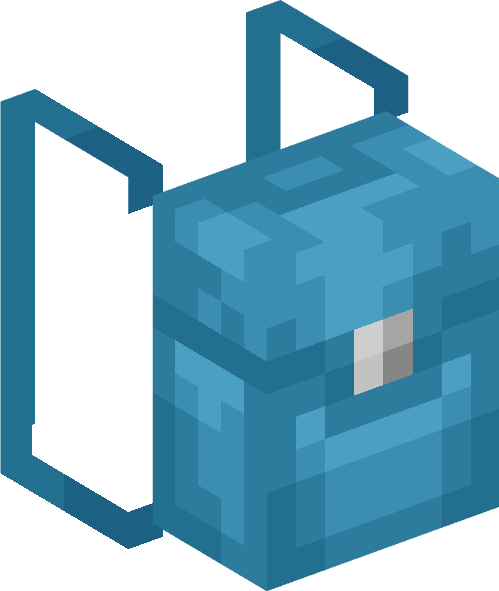
Gray:
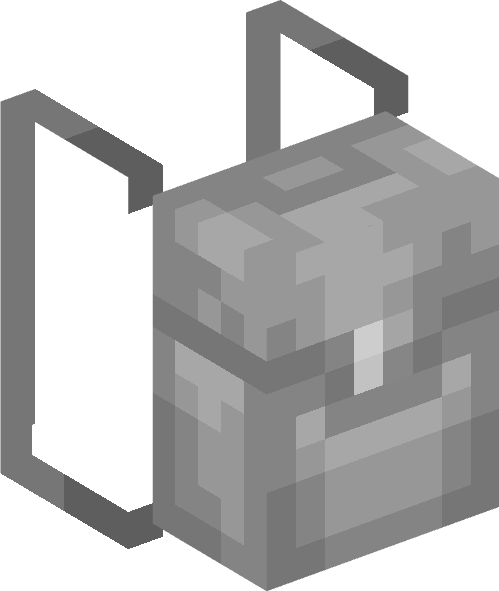
Green:
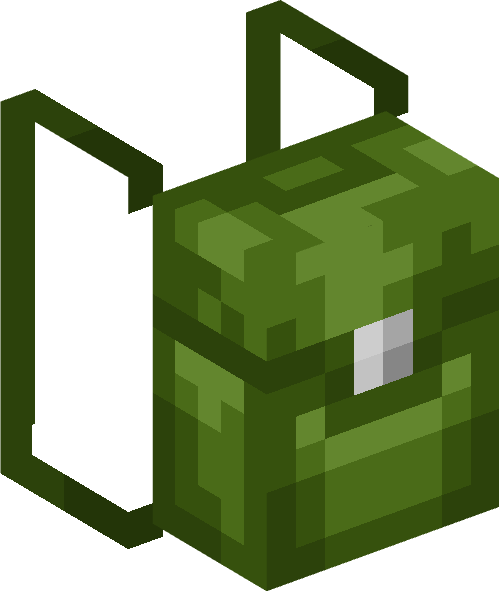
Light Blue:
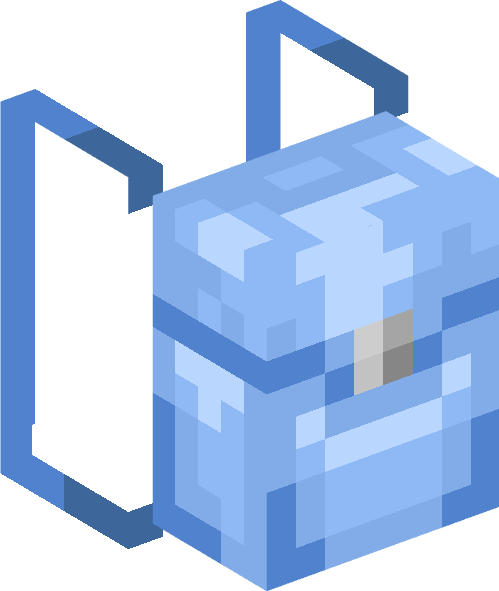
Lime:

Magenta:
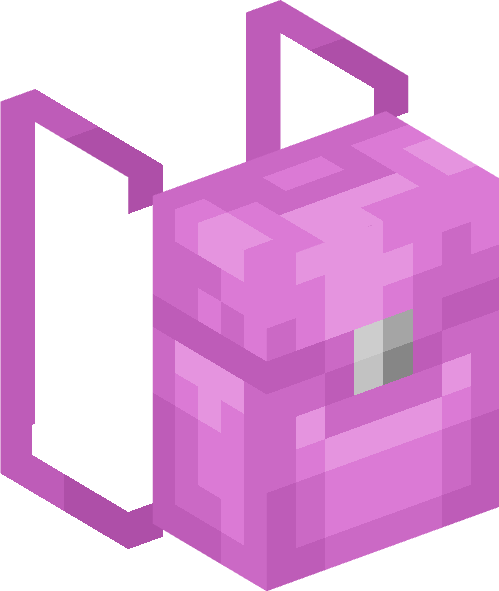
Orange:
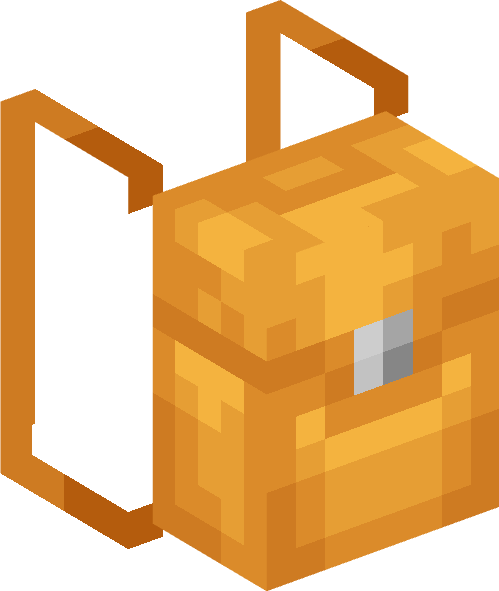
Pink:
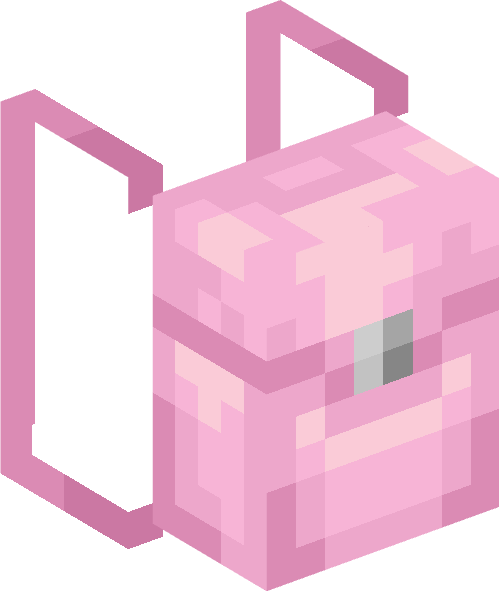
Purple:
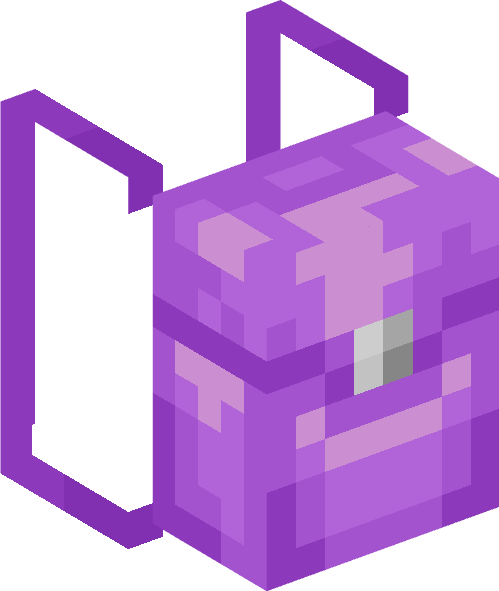
Red:
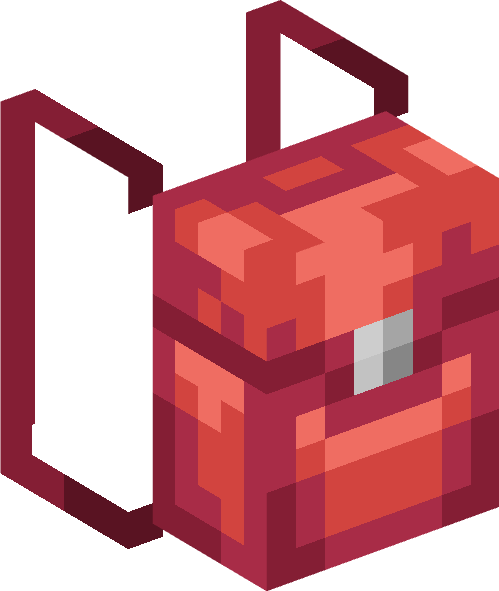
Silver:
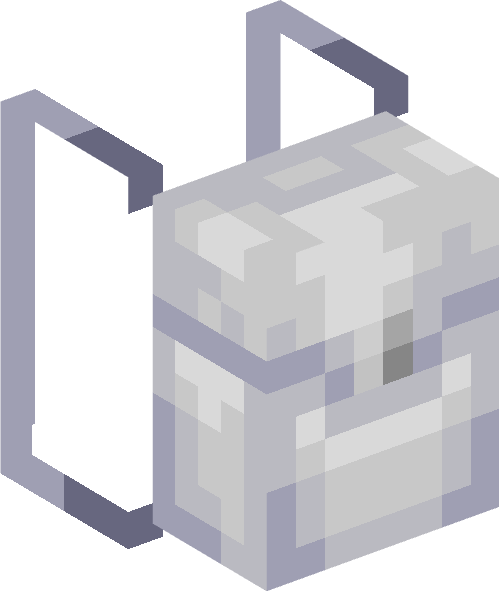
White:
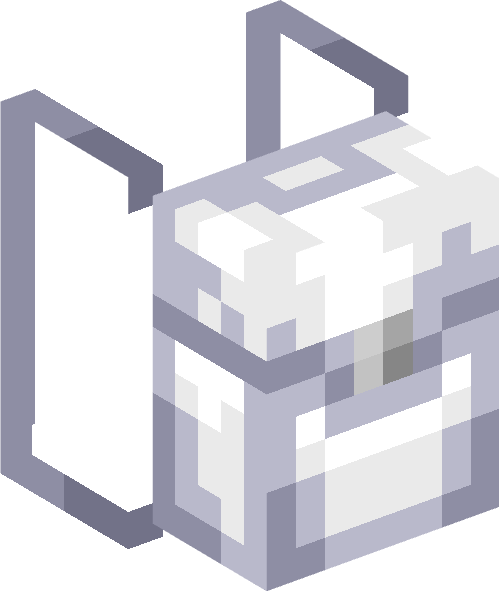
Yellow:

Iron:
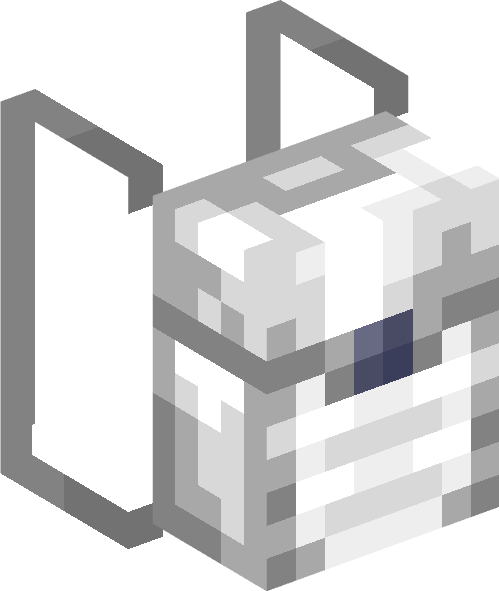
Amethyst:
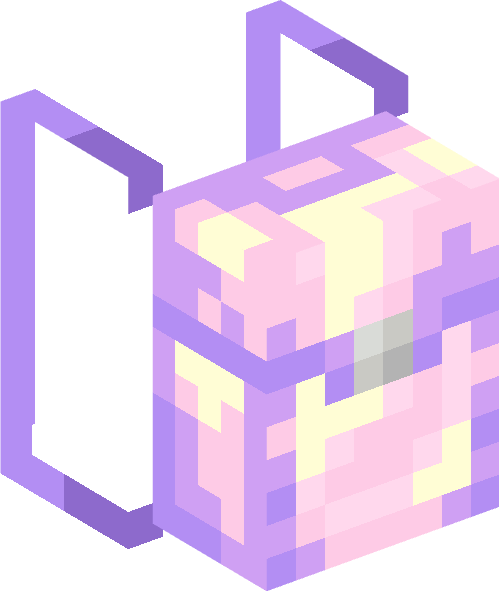
Gold:
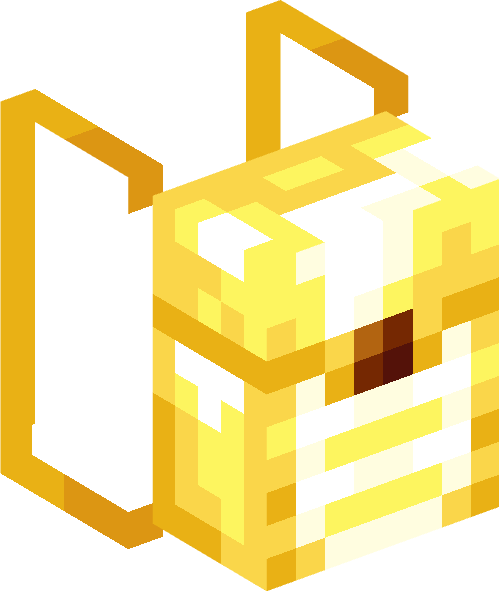
Diamond:
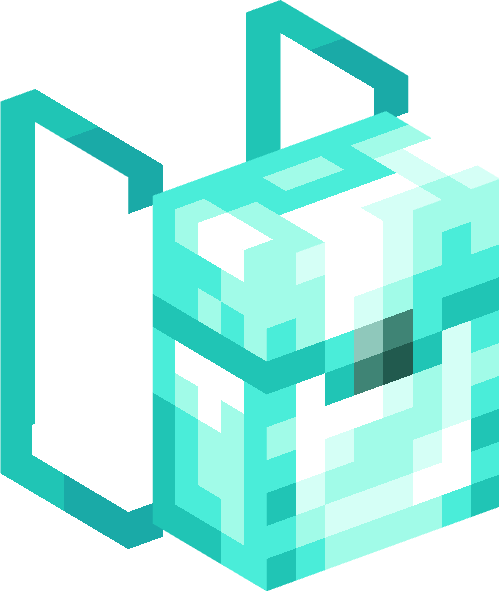
Copper:
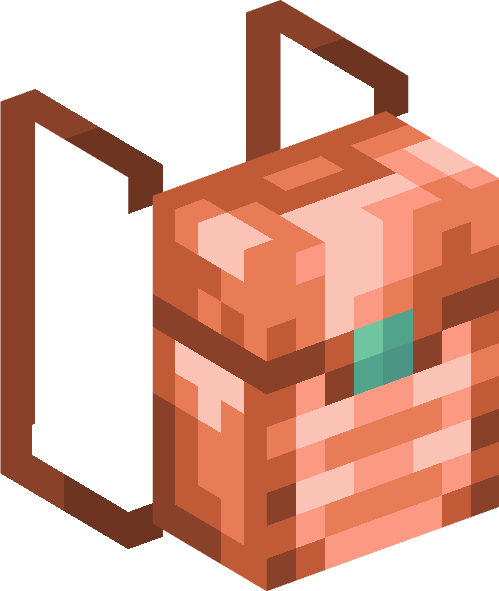
Blaze:

Emerald:
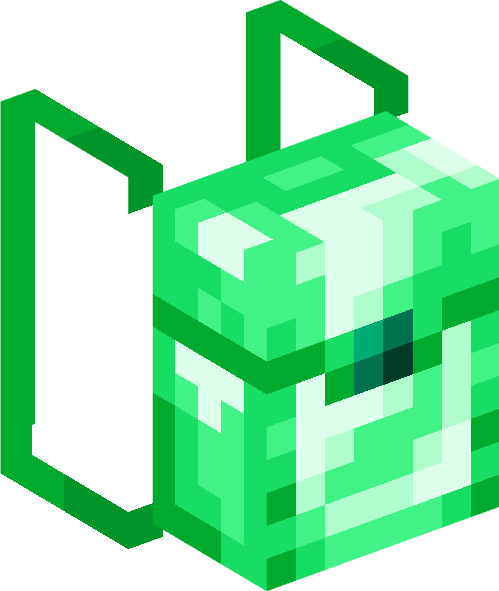
Snow:
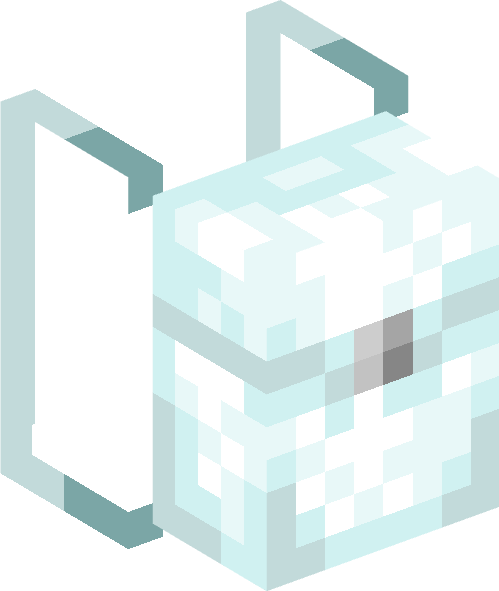
Sculk:
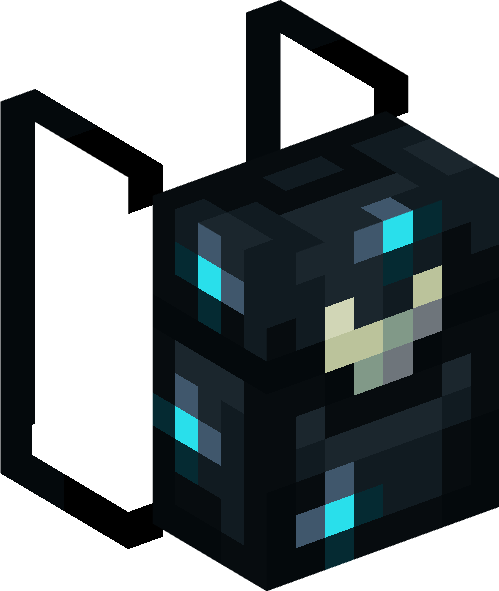
Redstone:
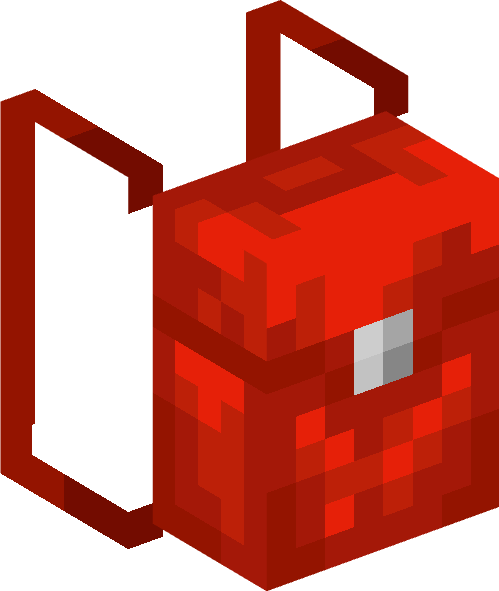
Turtle:

Pumpkin Backpack:
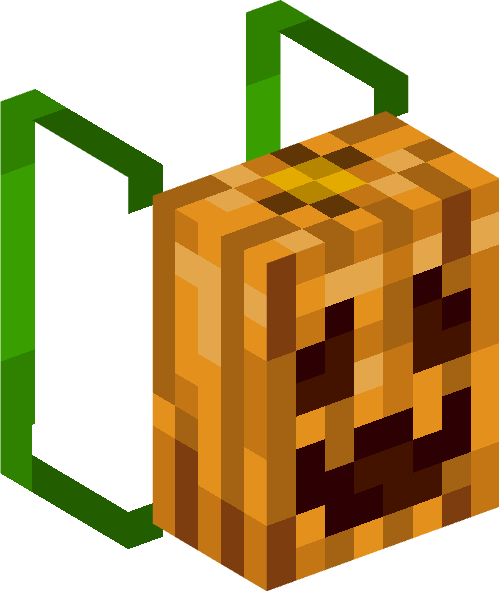
Soul Pumpkin Backpack:
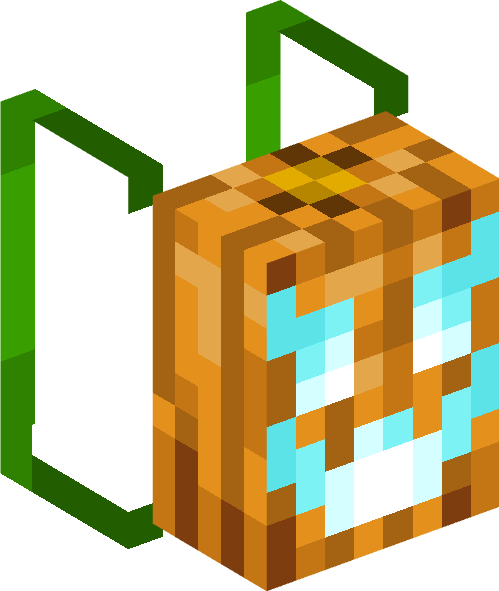
Cake:
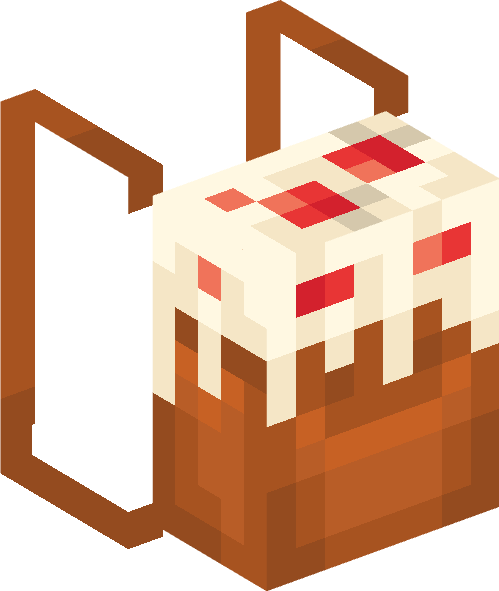
Crimson:
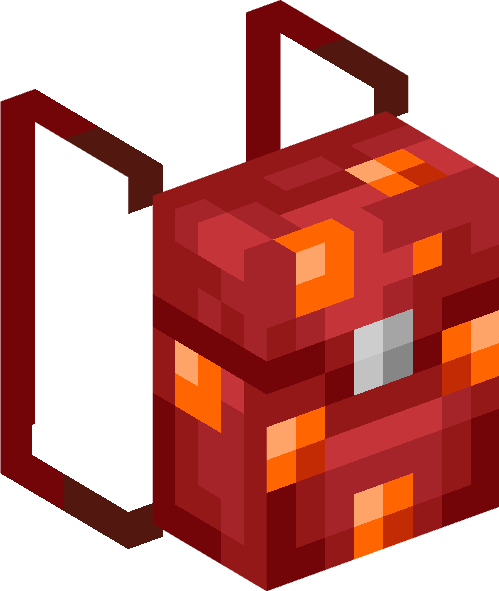
Warped:
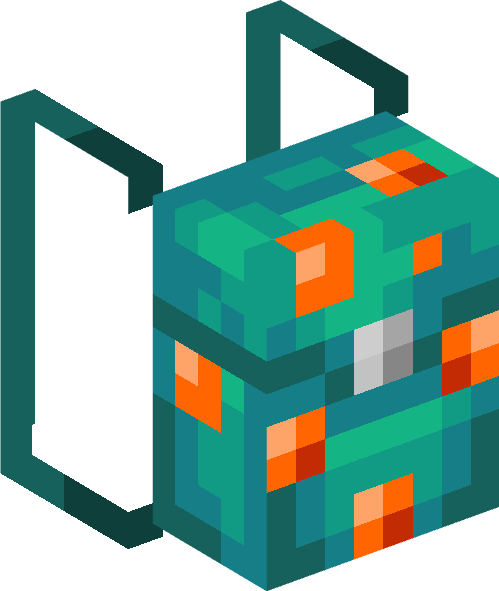
Full Dark:
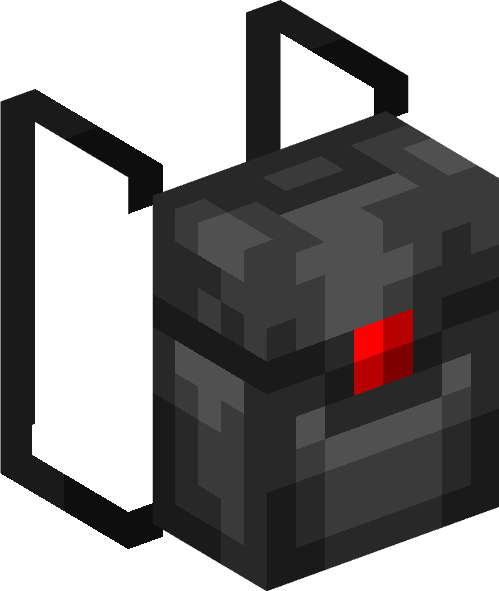
Smile:

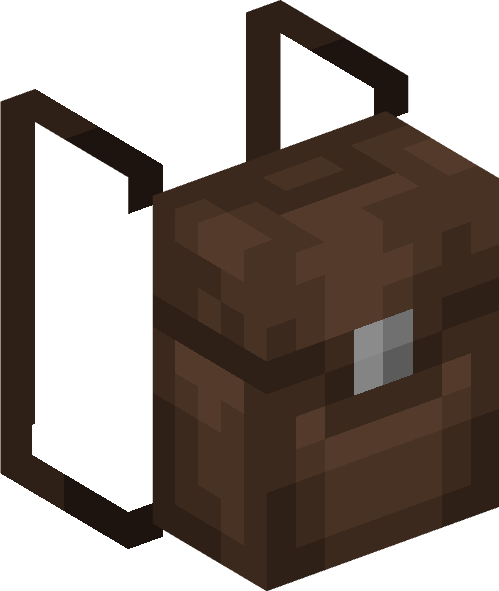
Dark Brown:
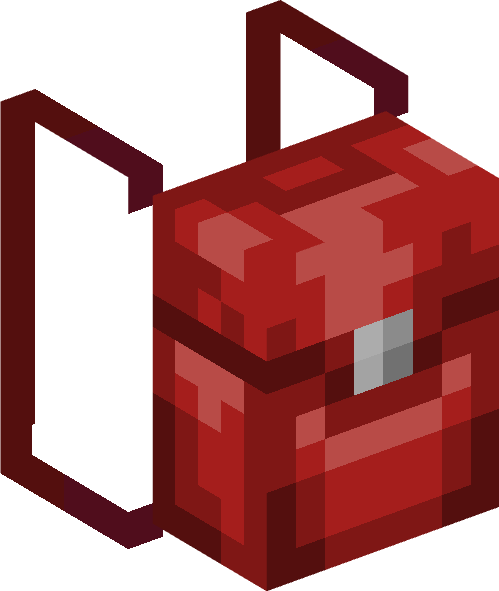
Dark Red:
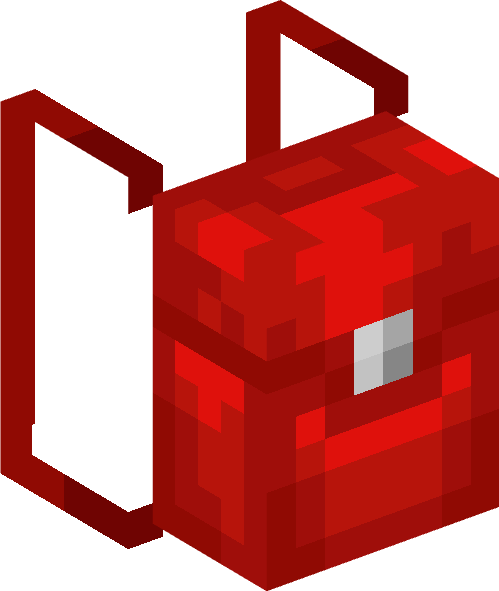
Light Red:
Turtle backpack:
It is made with pieces of tortoise shell

Important:
Many times, people who review this add-on do not read the features and terms before making a video about it. If you are a content creator and plan to review this add-on, please use the MCPDL link and refrain from providing direct links or creating your own. If you violate this rule, I will take action accordingly.
- Edition: Minecraft Bedrock
- File type: .mcpack or .mcaddon
- Minecraft versions listed: 1.21.50, 1.21.51, 1.21.61
- How to install: Download the .mcpack or .mcaddon file. → Open it — Minecraft imports it. → In your world: Behavior Packs → Available → Activate, then the same under Resource Packs.
- Where to get it: In MCModsHub, or directly above on this page.
Install steps are the general flow for this file type — How to install Minecraft Bedrock addons & mods walks through it step by step.
- Pack type: .mcaddon — behaviour and resource pack in one file
- Complete pack — everything it depends on is inside the file
- Download size: 397 KB
- Download link checked 30 Jun 2026 — working
These come from our own check of the pack file, not from the source page.