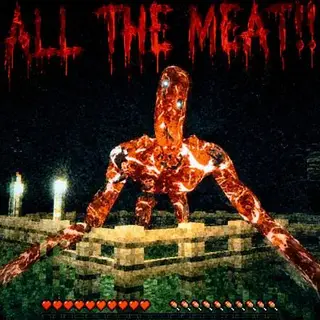
Backrooms Dimension (Preview Only)
Bedrock add-on listed for Minecraft 1.21–26.x (behavior + resource pack). Needs Beta APIs. File opened and checked on 14 Oct 2026; installs from the MC Bedrock Mods app on Android.
I don't know my version
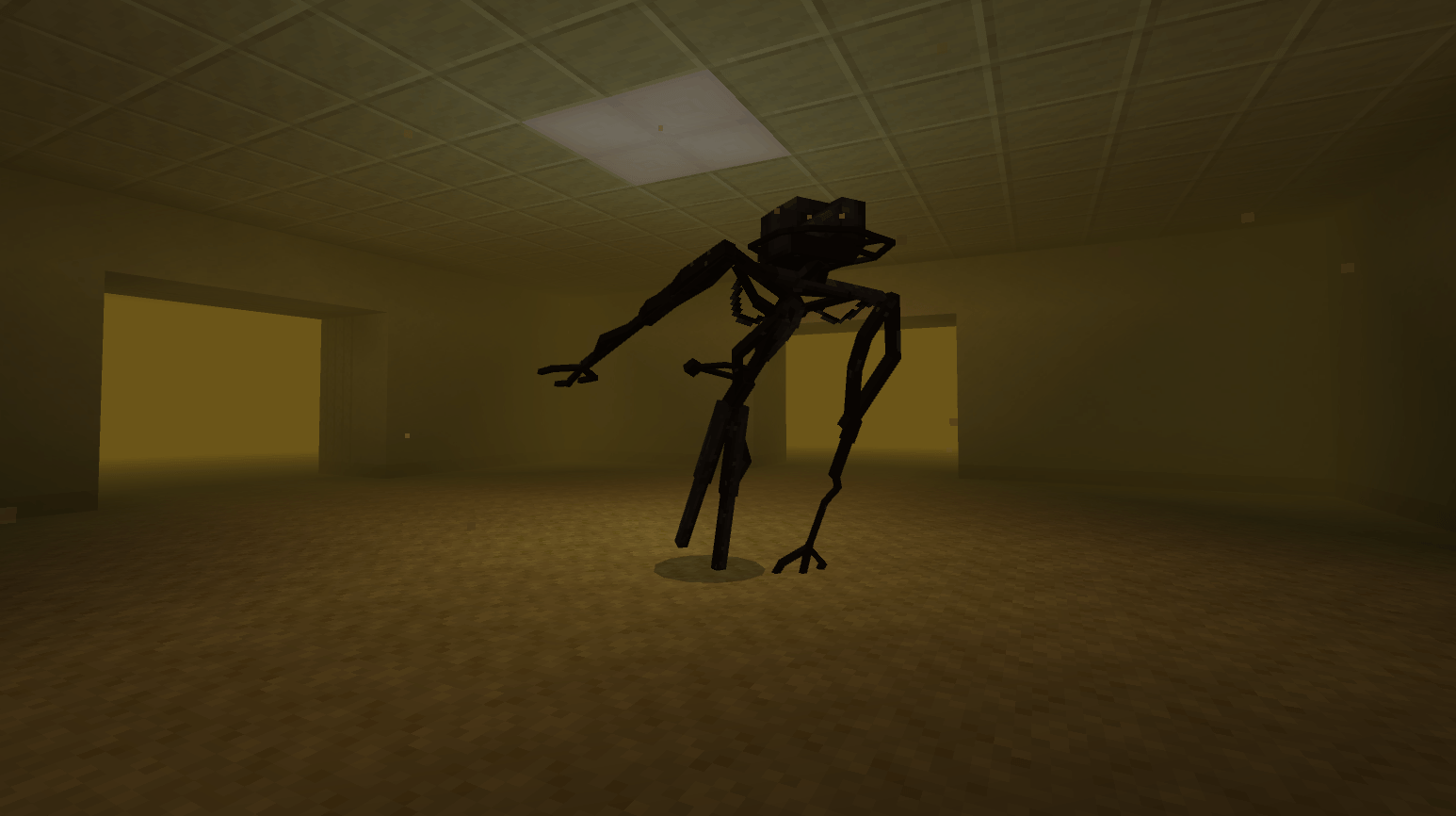
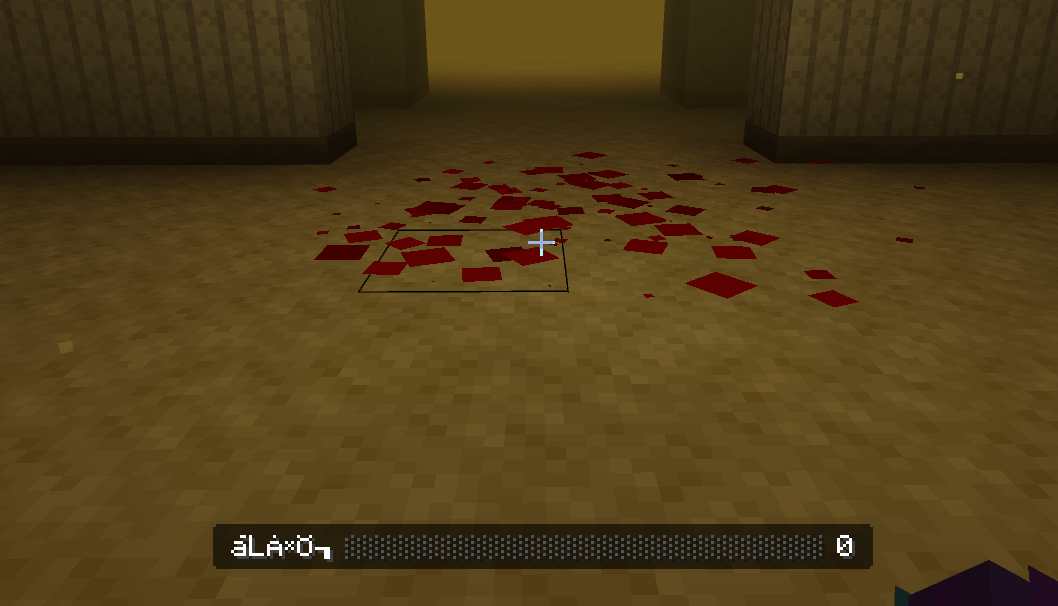
⚠️ BETA WARNING
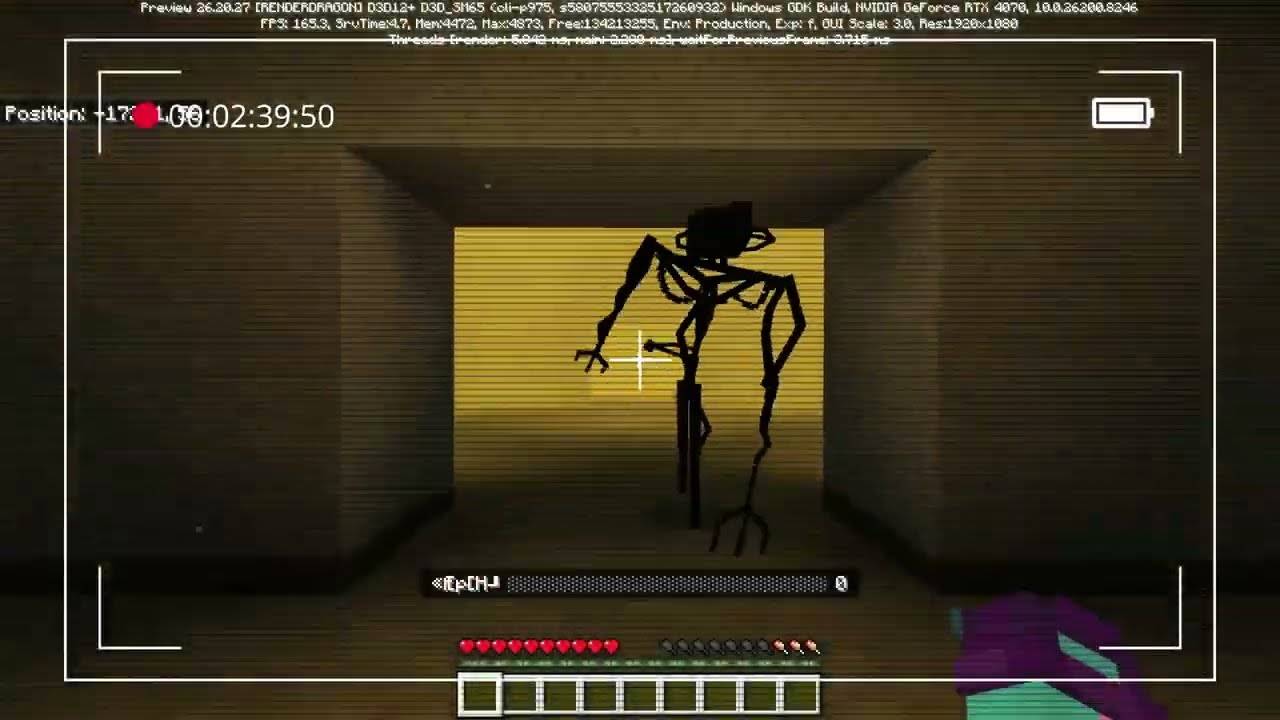
This addon is currently in Beta. It only works on Minecraft Preview with Beta APIs enabled in the world's experimental settings. Expect bugs, glitches, incomplete features, and instability.
IF YOU WANT TO TRY A NON-PREVIEW VERSION: BACKROOMS THE FORGOTTEN COMPLEX
Overview
You didn't clip out. You clipped in.
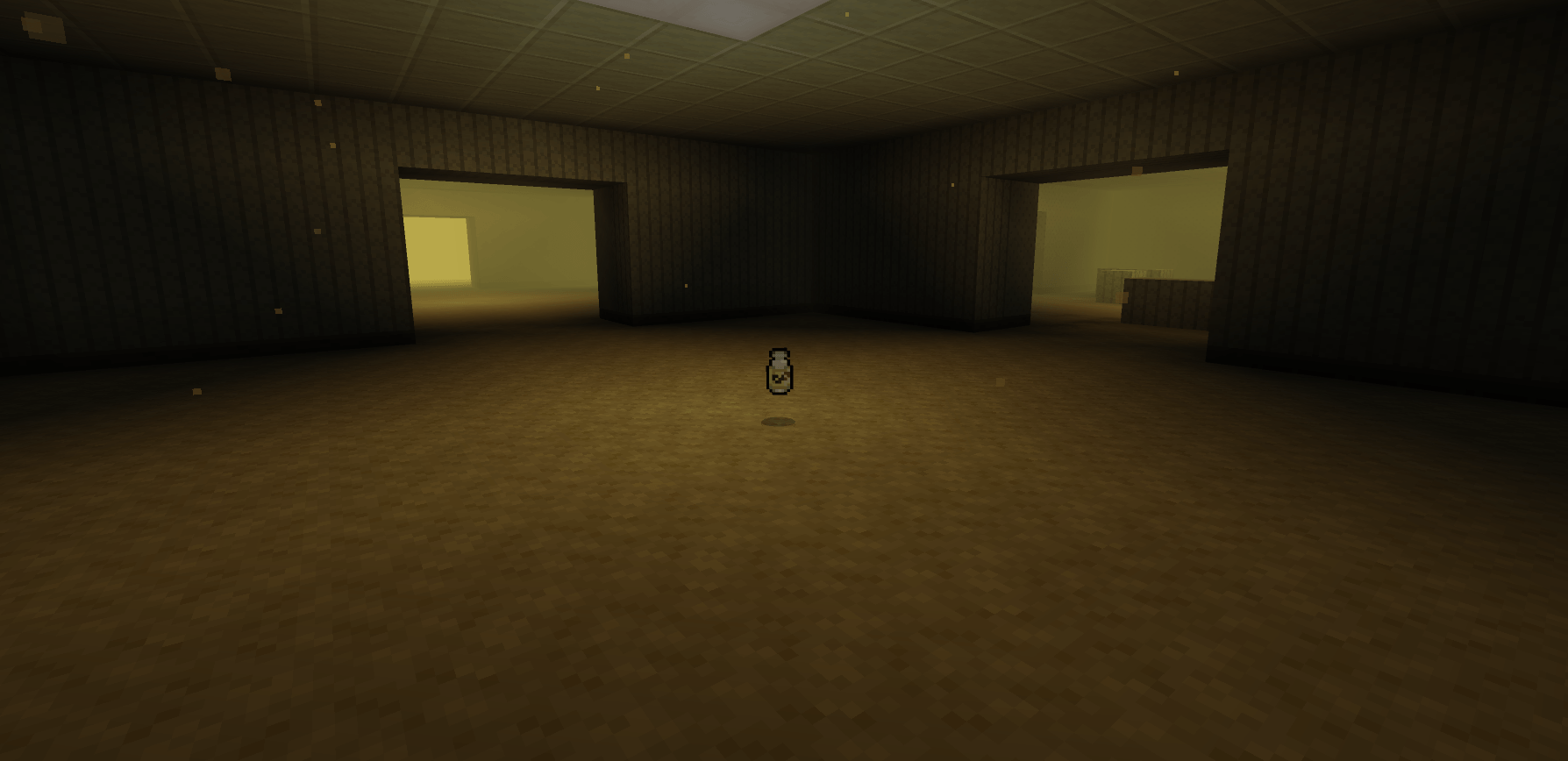
Wan's Backrooms places you inside a fully procedural Level 0: endless yellow hallways, constant fluorescent hum, and the feeling that you're not alone.
There is no map. No objective. Just rooms, corridors, and something that may be following you.
Be careful not to dig under yourself in a straight line or something might happen...
World Generation
Procedural Layout
- Seeded generation (same seed = same world)
- 16×16 cell system, each generated independently
- Chunk queue system to avoid lag spikes
- Corrupted chunks are automatically rebuilt
Room Variety
A wide range of room types, including:
- Standard hallways
- Pillar rooms
- Large open spaces
- Dark rooms without lighting
- Corridors and corner turns
- Office-like layouts
- Maze structures
- Flooded areas
- Glitched rooms with misplaced blocks
- Dead-end stairs
- Scattered furniture
- Distorted geometry
World Loop
The world silently loops at 1500 blocks. There is no edge.
Sanity System
Your sanity decreases depending on light, distance, and threats.
- Bright areas slowly restore sanity
- Dim areas drain it gradually
- Darkness drains it quickly
- The hub is the only safe zone
- Being near or seen by entities accelerates the loss
Sanity directly affects fog, hallucinations, sounds, and entity behavior.
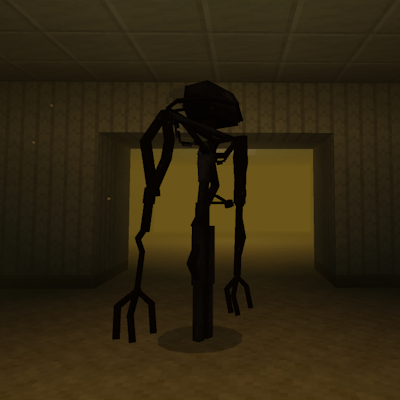
Bacteria
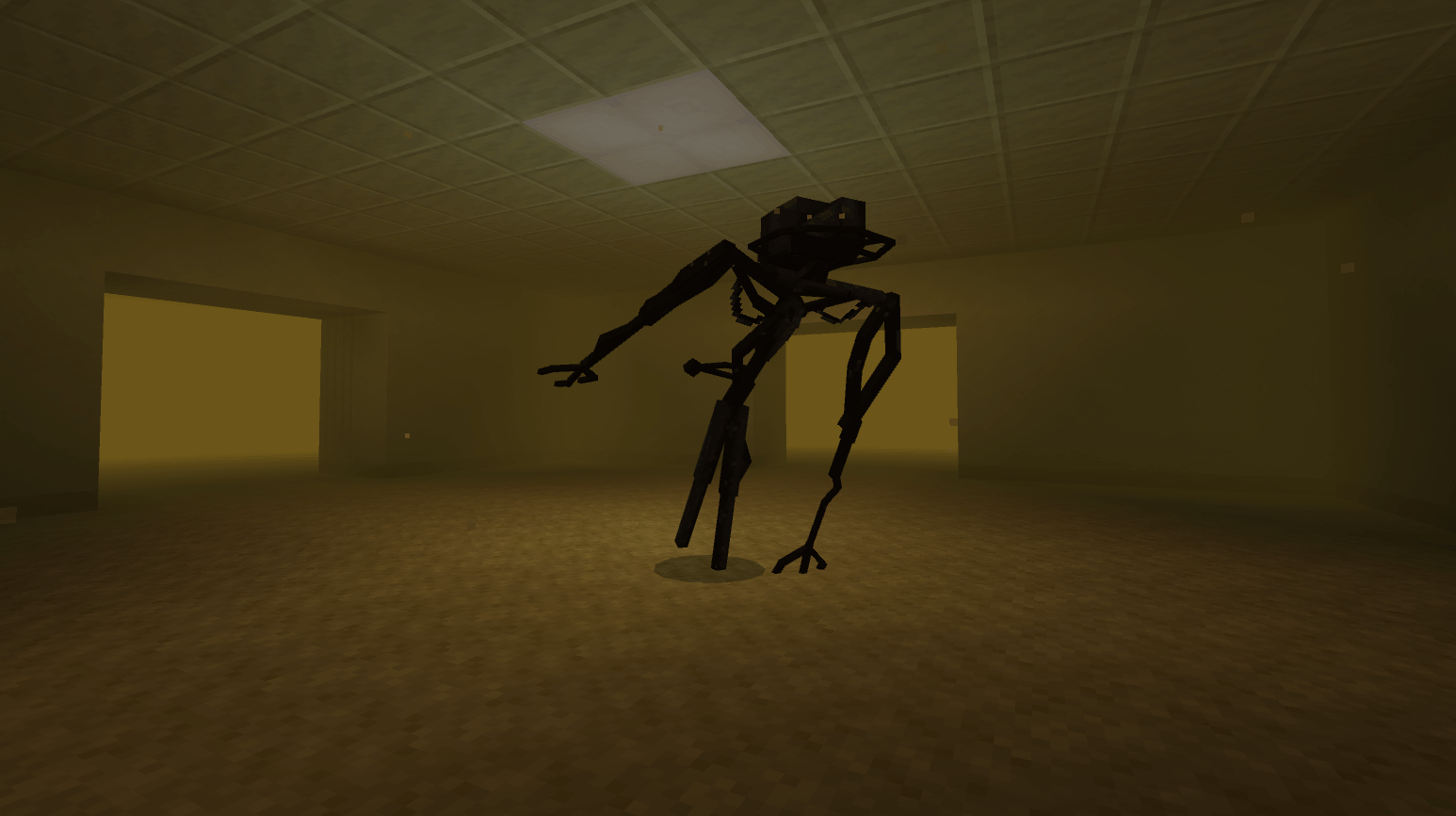
The only entity in Level 0.
- Moves through states: wandering, alert, chasing, losing
- Reacts to sound: movement and noise attract it
- Can lose track if line of sight is broken
- Becomes more aggressive as sanity drops
- Visibility increases as sanity decreases
- One instance per player
Atmosphere
- Dynamic fog tied to sanity
- Ambient particles in every room
- Fluorescent lighting with random flicker
- Subtle audio loops and silence gaps
- Random whispers and visual anomalies
- Occasional hallucination events
Almond Water
A rare consumable found in rooms.
- Restores 35 sanity
- 10-second cooldown
- Consumed on use
Exit Door
A way out exists.
- Spawns rarely, far from the hub
- Triggers a short visual sequence
- Returns you to your original position
- Restores sanity on exit
Commands
Enter
/backrooms:enter
Saves your position and sends you into the Backrooms.
Exit
/backrooms:exit
Immediate return without effects.
Reset
/backrooms:reset
Clears generation data.
Bacteria
/backrooms:spawn_bacteria/backrooms:kill_bacteria
Debug
/backrooms:bacteria_debug
To Do
- Exit door improvements
- More room types
- Additional levels
- Improved entry/exit sequences
- Fix bacteria bug
- Add forniture nad better stairs
- Fix sound
Community
Feedback and suggestions are welcome:
https://discord.gg/yEM85Y7BRr

- Edition: Minecraft Bedrock
- File type: .mcpack or .mcaddon
- Minecraft versions listed: 26.20, 26.10
- How to install: Download the .mcpack or .mcaddon file. → Open it — Minecraft imports it. → In your world: Behavior Packs → Available → Activate, then the same under Resource Packs.
- Where to get it: Opens on CurseForge — not every file is mirrored on our own servers.
Install steps are the general flow for this file type — How to install Minecraft Bedrock addons & mods walks through it step by step.
- Pack type: .mcaddon — behaviour and resource pack in one file
- Manifest requires Minecraft 1.21.80 or newer
- Needs Beta APIs switched on in the world settings
- Complete pack — everything it depends on is inside the file
- Download size: 38.5 MB
- Download link checked 5 Oct 2026 — working
These come from our own check of the pack file, not from the source page.