Advance Tactical Gear
Bedrock add-on listed for Minecraft 1.21–26.x (behavior + resource pack). File opened and checked on 16 Oct 2026; installs from the MC Bedrock Mods app on Android.
I don't know my version
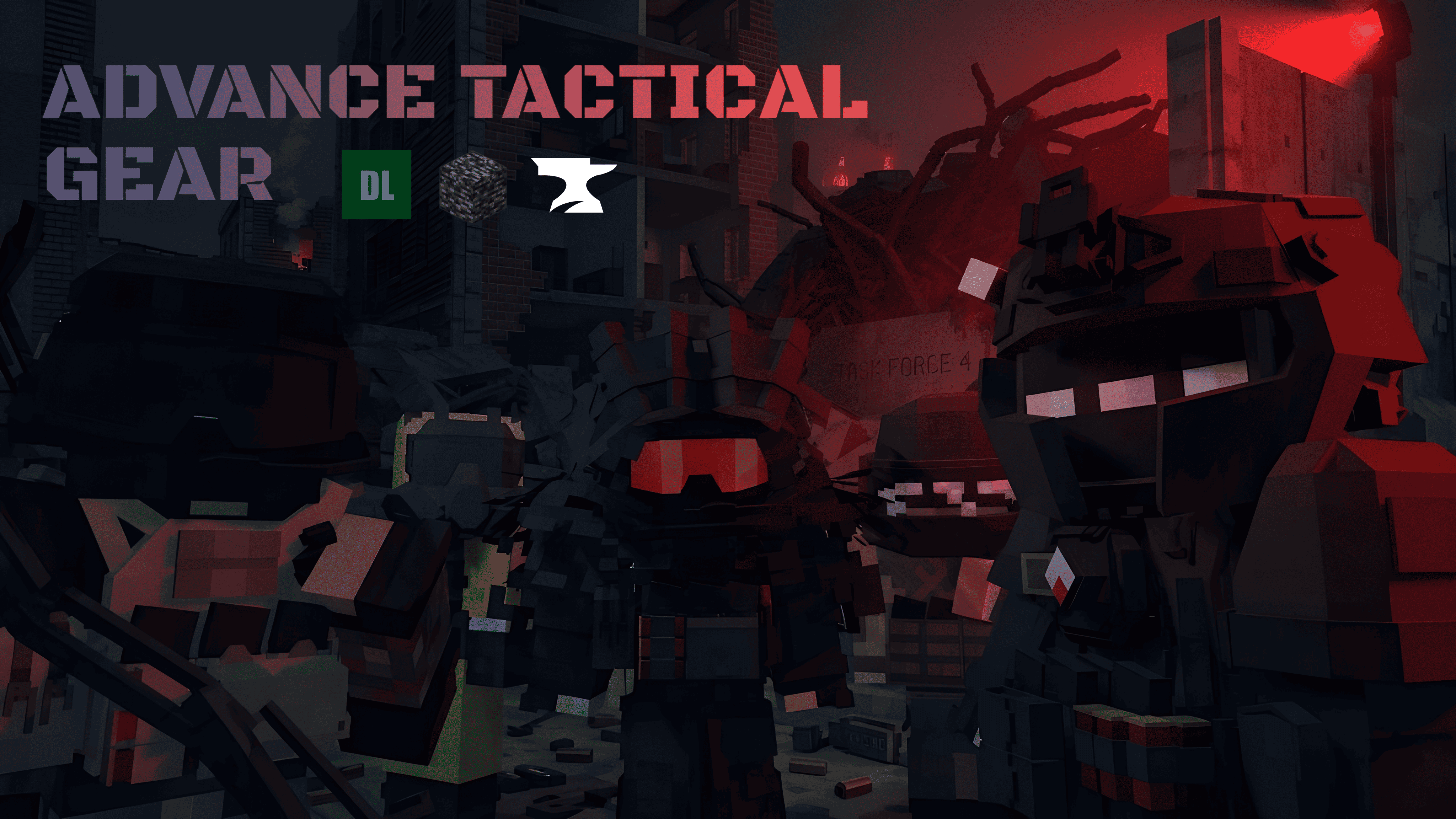
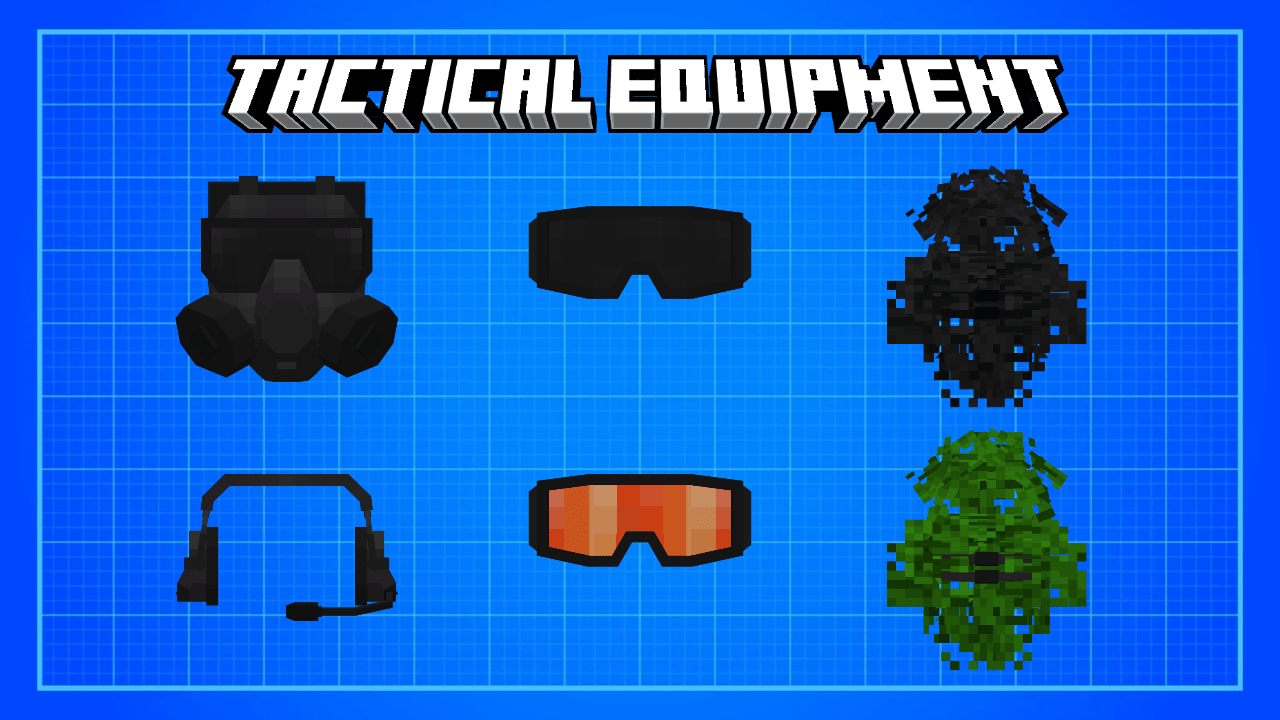

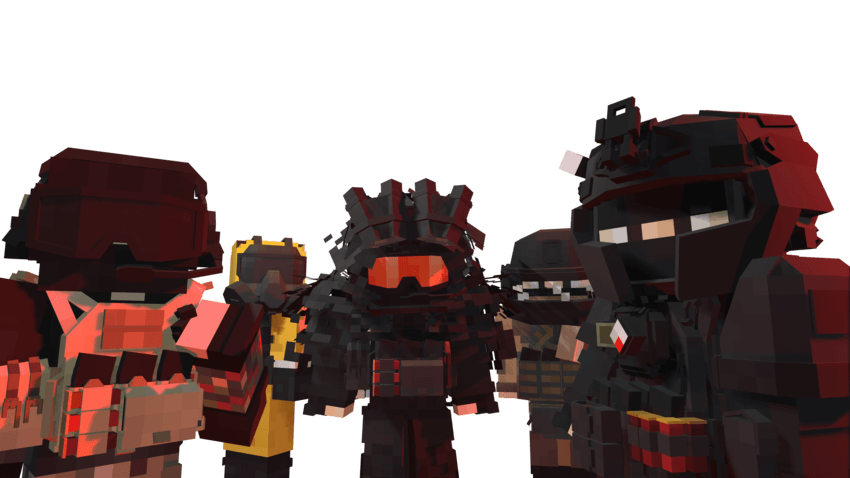
The Advanced Tactical Gear Minecraft add-on brings a modern military aesthetic to player gear while maintaining a Minecraft style. This add-on focuses on individual operator gear, not vehicles or heavy weapons.
DETAILED ARMOR
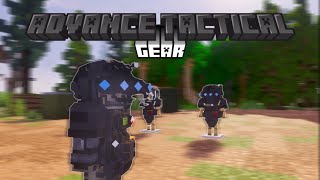
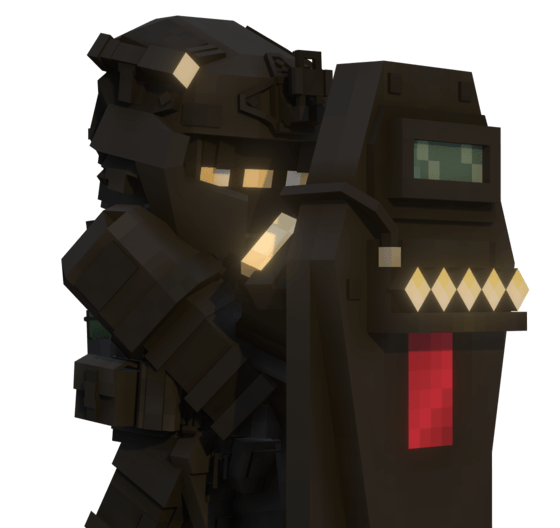
Advance tactical has armor with good 3d model details with simple textures to keep vanilla Minecraft
VARIOUS TYPE OF ARMOR
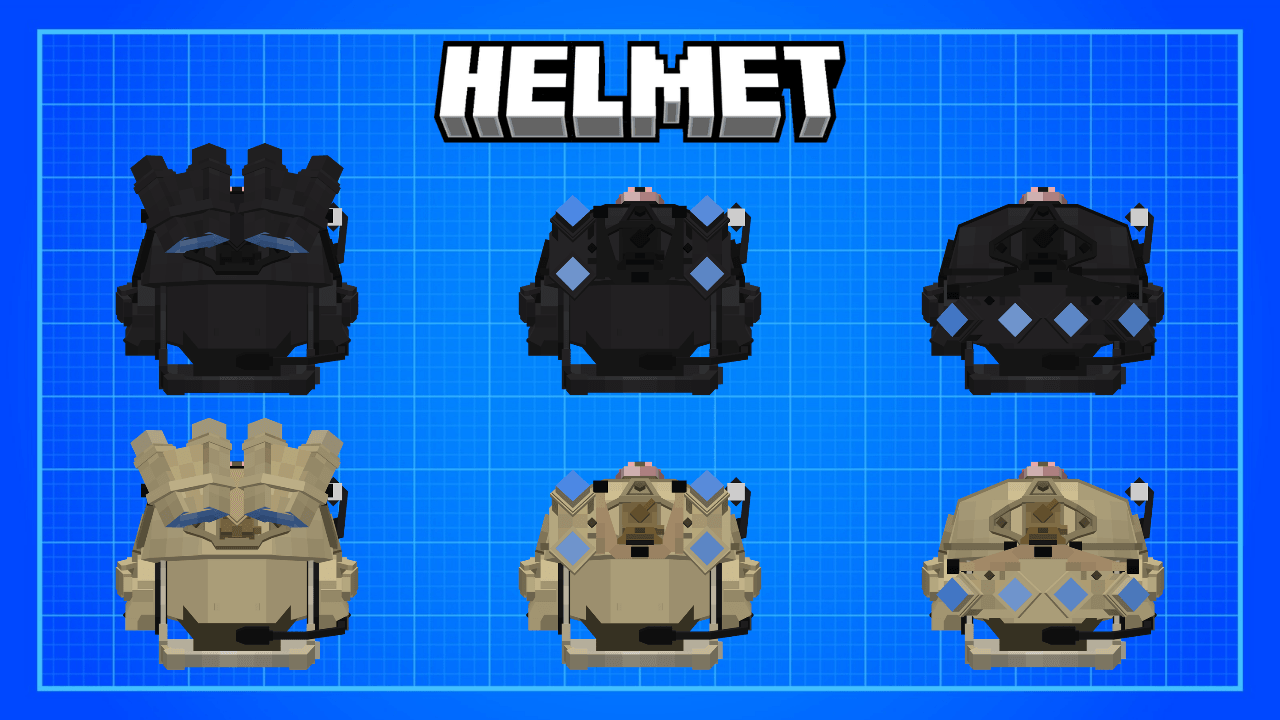
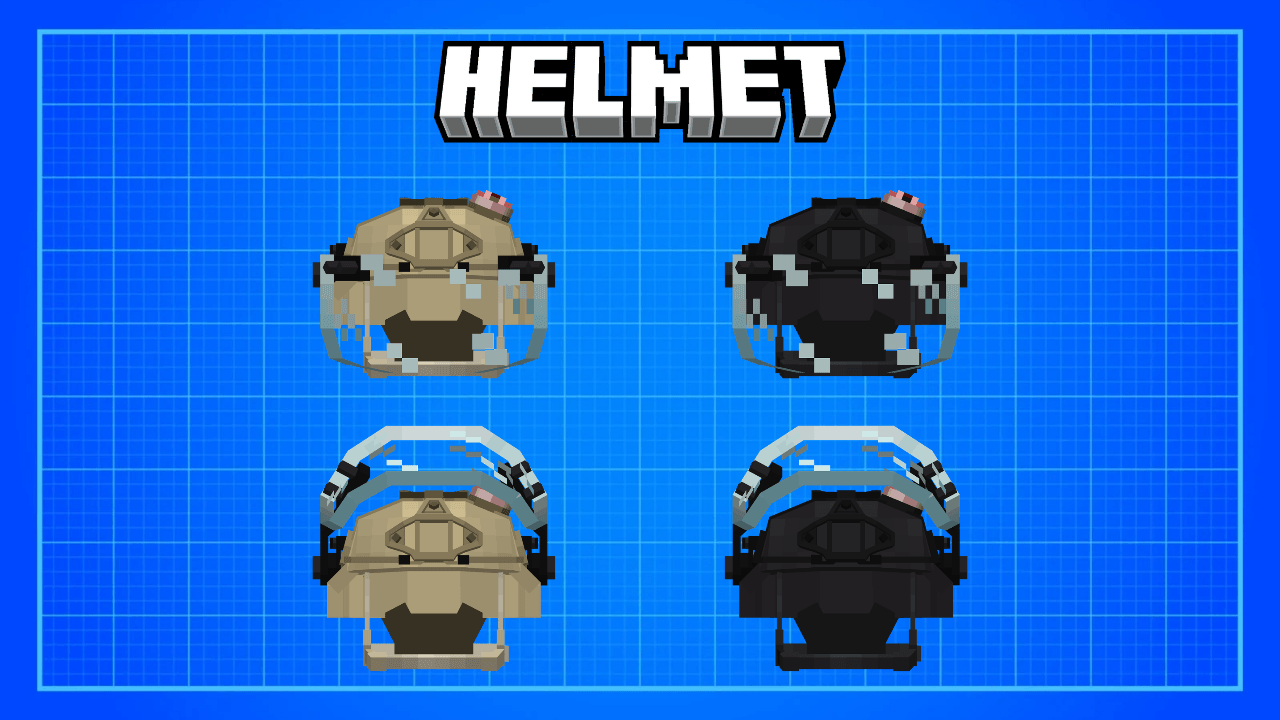
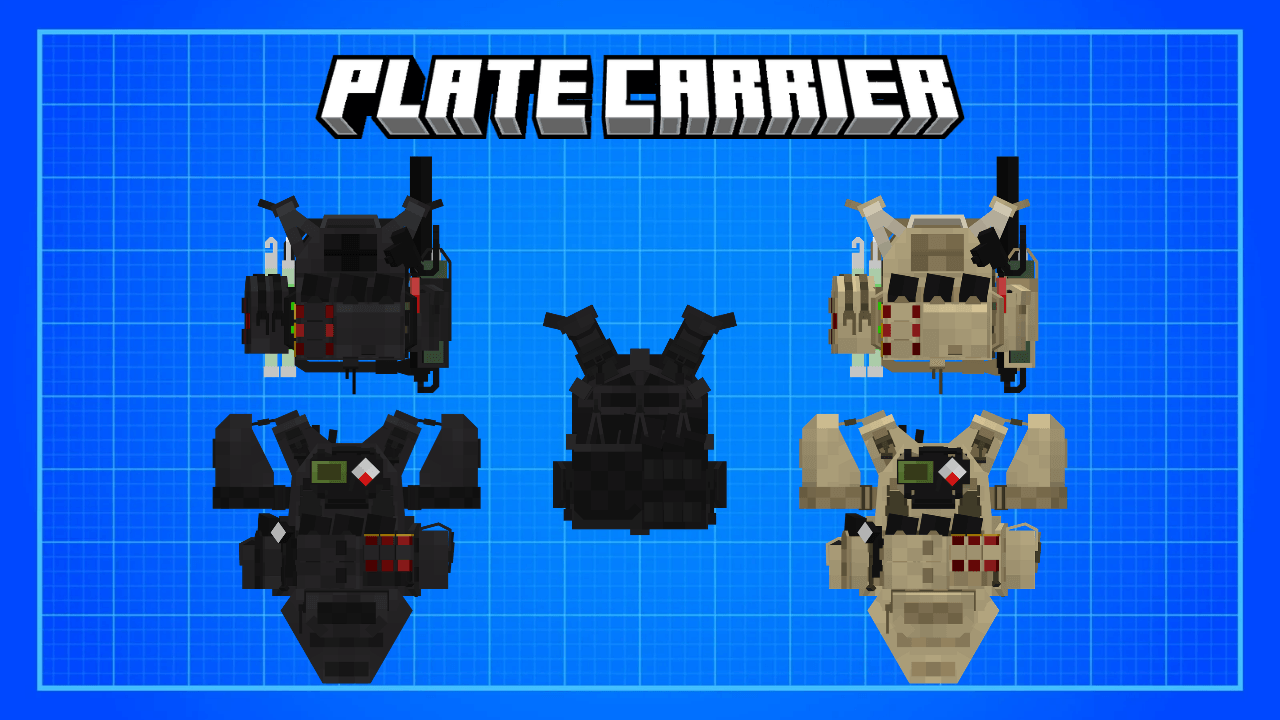
Advance Tactical Gear has various types of armor to meet various types of missions ranging from light plate carriers to heavy full body armor, from light helmets to helmets with ballistic face shields.
SURVIVAL FRIENDLY
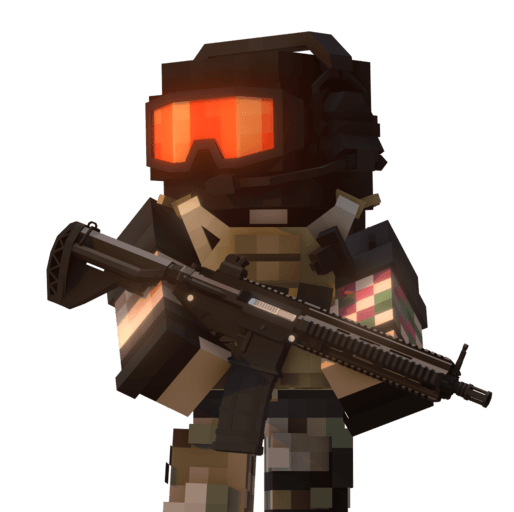
All armor and item can be crafted in survival Minecraft with just vanilla item. Make sure to have a lot of iron because it's the main material for a lot of armor
Helmet :
- Ops Core Fast with GPNVG18
- Mich with Ballistic Face Shield
- Crye Airframe with PVS-31
- Crye Airframe with Chops
- LShZ-2DTM v1
- LShZ-2DTM v2
Armor :
- Cyre Precision JPC 2.0
- Militech HG2 Full Body Armor
- Ace Link Armor Skeletac Plate Carrier
- 6b13 EMR
- 6b13 Killa version
- Defender 2 Emerald
Other :
- Ops Core AMP
- M50 Gasmask
- Goggles
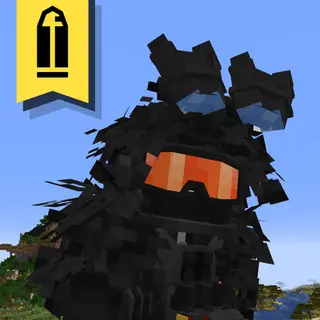
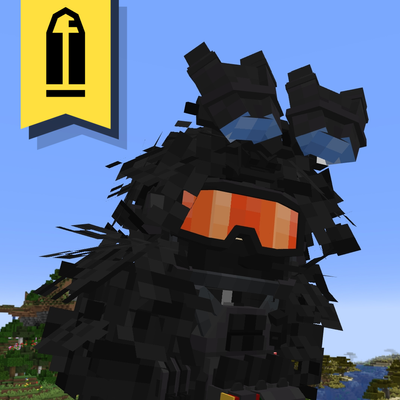
- Half Ghillie Suit
- Spartan Face Mask
Camo :
- Black
- Desert
- Jungle
Item :
- Image intensifier Tube ( base item for making NVG)
- GPNVG18
- PVS-31
- Armor plate
- Hook ( for making the up version of ops core fast Gpnvg18)
Texture :
- Vant-VM Shield (as Minecraft shield)
Tips :
You can make unused/up version of night vision and face shield by place it into crafting table or in the inventory
All armor are can be crafted in survival
V1.1.4 UPDATE :
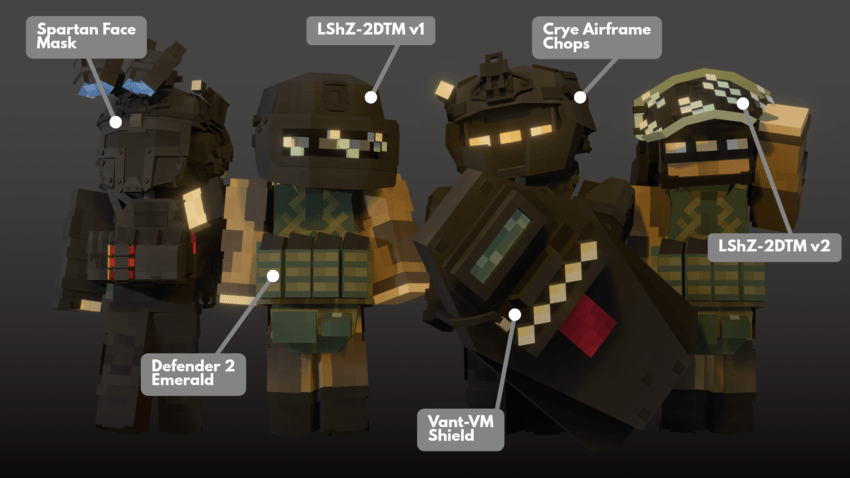
There's no suit or uniform in this addon what you see in the picture is my personal skin maybe I'll add it in upcoming updates or make a skinpack for it
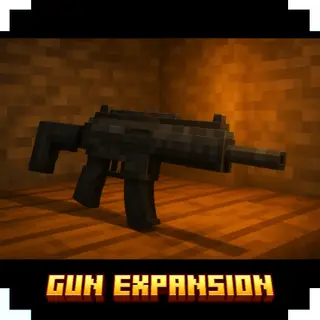
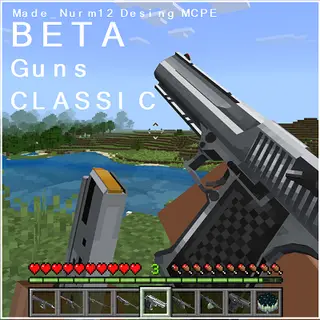
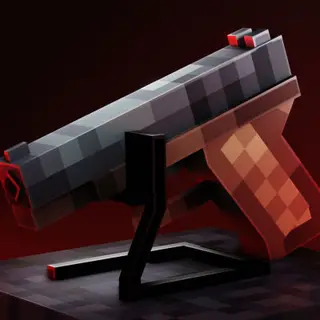
the gun on the picture is my model and there's no mod for it
🗿🗿
- Edition: Minecraft Bedrock
- File type: .mcpack or .mcaddon
- Minecraft versions listed: 26.0.02, 26.0, 26.3
- How to install: Download the .mcpack or .mcaddon file. → Open it — Minecraft imports it. → In your world: Behavior Packs → Available → Activate, then the same under Resource Packs.
- Where to get it: In MCModsHub, or directly above on this page.
Install steps are the general flow for this file type — How to install Minecraft Bedrock addons & mods walks through it step by step.
- Pack type: .mcaddon — behaviour and resource pack in one file
- Complete pack — everything it depends on is inside the file
- Download size: 211 KB
- Download link checked 18 Jun 2026 — working
These come from our own check of the pack file, not from the source page.