AddonsBedrock
Infinite Villager Trades
Bedrock add-on listed for Minecraft 1.21–26.x (behavior pack only). File opened and checked on 19 Oct 2026; installs from the MC Bedrock Mods app on Android.
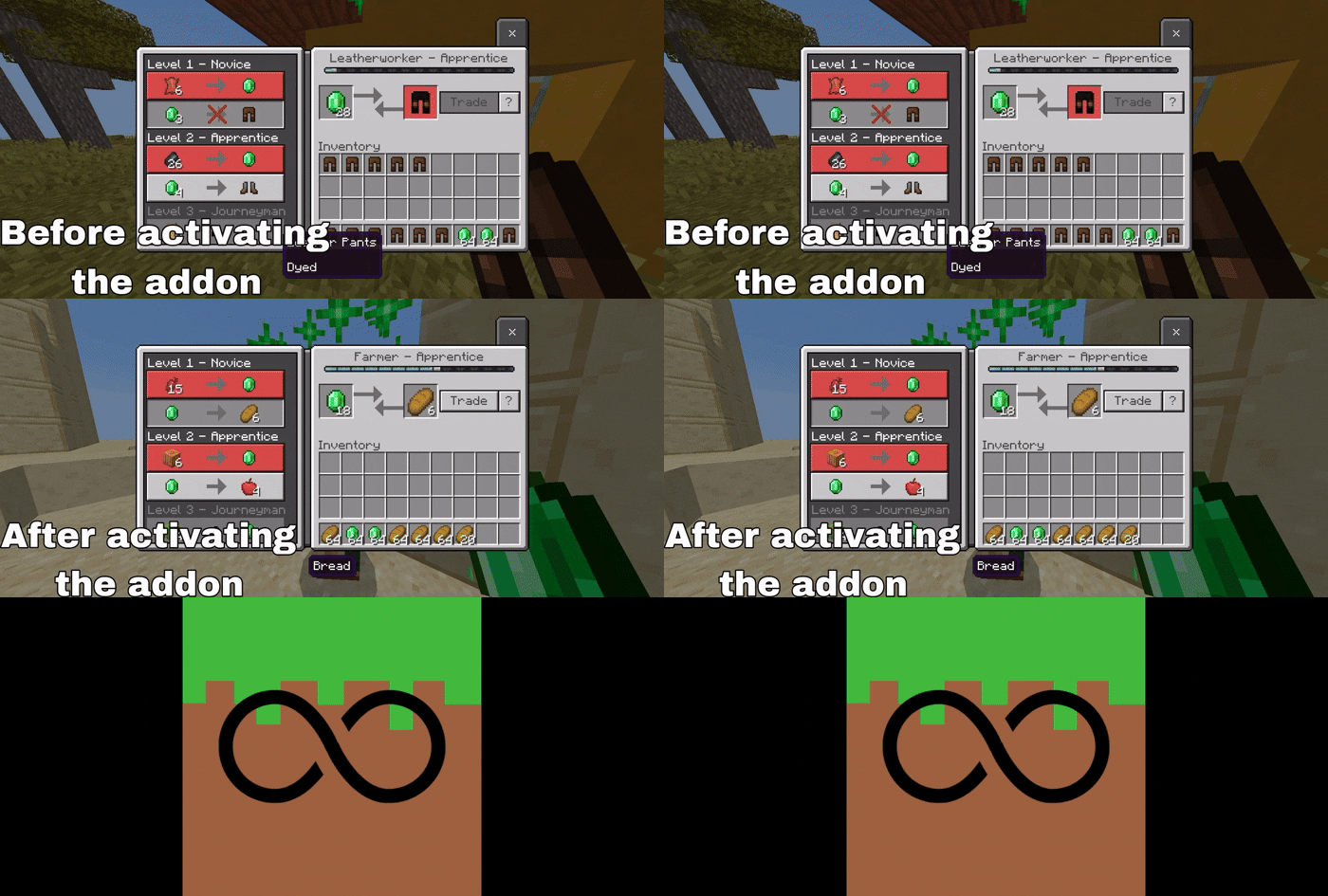
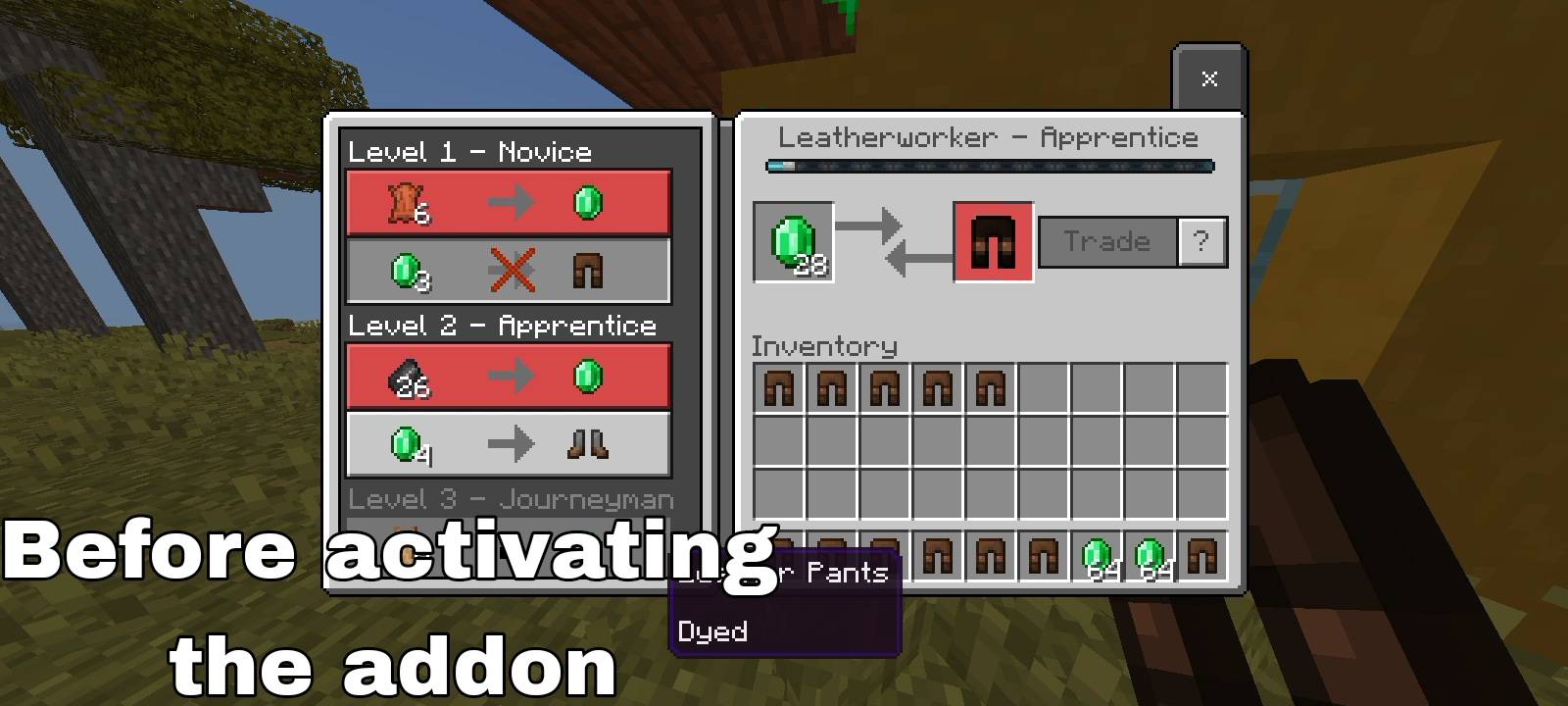
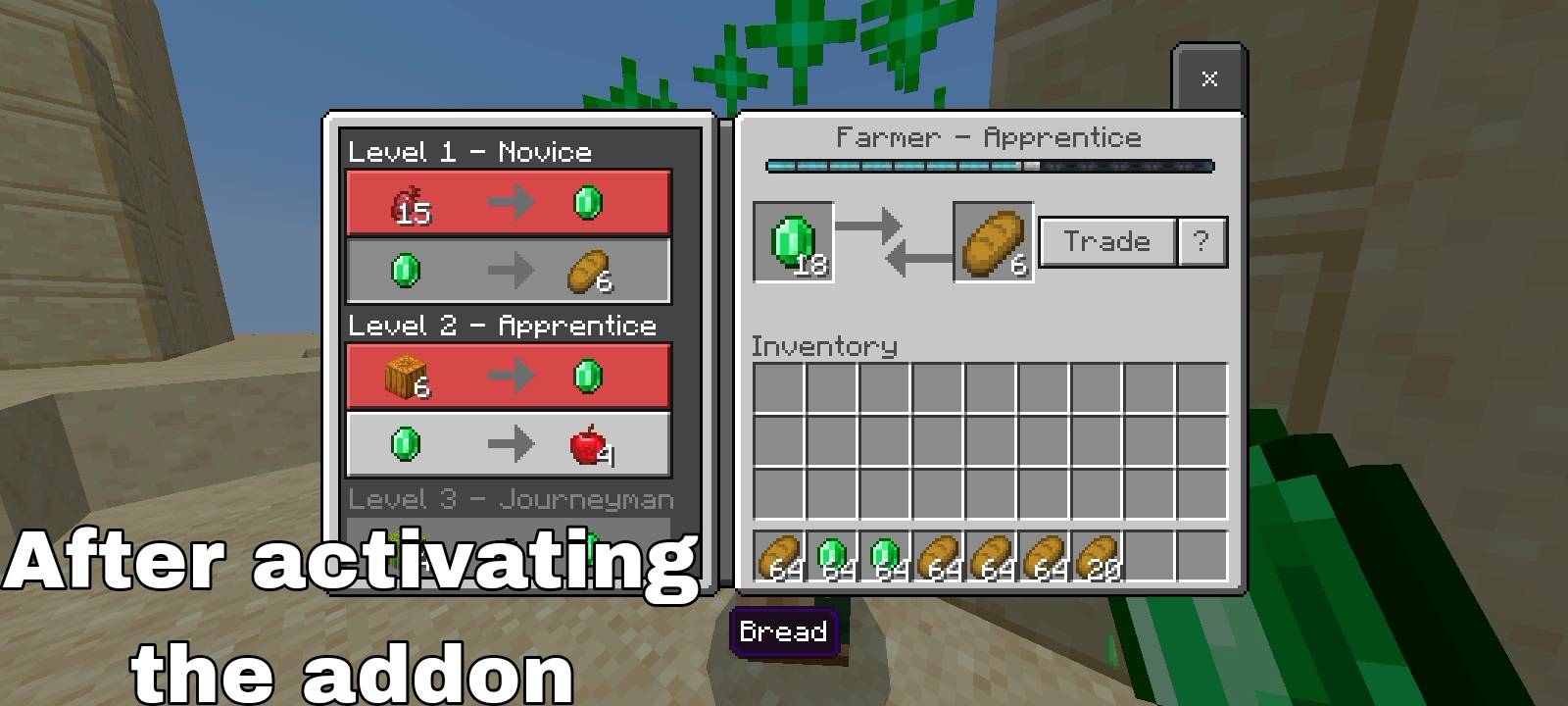
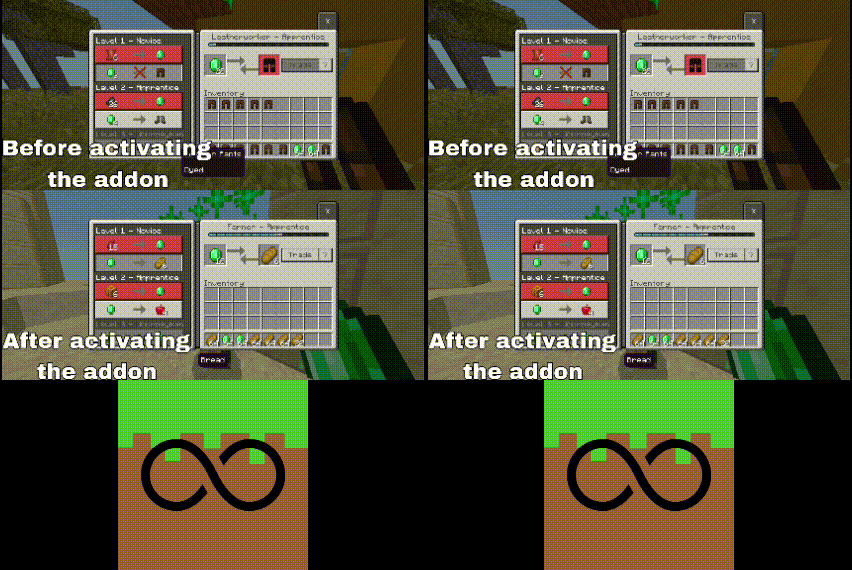
This Minecraft pack gives villagers infinite trades while keeping achievements enabled. No need for Void Trading, and no more waiting for restocks.
⬇ DownloadThe author built this one for Minecraft 1.21.100–26.30. On other versions it may install and then do nothing.

Quick facts
- Edition: Minecraft Bedrock
- File type: .mcpack or .mcaddon
- Minecraft versions listed: 1.21.101, 1.21.100, 1.21.111
- How to install: Download the .mcpack or .mcaddon file. → Open it — Minecraft imports it. → In your world: Behavior Packs → Available → Activate, then the same under Resource Packs.
- Where to get it: In MCModsHub, or directly above on this page.
Install steps are the general flow for this file type — How to install Minecraft Bedrock addons & mods walks through it step by step.
File checked by MCModsHub
- Pack type: .mcpack — a single pack
- Complete pack — everything it depends on is inside the file
- Download size: 24 KB
- Download link checked 3 Aug 2026 — working
These come from our own check of the pack file, not from the source page.