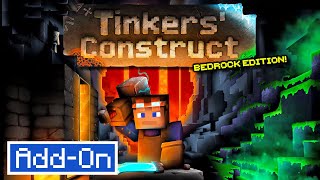
Construct
Bedrock add-on listed for Minecraft 1.21–26.x (behavior + resource pack). Needs Beta APIs. File opened and checked on 21 Oct 2026; installs from the MC Bedrock Mods app on Android.
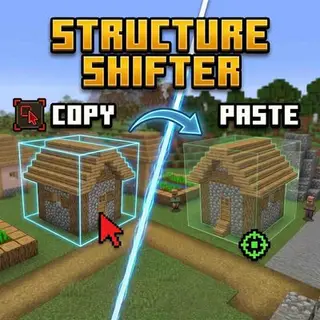
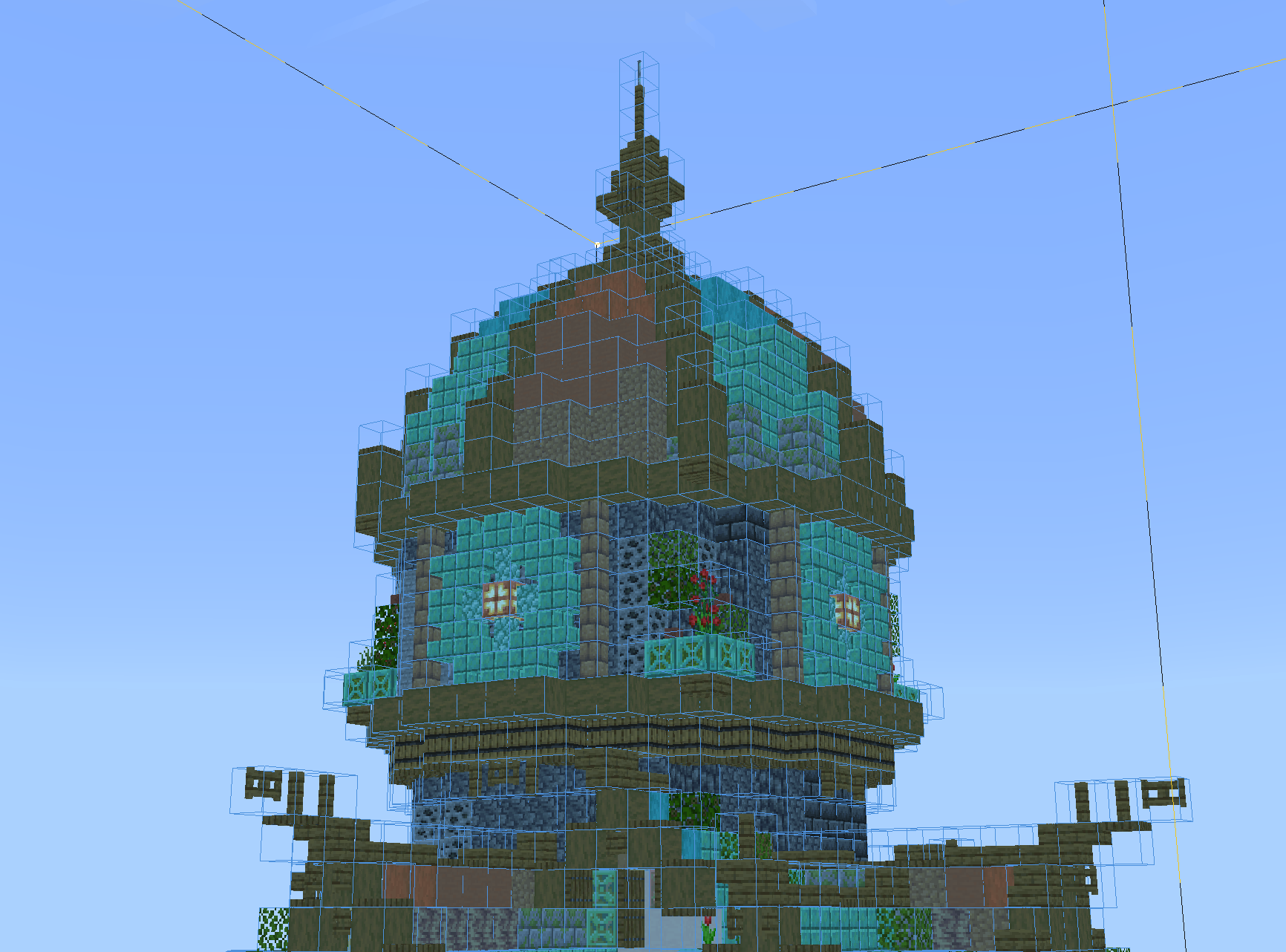
The closest thing Bedrock has ever had to Litematica. Construct eases the survival building process & helps multiple players build together.
I don't know my version



This isn't a one-time download! I'm constantly working on improvements for Construct. If you would like to show a token of appreciation for my work and support the future development of my addons, please consider buying me a coffee.

Bedrock Edition's Litematica.
Give yourself the tools to ease the survival building process with Construct, an addon designed to help you transfer your builds from creative to survival. Construct offers these intuitive features and several more:
- Structure Hologram
- Easy Place: Always places blocks correctly.
- Block Validation: Highlights incorrect blocks.
- Material Grabbing: Pulls required materials from chests in just one click.
- Layered Building: Build structures in layers.
- Structure Management: Create and edit many structures at once.
- Structure Importing: Import structures from other worlds quickly and easily.

Usage
Install this addon just like any other, & don't forget to enable Beta APIs!
Construct Menu
Use /construct:construct to get the Construct item, which opens the Construct menu. This item is also available in the Creative inventory under the "Items" tab. Using the Construct item will open a menu where you can manage your structures instances. You can create new instances of structures, edit existing ones, and delete them when you no longer need them. There are plenty options available to customize your building style!
Pro tip: You can name the Construct item after a structure instance to automagically select it when you open the menu!
Don't forget to check out the Builder Settings tab, where you can improve your building experience with Easy Place and Material Grabbing options!
Adding New Structures
Construct uses Minecraft's vanilla structure system so that you can easily create and build new structures.
The simplest way to add a new structure to the structure list is to save it using a structure block or the /structure command. This will only save the structure to the world you're in.
Importing structures from other worlds:
- Move the
Construct[BP]to yourcom.mojang/development_behavior_packsfolder. - Drop your
.mcstructurefile in Construct'sConstruct[BP]/structuresfolder. - Restart your world.
- Your structure should now be in in Construct's structure list!
- Move the
For devices that cannot export .mcstructure files:
- Export your world file.
- Go to https://holoprint-mc.github.io/ and use its "Extract From World" feature to get your .mcstructures.
For devices that cannot manage Minecraft's files:
- Go to https://sea-of-stars-studio.github.io/.
- Upload your .mcstructure and generate a .mcpack with your structure inside.
- Add the generated pack to the same world as Construct.
Commands
Usage: /construct:construct
Gives you the Construct item. Use it to open the Construct menu.
Join the Community
Need help, want to discuss technical Minecraft, or follow future updates? Join our Discord!- Edition: Minecraft Bedrock
- File type: .mcpack or .mcaddon
- Minecraft versions listed: 26.50, 26.40, 26.30
- How to install: Download the .mcpack or .mcaddon file. → Open it — Minecraft imports it. → In your world: Behavior Packs → Available → Activate, then the same under Resource Packs.
- Where to get it: Opens on CurseForge — not every file is mirrored on our own servers.
Install steps are the general flow for this file type — How to install Minecraft Bedrock addons & mods walks through it step by step.
- Pack type: .mcaddon — behaviour and resource pack in one file
- Manifest requires Minecraft 1.26.30 or newer
- Needs Beta APIs switched on in the world settings
- Complete pack — everything it depends on is inside the file
- Download size: 1.4 MB
- Download link checked 5 Oct 2026 — working
These come from our own check of the pack file, not from the source page.