AddonsBedrock
New Weapons Overhaul
I don't know my version
Open Minecraft and look at the bottom-left corner of the main screen — the version is printed there, like v1.26.30.
The game writes a 1. in front; the buttons above leave it off. v1.26.30 in the game is 26.30 here.
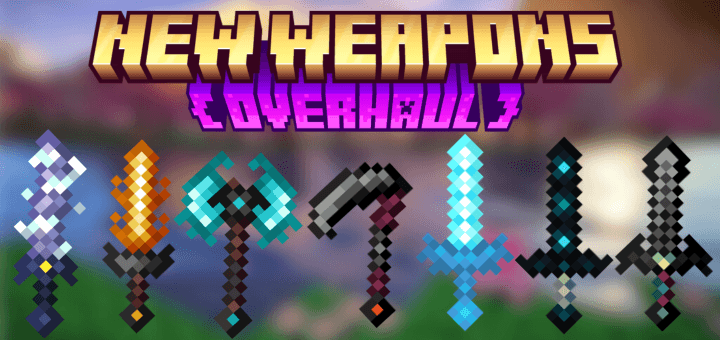
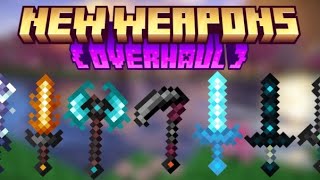
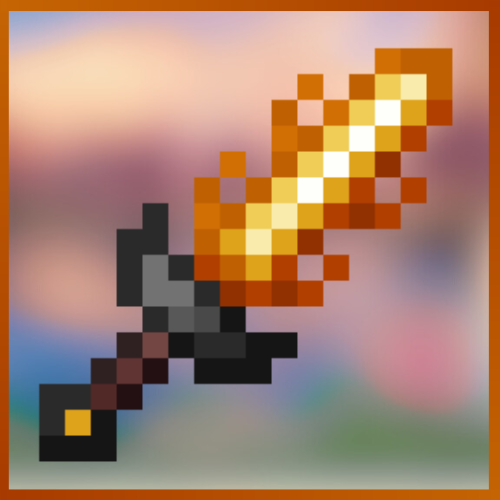
New Weapons Overhaul adds powerful, custom weapons with cinematic particle abilities, unique hit effects, and crafted recipes. Expect dramatic visuals, signature animations, and a dark-fantasy arsenal built for Bedrock.
Quick facts
- Edition: Minecraft Bedrock
- File type: .mcpack or .mcaddon
- Minecraft versions listed: 1.21.93, 1.21.90, 1.21.101
- How to install: Download the .mcpack or .mcaddon file. → Open it — Minecraft imports it. → In your world: Behavior Packs → Available → Activate, then the same under Resource Packs.
- Where to get it: In MCModsHub, or directly above on this page.
Install steps are the general flow for this file type — How to install Minecraft Bedrock addons & mods walks through it step by step.
Verified by MCModsHub
- Save it as Weapons_Overhaul_1.4.1_RP (BP+RP).mcpack before opening — it downloads as .mcaddon, but it is a .mcpack pack
- Ships one half — this pack asks for another pack that is not included
- Download size: 336 KB
- Download link checked 18 Jun 2026 — working
These come from our own check of the pack file, not from the source page.