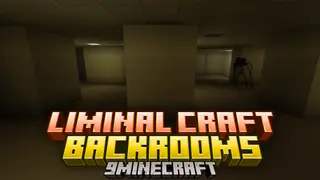
Liminal Craft: Backrooms Addon (0.0.3)
Bedrock add-on listed for Minecraft 1.21–26.x (behavior + resource pack). File opened and checked on 25 Oct 2026; installs from the MC Bedrock Mods app on Android.
I don't know my version
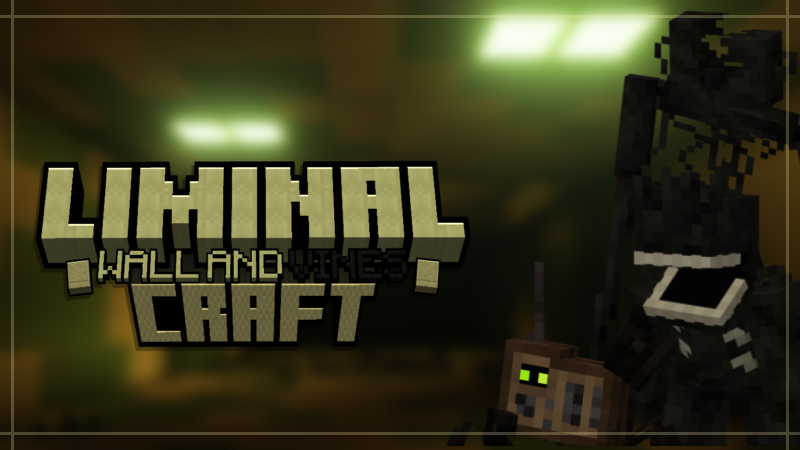
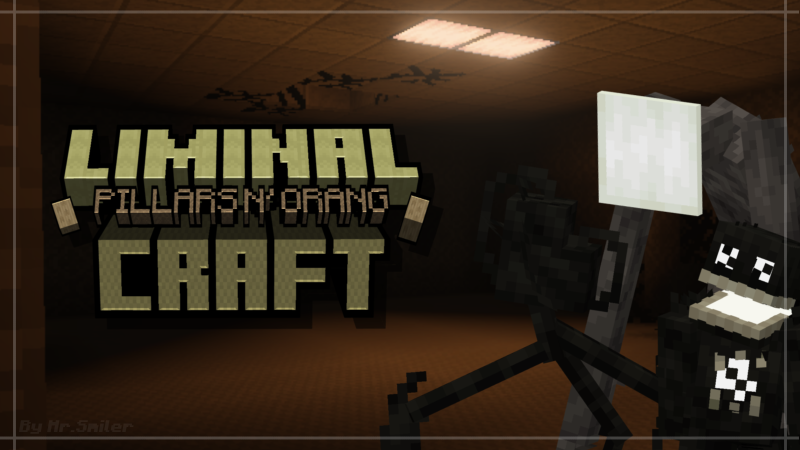

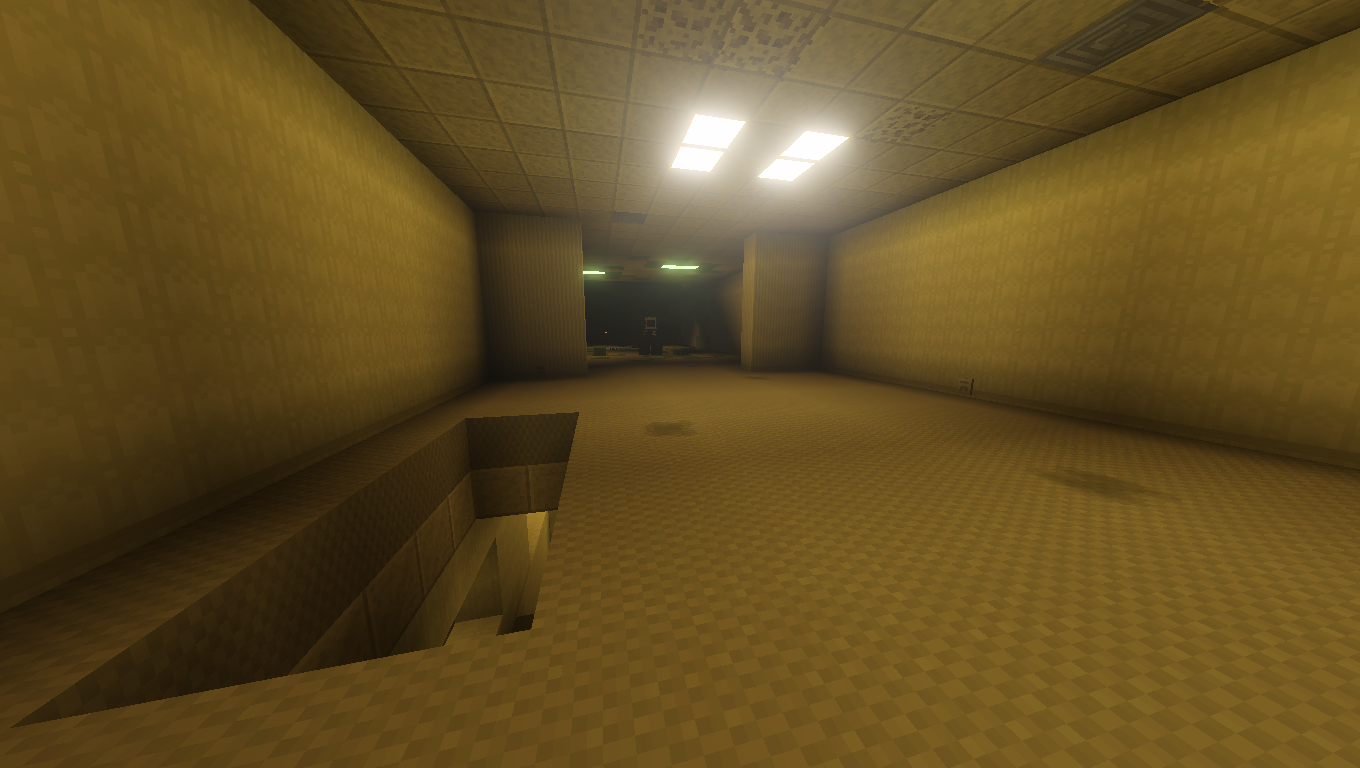

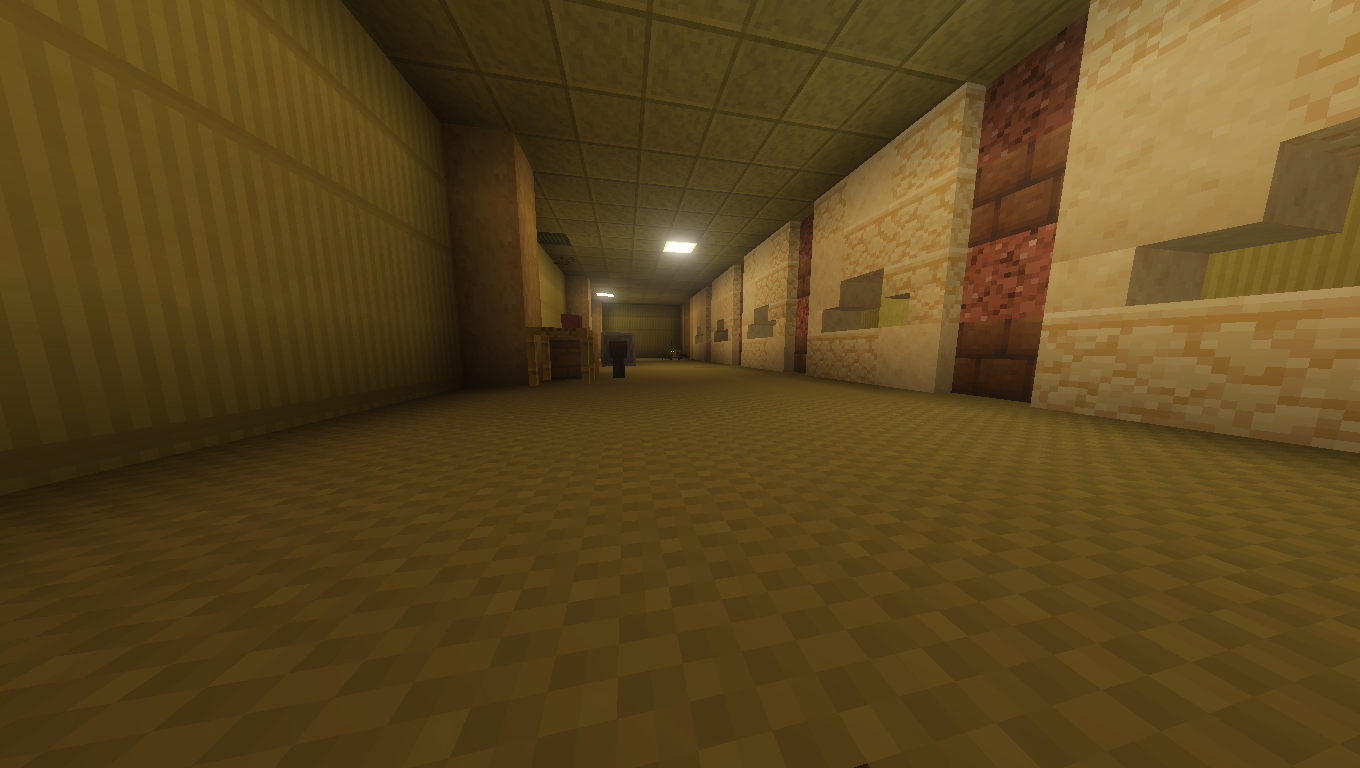
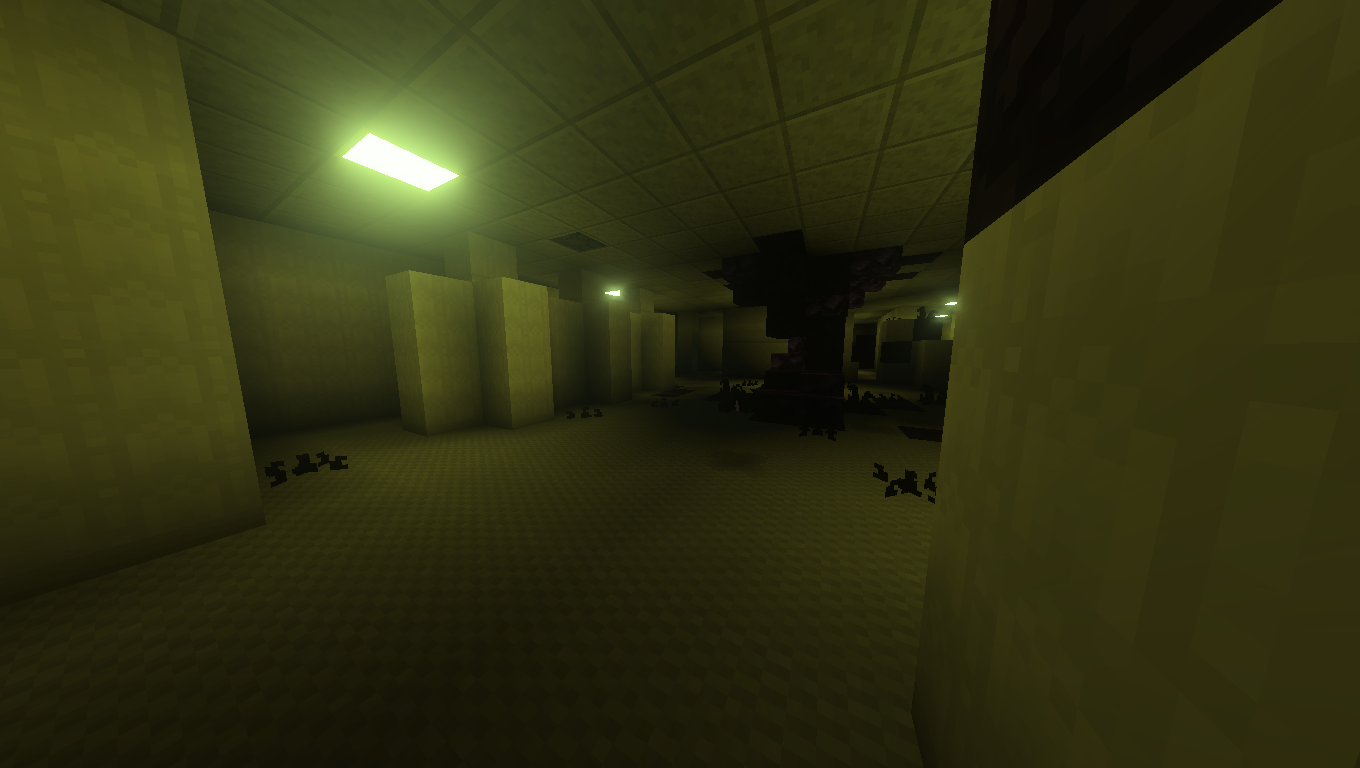
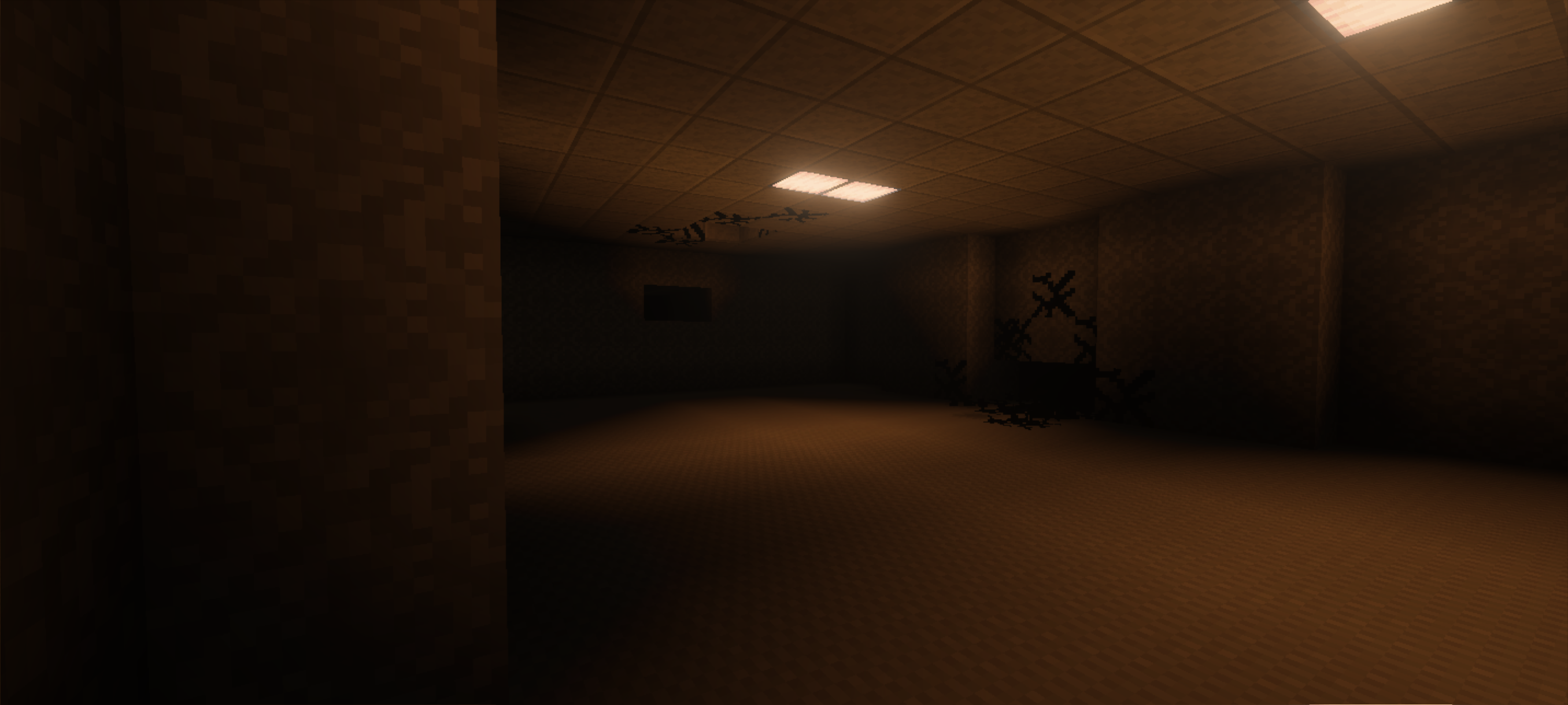
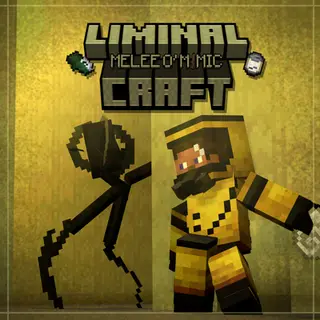
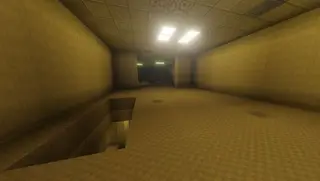
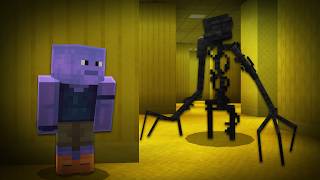
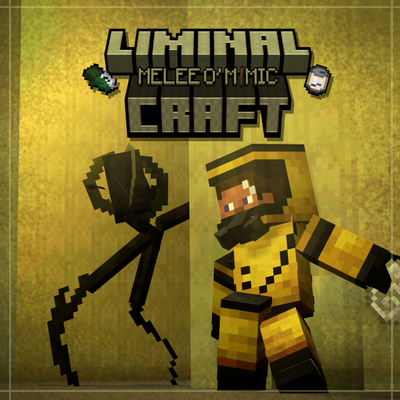
Liminal Craft is a Minecraft Bedrock Add-On that adds different Entities, Blocks and Items for Building a Backroom World, Apart from its Compatibility with the New Vibrant Visuals, Try to make each entity have its meaning in the Add-On and its Function, and apart from trying to have a style as Vanilla as possible.
The Entities that the Add-on contains are mainly from Roblox Games, Wiki Pages or Custom, mainly from the Adysync, Reysync and Limbo, others would be like the Kane Parsons series, It also uses the original Backrooms Wikidot as a base for some ideas, because it is obviously the basis for everything.
This Add-On is created mainly for the player to create maps, so it can be called Sandbox but in future versions a natural generation is planned, it mainly has 1 level blocks (+Biome) That its sections are under construction category.
(WARNING! THE MCPEDL PAGE IS BUGGED, DOWNLOAD THE ADD-ON HERE. (Curseforge)
Discord Server:
DISCLAIMER!
Please give credit to the Addon page in case you are going to make a video/use it in your maps, As well as Activate the Experimental options of the Addon (Beta API and Upcoming Creator Features) Before Creating a new world and Make sure to put the both Packs, This addon is a Sandbox, if you don't want to build, you can wait for the map release, Thank you.
Entity List:
• Entity (Mobs) List:
- Lifeform
- Marvin's Friend
- Tripod
- Vending mimic
- Echo (Snatcher)
- Mold Zombie
- Swift Zombie
- Mold Titan
- Mold Clicker
- Mold Spotlight
- R&I Mold zombie
- FMU Mold zombie
- M-State Spotlight
- M-State Titan
- TSD Titan (Jefferson)
- Radio Crab
- Speaker Crab
- Umbra Light
- Mannequin Mimic
- Skin Stealer
- Carpet Bear
- Edition: Minecraft Bedrock
- File type: .mcpack or .mcaddon
- Minecraft versions listed: 1.21.130, 1.21.131, 1.21.132
- How to install: Download the .mcpack or .mcaddon file. → Open it — Minecraft imports it. → In your world: Behavior Packs → Available → Activate, then the same under Resource Packs.
- Where to get it: Opens on CurseForge — not every file is mirrored on our own servers.
Install steps are the general flow for this file type — How to install Minecraft Bedrock addons & mods walks through it step by step.
- Pack type: .mcaddon — behaviour and resource pack in one file
- Manifest requires Minecraft 1.21.60 or newer
- Complete pack — everything it depends on is inside the file
- Download size: 9.4 MB
- Download link checked 26 Oct 2026 — working
These come from our own check of the pack file, not from the source page.