AddonsBedrock
Auto Totem Equipment "Smart Totem Safety System"
If you are looking for a Minecraft Bedrock auto totem addon, totem swap mod, offhand safety system, or hardcore survival helper, this addon provides a…
I don't know my version
Open Minecraft and look at the bottom-left corner of the main screen — the version is printed there, like v1.26.30.
The game writes a 1. in front; the buttons above leave it off. v1.26.30 in the game is 26.30 here.
🛡️ Auto Totem Addon Smart Totem Safety System for Minecraft Bedrock 1.21+
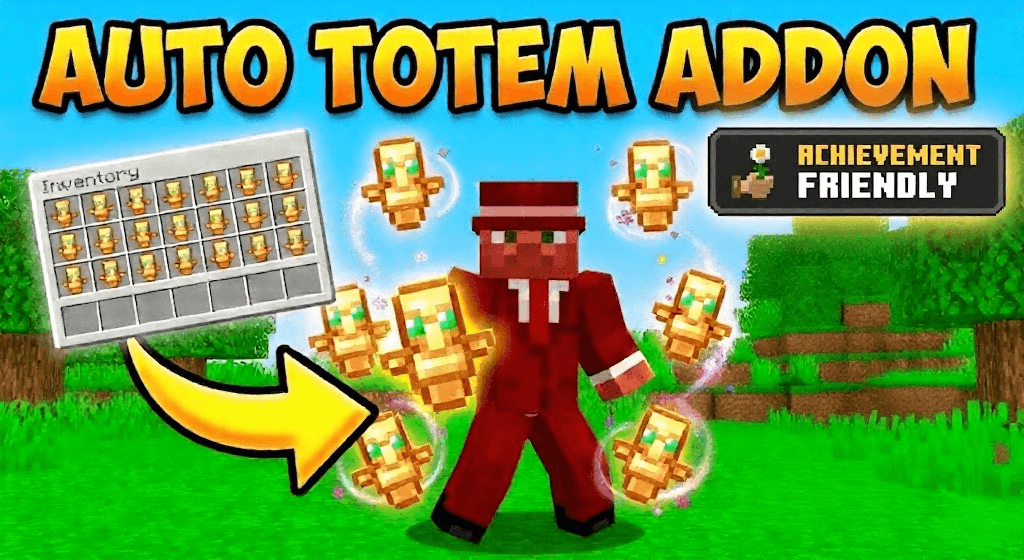
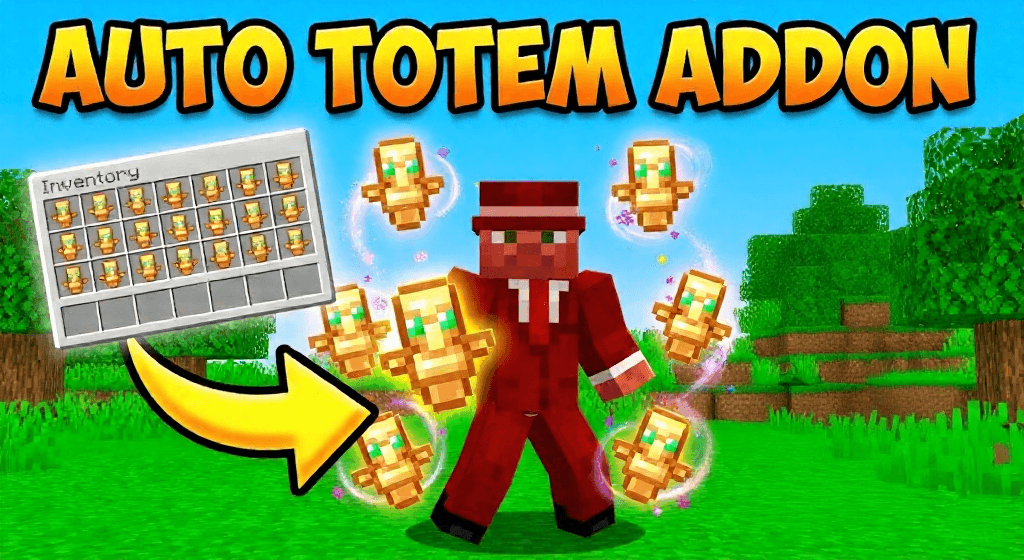
Auto Totem Addon is a survival focused Minecraft Bedrock quality of life addon that automatically equips a Totem of Undying when a player’s health drops to a critical level. It is designed to save lives, prevent unfair deaths, and keep gameplay smooth without requiring fast reactions or constant offhand management.
If you are looking for a Minecraft Bedrock auto totem addon, totem swap mod, offhand safety system, or hardcore survival helper, this addon provides a clean and reliable solution while remaining fully balanced.
🧠 What This Auto Totem Addon Does
The addon continuously monitors player health.
When health drops below a safe threshold, a Totem of Undying is instantly equipped to the offhand.
This ensures the totem activates at the right moment without manual input.
❤️ Smart Health Based Trigger
The system activates when health falls below five hearts.
If the player is already holding a totem in the main hand or offhand, no action is taken.
This prevents unnecessary item swapping or interruptions.
🎒 Safe Inventory Swap Logic
The addon searches the player inventory for a totem.
If found, it safely moves the totem to the offhand.
Any existing offhand item such as a shield or map is moved back into the inventory instead of being deleted.
✨ Instant Feedback
A sound effect plays when the totem is equipped.
An action bar message confirms that Auto Totem has activated.
The feedback is clear and non intrusive.
⚙️ Performance Optimized and Always On
Runs on a fast but optimized interval for responsiveness.
No commands, no menus, no configuration required.
Automatically enabled for all players.
🛡️ Survival and Hardcore Friendly
Perfect for hardcore worlds and high risk gameplay.
Does not give unfair advantages.
Only activates when a totem is already owned by the player.
🎮 How to Use
Carry a Totem of Undying in your inventory.
Play normally in survival mode.
When your health drops to a critical level, the totem is equipped automatically.
Survive dangerous situations without manual swapping.
📦 Best For
Survival worlds
Hardcore gameplay
PvE and PvP situations
SMP servers
Vanilla plus experiences
✅ Compatibility
Minecraft Bedrock Edition
Tested on version 1.21 and above
Script based addon
No resource pack required
Works in singleplayer and multiplayer
🔑 SEO Keywords Hidden but Powerful
Minecraft Bedrock auto totem addon, auto totem swap mod, totem of undying addon, offhand auto equip Bedrock, hardcore survival addon, PvP survival helper, Bedrock Edition script addon, Minecraft 1.21 auto totem, no cheat survival addon, quality of life Bedrock mod, automatic totem system, life saving addon Minecraft, SMP safe addon, Realm compatible addon
⭐ Why Choose Auto Totem Addon
Prevents accidental deaths
Hands free totem management
Survival balanced and fair
No setup required
Optimized and server safe
Quick facts
- Edition: Minecraft Bedrock
- File type: .mcpack or .mcaddon
- Minecraft versions listed: 26.3, 26.10, 26.11
- How to install: Download the .mcpack or .mcaddon file. → Open it — Minecraft imports it. → In your world: Behavior Packs → Available → Activate, then the same under Resource Packs.
- Where to get it: In MCModsHub, or directly above on this page.
Install steps are the general flow for this file type — How to install Minecraft Bedrock addons & mods walks through it step by step.
Verified by MCModsHub
- Pack type: .mcaddon — behaviour and resource pack in one file
- Manifest requires Minecraft 1.26.0 or newer
- Complete pack — everything it depends on is inside the file
- Download size: 2 KB
- Download link checked 25 Aug 2026 — working
These come from our own check of the pack file, not from the source page.


