Clear Water Texture Pack | fancy + vibrant visuals modes!
Bedrock add-on listed for Minecraft 1.18–26.x (resource pack only). File opened and checked on 22 Oct 2026; installs from the MC Bedrock Mods app on Android.
The Best Clear Water Texture Pack for Minecraft Bedrock/PE. It has Underwater Night Vision, 3 - beautiful different water textures, Enhanced particles…
I don't know my version
Want to host a powerful and reliable Minecraft or Hytale server?
Get started with Godlike click here
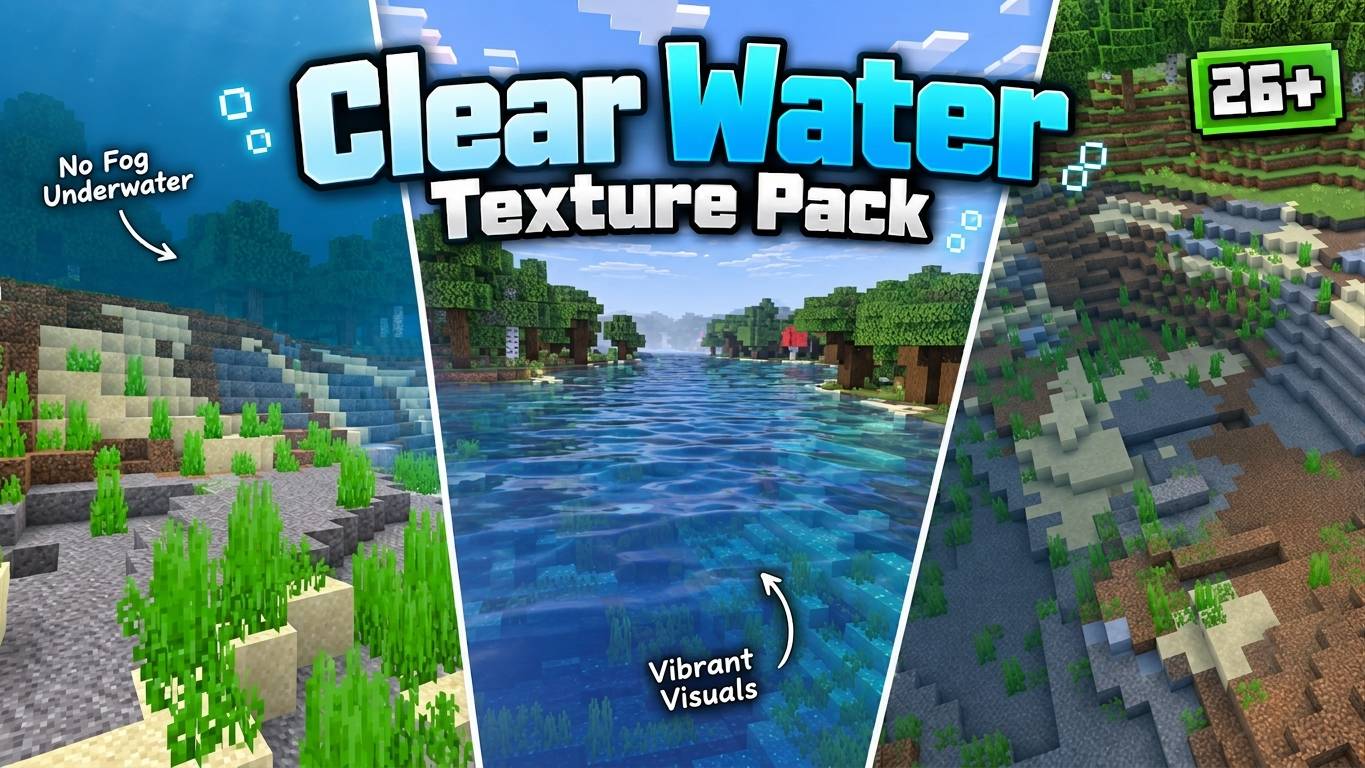
The Clear Water Texture Pack is a simple but amazing pack that makes the water in Minecraft look clear, clean and beautiful. You can see through the water as if it was glass, and admire the underwater scenery. You can easily spot structures underwater, such as shipwrecks, ruins and temples, and explore them without any hassle. You can also see the fish, coral and other marine life in all their colorful details, and interact with them.
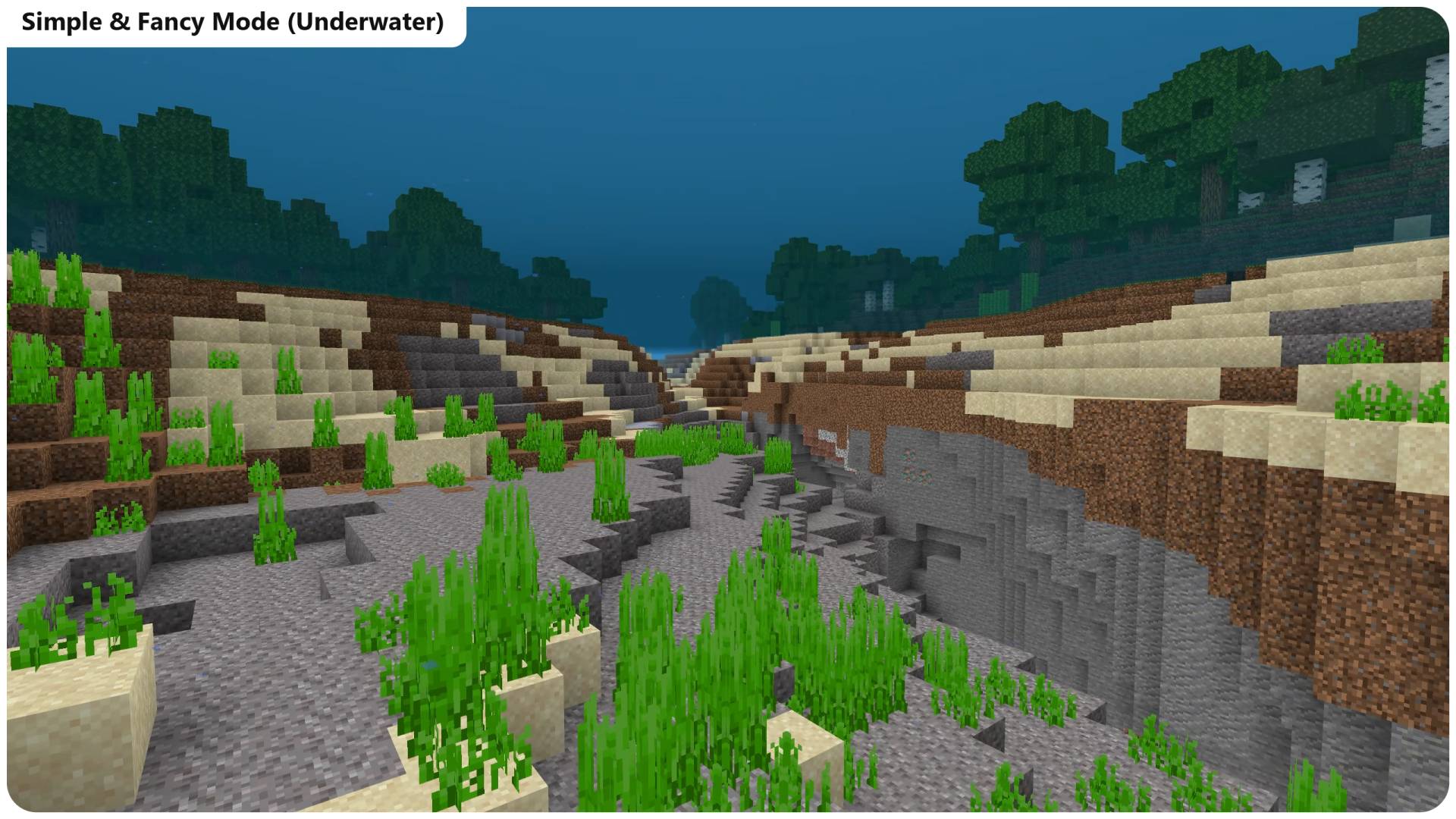
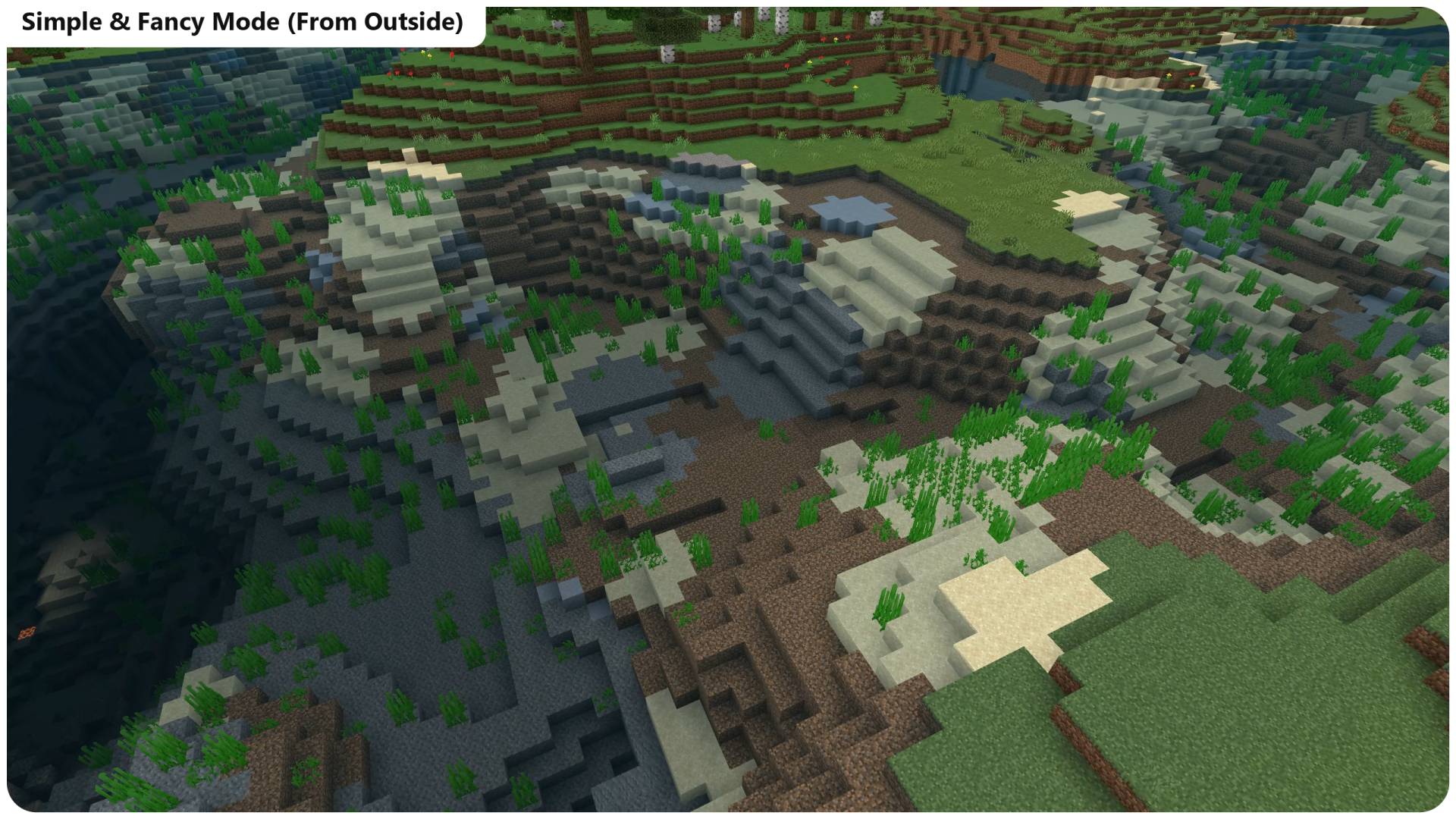
Clear Water For Simple & Fancy Mode
The Clear water texture pack now has 3 amazing and beautiful water texture so you can decide the water texture of your on world. you can toggle between these textures through subpacks settings. The three water textures are
Clear and Clean water- Blue water (more like the default one) But complety clear from underwater as well as from outside.
Emerald Green Water- Green-blue water, gives shader vibes and looks aesthetic. This one is clear too.
Blue Water- A better shade of blue, Most clean water and looks like the RTX water (that trend which was popular back then).
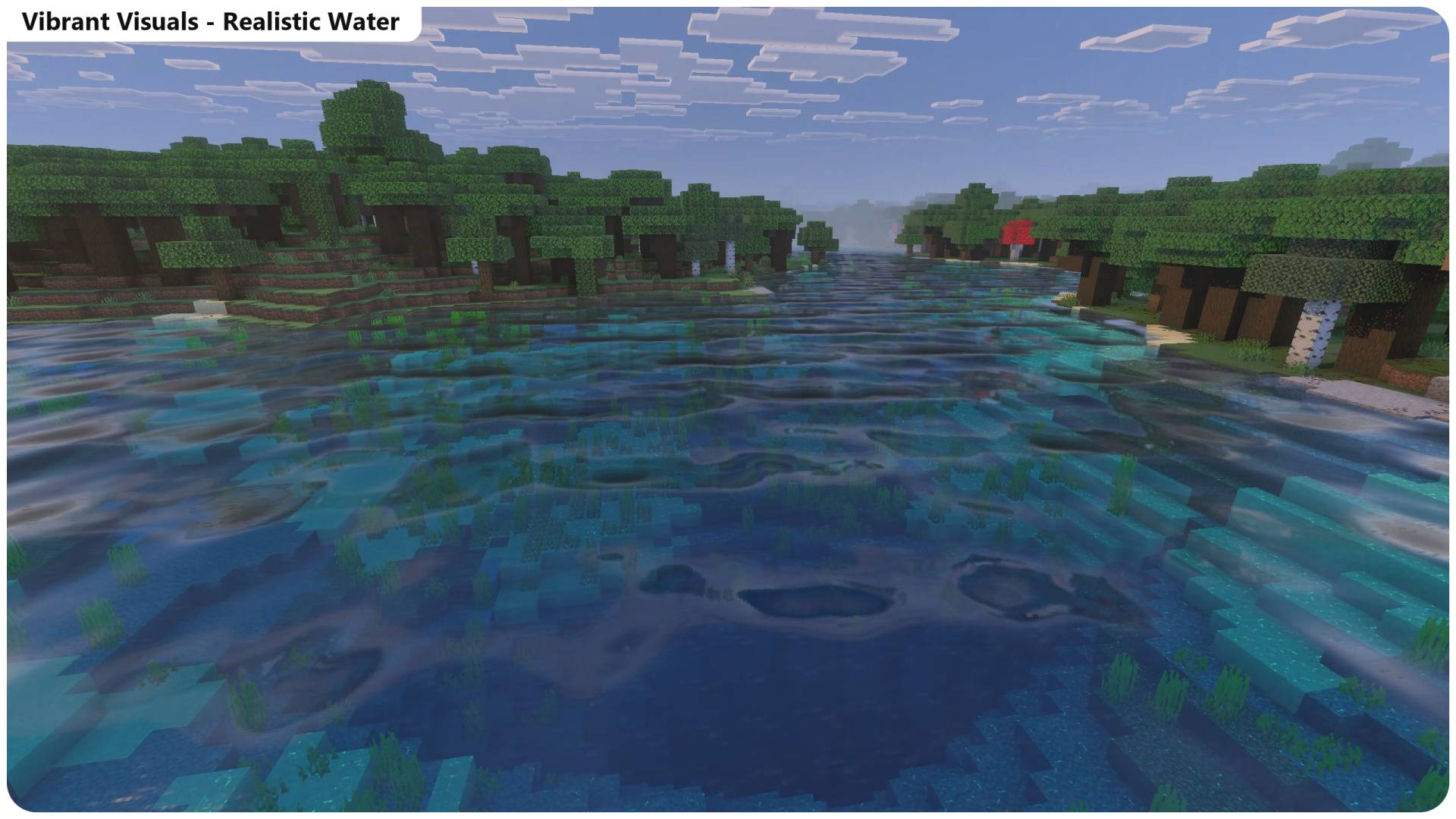
Realistic Water For Vibrant Visuals Mode
The vibrant visuals water texture pack improves the clarity of the water. Water will look more clear from outside. Not just that, it has realistic waves. And the best part is that, You can choose use this pack either solely or pair it with any shader you want. It just works. But make sure, if you're using it with a shader then place this pack above it. Also the vibrant visual option should be enabled in settings for this to work.
Note: This one doesn't provide Underwater Night(clear) vision like how the simple & fancy mode does. So you have only Realistic Water and Waves.
There are subpacks Available to Choose the Wave Size and speed. Medium is default, Low makes waves calmer, and smaller and High makes Waves bigger and and faster.
Other versions will continue to work as expected. Please give feedback for this
Showcase Video:
1. You are allowed to make video on the texture but give credits in video description. Please Only give original MCPEDL/CurseForge link.
2. You are not allowed to edit and publish it on the internet.
3. You are not allowed to publish the texture on any other website and claim it as yours
Join My Discord Server: https://discord.gg/Wvst4znsgk
Download the New Bedrock Manager application to easily install and manage your minecraft addons, worlds and more!
Download Now! (Windows only, android in future) 
Enjoy!
 👉 Click the banner or [start here] to get going.
Use code MODMCPE40 and unlock your 40% discount instantly.
- Edition: Minecraft Bedrock
- File type: .mcpack or .mcaddon
- Minecraft versions listed: 26.0.02, 26.0, 26.3
- How to install: Download the .mcpack or .mcaddon file. → Open it — Minecraft imports it. → In your world: Behavior Packs → Available → Activate, then the same under Resource Packs.
- Where to get it: Opens on CurseForge — not every file is mirrored on our own servers.
Install steps are the general flow for this file type — How to install Minecraft Bedrock addons & mods walks through it step by step.
- Pack type: .mcpack — a single pack
- Manifest requires Minecraft 1.21.80 or newer
- Complete pack — everything it depends on is inside the file
- Download size: 360 KB
- Download link checked 5 Oct 2026 — working
These come from our own check of the pack file, not from the source page.