True Tools v1.12
Bedrock add-on listed for Minecraft 1.21–26.x (behavior + resource pack). File opened and checked on 18 Oct 2026; installs from the MC Bedrock Mods app on Android.
A simple tool addon with improved features! What are you waiting for!? Try it if you are tired of vanilla tools
⬇ Download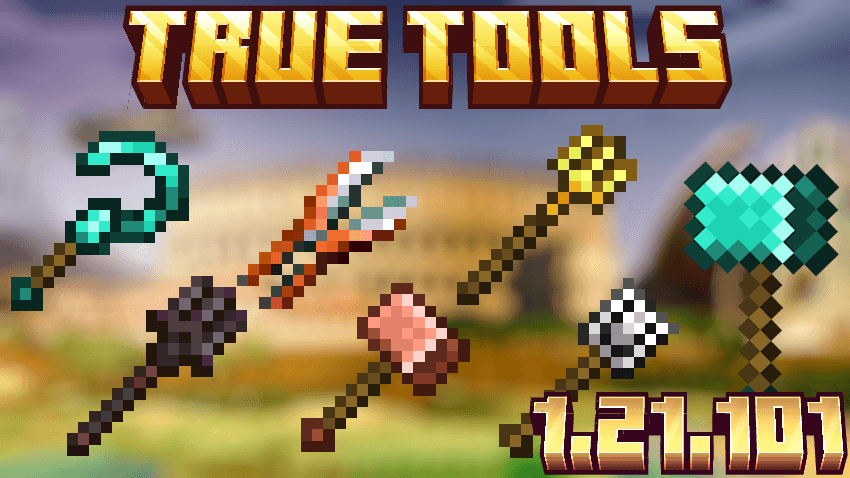
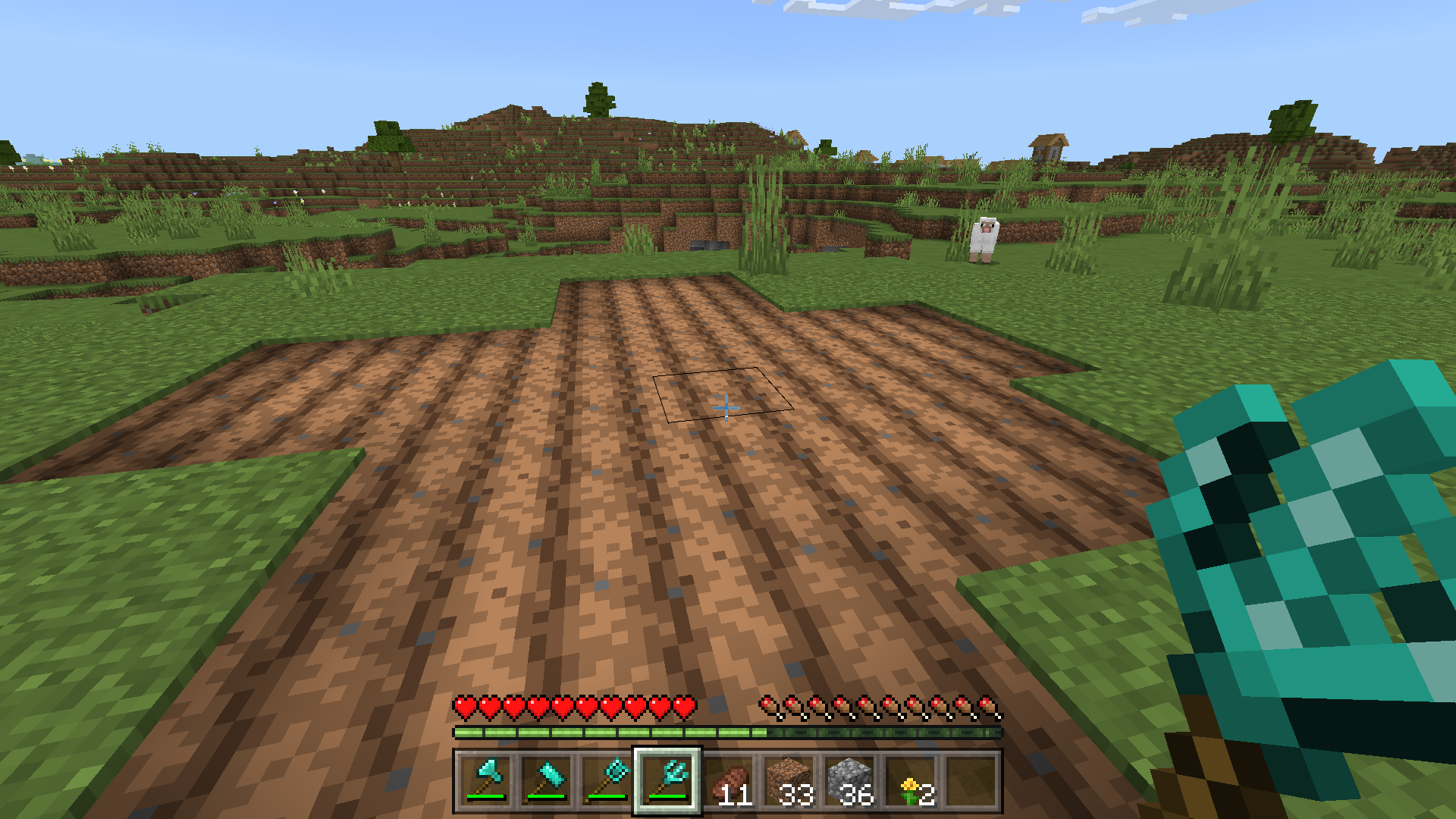
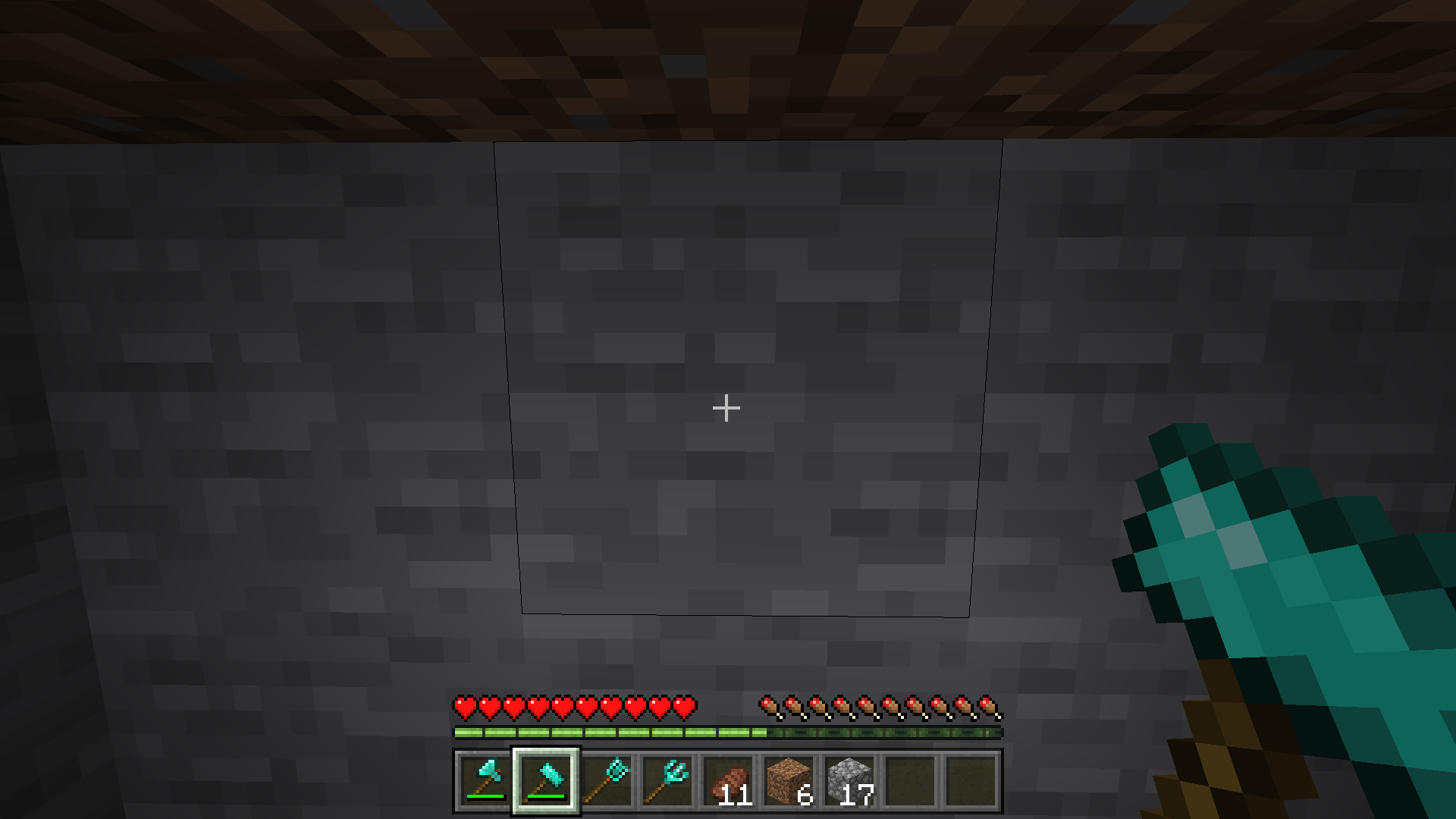
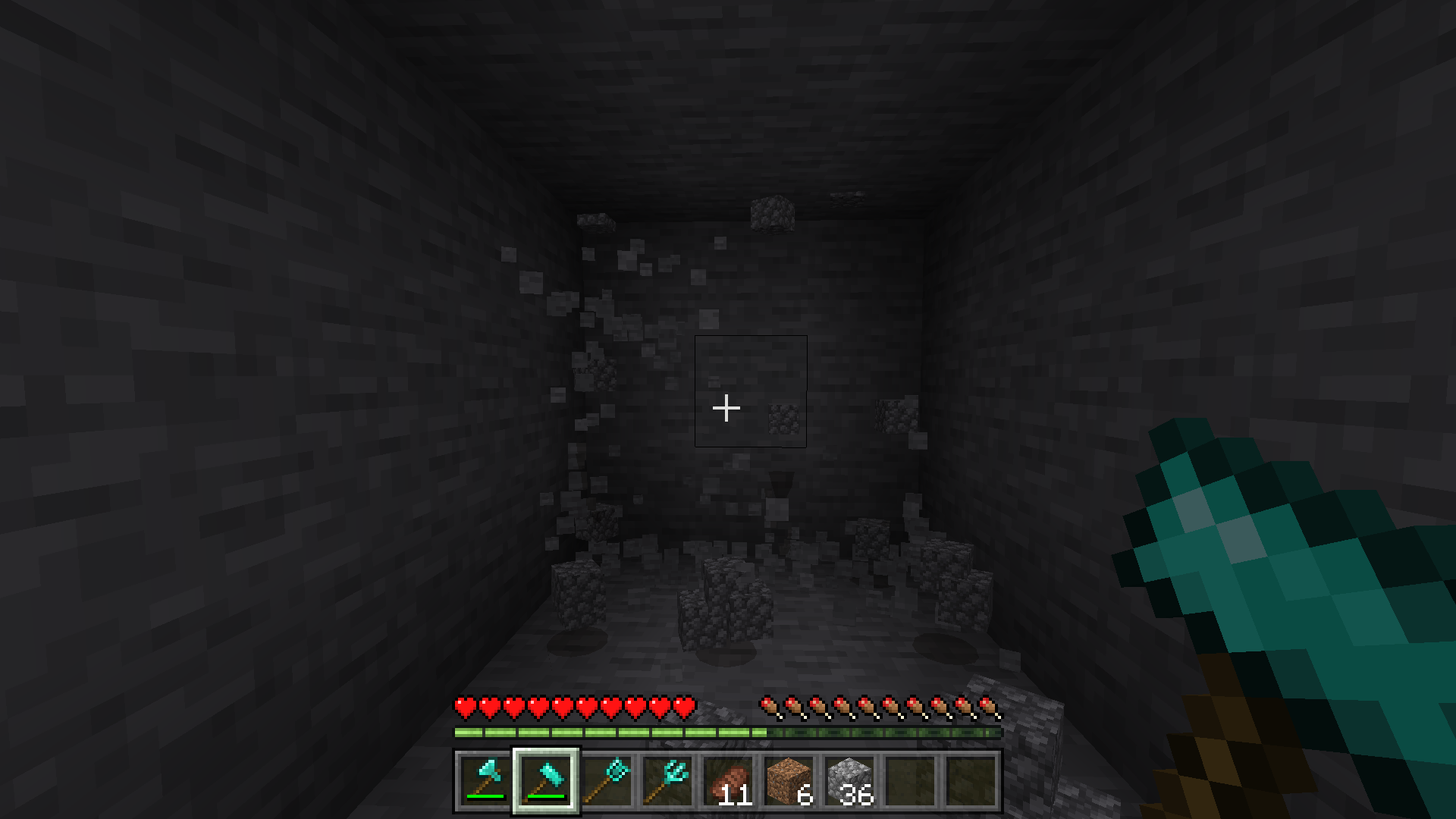
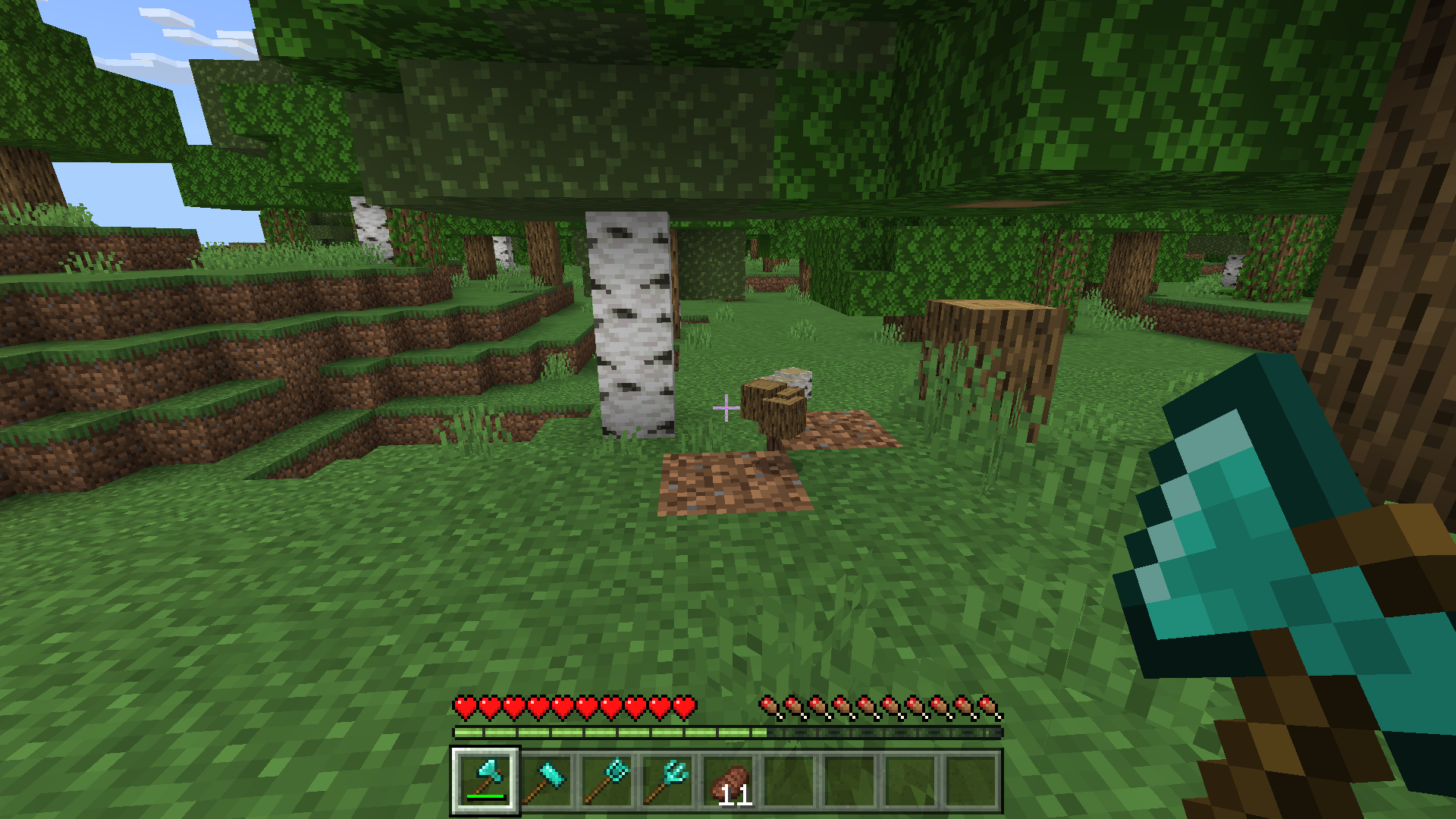
Minecraft now works for Minecraft 26.10!!
NEW!! 🔥🛠️🛠️
-Updated for Minecraft 26.10
-Paint Brush and Chisel
Chisel:
The Chisel is a tool that converts natural blocks or blocks used in construction into their brick variants. Once transformed, a natural block cannot revert to its natural form but can be converted into its crafted variants.
Paint Brush:
The Paint Brush! A tool for coloring blocks without having to do it manually. Use your imagination! The paint will run out, but the brush won't break, so just keep your paint pot full and get painting! HAHAHA
Sickle:
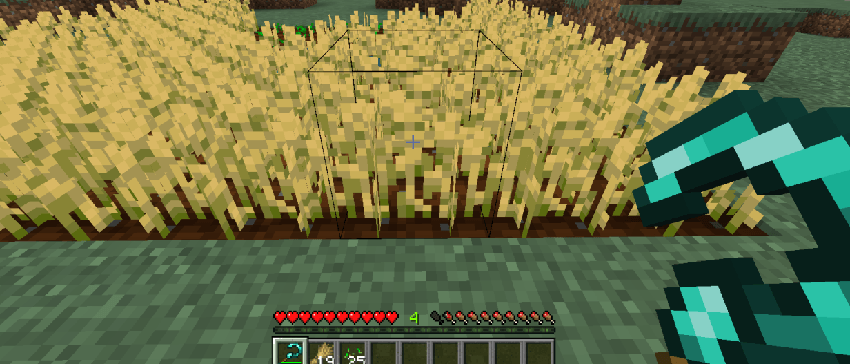
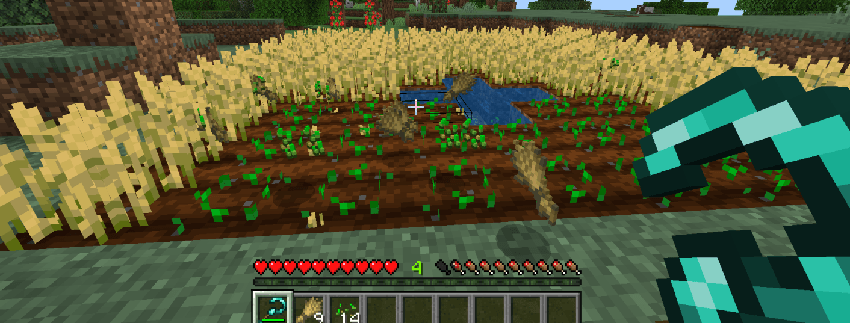
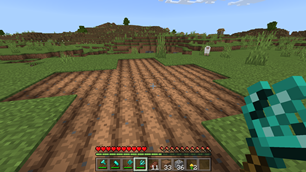
It works like a normal hoe, but by doing it right or interacting with a growing crop you can break crops in a 3 x 3 area and replant them automatically.
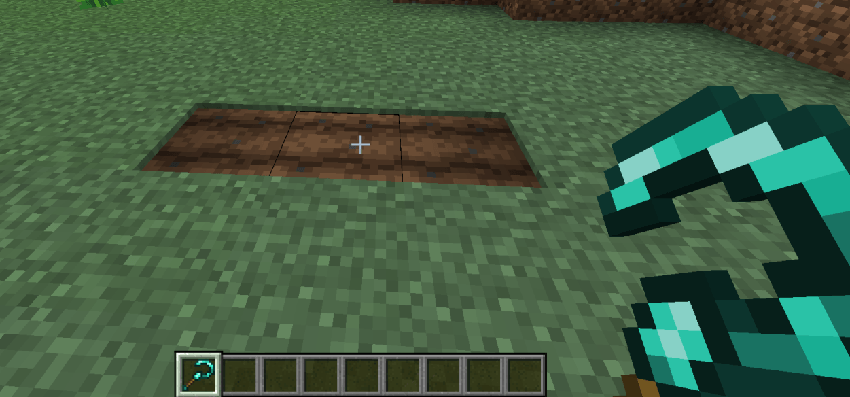
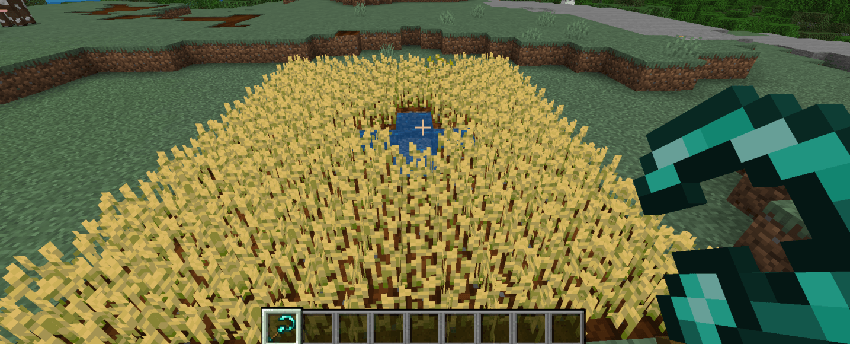
Now you can break more crops and be more efficient!
HAMMER:
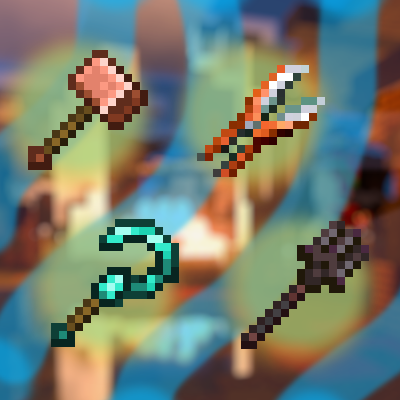
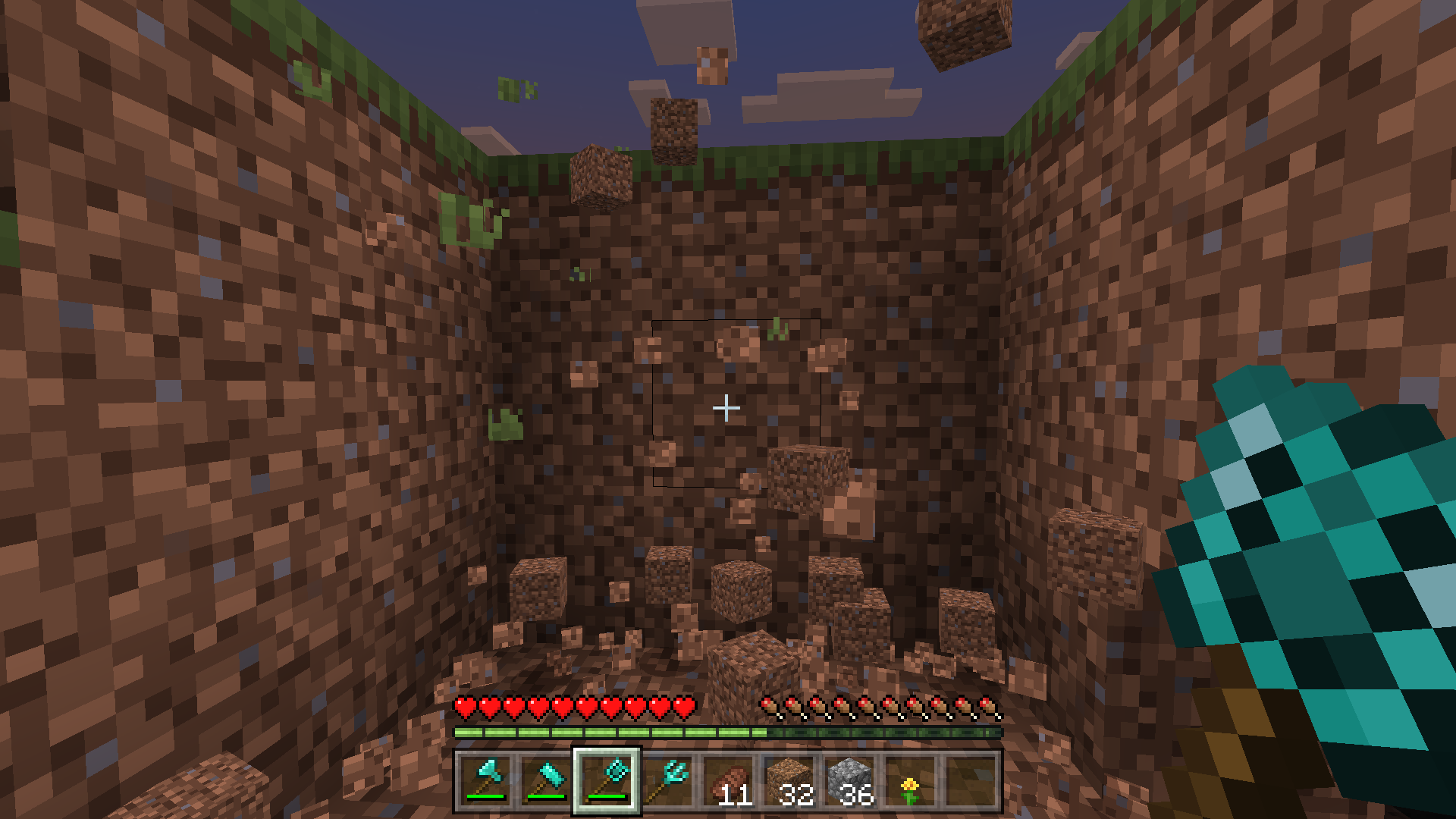
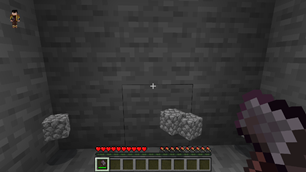
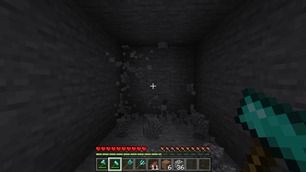
A great hammer that helps you mine as if it were a pickaxe but with the possibility of chopping 3 X 3 (DOES NOT WORK IF YOU ARE IN SNEAKING MODE)
LUMBERJACK AXE:
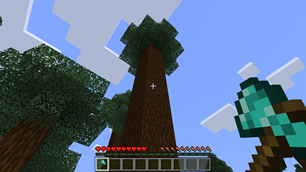
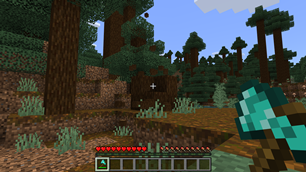
A great ax that helped you cut down trees quickly thanks to the ability of "TREE CAPITATOR", now all those trees will not be saved from your axe! (DOES NOT WORK IF YOU ARE IN SNEAKING MODE)
SNOW SHOVEL:
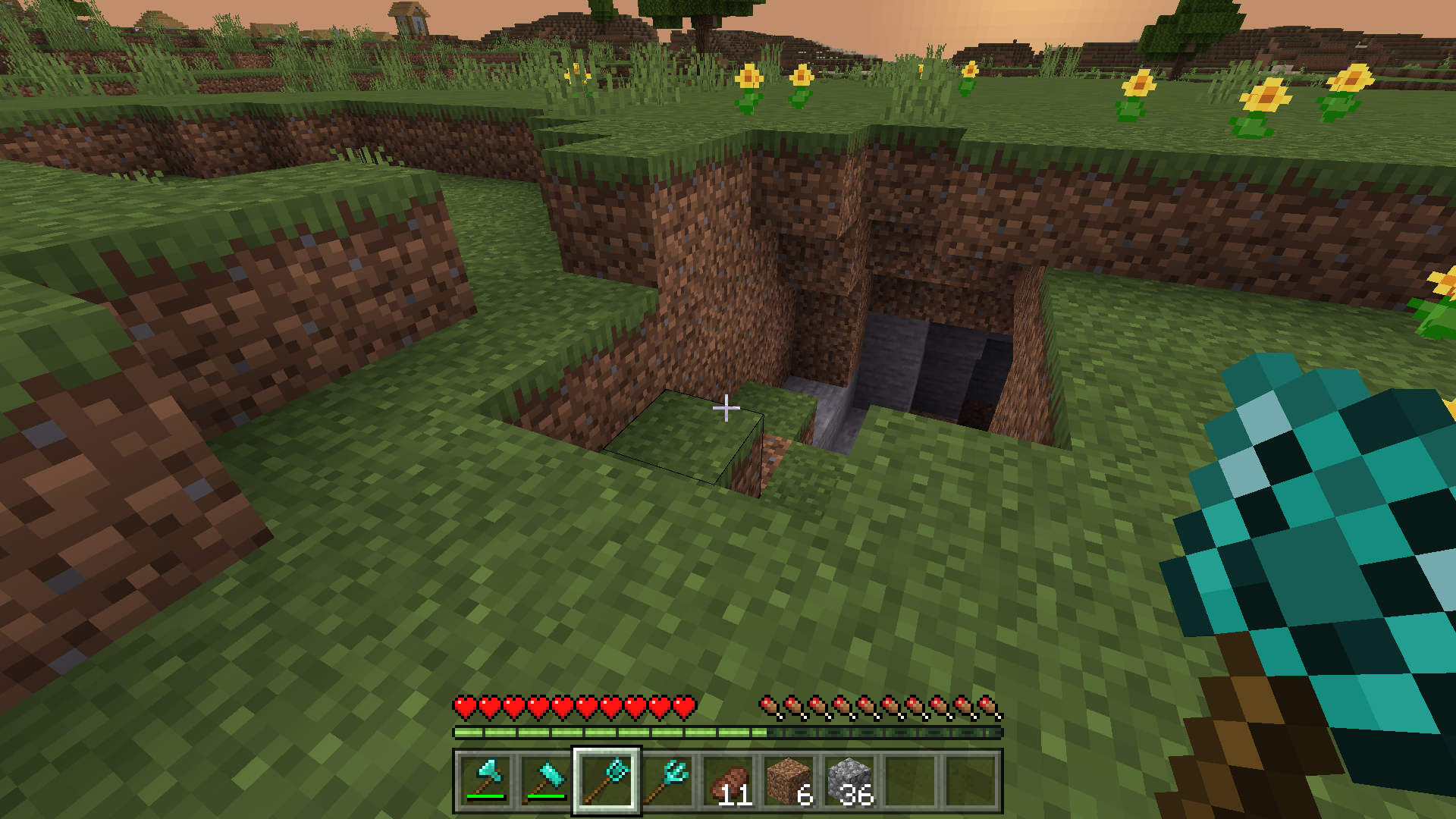
A large snow shovel that digs in 3 x 3, removes all that pesky dirt or snow so you can flatten large amounts of soil (DOES NOT WORK IF YOU ARE IN SNEAKING MODE)
-Now it breaks snow (It didn't do it before)
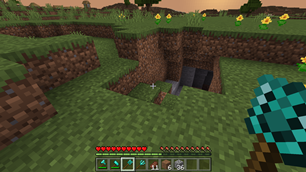

SPADE FORK:
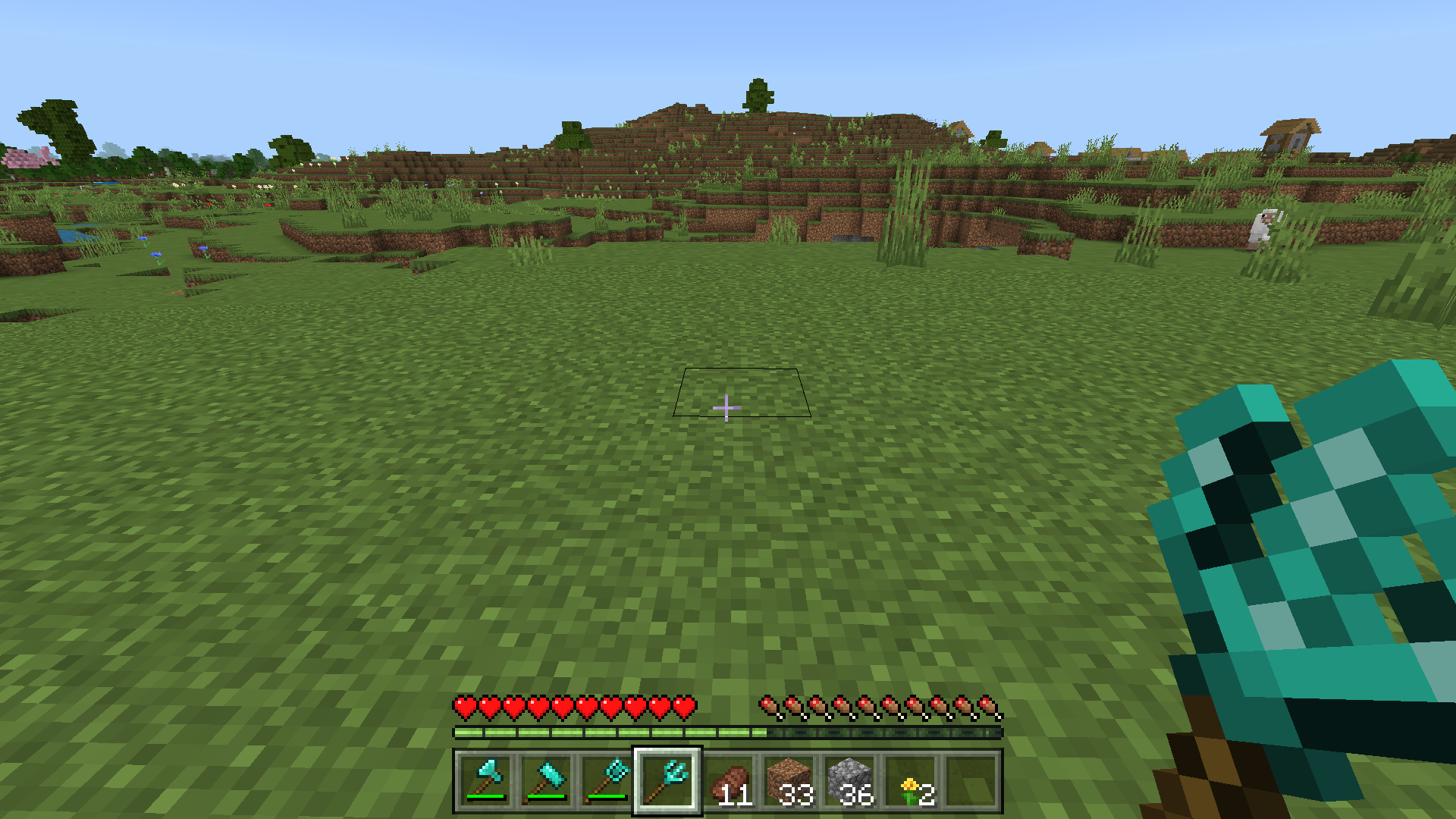
a farmer's tool! Grow more plants with these tools that do 3X3 in crops! (DOES NOT WORK IF YOU ARE IN SNEAKING MODE)
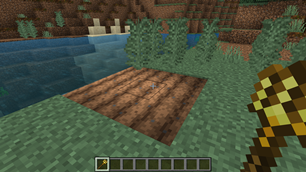
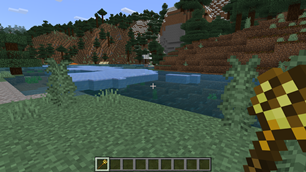
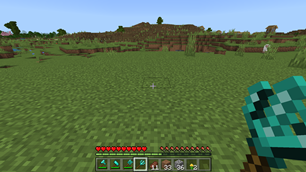
Big Shears
- Edition: Minecraft Bedrock
- File type: .mcpack or .mcaddon
- Minecraft versions listed: 26.0.02, 26.0, 26.3
- How to install: Download the .mcpack or .mcaddon file. → Open it — Minecraft imports it. → In your world: Behavior Packs → Available → Activate, then the same under Resource Packs.
- Where to get it: In MCModsHub, or directly above on this page.
Install steps are the general flow for this file type — How to install Minecraft Bedrock addons & mods walks through it step by step.
- Pack type: .mcaddon — behaviour and resource pack in one file
- Complete pack — everything it depends on is inside the file
- Download size: 395 KB
- Download link checked 30 Jun 2026 — working
These come from our own check of the pack file, not from the source page.