AddonsBedrock
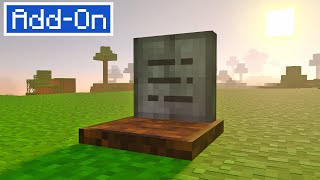
GraveStones
I don't know my version
Open Minecraft and look at the bottom-left corner of the main screen — the version is printed there, like v1.26.30.
The game writes a 1. in front; the buttons above leave it off. v1.26.30 in the game is 26.30 here.
How does it work?
- When you die you will get a key that when placed in your hand will tell you the coordinates and the distance in blocks where you died.
- When you go to the grave you must interact with it while having the key in your hand and you will obtain your entire inventory.
- The keys are unique and only work with the correct gravestone.
- Only the owner of the gravestone can open it, regardless of whether another player has the correct key.
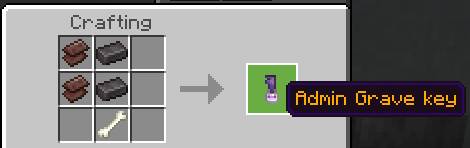
- If for some reason you lose the key you can craft another one.
- If you fall into the void in the end dimension, the gravestone will be placed at height 1 along with some blocks to make it easier for you to obtain.
- If you die in the same position as another player, the gravestone will be placed next to that gravestone.
- Using the `admin` tag administrators will be able to open any grave.
- You can also use the admin key to open any grave.
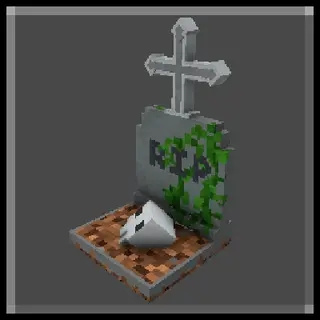
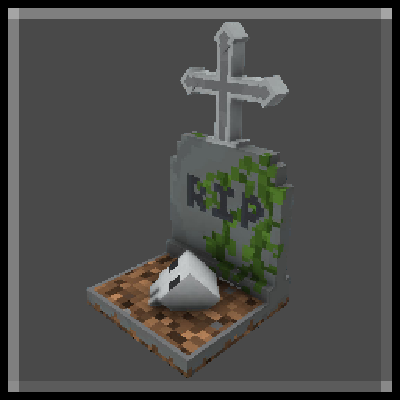
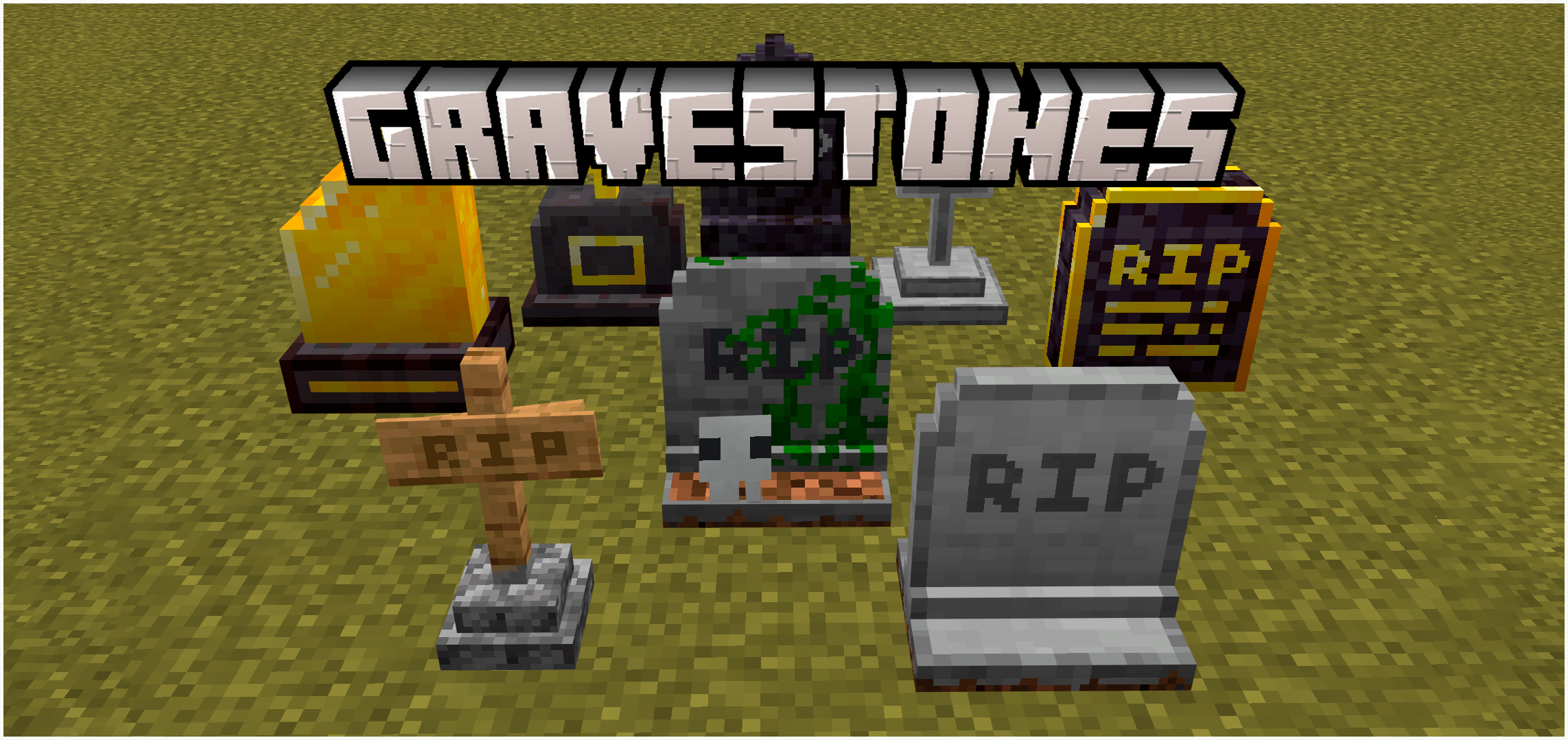
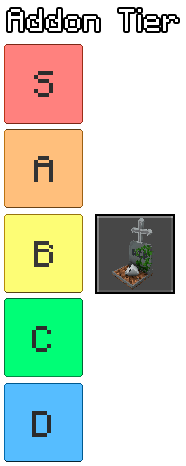
- There are 8 graves that will appear depending on the player's XP level when they die.
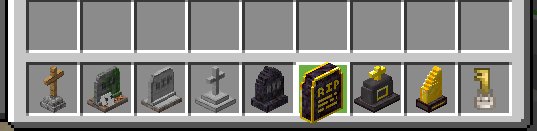
Some inspired by Terraria
How to install:
- Download and install the behavior pack and resource pack
- Activate both the behavior and the resource pack in your world settings
- KeepInventory enabled is required for the addon to function correctly
Screenshots:




Report error to my YouTube Effect99
- Any suggestions to add in the addon are welcome as long as you send them to me on my Discord
By Effect99
Quick facts
- Edition: Minecraft Bedrock
- File type: .mcpack or .mcaddon
- Minecraft versions listed: 1.21.90, 1.21.100, 1.21.60
- How to install: Download the .mcpack or .mcaddon file. → Open it — Minecraft imports it. → In your world: Behavior Packs → Available → Activate, then the same under Resource Packs.
- Where to get it: Opens on CurseForge — not every file is mirrored on our own servers.
Install steps are the general flow for this file type — How to install Minecraft Bedrock addons & mods walks through it step by step.
Verified by MCModsHub
- Pack type: .mcaddon — behaviour and resource pack in one file
- Manifest requires Minecraft 1.21.0 or newer
- Complete pack — everything it depends on is inside the file
- Download size: 116 KB
- Download link checked 25 Aug 2026 — working
These come from our own check of the pack file, not from the source page.