Custom Skies/Cubemaps | Dynamic Day/Night Cubemaps | 10 Cubemaps
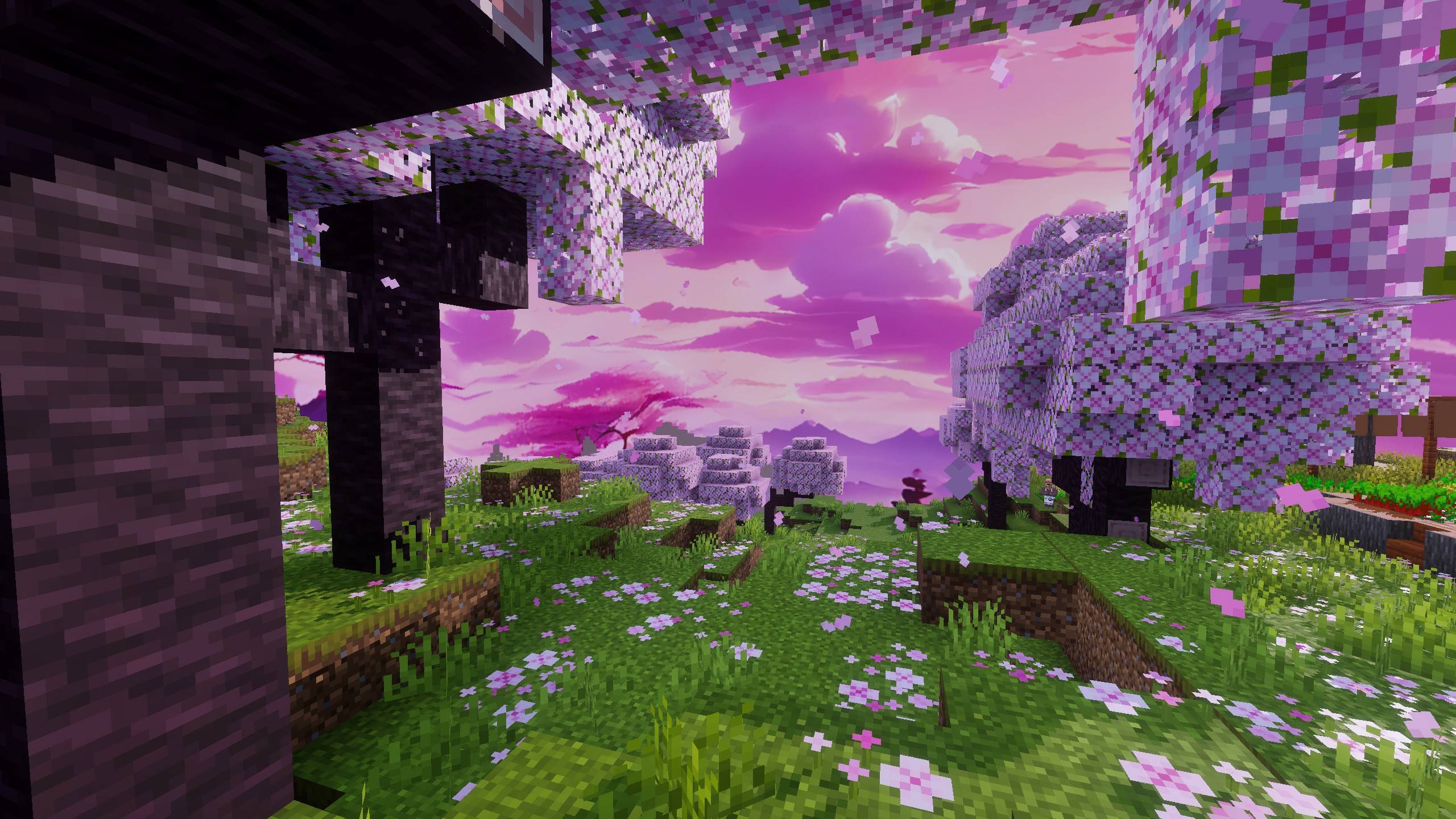
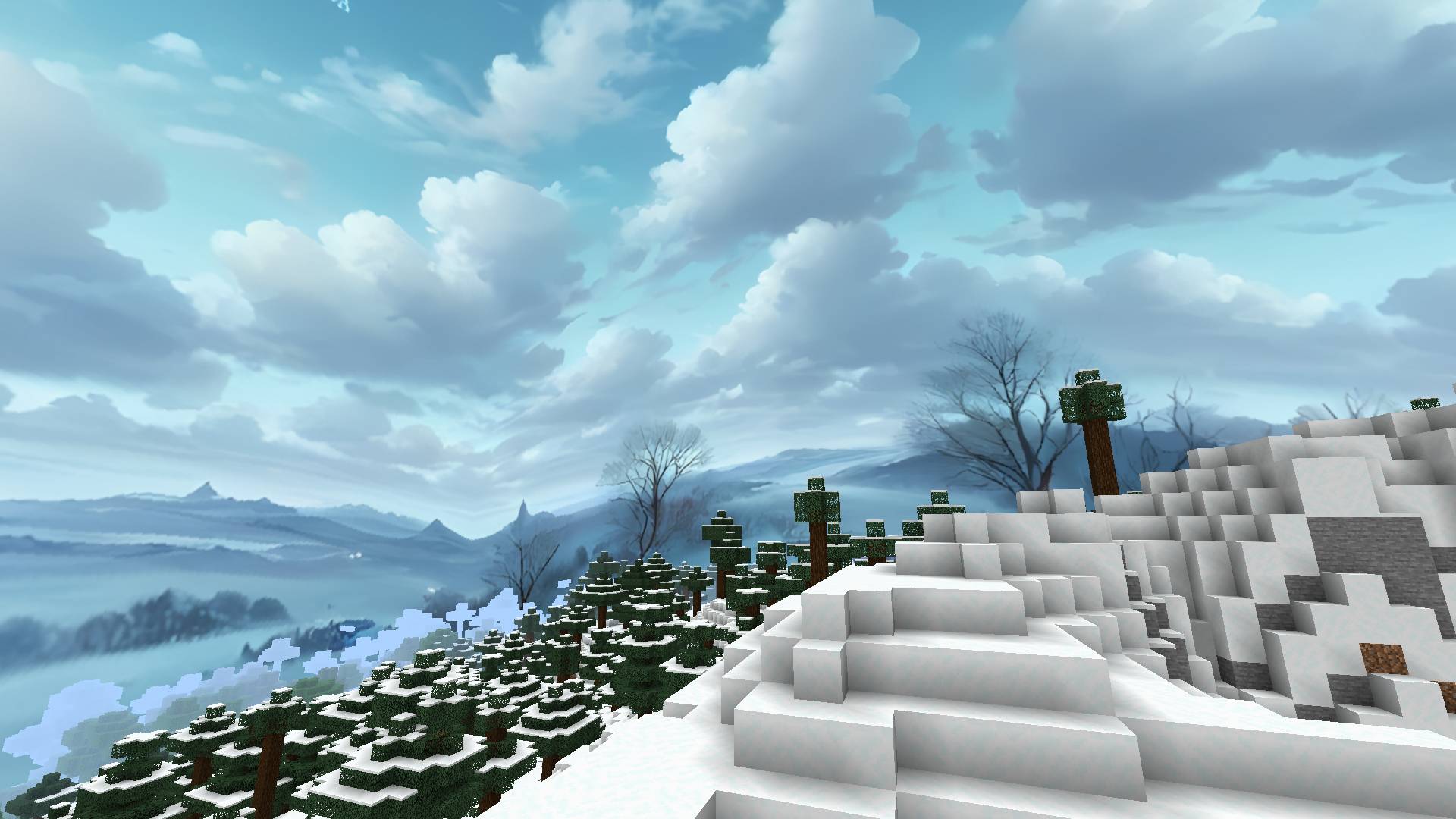
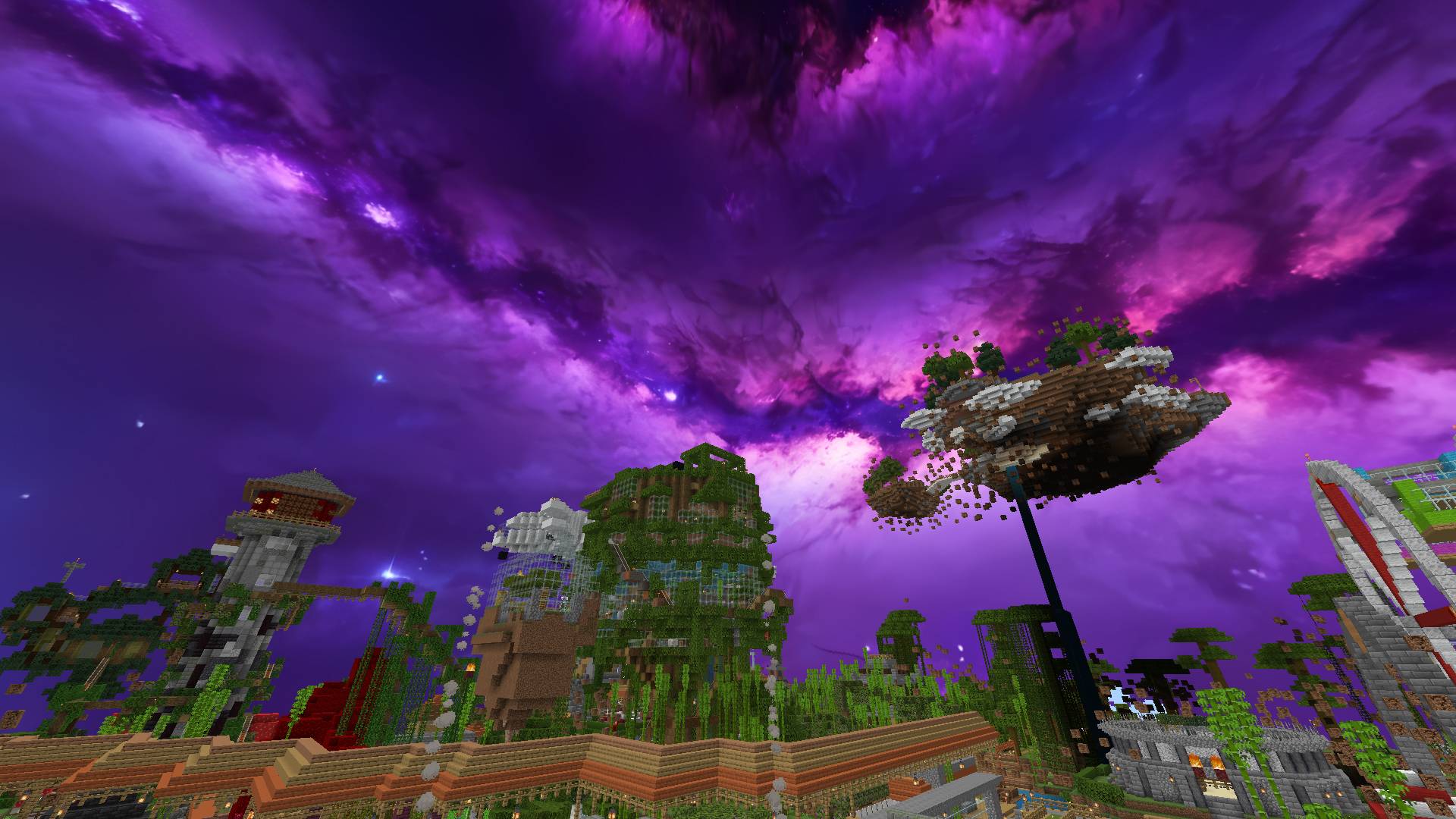
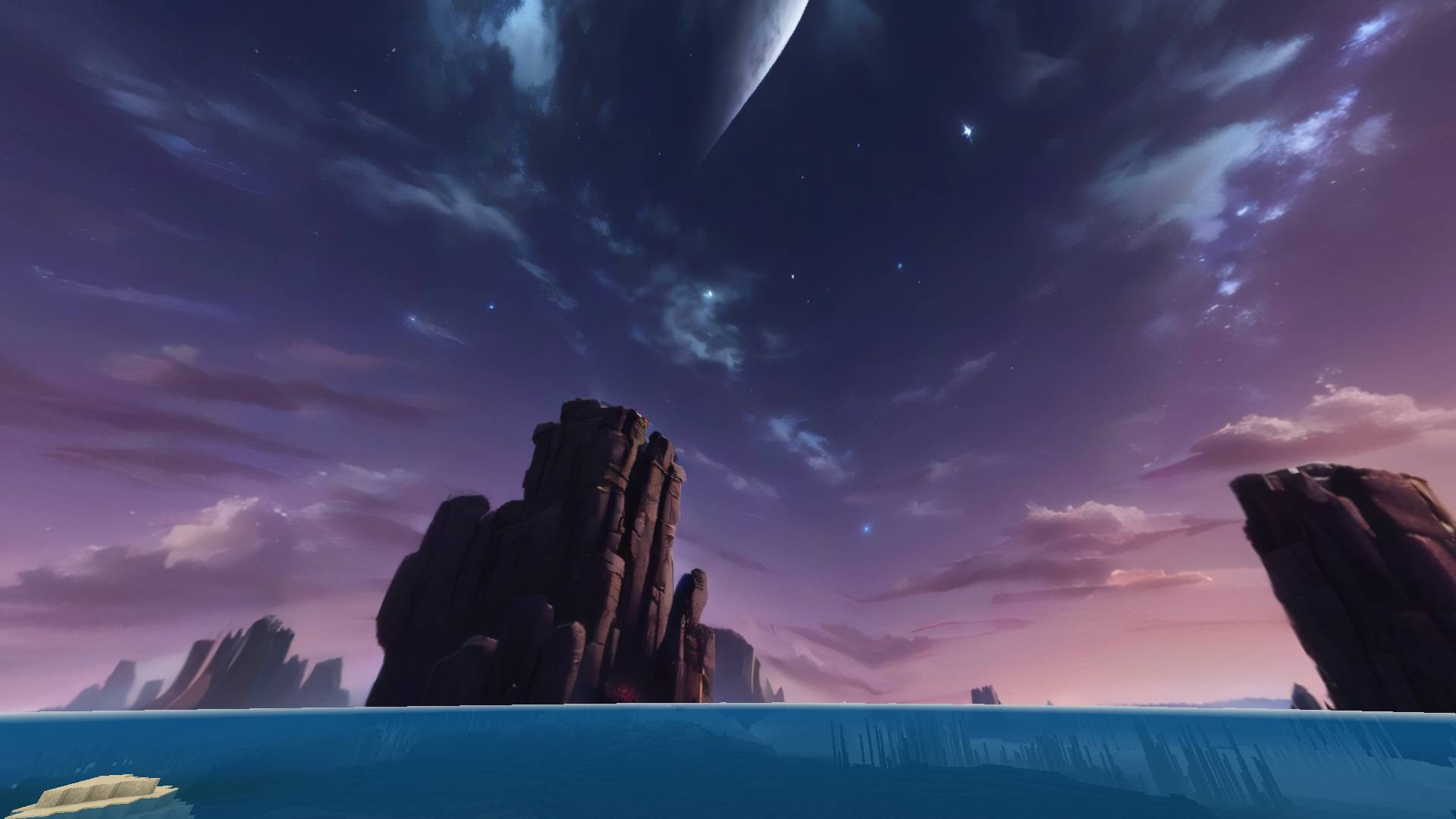
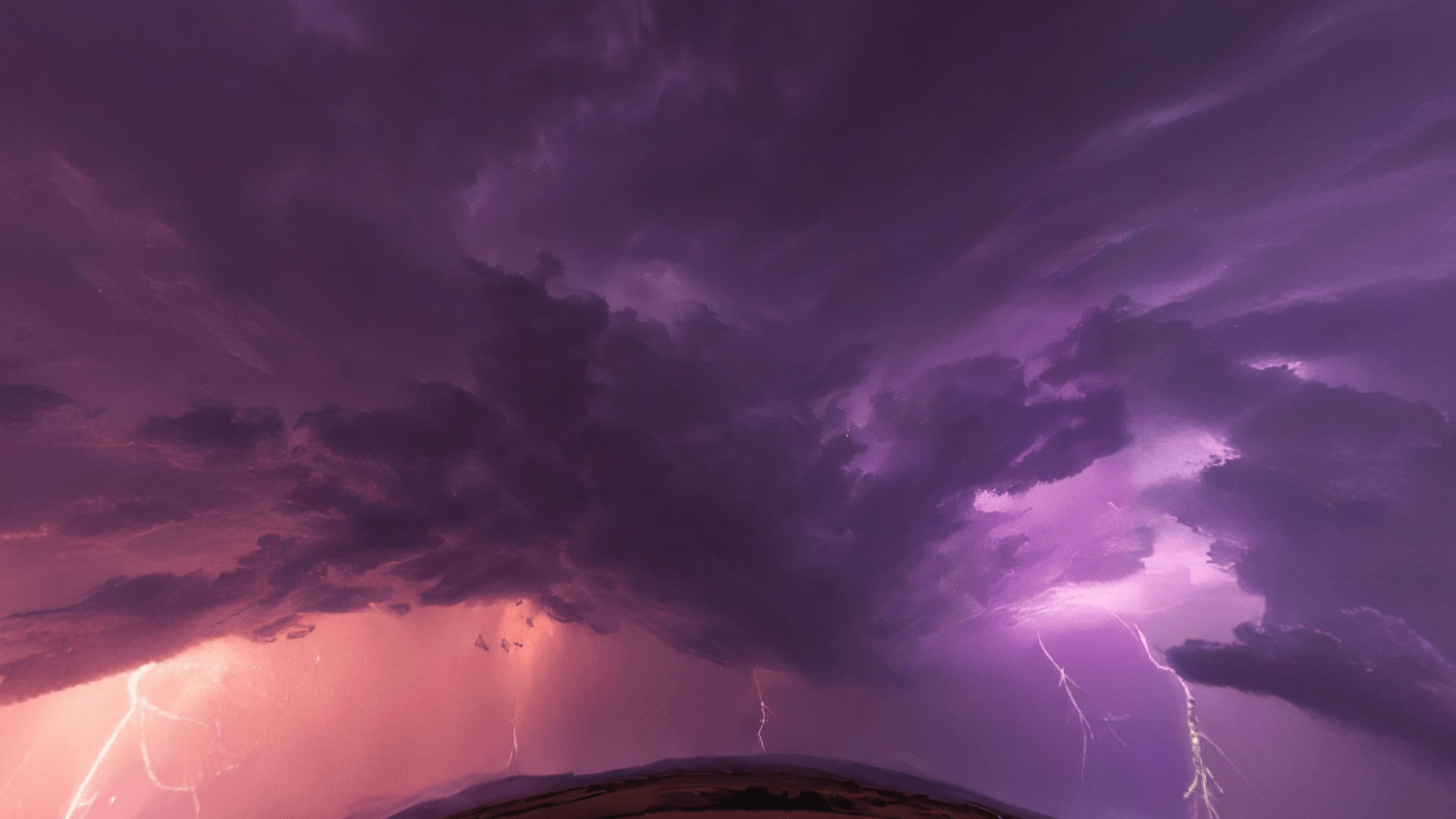
Take a look at the best cubemap texture pack, featuring an amazing collection of 10 custom skies for your Minecraft world. This is an improved version of…
⬇ Download on CurseForge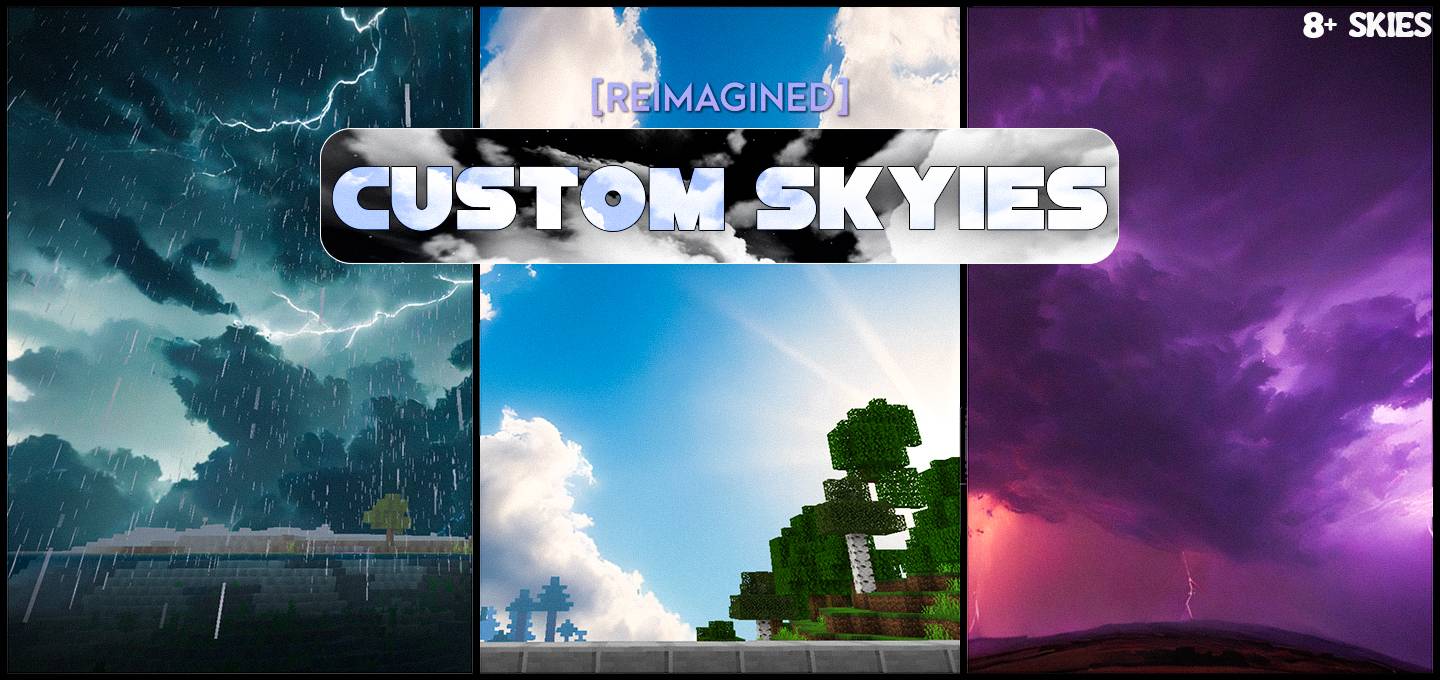
Want to host a powerful and reliable Minecraft or Hytale server?
Get started with Godlike click here
The texture pack contains 9 custom skies or cubemaps that can be used in any of your Minecraft worlds. Each cubemap is designed for different environments, weather conditions, and styles.
Features
- Seamless and natural skies, thanks to the use of real 3D (HDRI) images for the sky.
- High resolution and looks stunning and crystal-clear.
- 10 New skies
- The textures have been carefully chosen for various styles and environments, including:
- Snowy weather
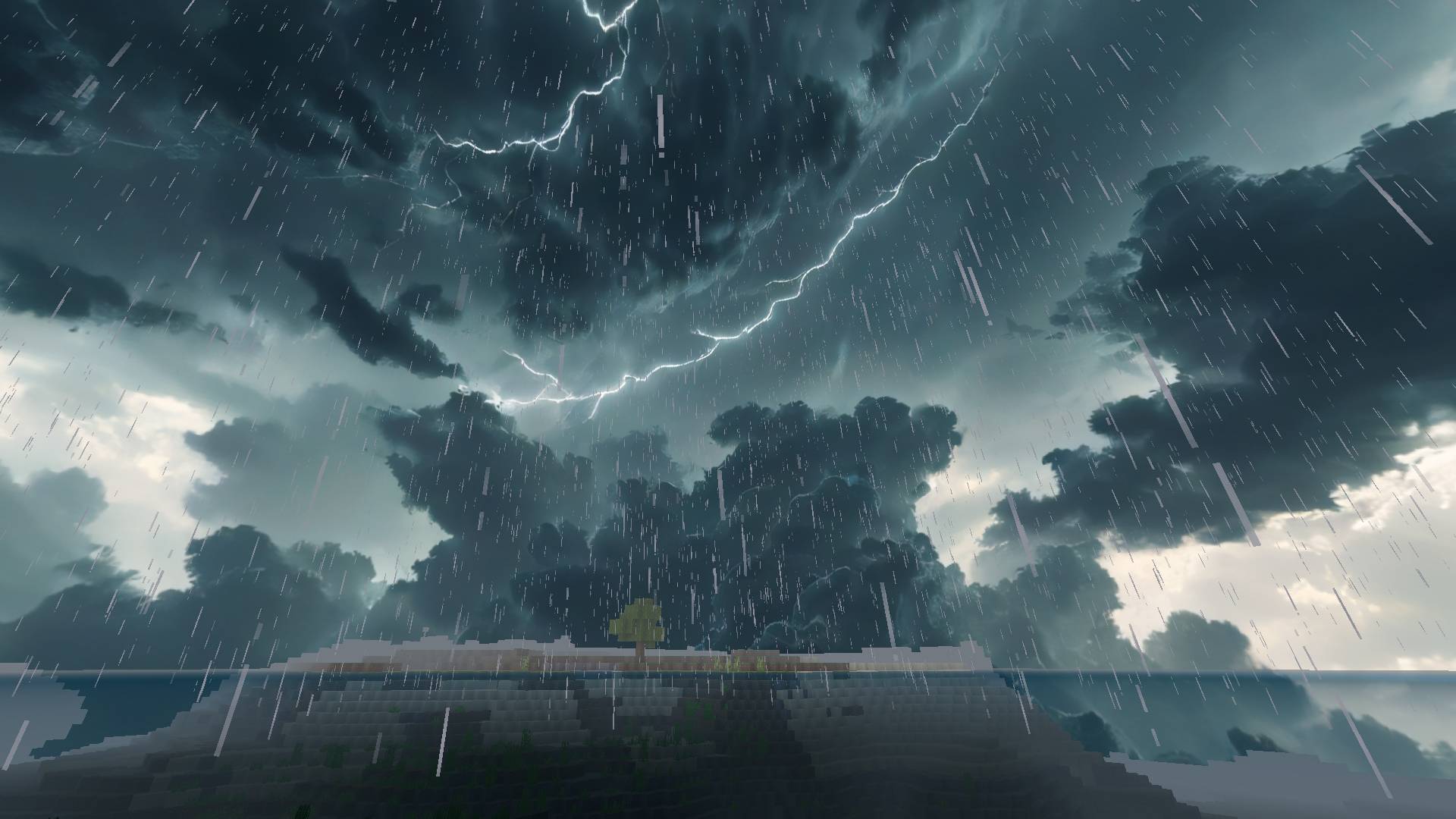
- Stormy weather
- Nebula galaxy
…and more.
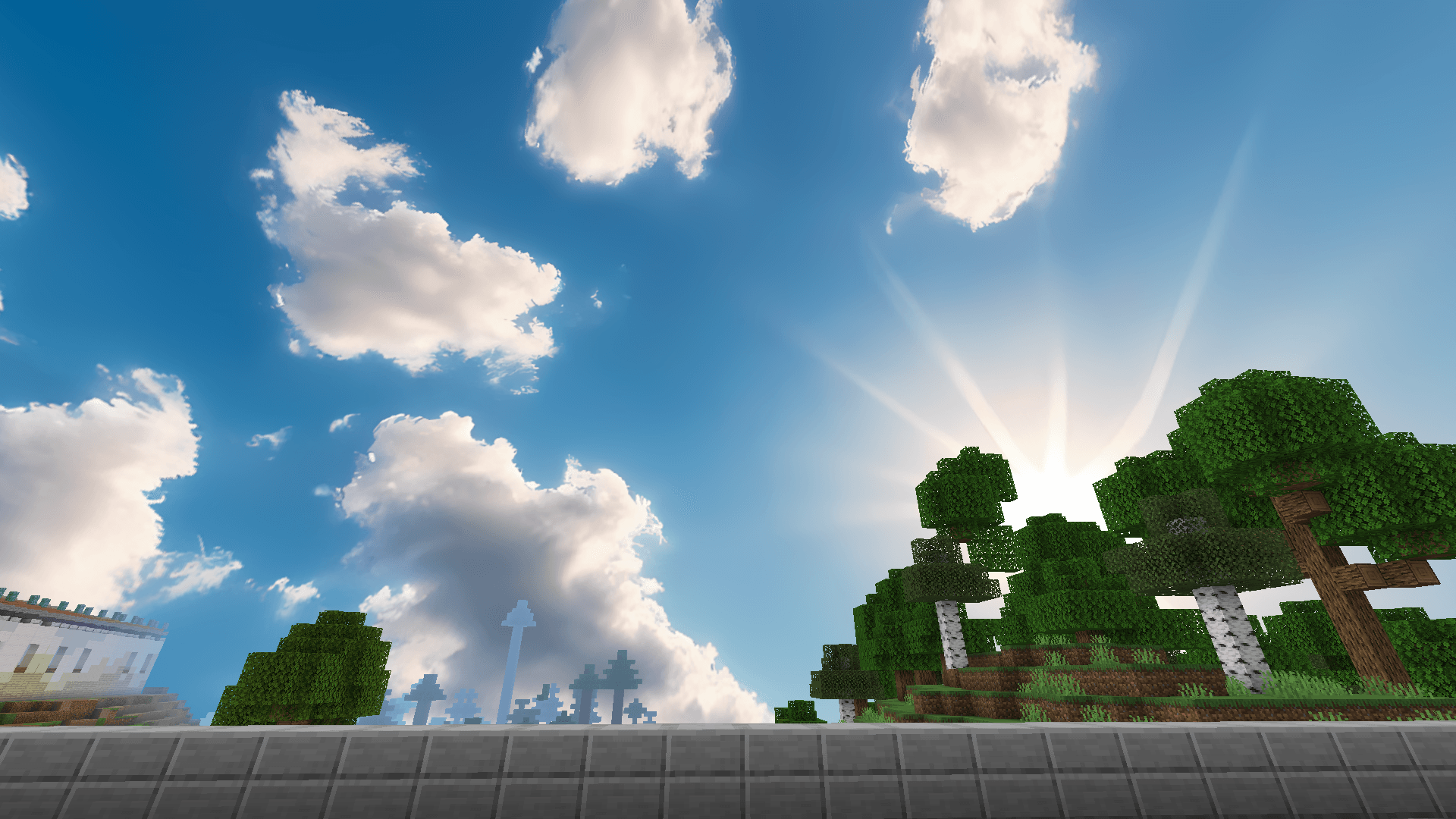
- Dynamic Sky (default): unlike other skyies, this one only adds realistic looking clouds thus when it blends with the day/night cycle.
- Works with new Vibrant Visual mode.
- Compatible with other texture packs (unless there's any texture pack which has custom sky too).
- Works in Bedrock and Pocket Edition.
Feedbacks: I would appreciate feedbacks related to suggestions for new skymaps or changes/enhancements to the existing ones. You can tell me in my Discord server or in the comment section of CurseForge (not mcpedl).
Note: Turn off "Render Clouds" in Video settings.
1. You are allowed to make video on the addon but give credits in video description.
2. You are allowed to use it in your project, but only with my permission. Discord username: grumm7613
3. You are not allowed to publish the texture on any other website and claim it as yours.
Join My Discord Server: https://discord.gg/Wvst4znsgk
Download the New Bedrock Manager application to easily install and manage your minecraft addons, worlds and more!
Download Now! (Windows only, android in future) 
Enjoy!
 👉 Click the banner or [start here] to get going.
Use code MODMCPE40 and unlock your 40% discount instantly.
- Edition: Minecraft Bedrock
- File type: .mcpack or .mcaddon
- Minecraft versions listed: 1.20.40, 1.21.30, 1.18.2
- How to install: Download the .mcpack or .mcaddon file. → Open it — Minecraft imports it. → In your world: Behavior Packs → Available → Activate, then the same under Resource Packs.
- Where to get it: Opens on CurseForge — not every file is mirrored on our own servers.
Install steps are the general flow for this file type — How to install Minecraft Bedrock addons & mods walks through it step by step.
- Pack type: .mcpack — a single pack
- Manifest requires Minecraft 1.16.0 or newer
- Complete pack — everything it depends on is inside the file
- Download size: 61.3 MB
- Download link checked 25 Aug 2026 — working
These come from our own check of the pack file, not from the source page.


