Loot Randomizer
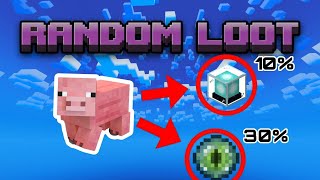
Loot Randomizer is an add-on that make every block and entity in Minecraft drop a different item when broken or killed. The item is chosen randomly from…
I don't know my version
Loot Randomizer
This add-on completely overhauls your Minecraft experience by replacing every vanilla drop with completely random, custom loot. Whether you are breaking blocks or slaying mobs, you never know what you're going to get.
The Challenge: Your usual strategies won't work here. You can't just dig down to find diamonds or chop a tree to get wood. You'll need to break any and every block you can find to discover where the essential resources are hidden!
Getting Started
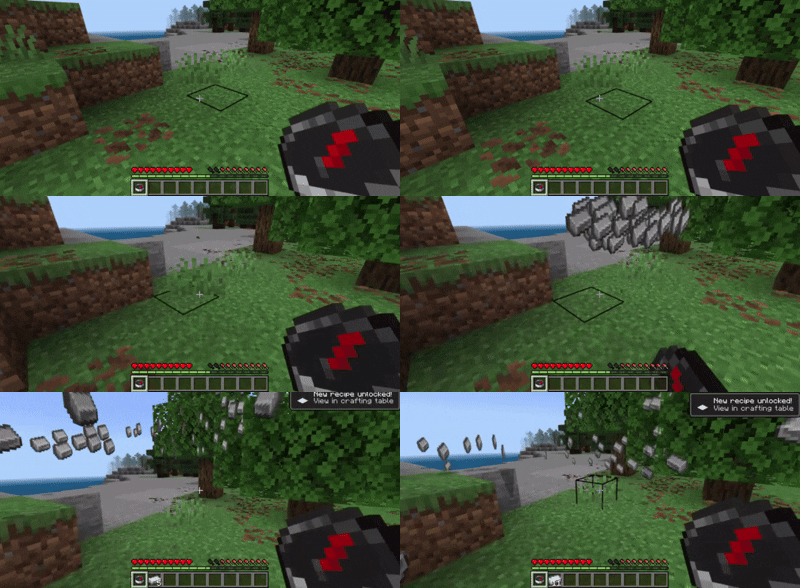
The add-on activates the moment you load it into your world. When you first log in, you will automatically receive a special item called the Loot Randomizer and a book explaining the basics.
Your world's loot is instantly randomized from the start.
🏆 Compatibility & Achievements
-
Achievements Enabled: Enjoy the chaos without sacrificing your progress! This add-on is completely safe for survival playthroughs and does not disable achievements in your world.
-
Cross-Add-on Compatibility: Want to make things even wilder? This randomizer is fully compatible with other add-ons! Any custom items from other installed add-ons will automatically be added to the randomizer pool and can drop from blocks or mobs.
🎮 Two Ways to Play (Game Modes)
Using the Loot Randomizer item opens a custom UI menu where you can choose exactly how chaotic you want your world to be:
-
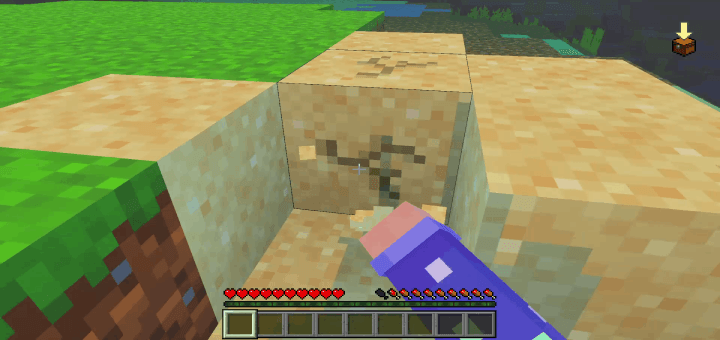
Seeded Mode (Default): Drops are random, but consistent. If you break a dirt block and it drops a Diamond Sword, every single dirt block in your world will drop a Diamond Sword. If zombies drop Ender Pearls, they will always drop Ender Pearls.
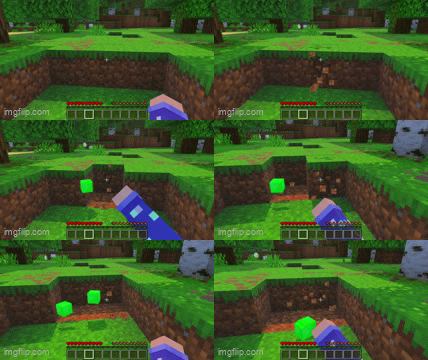
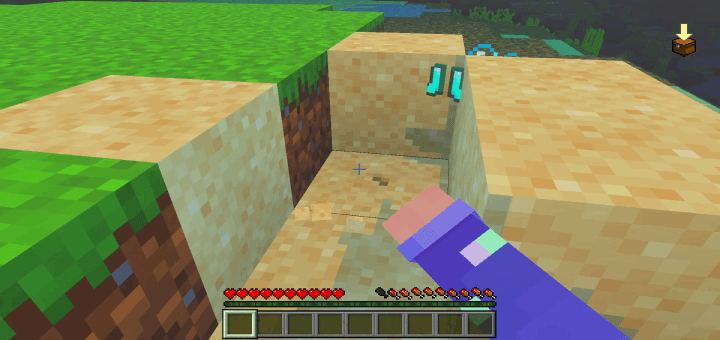
Killing enities will also drop a random item.
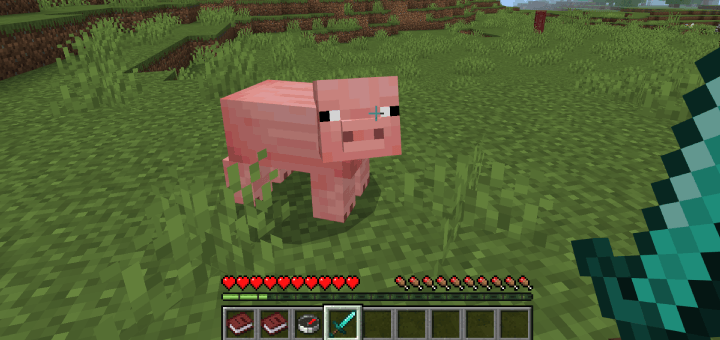
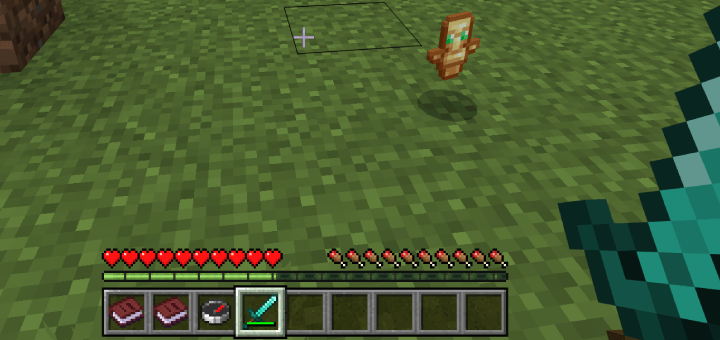
Pure Random Mode: Pure, unpredictable chaos. Every single time you break a block or kill an entity, the dice are rolled again. Two dirt blocks side-by-side will yield completely different items!
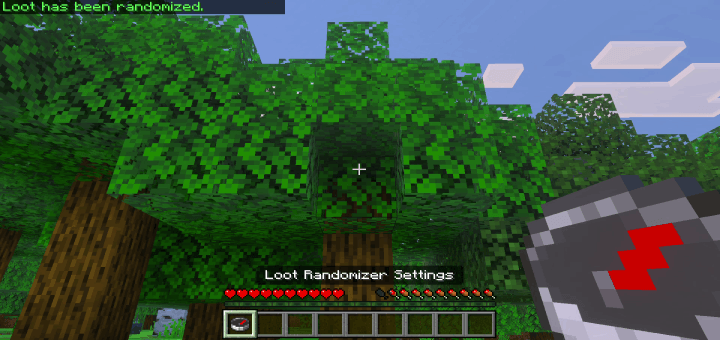
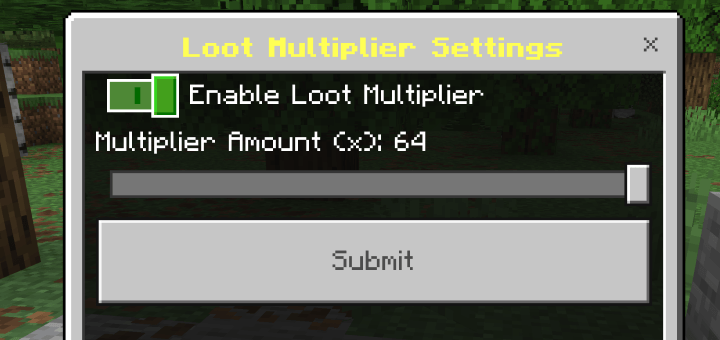
"Loot Multiplier" - Multiplies the ammount of items that are dropped when the player breaks a block or kills an entity
-
Adjustable Slider: Multiply your drops anywhere from 2x up to 64x.

- Edition: Minecraft Bedrock
- File type: .mcpack or .mcaddon
- Minecraft versions listed: 1.21.81, 1.21.93, 1.21.73
- How to install: Download the .mcpack or .mcaddon file. → Open it — Minecraft imports it. → In your world: Behavior Packs → Available → Activate, then the same under Resource Packs.
- Where to get it: Opens on CurseForge — not every file is mirrored on our own servers.
Install steps are the general flow for this file type — How to install Minecraft Bedrock addons & mods walks through it step by step.
- Pack type: .mcpack — a single pack
- Manifest requires Minecraft 1.21.70 or newer
- Download size: 287 KB
- Download link checked 15 Sept 2026 — working
These come from our own check of the pack file, not from the source page.




![[UPDATE] Minecraft Bedrock Loot Randomizer ADDON DOWNLOAD MCPE/Win10/xBox PE](https://i.ytimg.com/vi/lAP2Q-3dYlQ/mqdefault.jpg)