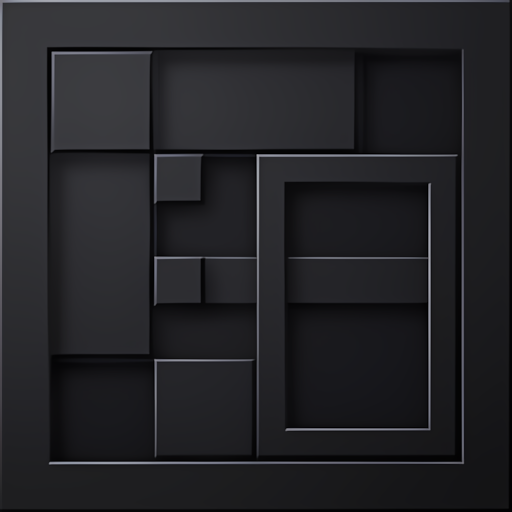


Experience Minecraft with this elegant AMOLED-friendly dark theme!
Clean Dark UI completely revamps the interface of the game into a modern and sleek dark look that is easy on the eyes, perfect for those extended gaming sessions-especially at night.
✨ Features
- True Dark Theme – Deep black backgrounds optimized for AMOLED screens.
- Complete UI Overhaul – Includes pause menu, inventory, chest screens, chat, HUD, and settings.
- Clean & Minimal Design – Removes visual clutter for a refined, modern look.
- Custom Buttons & Toggles – Redesigned buttons, sliders, checkboxes, and toggle switches with smooth hover effects.
- Redesigned Tabs – Stylish dark tabs for inventory, settings, and other tabbed interfaces
- Custom Scrollbars – Sleek, dark scrollbars that blend seamlessly with the theme
- Hotbar Redesign – Dark, borderless hotbar slots for a cleaner HUD experience
- Fast Craft & Fast Loot integrated – Helps you create items faster and sort items faster.
- Recipe Book Integration – Dark themed crafting interface
- Consistent Color Palette – Carefully selected accent colors including cyan highlights and white text for optimal readability
📝 Notes
- This is a UI-only resource pack; it does not modify any textures, blocks, or items
- Fully compatible with other texture packs that don't modify UI files
- No behavior pack required
1. You are allowed to make video on the texture but give credits in video description. Please Only give original MCPEDL/CurseForge link.
2. You are not allowed to edit and publish it on the internet.
3. You are not allowed to publish the texture on any other website and claim it as yours.
Quick facts
- Edition: Minecraft Bedrock
- File type: .mcpack or .mcaddon
- Minecraft versions listed: 1.20.40, 1.21.30, 1.18.2
- How to install: Download the .mcpack or .mcaddon file. → Open it — Minecraft imports it. → In your world: Behavior Packs → Available → Activate, then the same under Resource Packs.
- Where to get it: Opens on CurseForge — not every file is mirrored on our own servers.
Install steps are the general flow for this file type — How to install Minecraft Bedrock addons & mods walks through it step by step.
Verified by MCModsHub
- Pack type: .mcpack — a single pack
- Manifest requires Minecraft 1.20.10 or newer
- Complete pack — everything it depends on is inside the file
- Download size: 612 KB
- Download link checked 25 Aug 2026 — working
These come from our own check of the pack file, not from the source page.