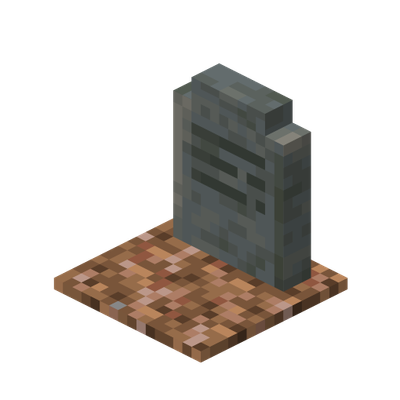

Simple Gravestones does what it says. It simply adds gravestones.
A gravestone will spawn in the nearest open space wherever you die, it will also put a message in chat saying where you died. This can be toggled off with the command /ae_sg:toggle.

Once you find your gravestone, it will have your name above it and will look different depending on the dimension.


Then, simply right-click, or break your gravestone to recieve your items and experience back.
You can also craft each type of gravestone for decorational purposes.


No experimental options needed.
Works for 26.0 and above.
Join the discord!
- Edition: Minecraft Bedrock
- File type: .mcpack or .mcaddon
- Minecraft versions listed: 26.0.02, 26.0, 26.3
- How to install: Download the .mcpack or .mcaddon file. → Open it — Minecraft imports it. → In your world: Behavior Packs → Available → Activate, then the same under Resource Packs.
- Where to get it: Opens on CurseForge — not every file is mirrored on our own servers.
Install steps are the general flow for this file type — How to install Minecraft Bedrock addons & mods walks through it step by step.
- Pack type: .mcaddon — behaviour and resource pack in one file
- Manifest requires Minecraft 1.26.0 or newer
- Complete pack — everything it depends on is inside the file
- Download size: 87 KB
- Download link checked 25 Aug 2026 — working
These come from our own check of the pack file, not from the source page.