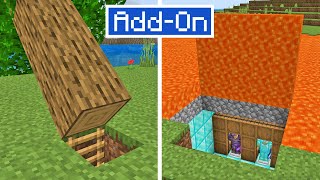
Modern Doors & Locks Add-On
Bedrock add-on listed for Minecraft 1.21 (behavior + resource pack). File opened and checked on 21 Oct 2026; installs from the MC Bedrock Mods app on Android.
Modern Doors is an addon with over 150 new doors in different woods and designs. It has a locking system by key and by player, dual doors, and is…
I don't know my version
Description
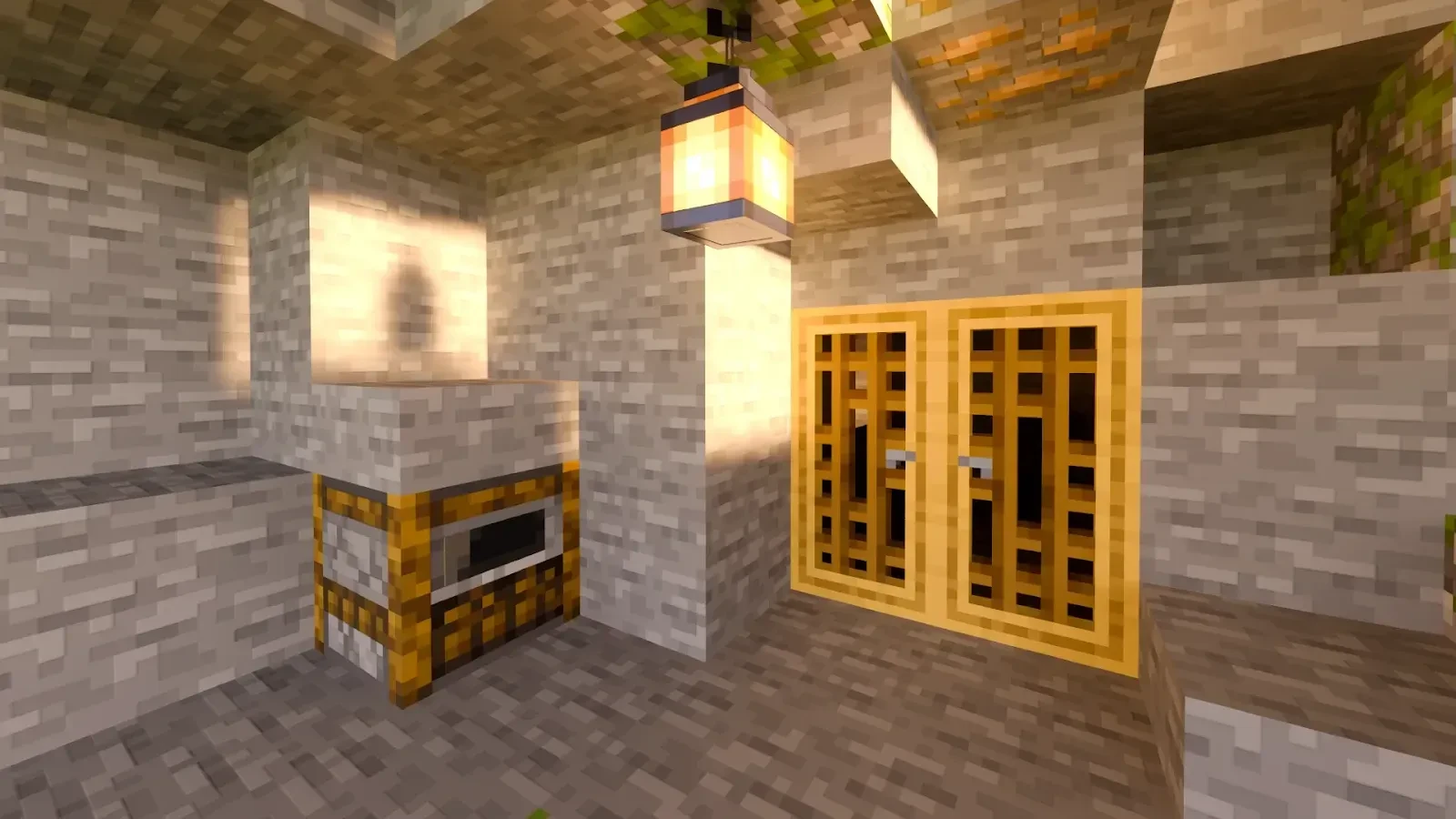
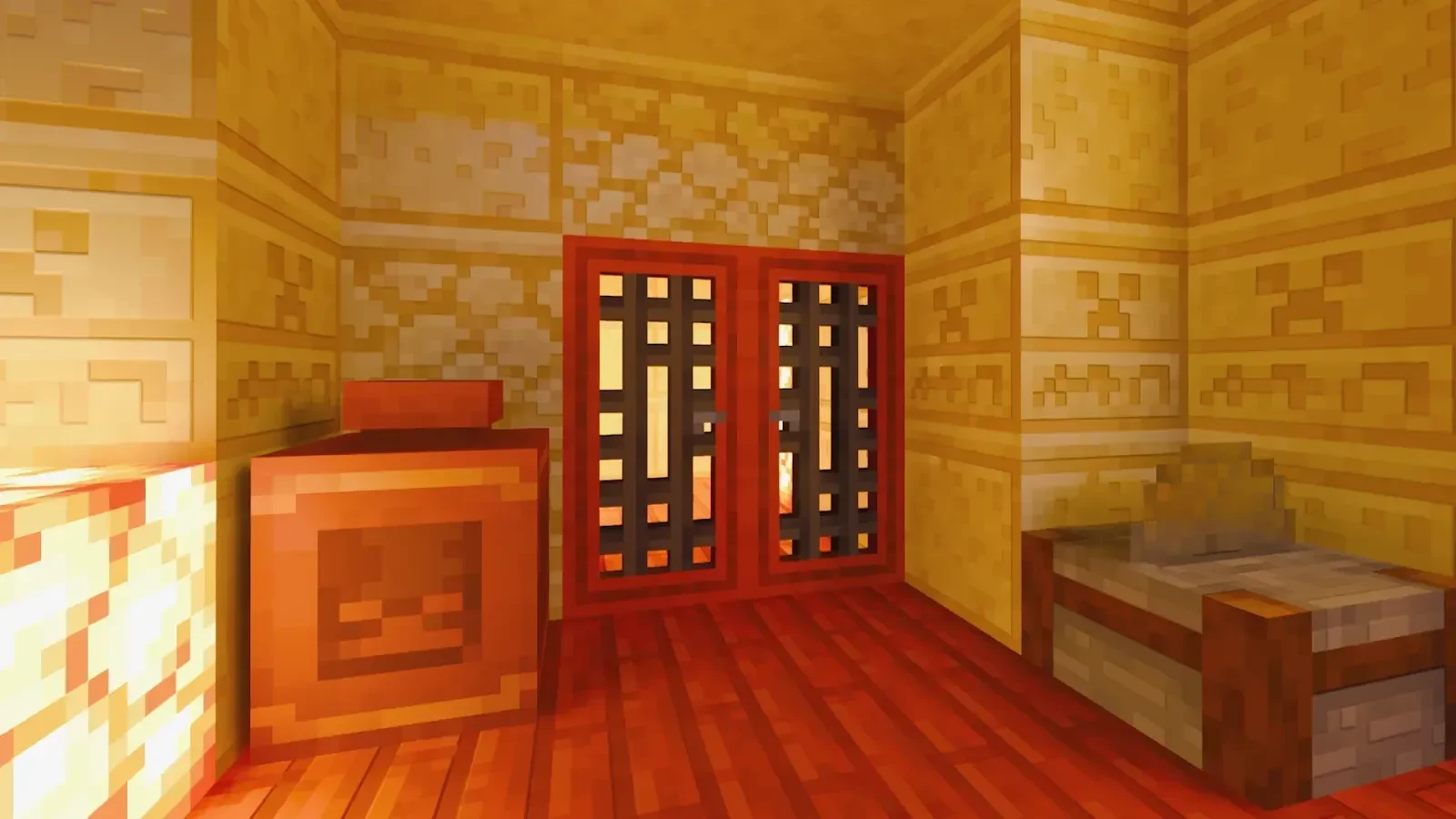
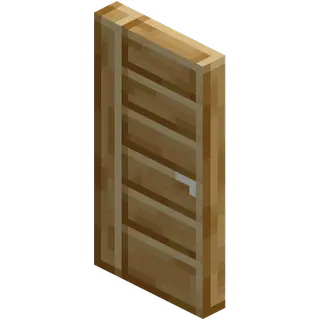
Modern Doors is a new Add-On for Minecraft Bedrock. This add-on adds new doors of all kinds with unique textures, locking systems, and much more!
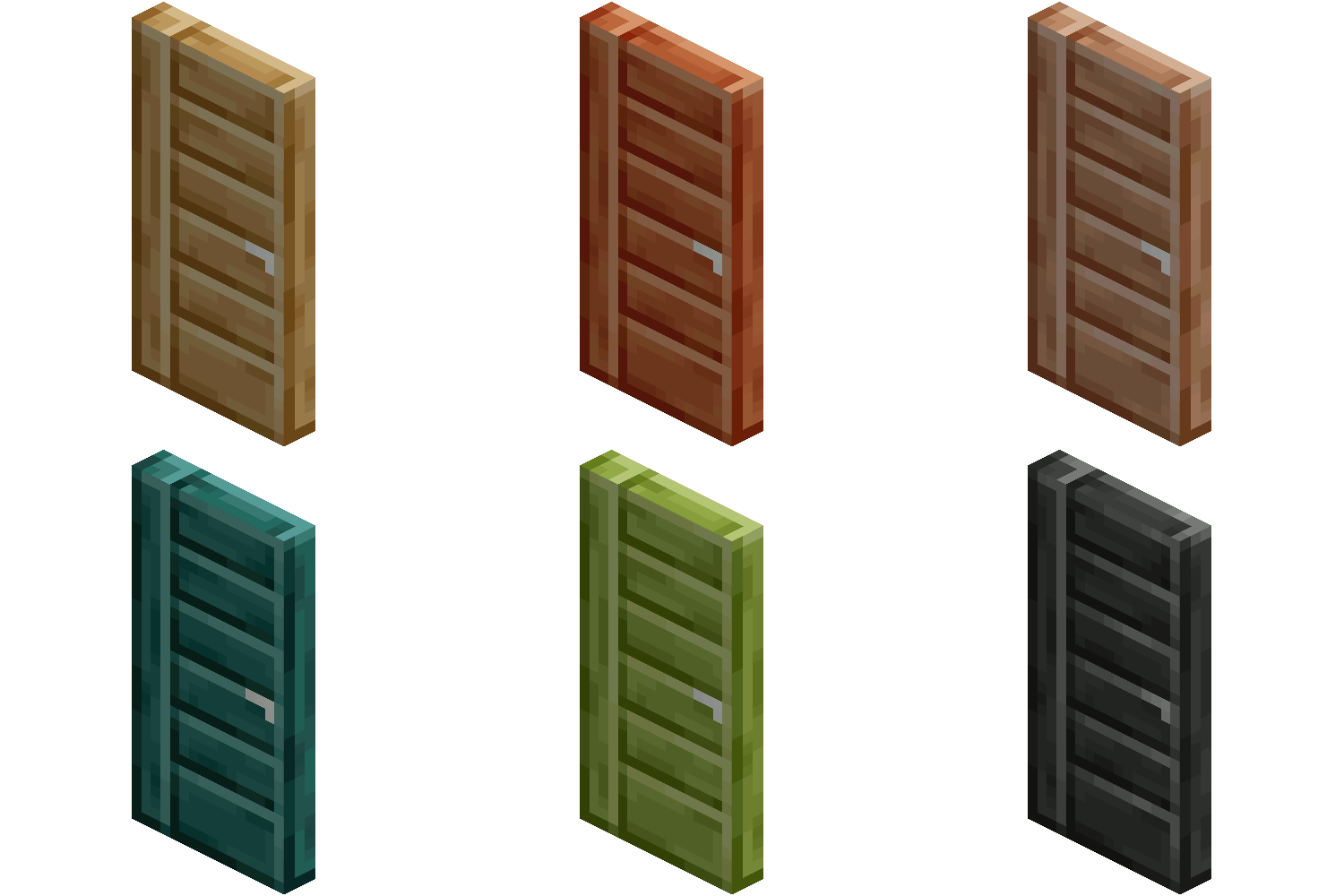
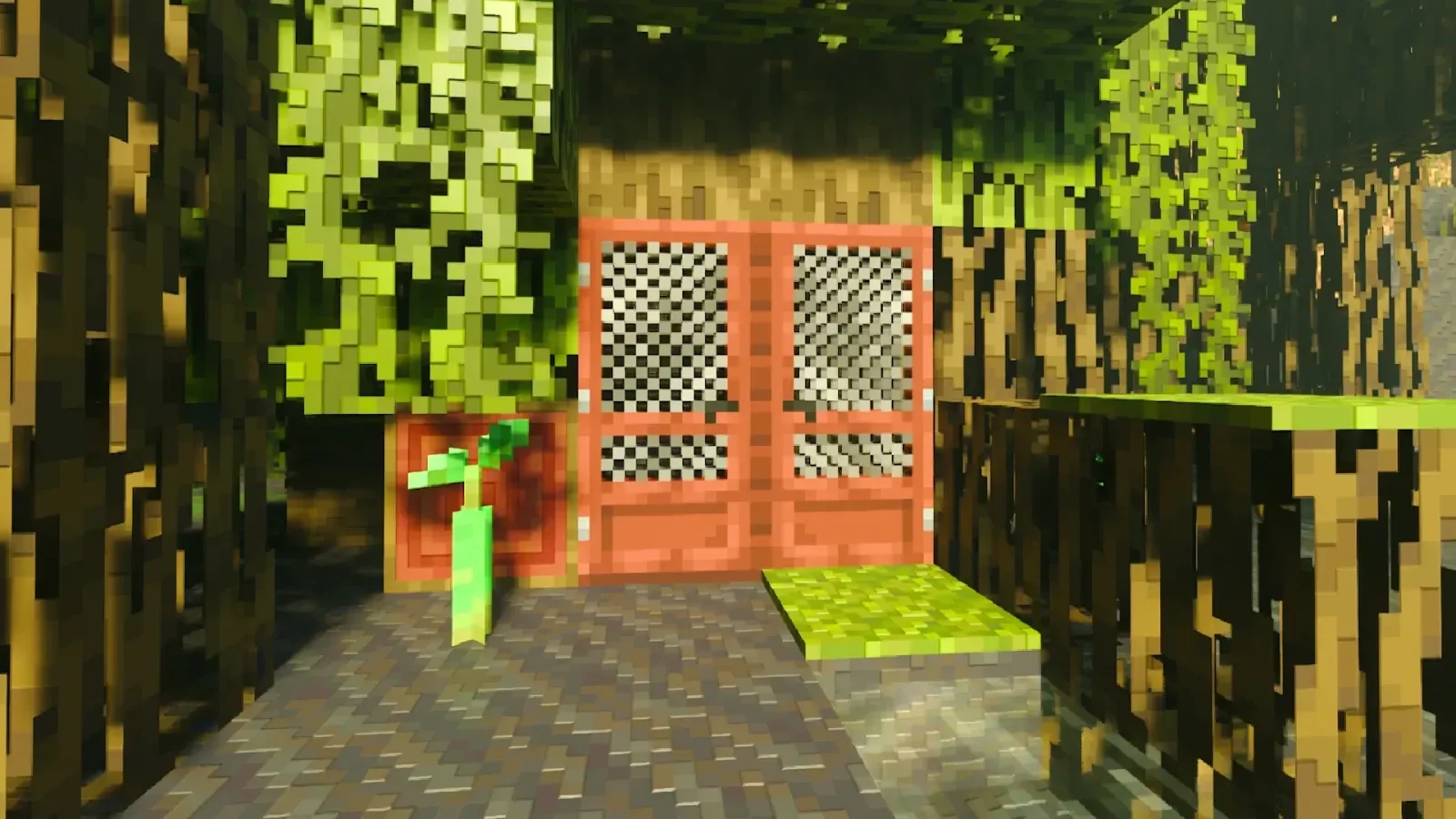
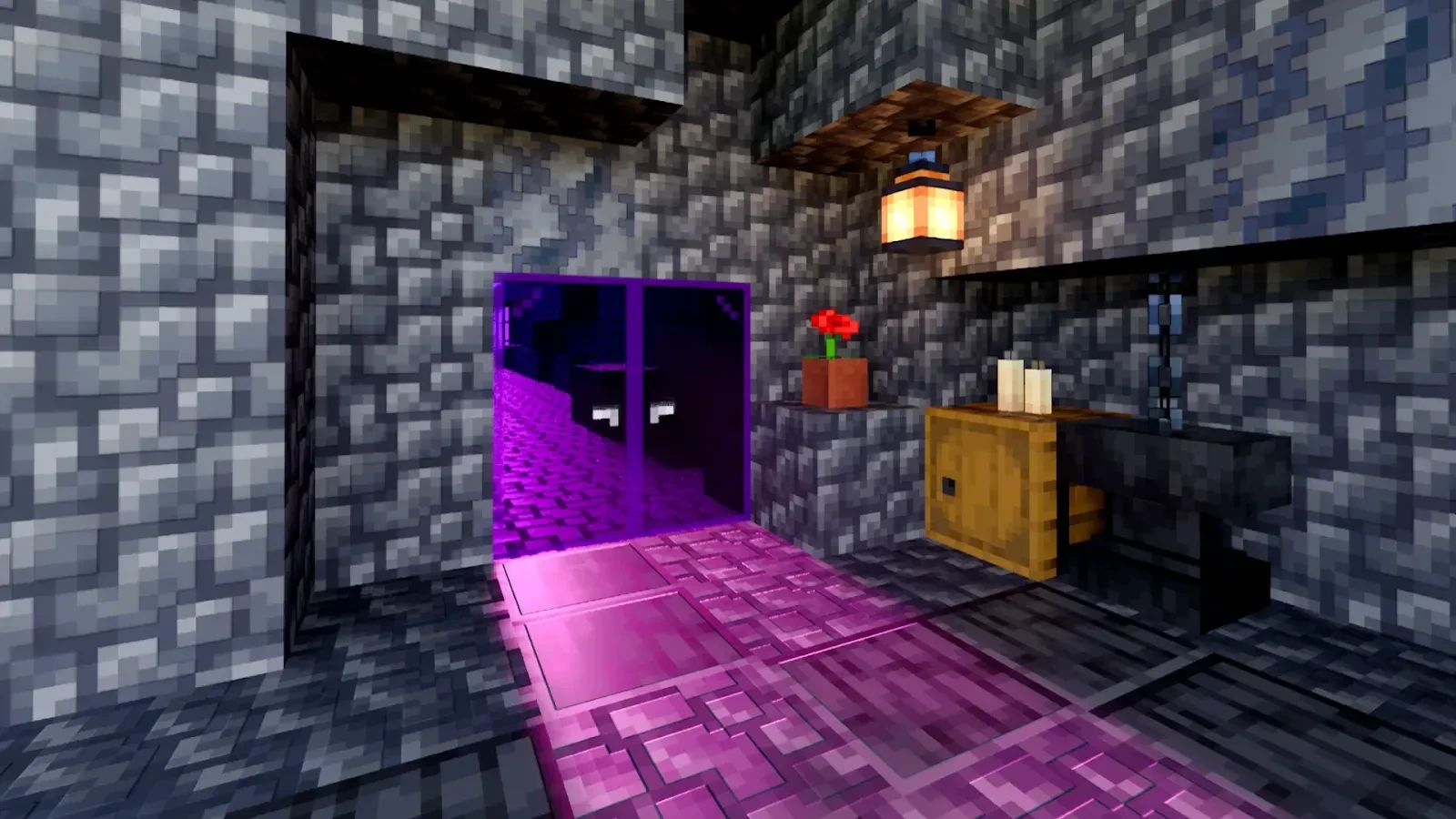
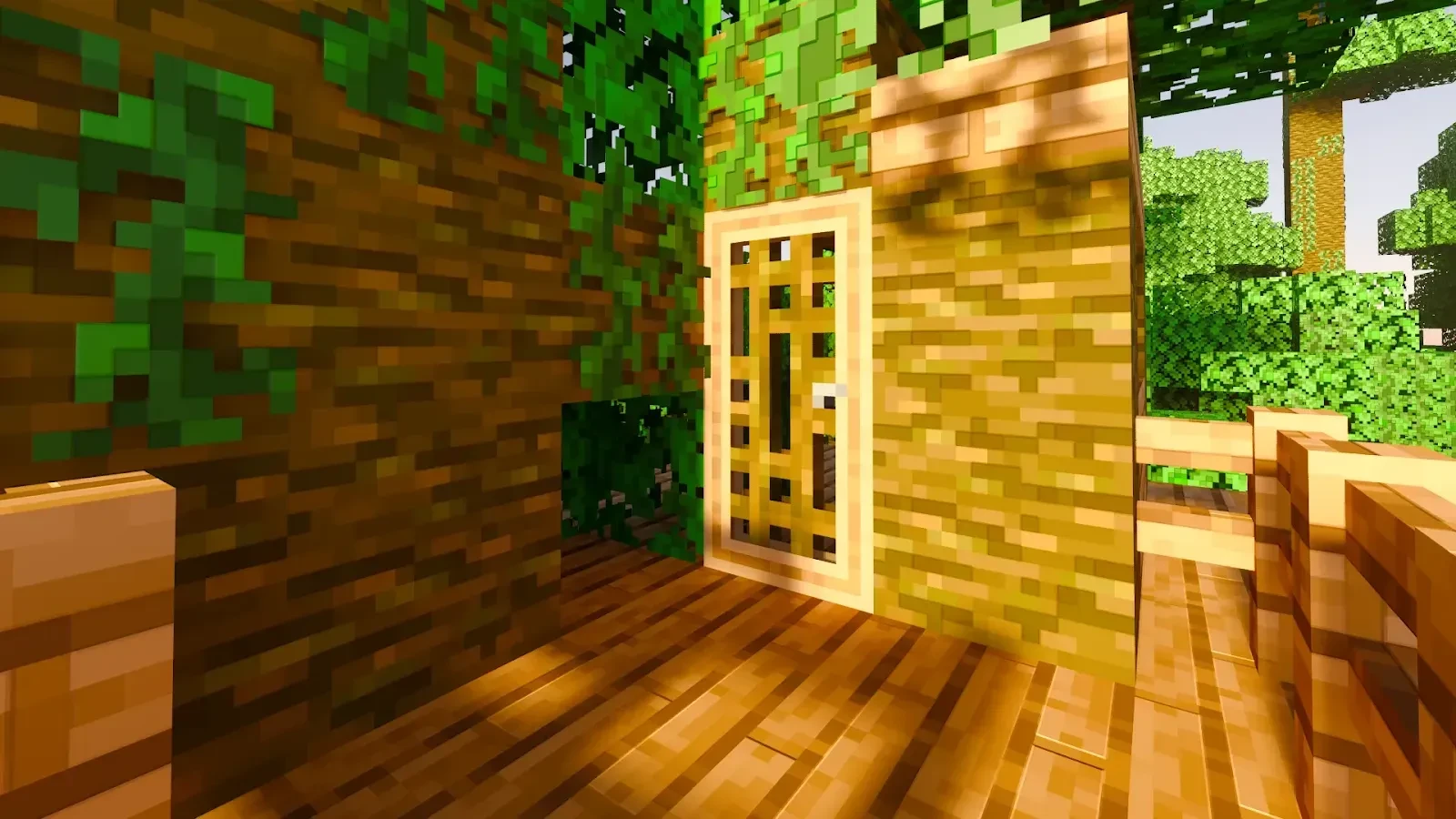
The types of doors added are very diverse, including the following:
- Glass Door
- Screen Door
- Prison Door
- Sturdy Door
- Sturdy Door with Glass
- Medieval Wooden Door
In addition to these types, there are more variants based on different woods and metals, totaling 14 variations per door.
To use the doors correctly, you first need to place them. Then, crouch and right-click on the door. After that, a menu will appear with many options. These options allow you to modify the technical aspects of the door, such as its connectivity with other doors, its functionality with Redstone, its interaction, and much more!
One of the features is the security system, which allows you to lock your doors. The security settings are very diverse. The simplest method is using keys—only users who have a key can open and close the doors. Another system is the owner-based method—if you are the owner of the door, you will always be able to open it.
There are more configurations, but they are just variations of these two main systems.
Tip: Create multiple keys and keep them safe! If you have friends you trust, you can give them a key to access your doors.
Crafting
Creative:
You can find the beds in the Creative menu under the Construction category. Alternatively, you can obtain them using the command "/give @p md:", which will display the available variants.
Survival:
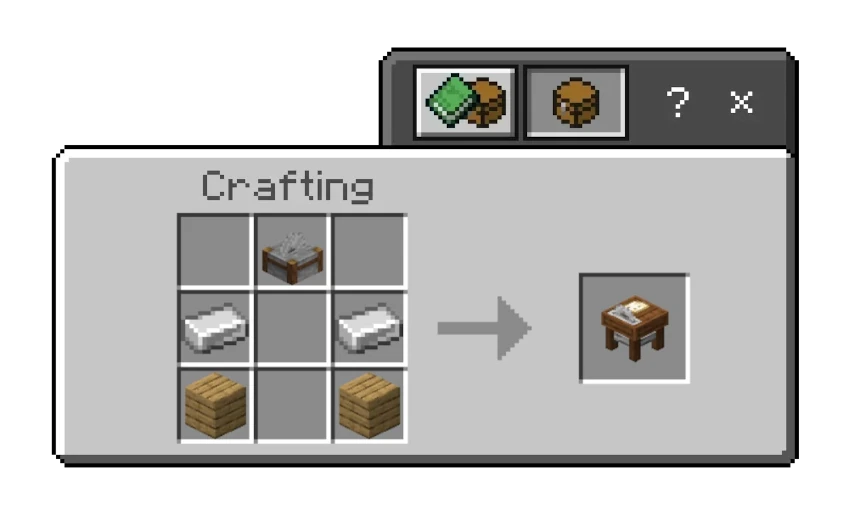
To craft doors in Survival Mode, you have to craft a Miter Saw, and then use specific materials on it. With this system, you are now able to better preview which type of door you want to craft, and you need to use specific materials to craft them. But fear not! Any type of wood plank and any type of glass can be used to craft wood and glass doors. Just select the door you want to craft! If don’t have the specific material, the game will tell you.


Images
Downloads | Official Site
- Edition: Minecraft Bedrock
- File type: .mcpack or .mcaddon
- Minecraft versions listed: 1.21.81, 1.21.82, 1.21.72
- How to install: Download the .mcpack or .mcaddon file. → Open it — Minecraft imports it. → In your world: Behavior Packs → Available → Activate, then the same under Resource Packs.
- Where to get it: In MCModsHub, or directly above on this page.
Install steps are the general flow for this file type — How to install Minecraft Bedrock addons & mods walks through it step by step.
- Pack type: .mcaddon — behaviour and resource pack in one file
- Complete pack — everything it depends on is inside the file
- Download size: 5.7 MB
- Download link checked 3 Aug 2026 — working
These come from our own check of the pack file, not from the source page.




![THE BEST SECURITY ADDON, Lockable Chests and Doors for Minecraft Bedrock Edition [Review]](https://i.ytimg.com/vi/HpEk2Rk44mc/mqdefault.jpg)