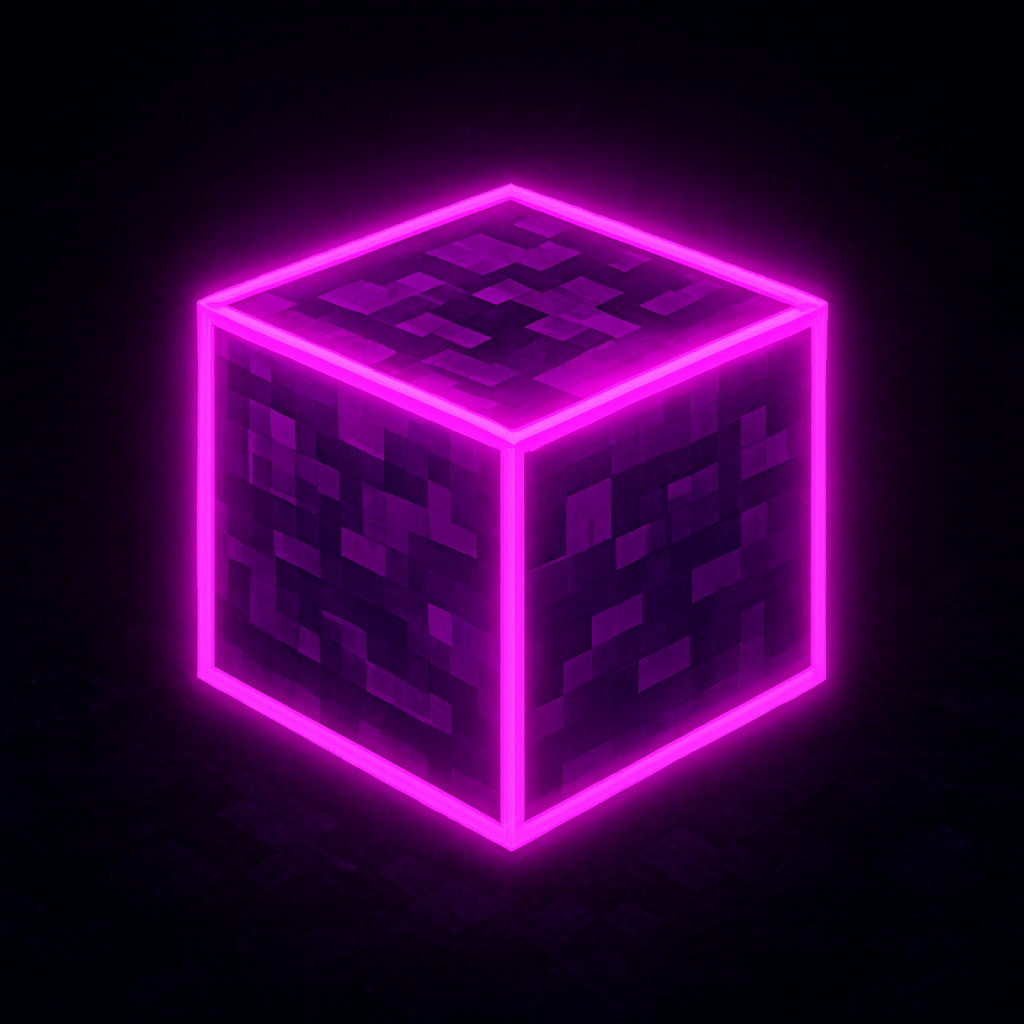
A collection of sleek cyberpunk LED lights designed to illuminate your builds with vibrant neon energy. Perfect for sci-fi bases, neon cities, and high-tech interiors.
Tutorial:
The Panels and Blocks are placed like normal. Panels are mounted to the surfaces of blocks.
The LED Rods are directional. Look in the direction you wish to place them.
You can place them under blocks, to choose if it is standing up or against the bottom of the block; Simply Crouch and it will change direction.
v. 1.2:
- Minor Bug Fixes
v. 1.1:
- Optimized Pack for Smaller Devices
- Fixed Broken Textures
v. 1.0:
- Added LED Light Bars, Panels, and Blocks,
- Colors: White, Light Grey, Grey, Black, Brown, Red, Orange, Lime, Green, Cyan, Light Blue, Blue, Purple, Magenta, and Pink.
- Edition: Minecraft Bedrock
- File type: .mcpack or .mcaddon
- Minecraft version listed: 1.21.121
- How to install: Download the .mcpack or .mcaddon file. → Open it — Minecraft imports it. → In your world: Behavior Packs → Available → Activate, then the same under Resource Packs.
- Where to get it: Opens on CurseForge — not every file is mirrored on our own servers.
Install steps are the general flow for this file type — How to install Minecraft Bedrock addons & mods walks through it step by step.
- Pack type: .mcaddon
- Manifest requires Minecraft 1.21.100 or newer
- Ships one half — this pack asks for another pack that is not included
- Download size: 256 KB
- Download link checked 15 Sept 2026 — working
These come from our own check of the pack file, not from the source page.