Build Wand
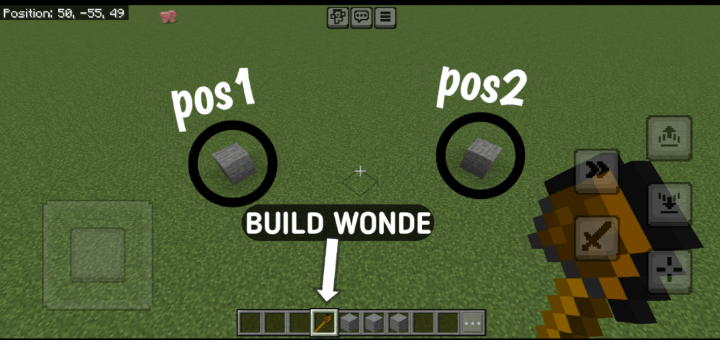
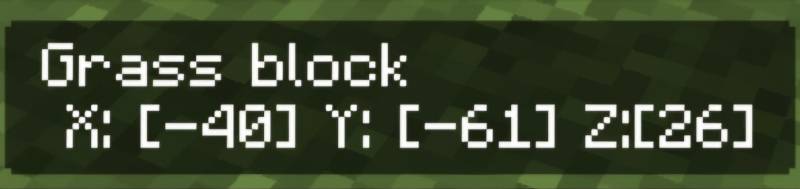
Take the Build Wand in your hand and select the first position of the block where you want to start filling. You can check this by tapping on the block in…
I don't know my version
● HOW TO USE
How to Use the Build Wand in Minecraft (3 Steps):
1. Equip and Select Positions: Equip a Build Wand (stone, iron, or diamond) and right-click to select two corner positions of your build area. Heart particles mark the first point, and an outline previews the area after the second.
2. Choose Build Mode: After selecting both points, a menu appears. Pick a mode: Fill (solid structure), Hollow (only walls), or Pattern (checkerboard, stripes, or random).
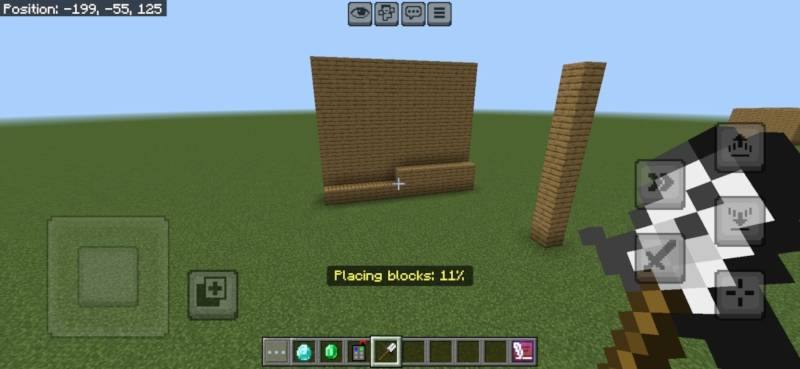
3. Select Block and Build: Choose a block from your inventory in the next menu (ensure you have enough). For Pattern mode, select a pattern. The wand places the blocks, showing a progress bar, and consumes durability based on blocks placed.
V5
Progress Bar
V5.5
V5.1.0
• Creative Mode Support: Blocks are no longer consumed and tool durability is unaffected when in Creative mode.
• Improved Inventory Handling: Survival mode still removes required blocks and reduces wand durability.
Cleaner Feedback: Enhanced messages and feedback logic based on game mode.
- Edition: Minecraft Bedrock
- File type: .mcpack or .mcaddon
- Minecraft versions listed: 1.21.130, 1.21.120, 1.21.100
- How to install: Download the .mcpack or .mcaddon file. → Open it — Minecraft imports it. → In your world: Behavior Packs → Available → Activate, then the same under Resource Packs.
- Where to get it: Opens on CurseForge — not every file is mirrored on our own servers.
Install steps are the general flow for this file type — How to install Minecraft Bedrock addons & mods walks through it step by step.
- Pack type: .mcaddon — behaviour and resource pack in one file
- Manifest requires Minecraft 1.21.90 or newer
- Complete pack — everything it depends on is inside the file
- Download size: 18 KB
- Download link checked 15 Sept 2026 — working
These come from our own check of the pack file, not from the source page.