Colorful Armor Bar
I don't know my version
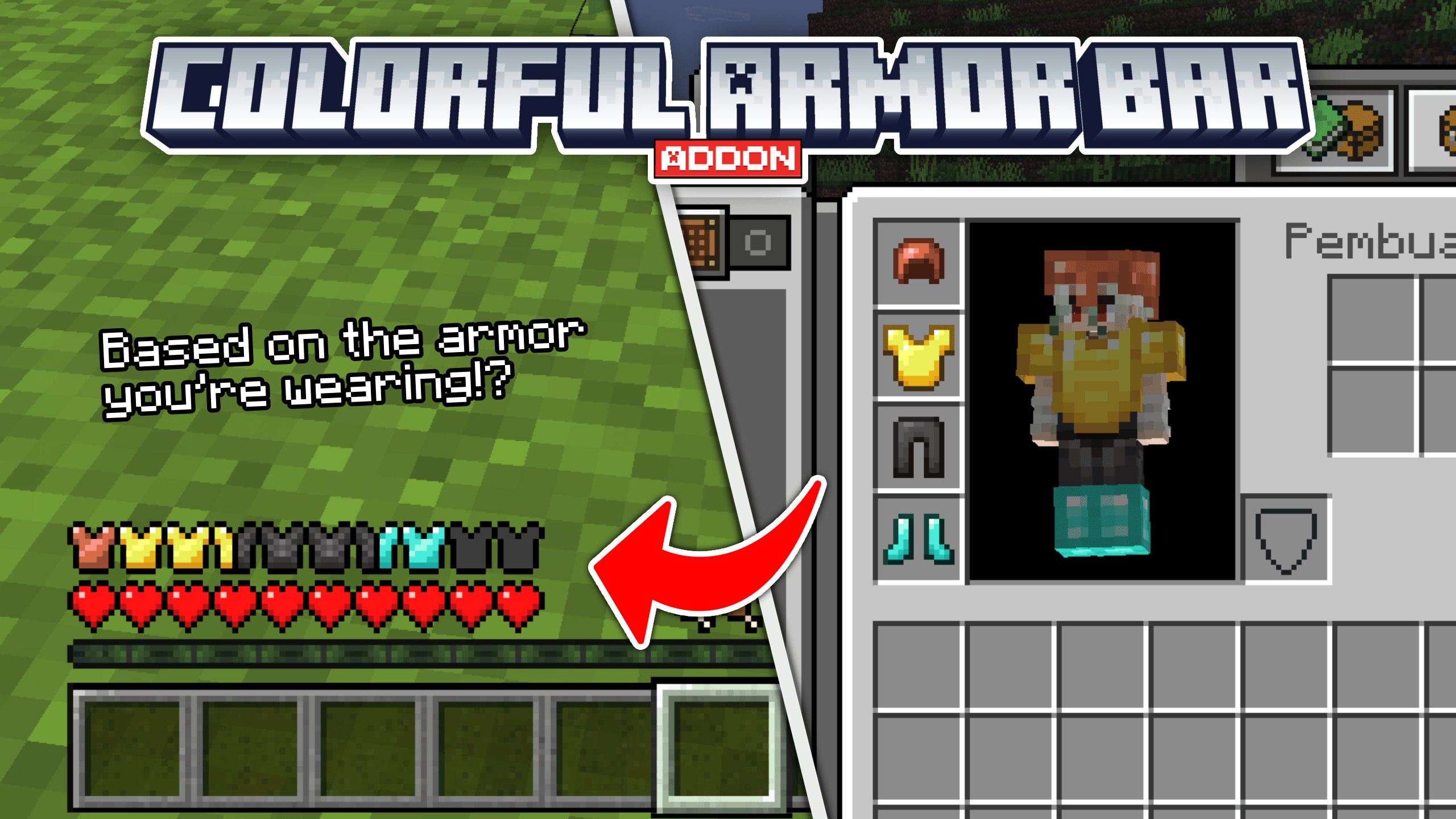
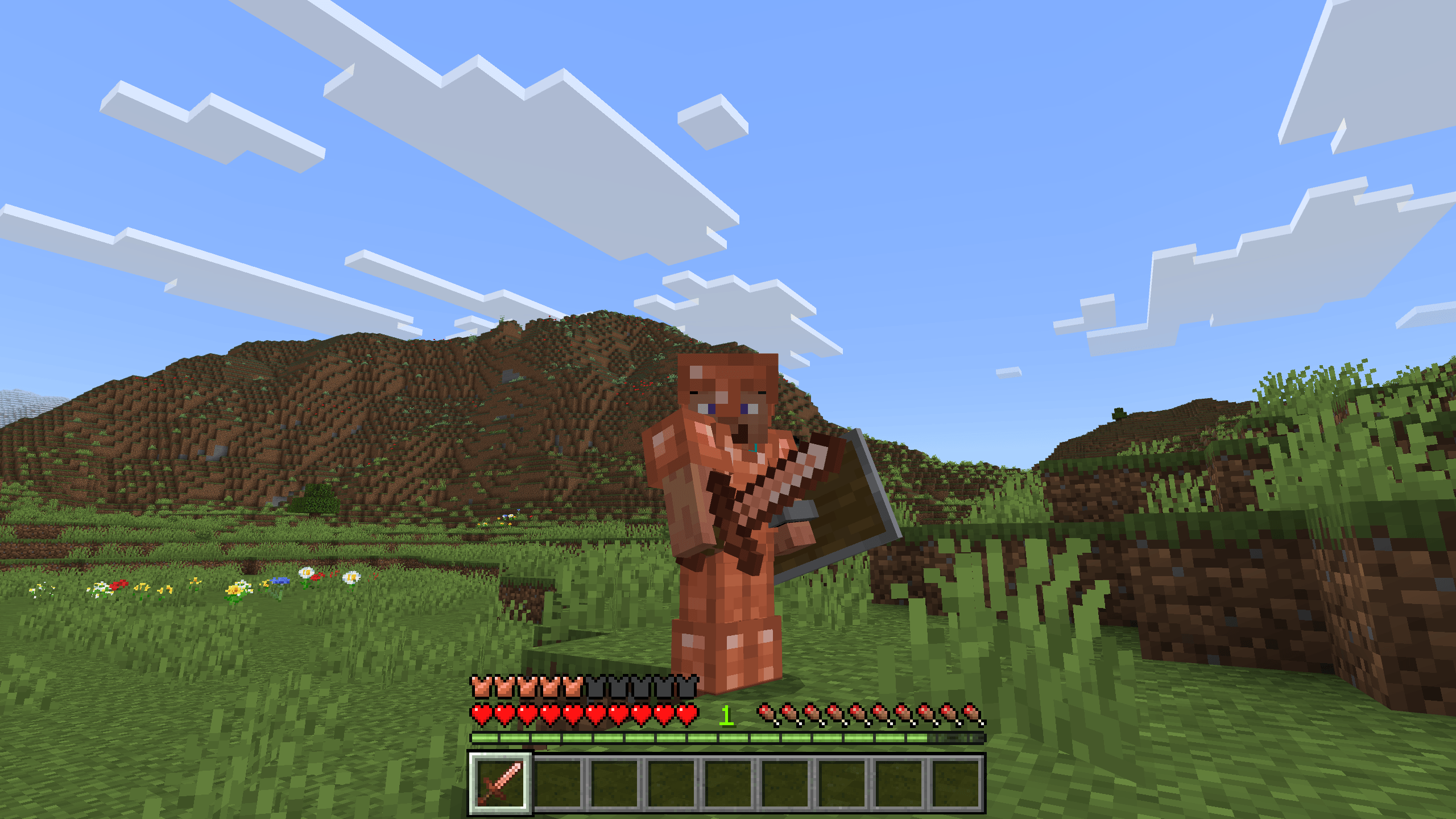
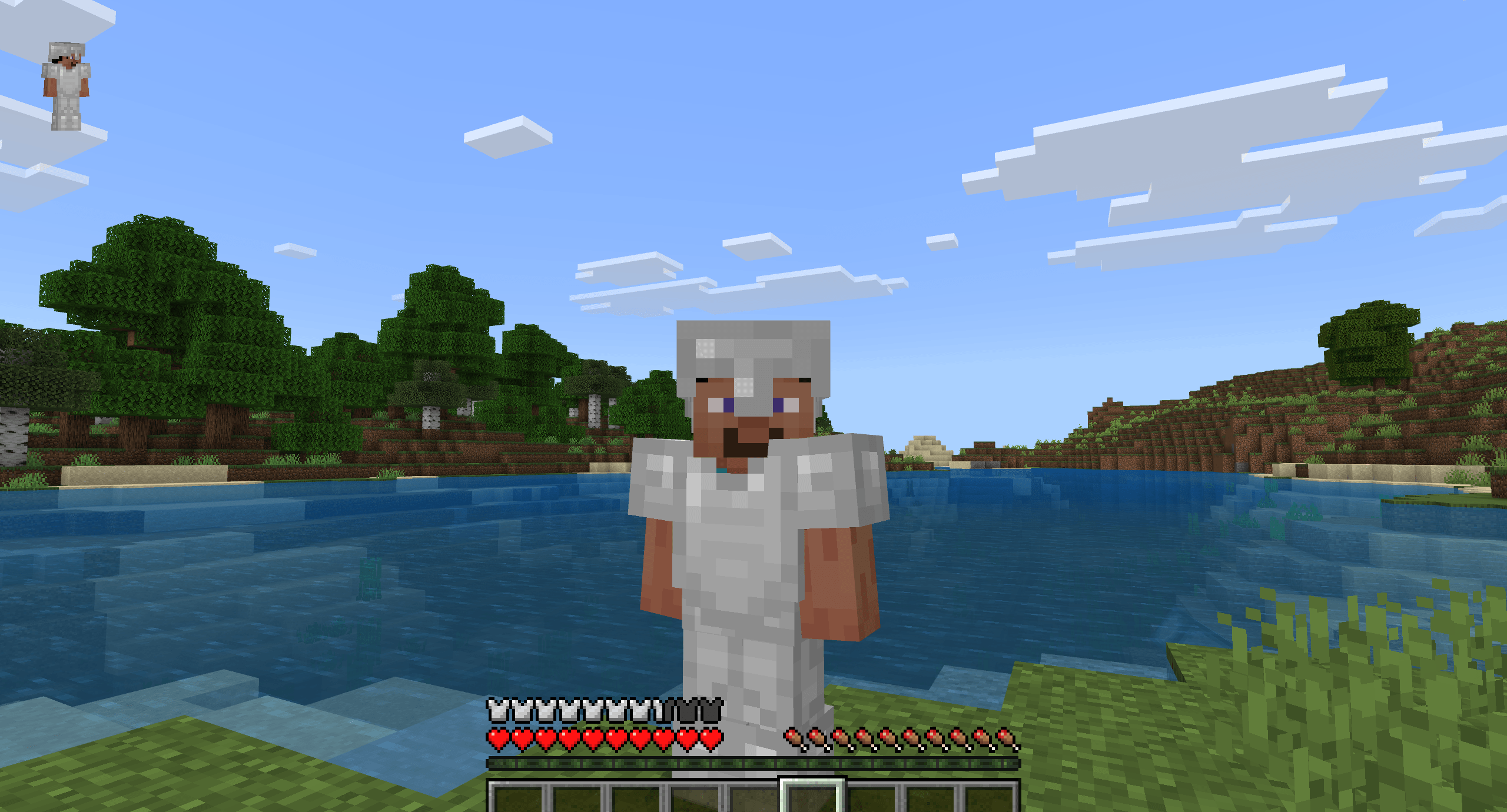
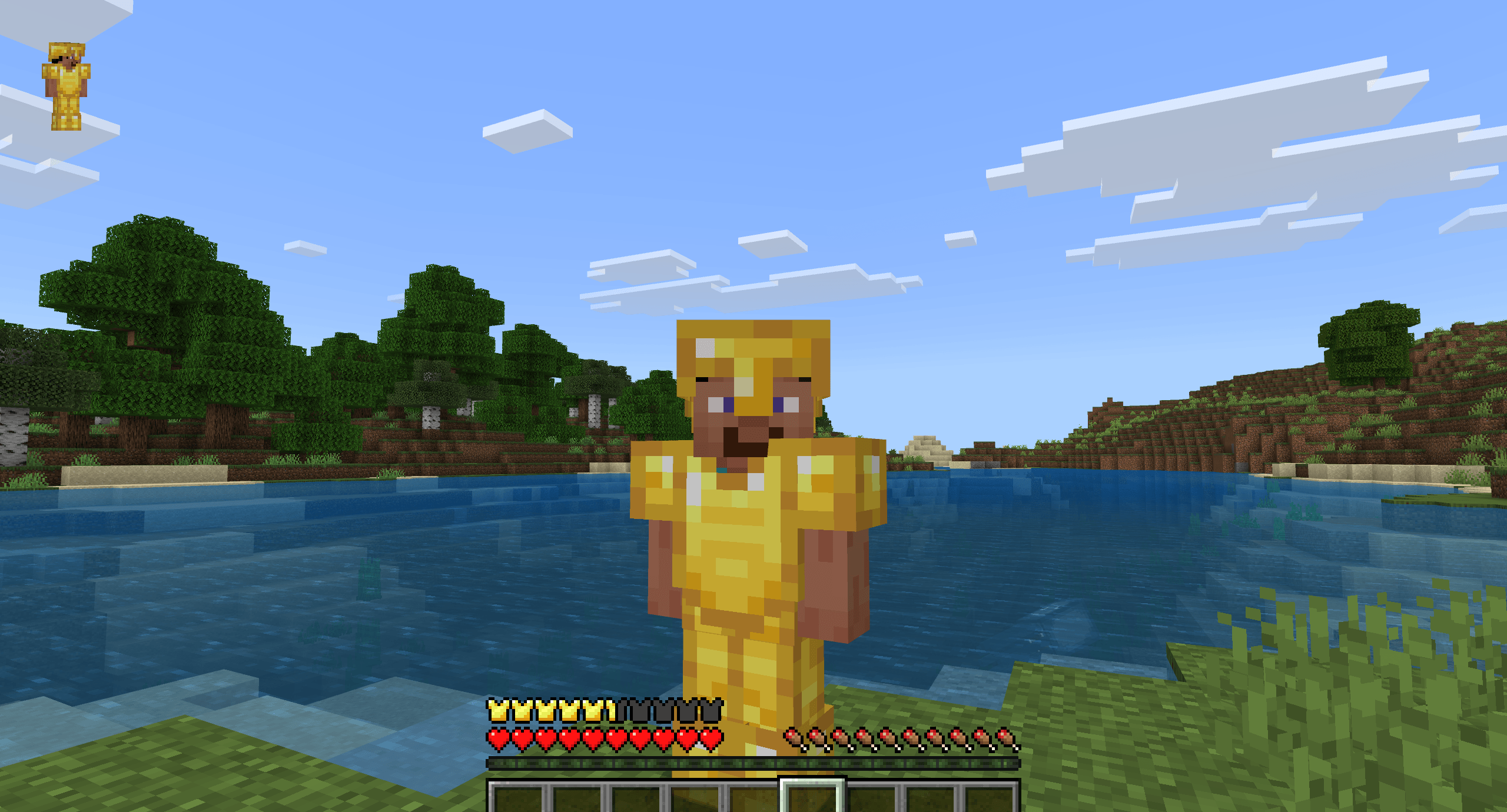
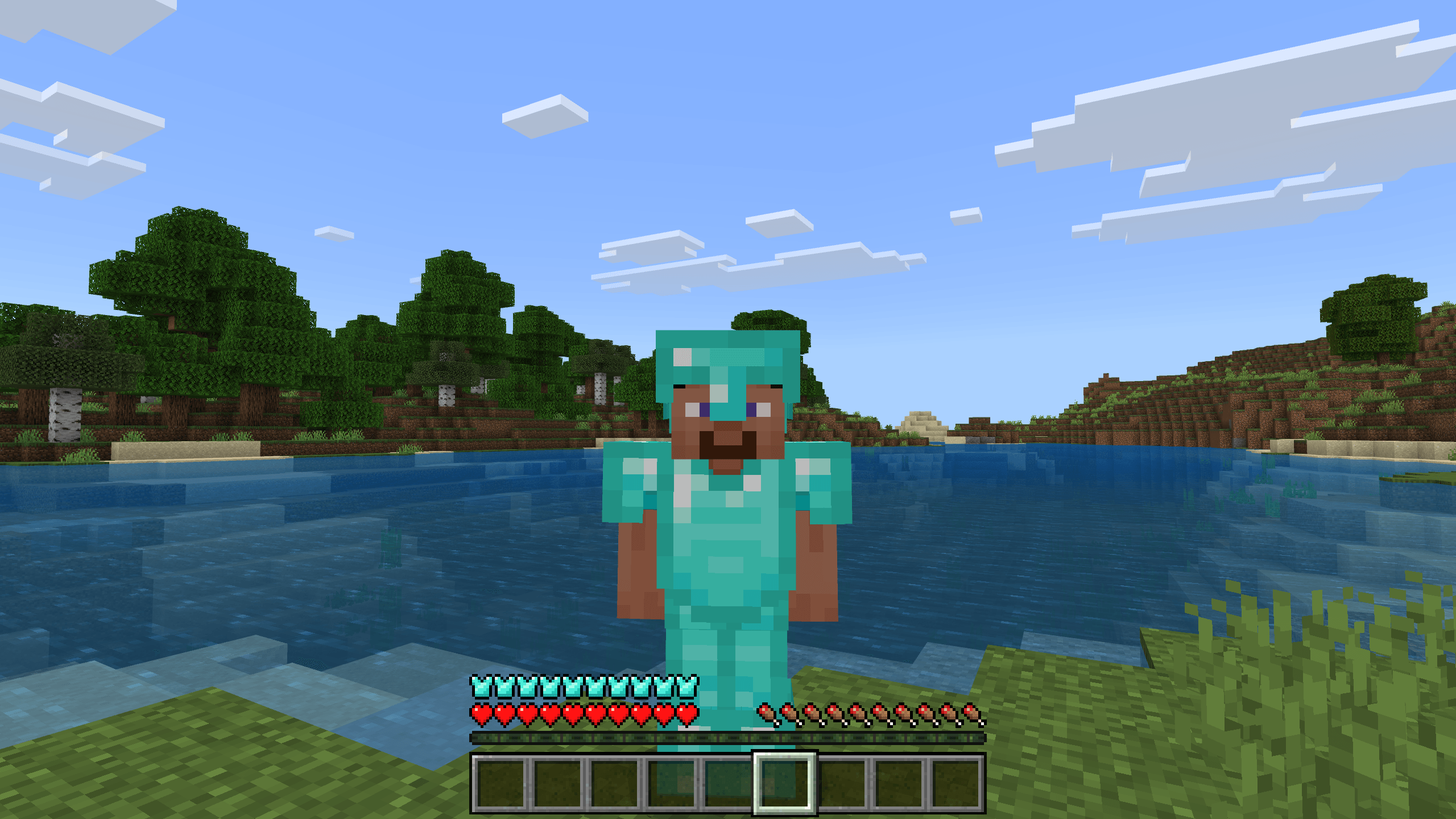
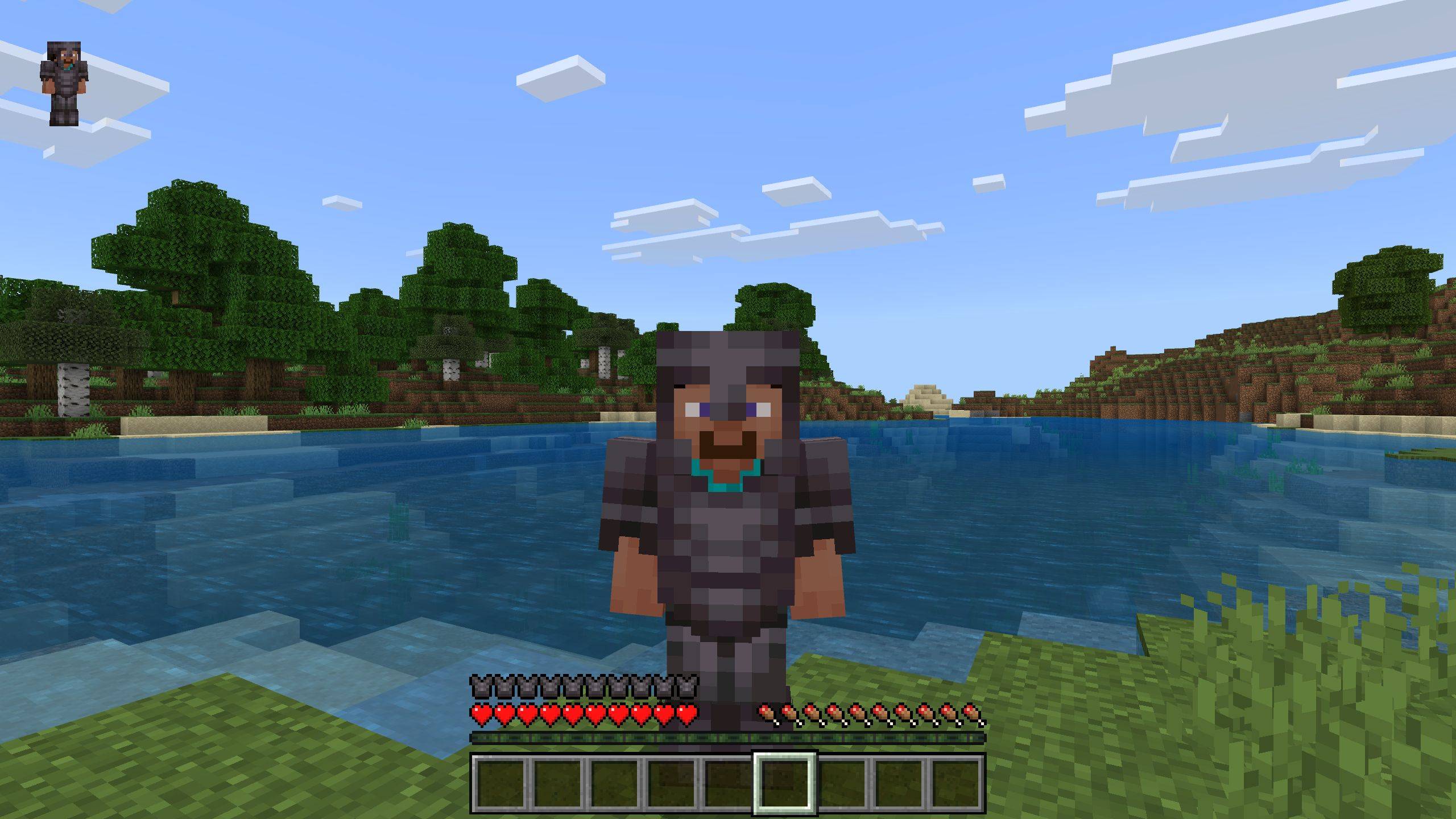


Hey! Are you looking for a Armor Chroma for Bedrock Edition? Or do you want to use an armor HUD without it taking up your whole screen? Well, this addon is perfect for you!
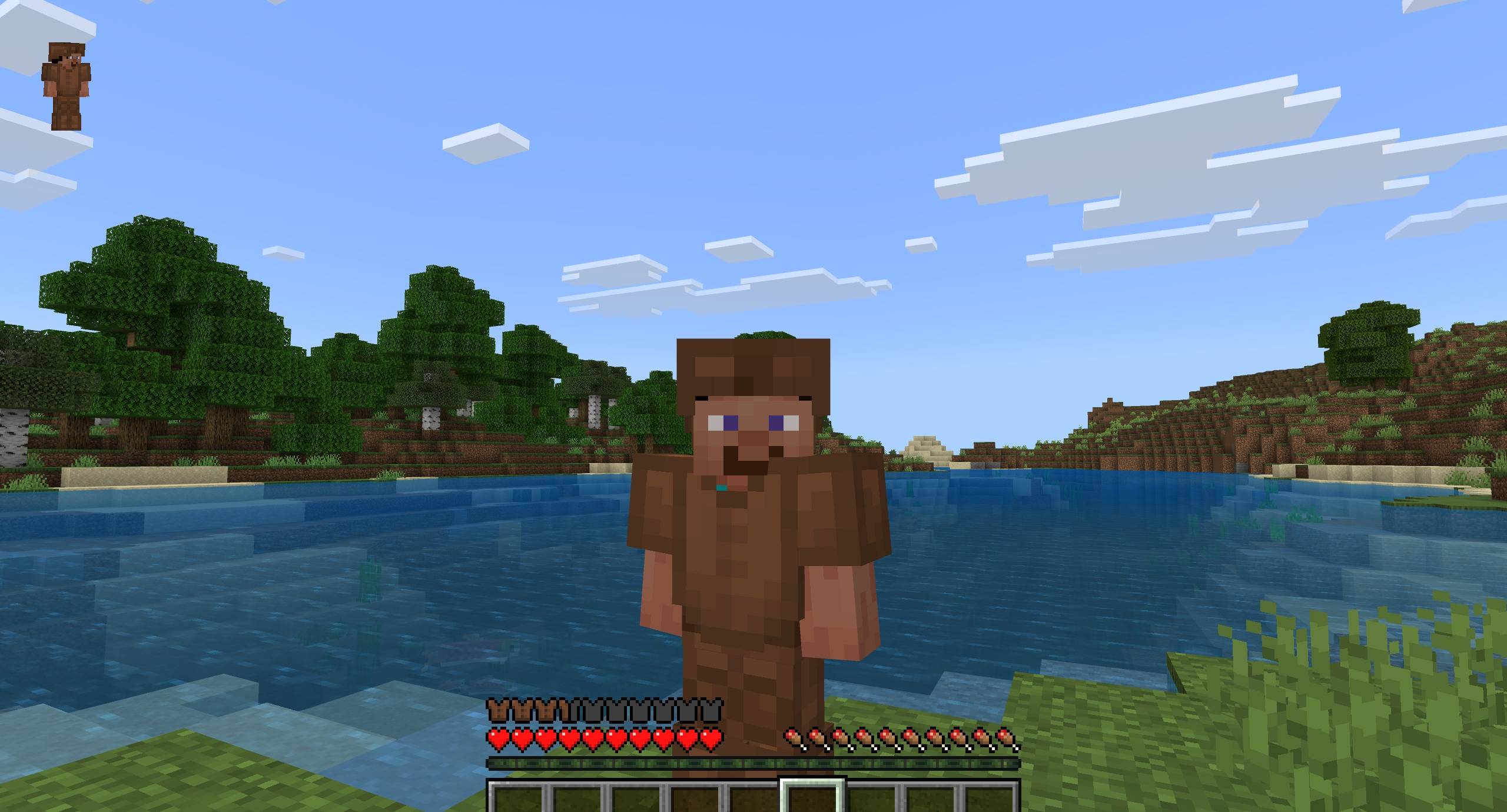
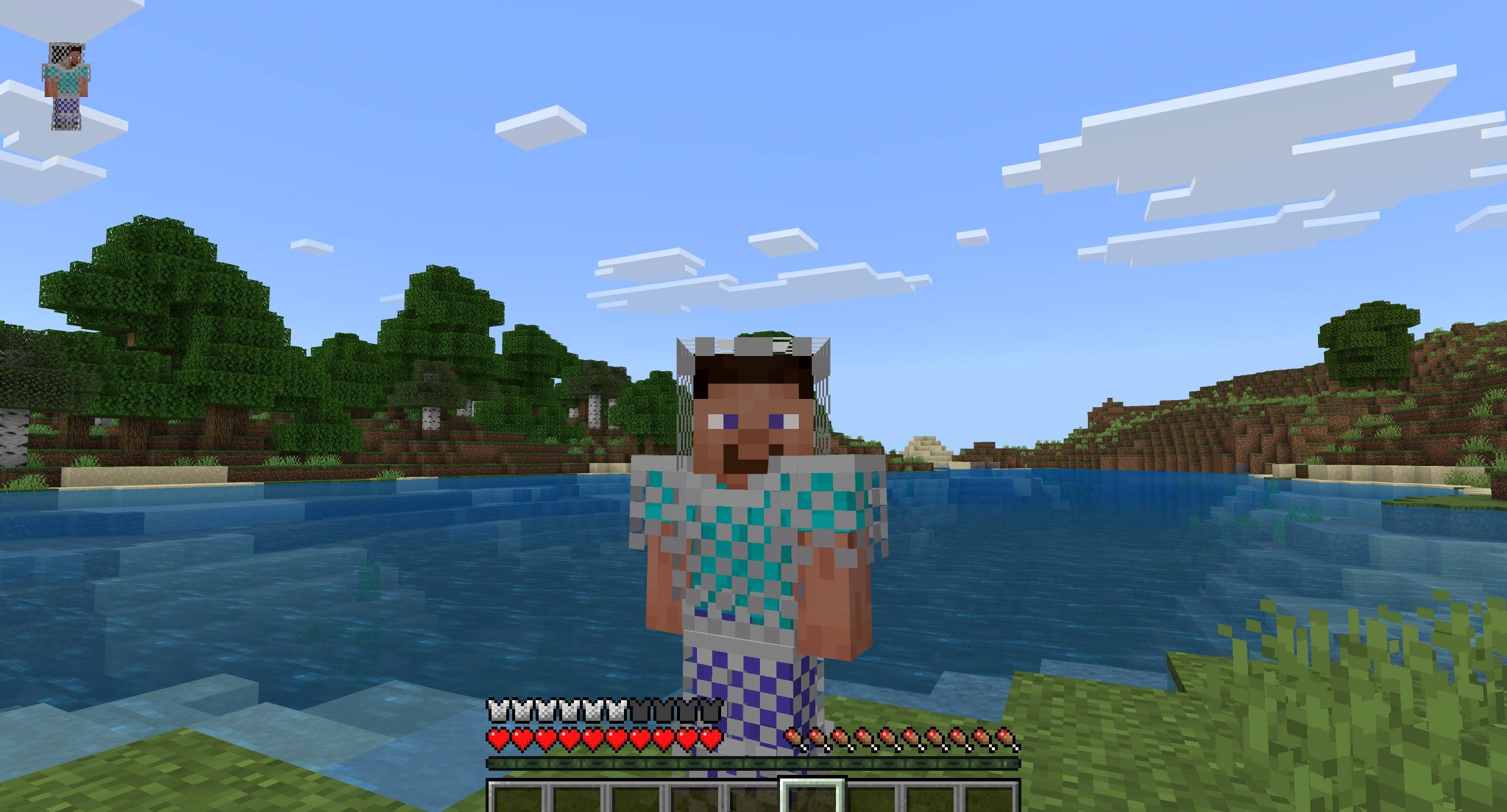
This addon allows you to see the armor you’re wearing directly on the armor bar.
How does it work? You just need to equip any armor you have, and the armor bar will change based on the armor you’re wearing, such as leather, diamond, or even the new copper armor.
Available armor bars: leather, turtle, chain, iron, gold, diamond, netherite.
Note: This addon does not support other custom armor addons unless their paths, components, and textures have been added (read below).
So, how do you add custom armor to this addon? Easy, you just need to follow these steps.
Adding the armor bar texture:
First, create a folder in your resource pack: textures/ui/colorful_armor_bar/
Then for example, if you have a custom armor called icikiwir, you need to create two armor bar textures named icikiwir_full and icikiwir_half.
After that, place those textures into the folder above.
Adding the component to the armor item file:
This is needed so the custom armor can be defined. First, copy this code:
"cab:armor_data": {
  "texture": "icikiwir",
  "armor_protection": 6
}
Change the texture value to match your armor name, taken from icikiwir_full or icikiwir_half, and change the armor_protection value to match your custom armor’s protection.
Add this code into the components section of your armor item file.
Then you can test it in game.
Or if you don’t want to bother using the steps above, you can request me to make this addon compatible with other custom armor addons, just chat me on Discord.
Required Dependencies(important!)
very necessary for the addon to work

Showcase Video
watch if you don't understand or want to know how it works!
Join Our Community
discussions, submit suggestions, report bugs and more
Discord Server | Telegram Group | Whatsapp Group(+62 only)
Reference: Detail Armor Bar
- Edition: Minecraft Bedrock
- File type: .mcpack or .mcaddon
- Minecraft versions listed: 1.21.101, 1.21.100, 1.21.111
- How to install: Download the .mcpack or .mcaddon file. → Open it — Minecraft imports it. → In your world: Behavior Packs → Available → Activate, then the same under Resource Packs.
- Where to get it: Opens on CurseForge — not every file is mirrored on our own servers.
Install steps are the general flow for this file type — How to install Minecraft Bedrock addons & mods walks through it step by step.
- Pack type: .mcaddon — behaviour and resource pack in one file
- Manifest requires Minecraft 1.21.100 or newer
- Complete pack — everything it depends on is inside the file
- Download size: 25 KB
- Download link checked 15 Sept 2026 — working
These come from our own check of the pack file, not from the source page.

