Piglin Custom Barter and Chances
Piglin Custom Barter lets you barter to Piglin on the items you wanted it to drop. With this addon, you can choose the drop of the item during the barter…
⬇ Download on CurseForge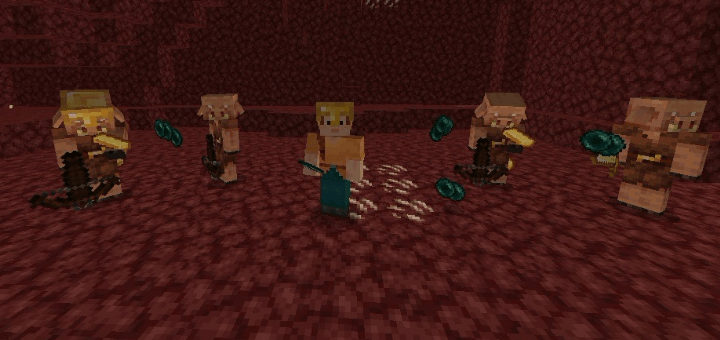
Piglin Custom Barter v1.0.2
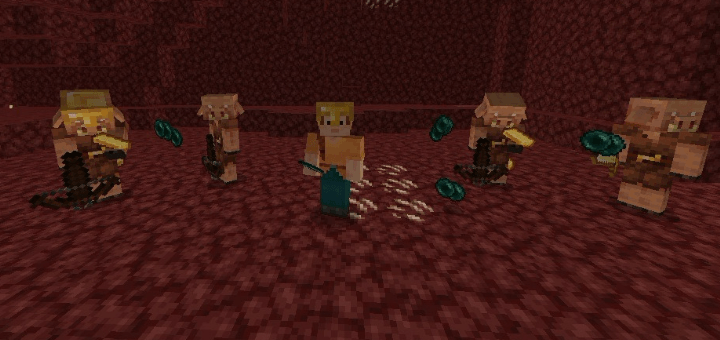
Piglin Custom Barter allows you to choose what items Piglins drop during bartering—based on Minecraft’s default barter loot table. All of this works without disabling achievements! No more wasting gold and time hoping for specific items. This addon gives you full control over Piglin trades, making it perfect for speedruns, survival farms, and resource collection.
It’s fully compatible with vanilla items and requires no scripts or commands. Whether you’re grinding for ender pearls or building a bartering-based farm, this addon brings you faster, smarter results.
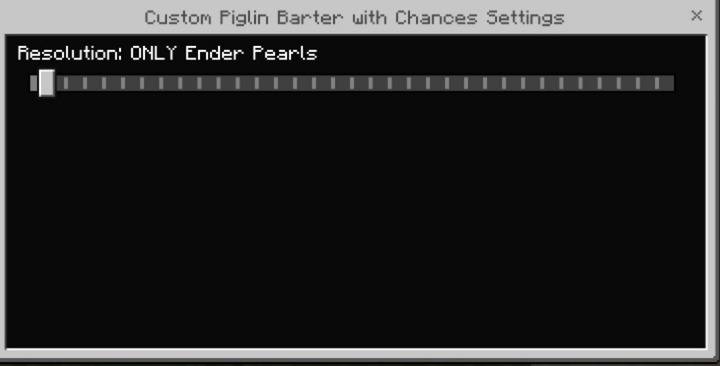
Piglin Custom Barter with Chances – Combines both modes: set one guaranteed item and boost chances for others.
📺 Need help choosing or using the addon?
Watch this video guide:
🔧 Maximize your bartering speed!
Use it with Fast and Custom Piglin Barter for faster bartering and loot drop control. Why?
- Make your barter with Piglins fast without waiting for 8 seconds.
🌐 Server Compatibility Info:
This addon may not work on servers (like Aternos or Realms) because servers often force the default version of the pack or load other conflicting Piglin behavior packs.
If you want to use this on a server, please join our Discord and download the separated "Custom Options" version of the addon. These files are manually selectable to ensure they work as intended in server environments.
❗ Do not reupload or claim this addon as your own.
If you want to share it, please link to this page or my profile instead.
💬 Got feedback? Join our Discord or leave a comment — I’d love to hear your thoughts!
🔔 Follow me for more addons:
- CurseForge: https://www.curseforge.com/members/itsmexd/projects
- MCPEDL: https://mcpedl.com/user/itsmexd/
- YouTube: http://www.youtube.com/@itsmexd890
- Instagram: https://www.instagram.com/itsmexd890/
- TikTok: https://www.tiktok.com/@itsmexd949
- X (formerly Twitter): https://x.com/INoob10500
🟣 Join our official Discord server!
Discord: https://discord.gg/R2a6N7kTFb
- Edition: Minecraft Bedrock
- File type: .mcpack or .mcaddon
- Minecraft versions listed: 1.21.90, 1.21.93, 1.21.94
- How to install: Download the .mcpack or .mcaddon file. → Open it — Minecraft imports it. → In your world: Behavior Packs → Available → Activate, then the same under Resource Packs.
- Where to get it: Opens on CurseForge — not every file is mirrored on our own servers.
Install steps are the general flow for this file type — How to install Minecraft Bedrock addons & mods walks through it step by step.
- Pack type: .mcpack — a single pack
- Manifest requires Minecraft 1.16.0 or newer
- Complete pack — everything it depends on is inside the file
- Download size: 54 KB
- Download link checked 15 Sept 2026 — working
These come from our own check of the pack file, not from the source page.