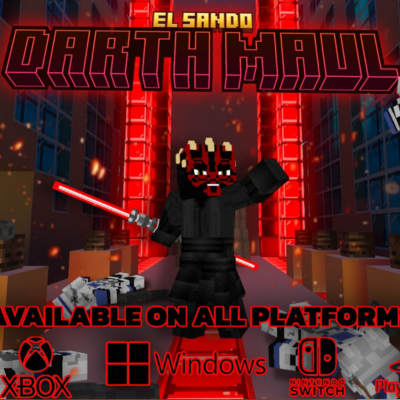
STAR WARS - DARTH MAUL | EL SANDO
Bedrock add-on listed for Minecraft 1.8–1.21 (behavior + resource pack). File opened and checked on 21 Sep 2026; installs from the MC Bedrock Mods app on Android.
Let the dark side take over your blocky world with the Darth Maul Addon in Minecraft! Awaken the power of the Sith with the addition of Darth Maul and his…
⬇ Download on CurseForge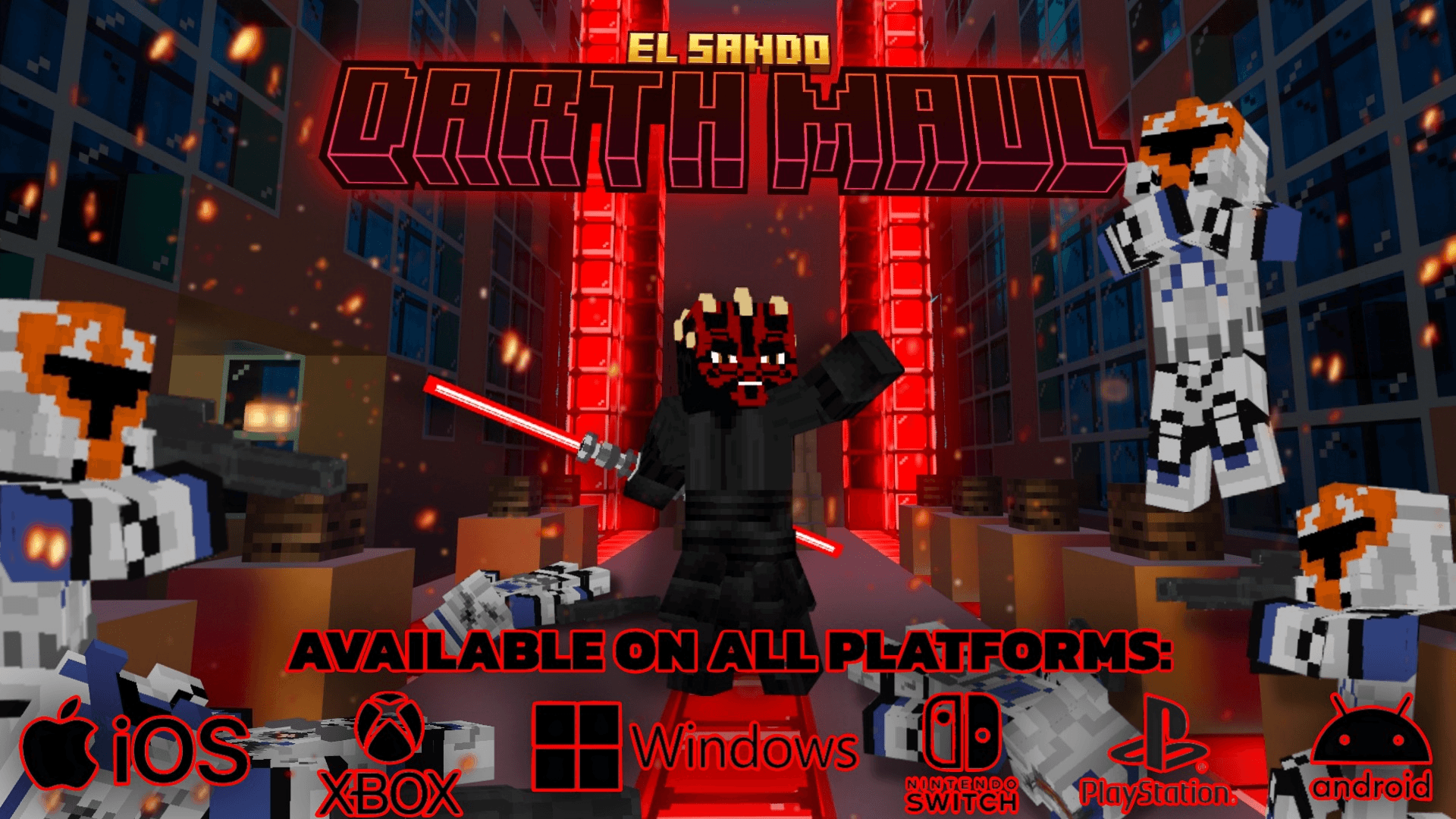
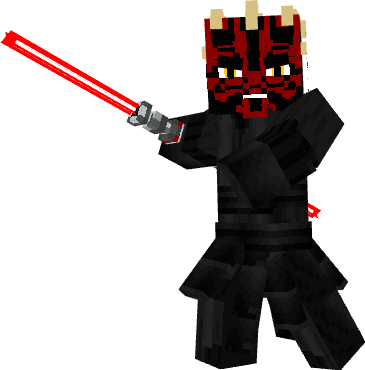
Darth Maul
Sidius's apprentice, murderer by nature, skillful and strong, anger and power will always make him more powerful
 </figure>
this character has too many custom animations!!!
This addon is compatible with GENERAL GRIEVOUS ADDON!
<figure class="media"></figure>It also has sounds, abilities and behavior very faithful to the original Star Wars character.
<mark class="marker-yellow">scream animation</mark>
about the maul scream this will do an area damage where it will remove 5 hearts of damage to any mob that is around
<figure class="image">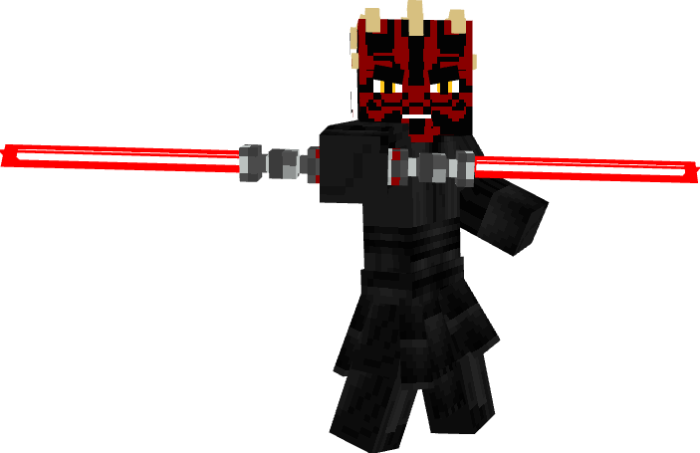 </figure>
The animations of the game and the player were updated, here you can see the quality of the animations of the player and of the new mobs in another addon similar to this one!
<figure class="media">darth maul has two attack animations, one where he will attack with his melee lightsaber and one where he will throw his lightsaber towards his target
<figure class="image"> </figure>
Darth Maul being calm with no targets nearby will crouch and has a small chance to recover health.
 </figure>
Features:
Health: 800
Damage: 15
scale: 1
attack: everything that moves
Here is another example of the addon animations, this one is included and is <mark class="marker-yellow">compatible</mark> with the darth maul addon
<figure class="media"> </figure>
The iconic suns of the star wars series were also added
Battle Droid B1
Around your Minecraft world you will find these droids that want to kill you, you will also find allies!
<figure class="image">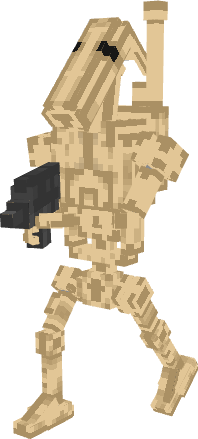 </figure>
This droid will have a blaster, and they shoot you at different distances, whether short or long, a few are not a problem but when there are too many be careful.
<figure class="image">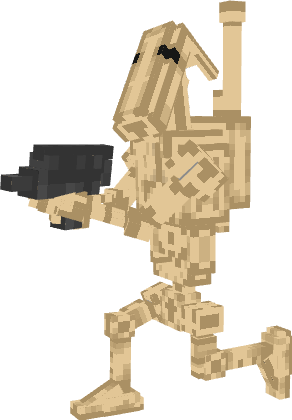 </figure>
Clone Trooper
allies in this battle against the dark side, you can use their blasters and clone armor to fight the separatists
<figure class="image">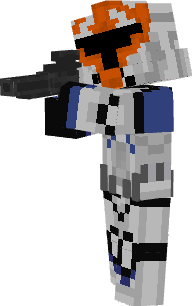 </figure>
Netherite armor has been replaced by clone armor!
<figure class="image">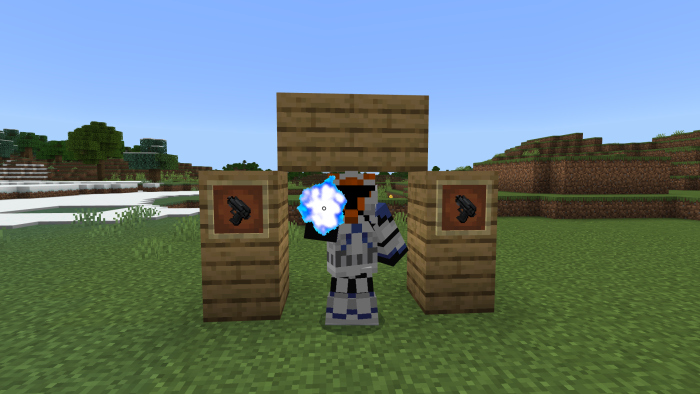 </figure>
You will find 3 clone weapons which differ in their sizes and number of shots.
<figure class="image">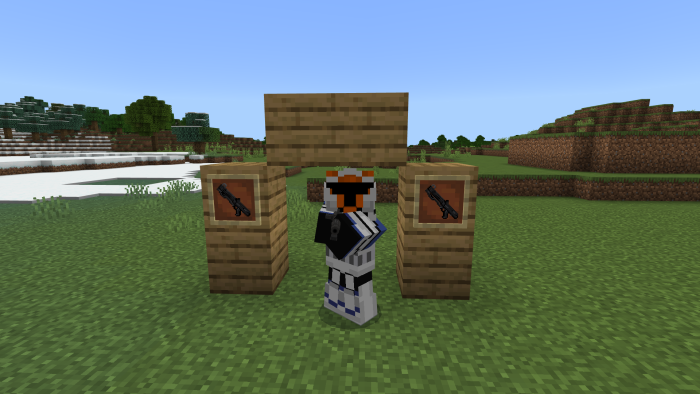 </figure>
<figure class="image">
</figure>
<figure class="image">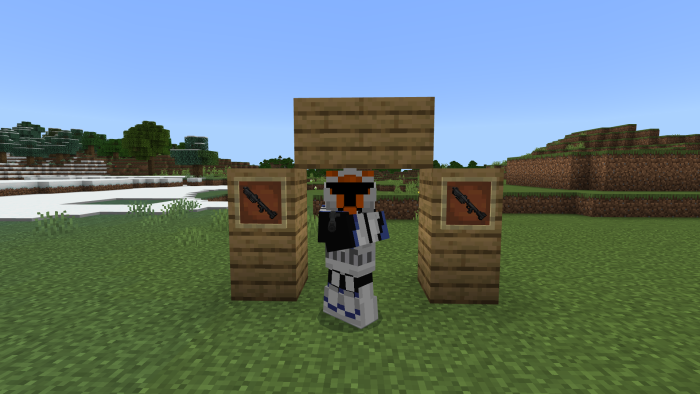 </figure>
Light Sabers
These cool lightsabers have their characteristic sounds and generate different abilities for the player.
<figure class="image">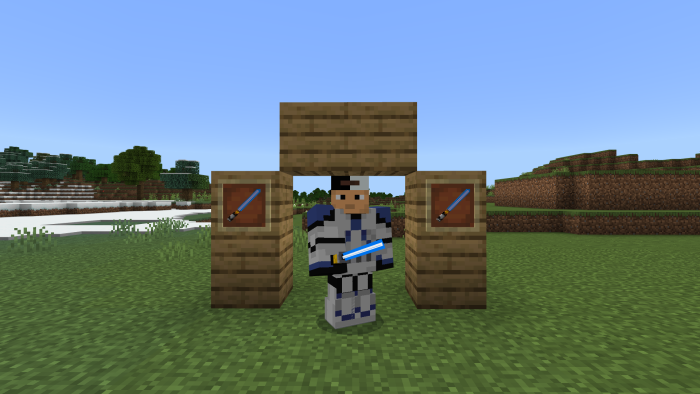 </figure>
<figure class="image">
</figure>
<figure class="image">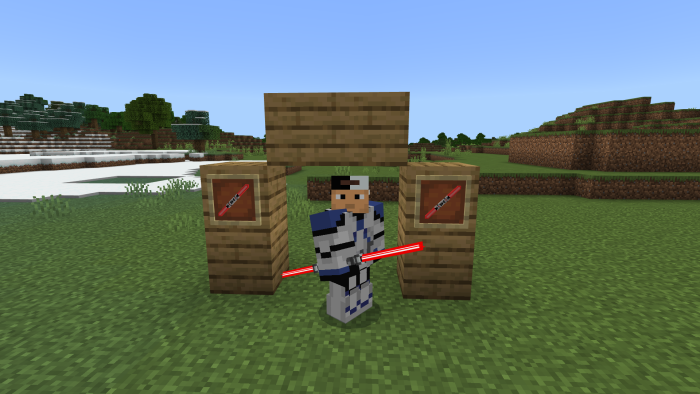 </figure>
<mark class="marker-yellow">TRAILER 1</mark>
<figure class="media"><mark class="marker-yellow">REVIEW</mark>
<mark class="marker-yellow">TRAILER 2 (NEW UPDATE)</mark>
<figure class="media"><mark class="marker-yellow">More information in the video description</mark>
- Edition: Minecraft Bedrock
- File type: .mcpack or .mcaddon
- Minecraft versions listed: 1.20.40, 1.21.30, 1.21.50
- How to install: Download the .mcpack or .mcaddon file. → Open it — Minecraft imports it. → In your world: Behavior Packs → Available → Activate, then the same under Resource Packs.
- Where to get it: Opens on CurseForge — not every file is mirrored on our own servers.
Install steps are the general flow for this file type — How to install Minecraft Bedrock addons & mods walks through it step by step.
- Pack type: .mcaddon — behaviour and resource pack in one file
- Manifest requires Minecraft 1.8.0 or newer
- Complete pack — everything it depends on is inside the file
- Download size: 7.7 MB
- Download link checked 5 Oct 2026 — working
These come from our own check of the pack file, not from the source page.