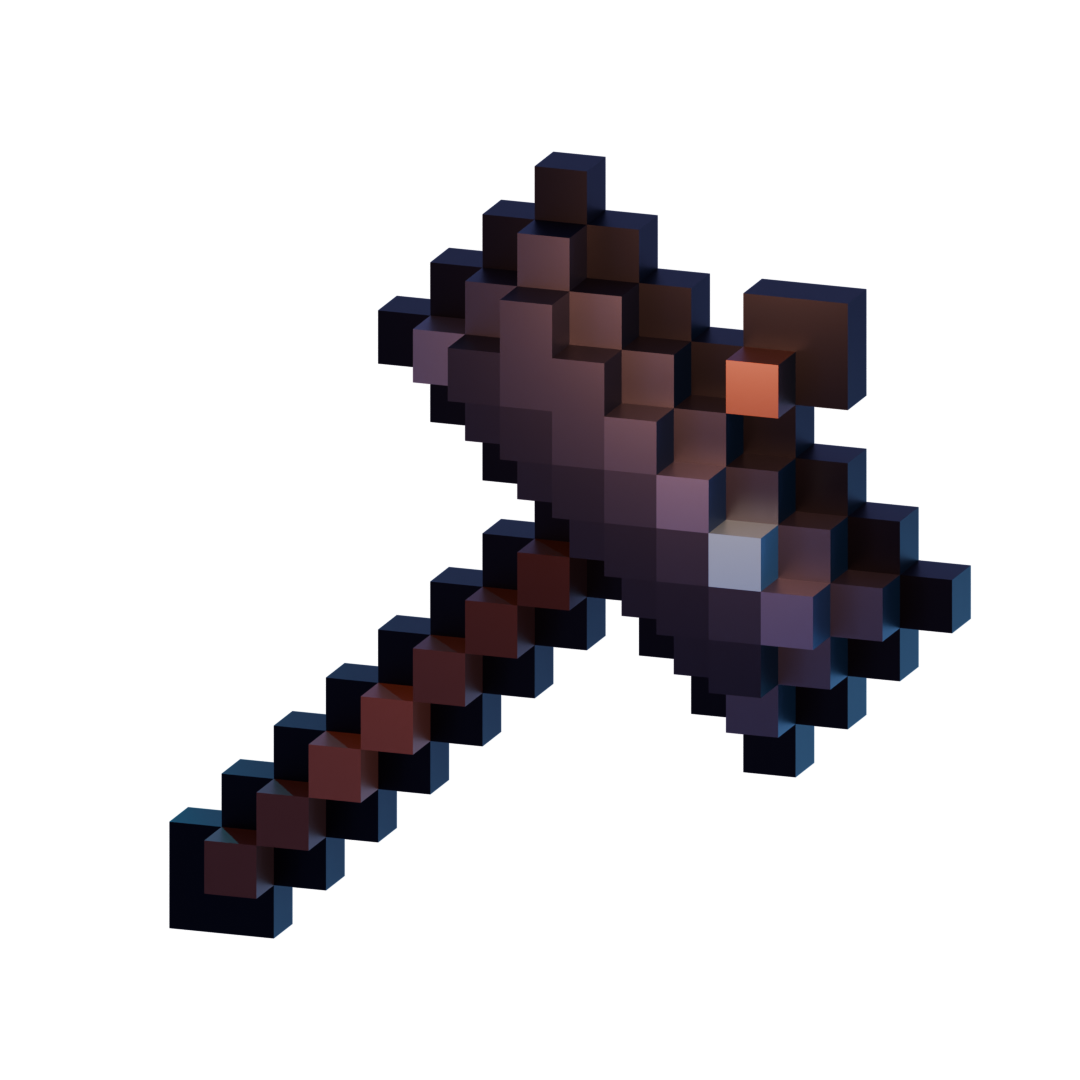
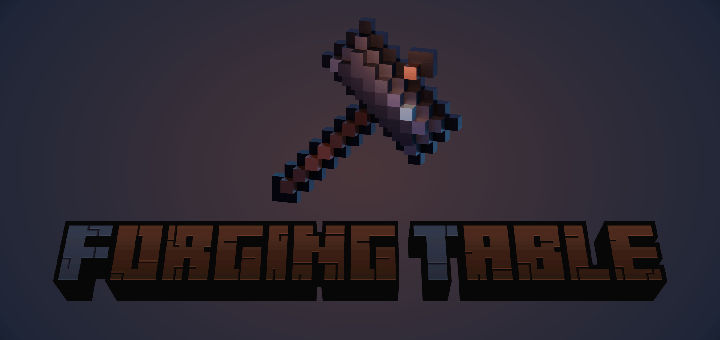
Forging Table is an addon that introduces players a new forging mechanic that similar to an anvil or smithing table. Still, it is very easy for developers to customize with disenchanting weapon ability.
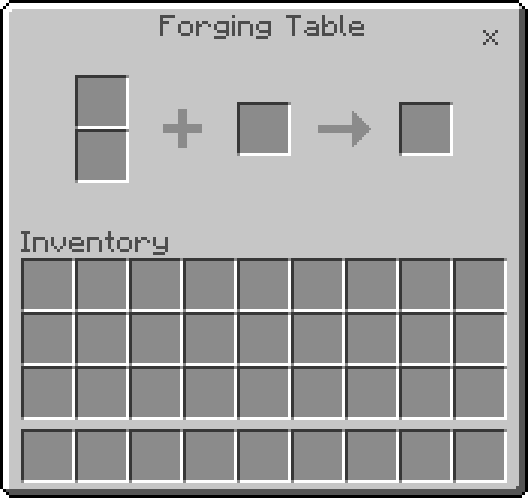
Forging Table UI Panel
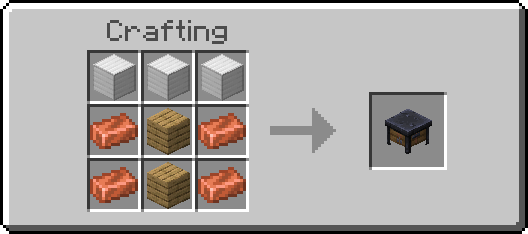
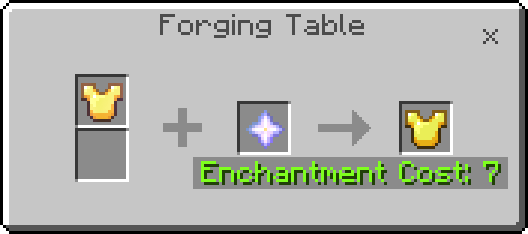
Forging Table Recipe
Features:
- Forging Table API
- Built-in disenchanting ability
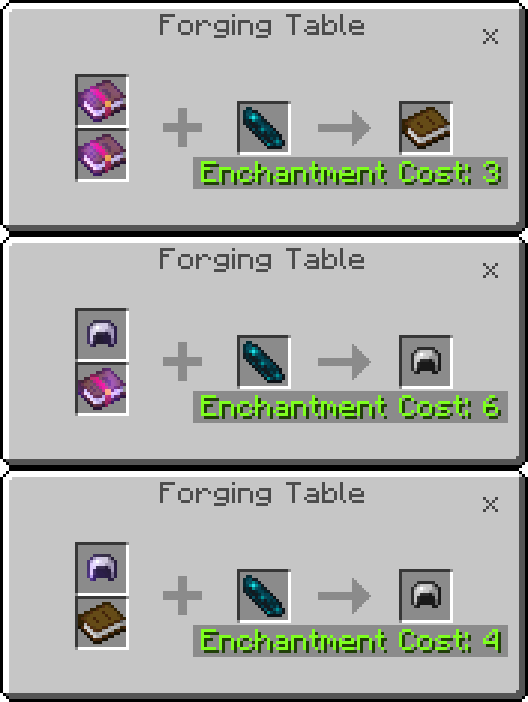
- Built-in curse-removing ability
Compatibility
If you are an addon developer who wants to add your custom forging table recipe, you can do it by copying the forging table module to your addon script folder from this behavior pack in the folder "scripts/module/ForgingTableModule.js".
Example code:
scripts/disenchant.js
import { ForgingTableModule } from "./module/ForgingTableModule";
import { ItemStack } from "@minecraft/server";

ForgingTableModule.registerForgingRecipe(
    {
        primary: {
            tag: [ "minecraft:is_tool", "minecraft:is_armor"]
        },
        secondary: {
            item: [ "minecraft:book", "minecraft:enchanted_book" ]
        },
        tool: {
            item: "minecraft:echo_shard"
        },
        cost: 4
    },
    data =>{
        let enchantable = data.result.getComponent("minecraft:enchantable");
        if(enchantable && data.secondary && data.secondary.amount == 1){
            let enchantments = enchantable.getEnchantments();
            if(enchantments.length > 0 && !enchantable.hasEnchantment("binding") && !enchantable.hasEnchantment("vanishing")){
                let book_enchantable = data.secondary.getComponent("minecraft:enchantable");
              if(!book_enchantable.hasEnchantment(enchantments[0].type)){
                    let out_book = new ItemStack("minecraft:enchanted_book");
                    out_book.getComponent("minecraft:enchantable").addEnchantments(book_enchantable.getEnchantments().concat(enchantments[0]));
                    data.secondary = out_book;
                    enchantable.removeEnchantment(enchantments[0].type);
                    if(data.tool.amount > 1){
                        data.tool.amount -= 1;
                    }else{
                        data.tool = undefined;
                    }
                    data.primary = undefined;
                }else{
                    data.cancel = true;
                }
            }else{
                data.cancel = true;
            }
        }else{
            data.cancel = true;
        }
    }
)
Quick facts
- Edition: Minecraft Bedrock
- File type: .mcpack or .mcaddon
- Minecraft versions listed: 1.21.90, 1.21.80
- How to install: Download the .mcpack or .mcaddon file. → Open it — Minecraft imports it. → In your world: Behavior Packs → Available → Activate, then the same under Resource Packs.
- Where to get it: In MCModsHub, or directly above on this page.
Install steps are the general flow for this file type — How to install Minecraft Bedrock addons & mods walks through it step by step.
Verified by MCModsHub
- Pack type: .mcaddon — behaviour and resource pack in one file
- Manifest requires Minecraft 1.21.0 or newer
- Complete pack — everything it depends on is inside the file
- Download size: 23 KB
- Download link checked 17 Jul 2026 — working
These come from our own check of the pack file, not from the source page.