Adha Craft
Bedrock add-on listed for Minecraft 26.x. Needs Beta APIs. File opened and checked on 15 Oct 2026; installs from the MC Bedrock Mods app on Android.
v5 Beta focuses on expanding features, refining gameplay, and testing new butchery and farming systems in Bedrock Edition.
⬇ Download on CurseForgeThe author built this one for Minecraft 26.10–26.20. On other versions it may install and then do nothing.
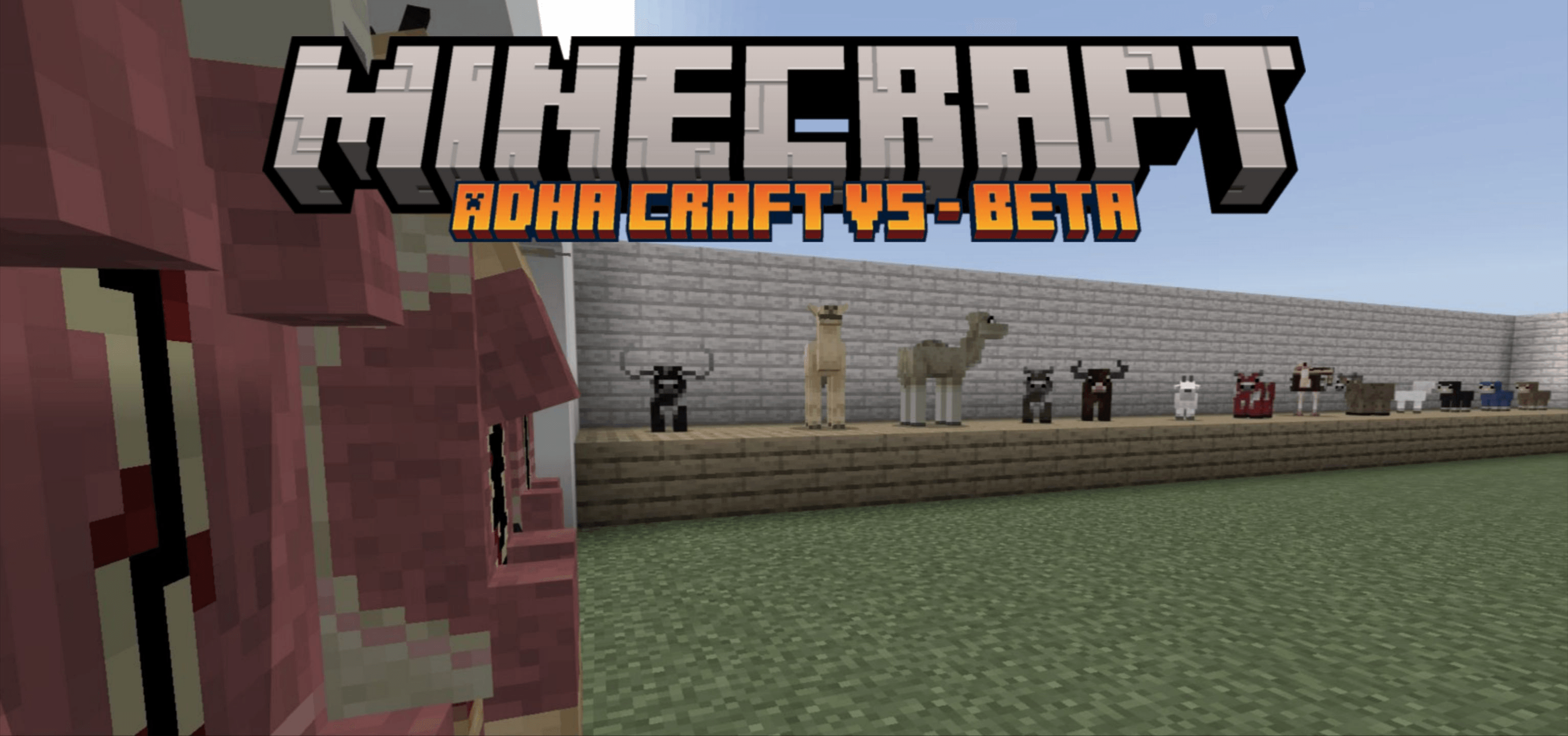
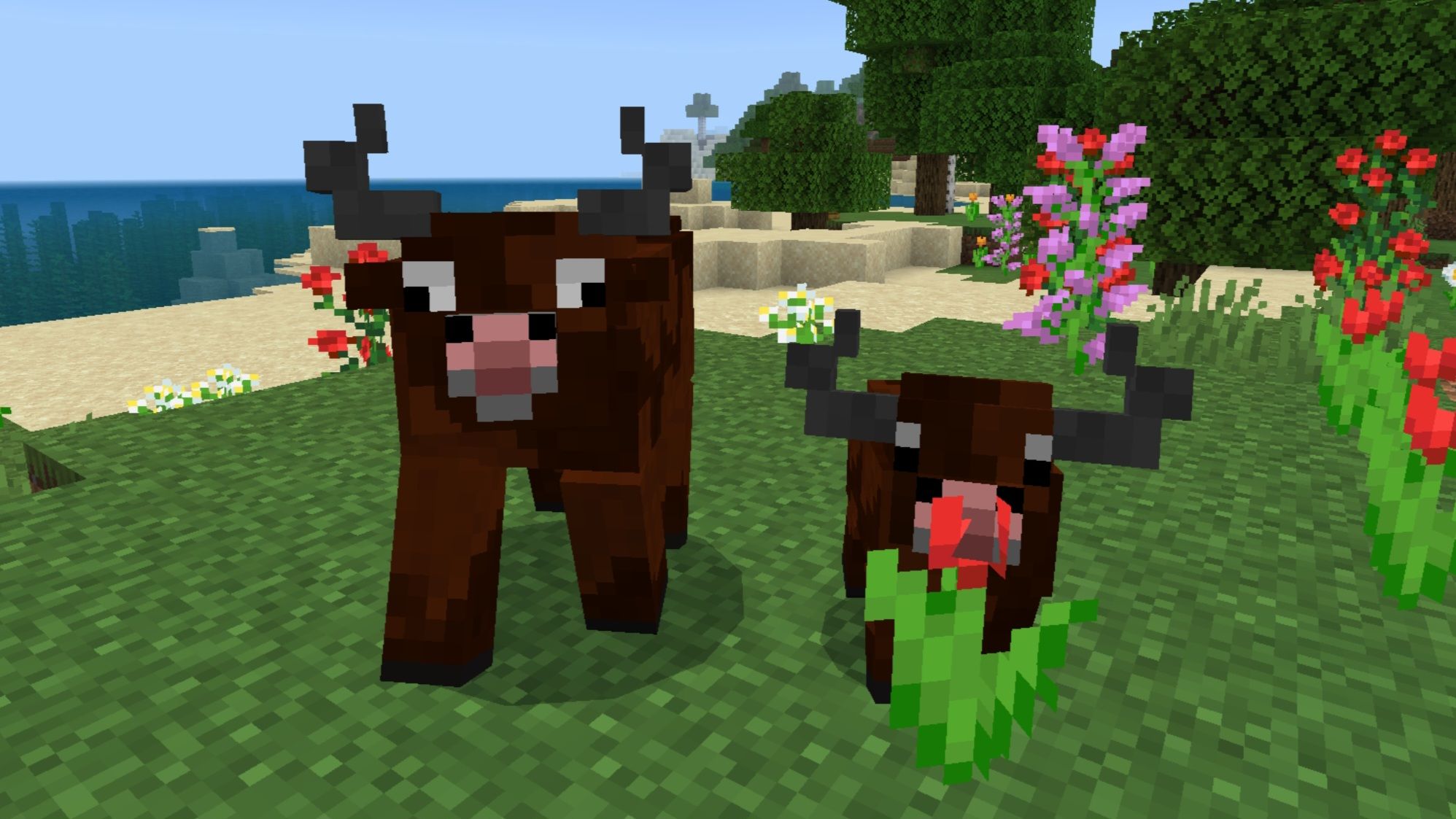
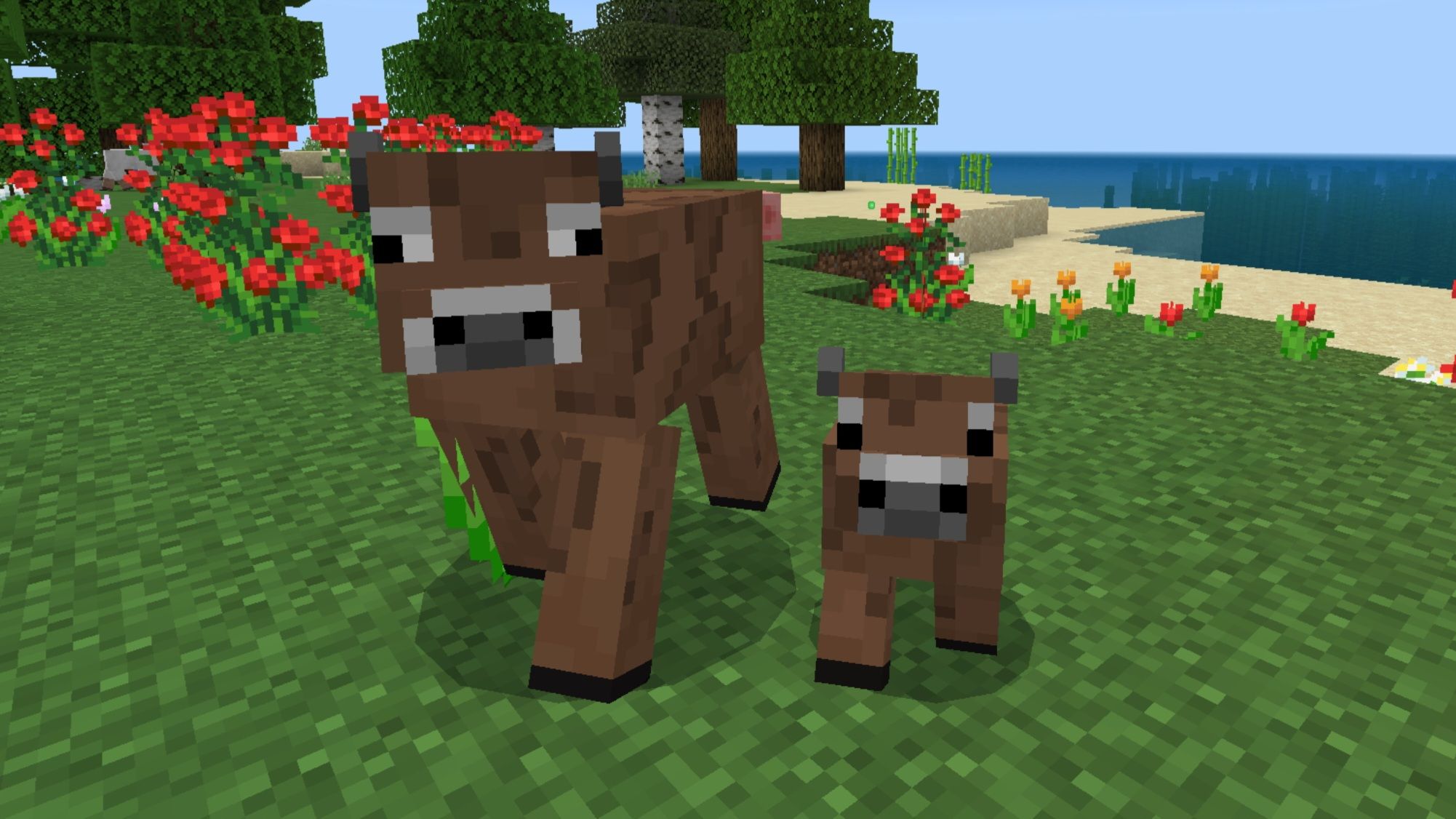
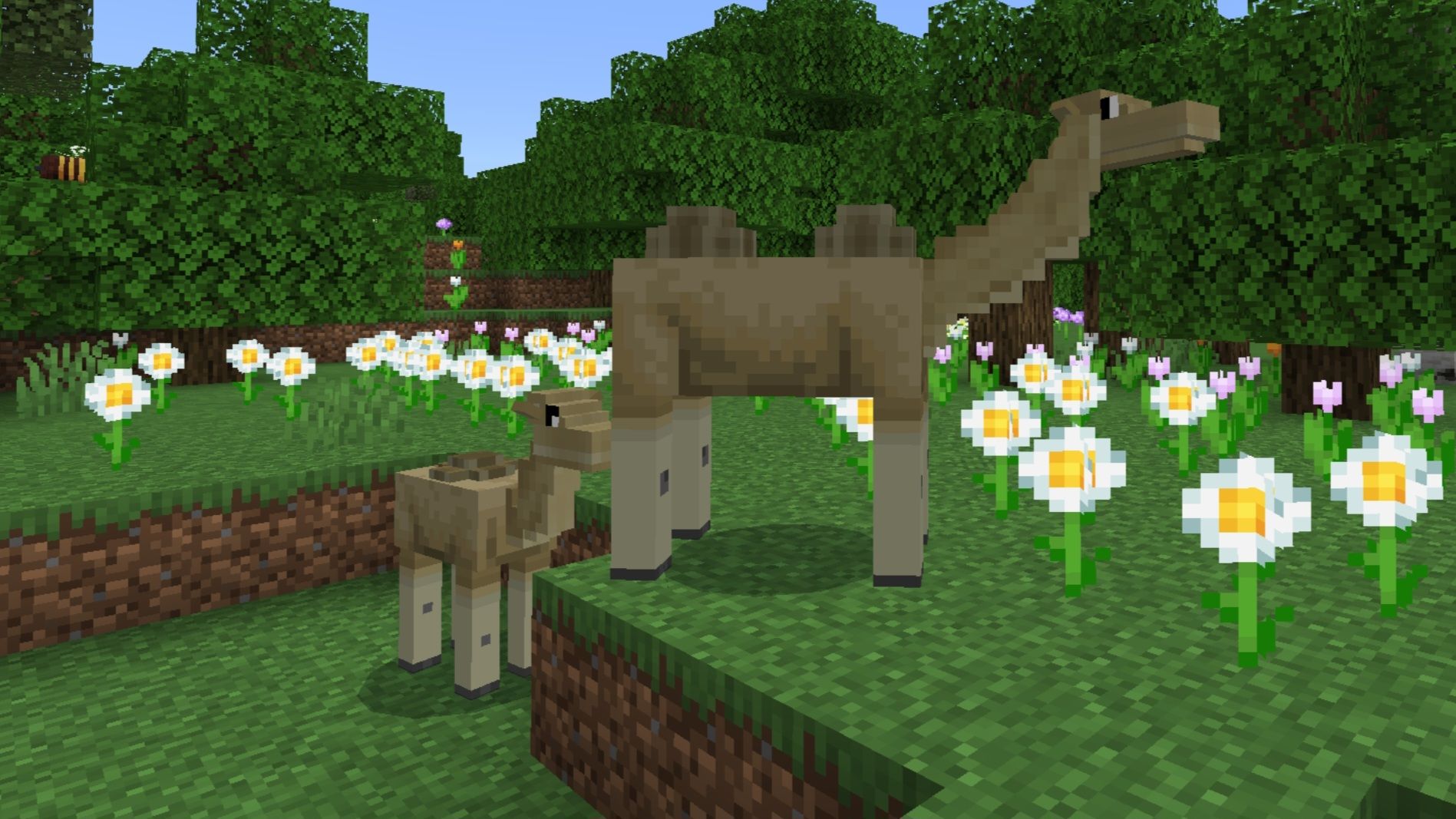
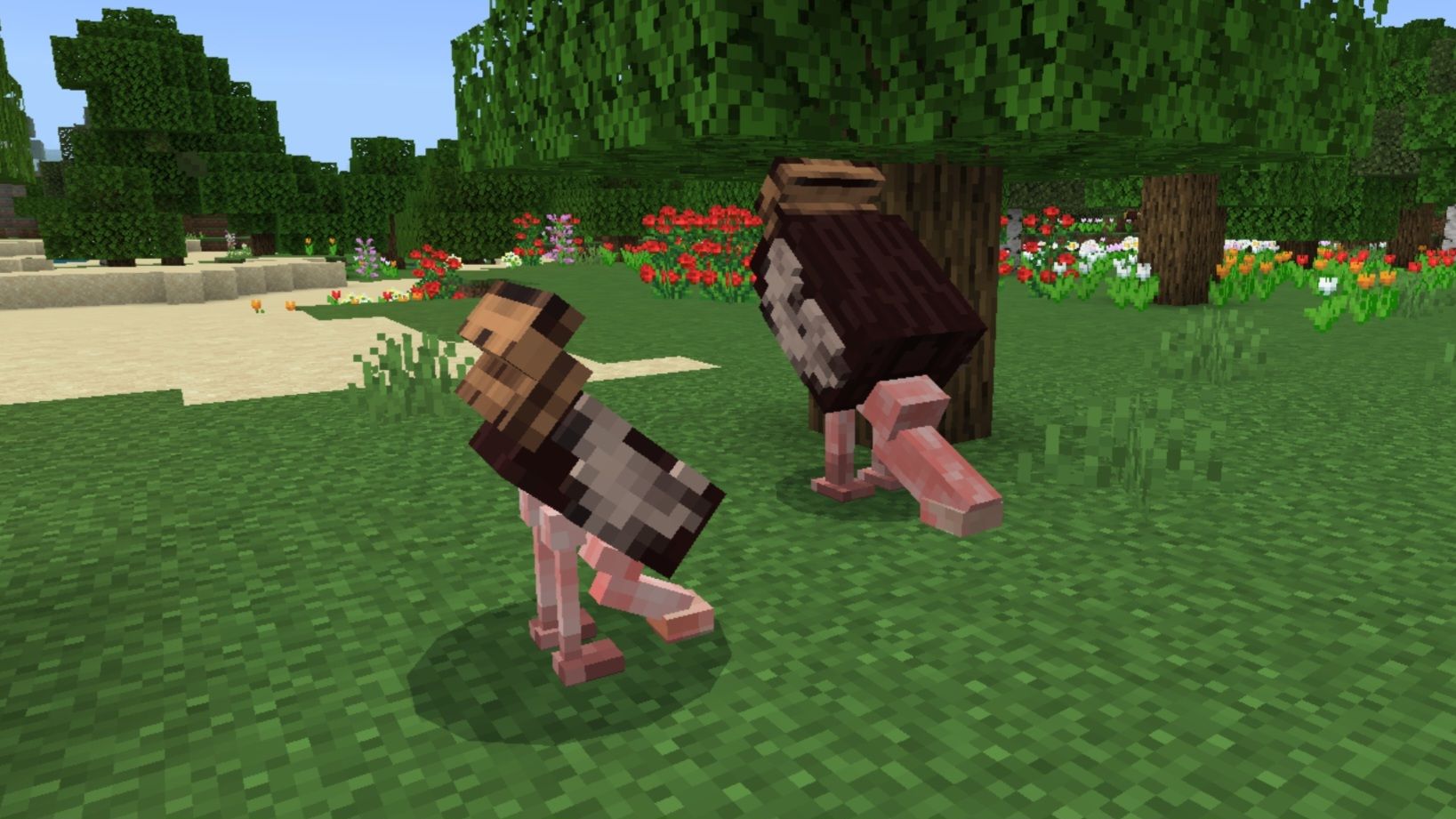
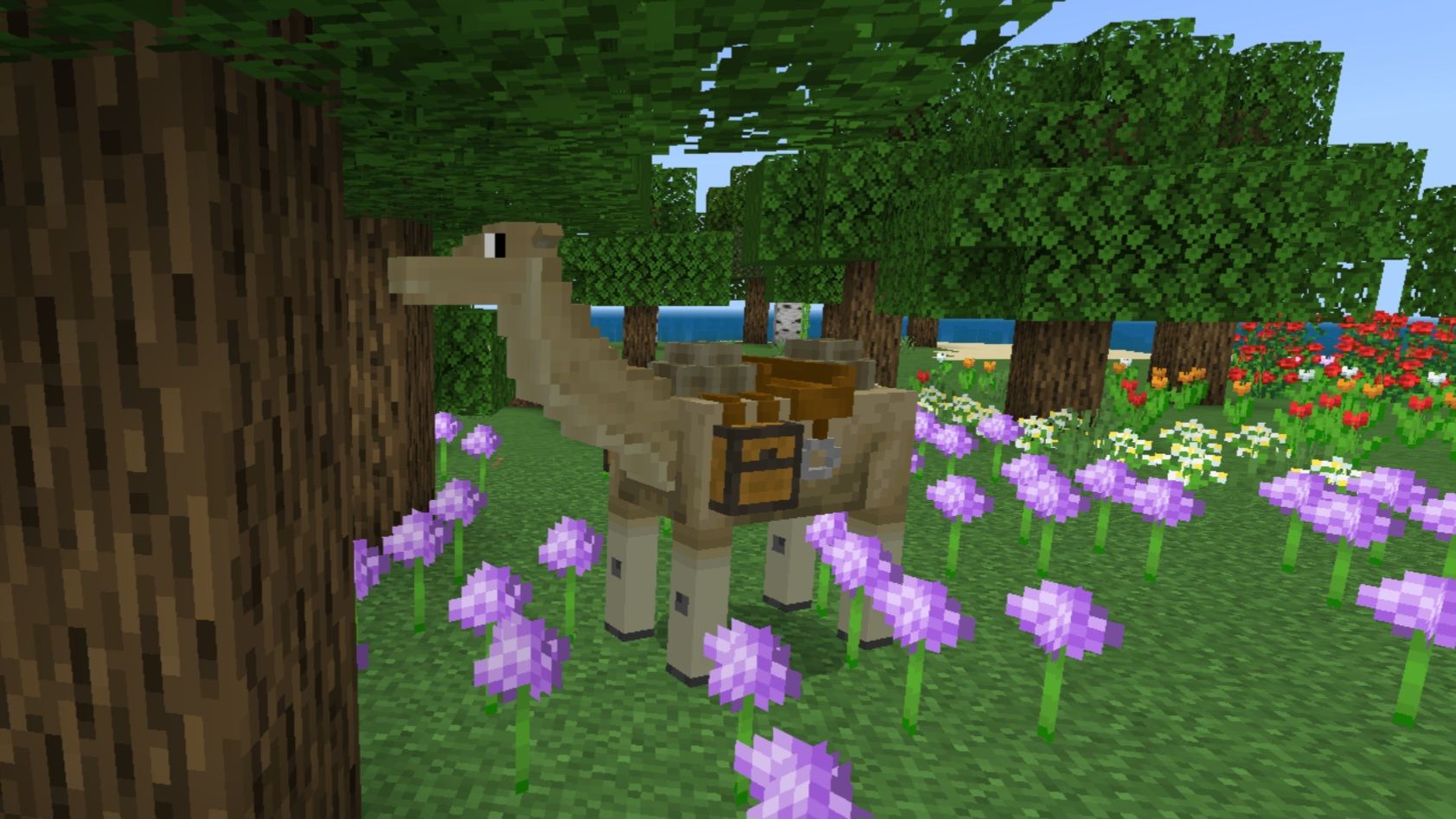
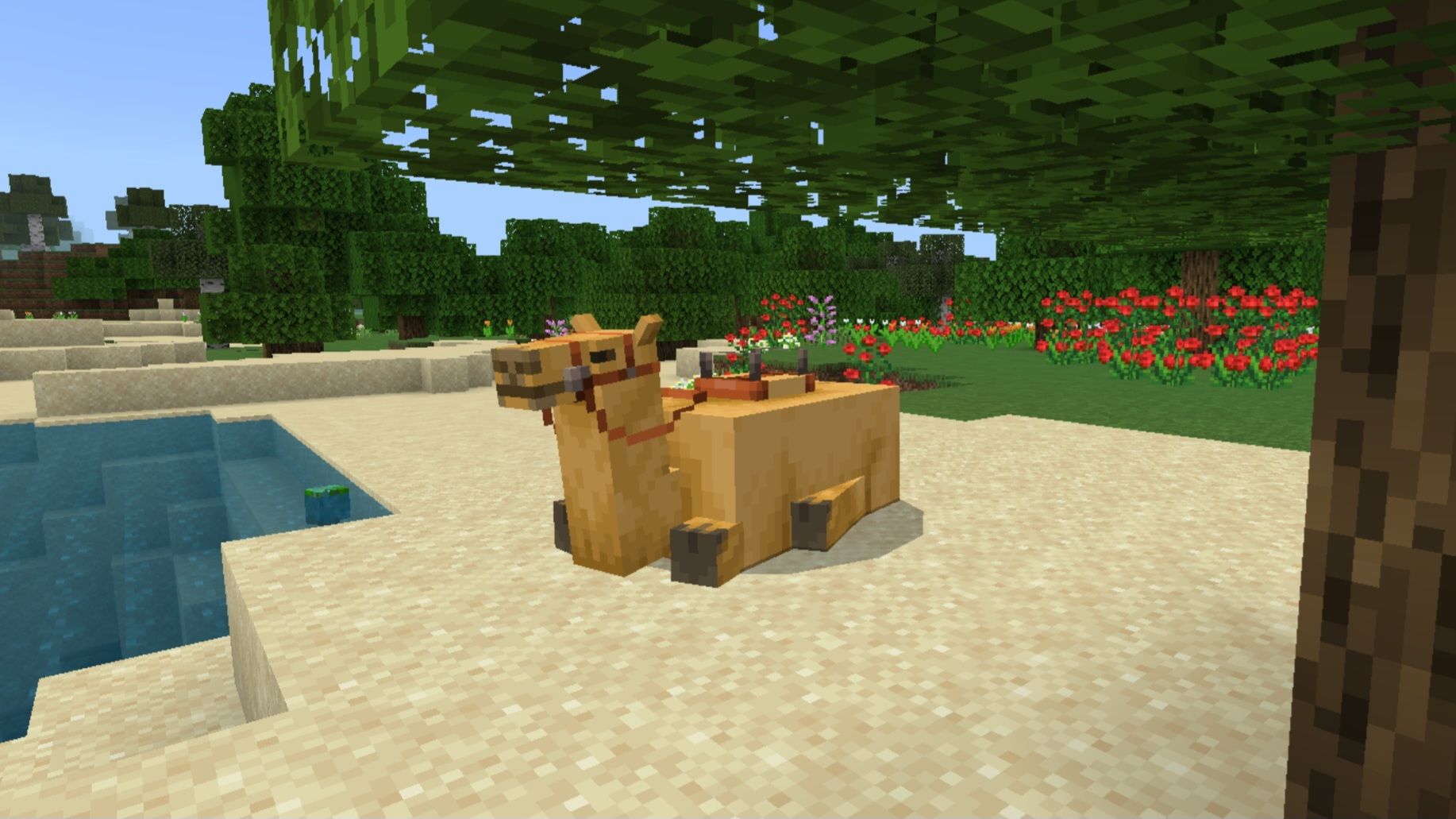
This is a Beta version of the add-on, new updates will be released soon
Don't forget to checkout GU Official Site at gamingudu.org for more info regarding the add-on
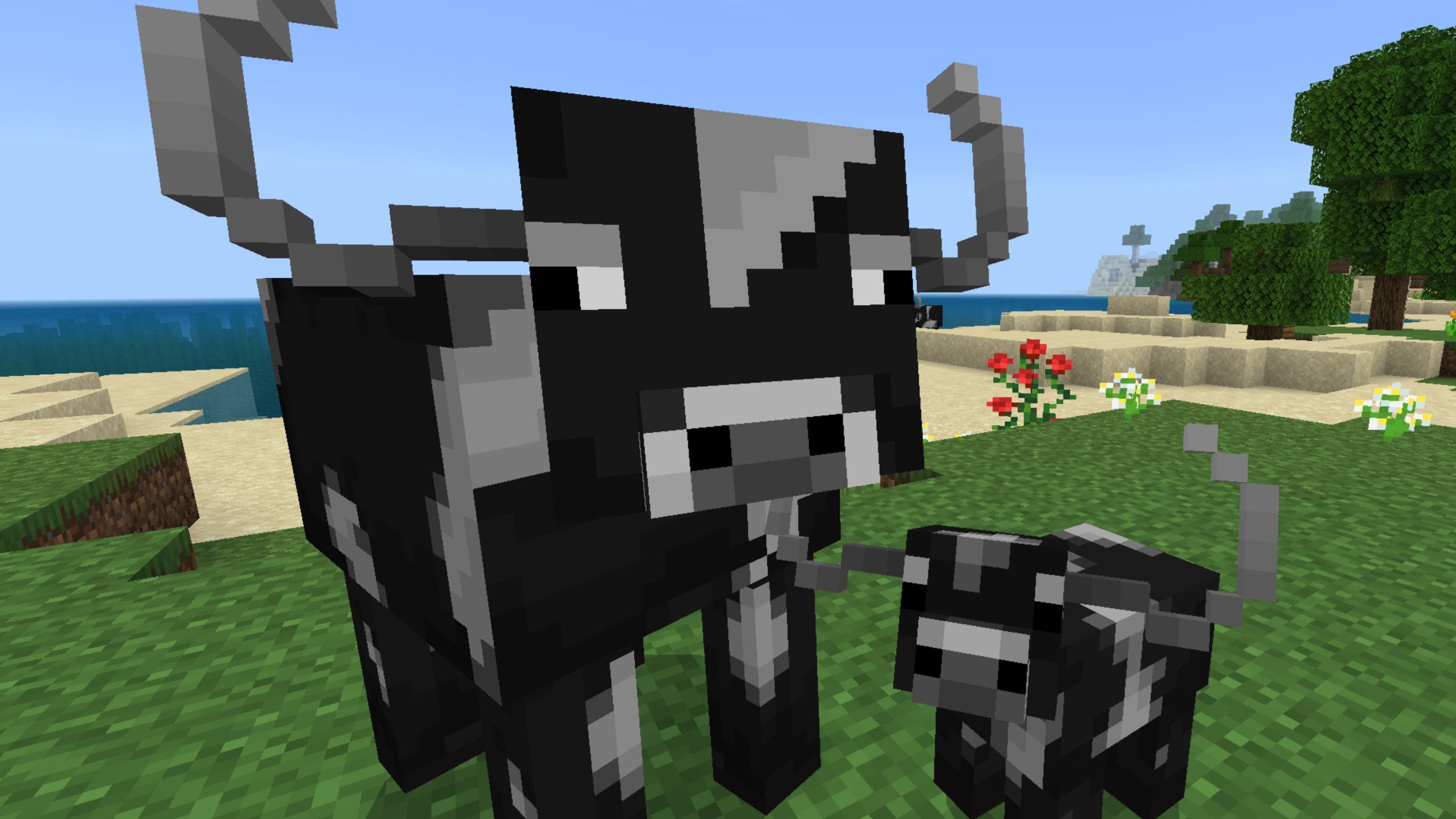
Adha Craft is a Minecraft Bedrock addon designed for players who want a butcher-style gameplay experience. It introduces realistic butchery features that make processing mobs more immersive and engaging. Equip your butcher knife, manage your own farm, and bring a new layer of survival gameplay into your world.
Thanks for 85K downloads
What's new in v5 Beta 9
** No longer requires Experimental Toggles — just enable the addon and play **
Blocks:
- Removing a carcass from the carcass hanger now plays a sound
Entities:
- Adjusted AC Camel carcassg
- New skinning textures (as some of you requested) are currently experimental
By default, legacy textures will display. Players need to manually enable the new textures in texture pack settings untill they switch places in a future update
UI:
- Added an on-screen tutorial for hanging a carcass on the hanger
- Added an on-screen tutorial for skinning and shearing carcasses when the wrong tools are detected
- Added an on-screen tutorial for removing carcasses from the hanger
- Added an on-screen tutorial for removing organs from the carcass when the wrong tools are detected
- Added an on-screen tutorial for removing bones from the carcass when the wrong tools are detected
- Added an on-screen tutorial for chopping from the carcass when the wrong tools are detected
- Added an on-screen tutorial for the grill
Bug Fixes:
- Fixed MC Camel boneless hanger positioning in certain directions
- Fixed missing sound when placing the carcass hanger
- Fixed alert bars showing to all players instead of only the player interacting
- Fixed the sheep carcass collision box expanding after shearing
- Fixed sheep carcasses dropping blood when sheared
- Fixed cold and warm cows dropping the regular cow head when removing the bones
- Fixed MC Camel eye textures appearing too tight
- Fixed AC Camel's head rotating strangely
- Fixed saddled AC Camels getting stuck at a certain height and unable to climb blocks
- Fixed AC Camel taking damage from accidental hits by its rider
- Fixed buffalo carcass missing mouth cube textures
Download from the official website to support me. Click the image below.
These are the features from beta versions hope you like the add-on you can send me feedback on the add-ons discord server by clicking the image below
NOTE: If you are doing a review, you are allowed to post only this Curse Forge addon page link. Don't hurt me with direct links to MediaFire! {Help me create more add-ons by supporting me.}
WARNING: This addon was posted on MCPEDL, Curse Forge and MODBAY! You are not allowed to publish this on other websites or applications without my permission.
NOTE: YOU'RE NOT ALLOWED TO MODIFY THIS ADDON {Only modify it for personal use}


- Edition: Minecraft Bedrock
- File type: .mcpack or .mcaddon
- Minecraft versions listed: 26.10, 26.20
- How to install: Download the .mcpack or .mcaddon file. → Open it — Minecraft imports it. → In your world: Behavior Packs → Available → Activate, then the same under Resource Packs.
- Where to get it: Opens on CurseForge — not every file is mirrored on our own servers.
Install steps are the general flow for this file type — How to install Minecraft Bedrock addons & mods walks through it step by step.
- Pack type: .mcaddon — behaviour and resource pack in one file
- Manifest requires Minecraft 1.26.10 or newer
- Needs Beta APIs switched on in the world settings
- Complete pack — everything it depends on is inside the file
- Download size: 4.3 MB
- Download link checked 5 Oct 2026 — working
These come from our own check of the pack file, not from the source page.