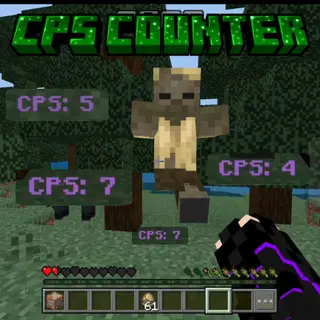
Super CPS Counter
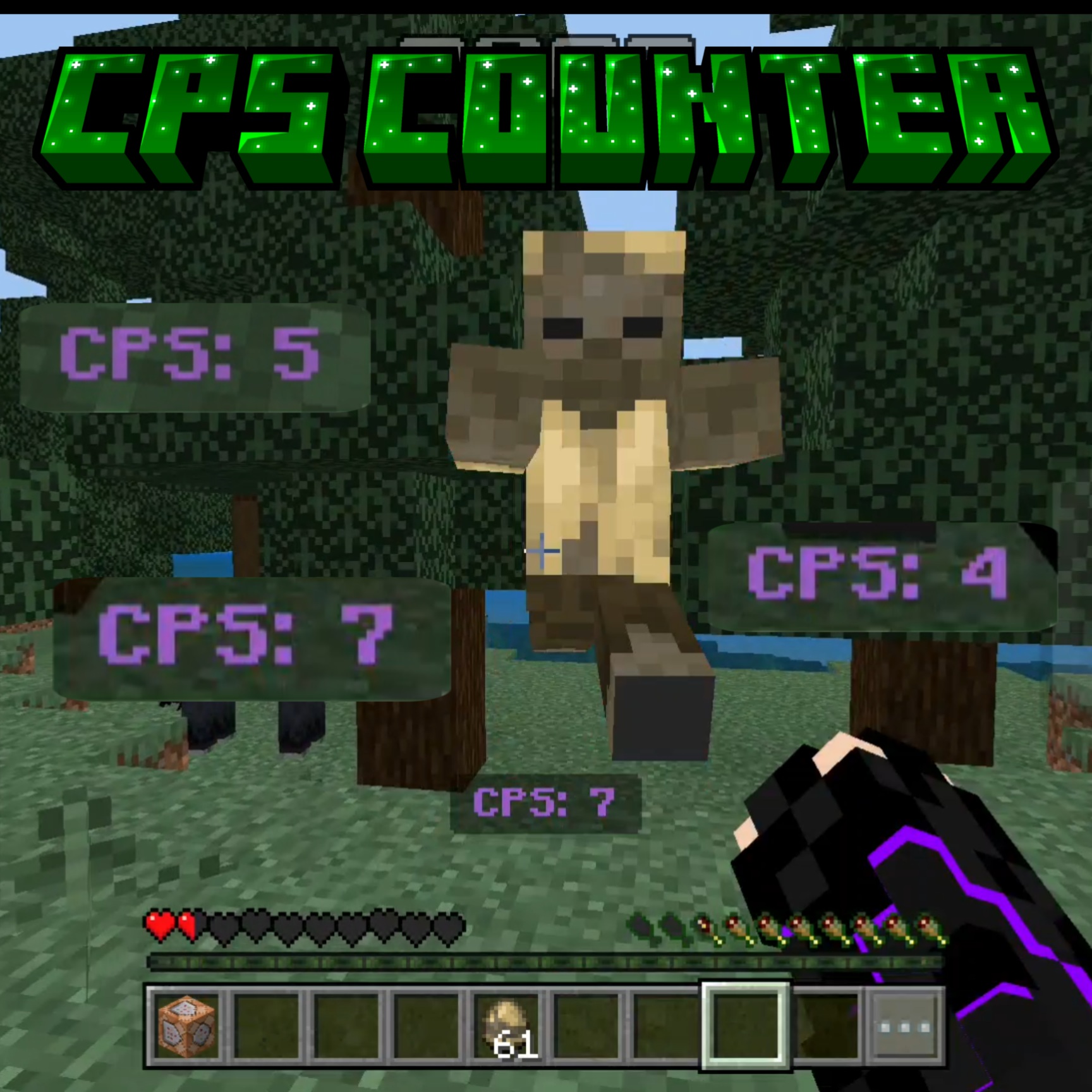
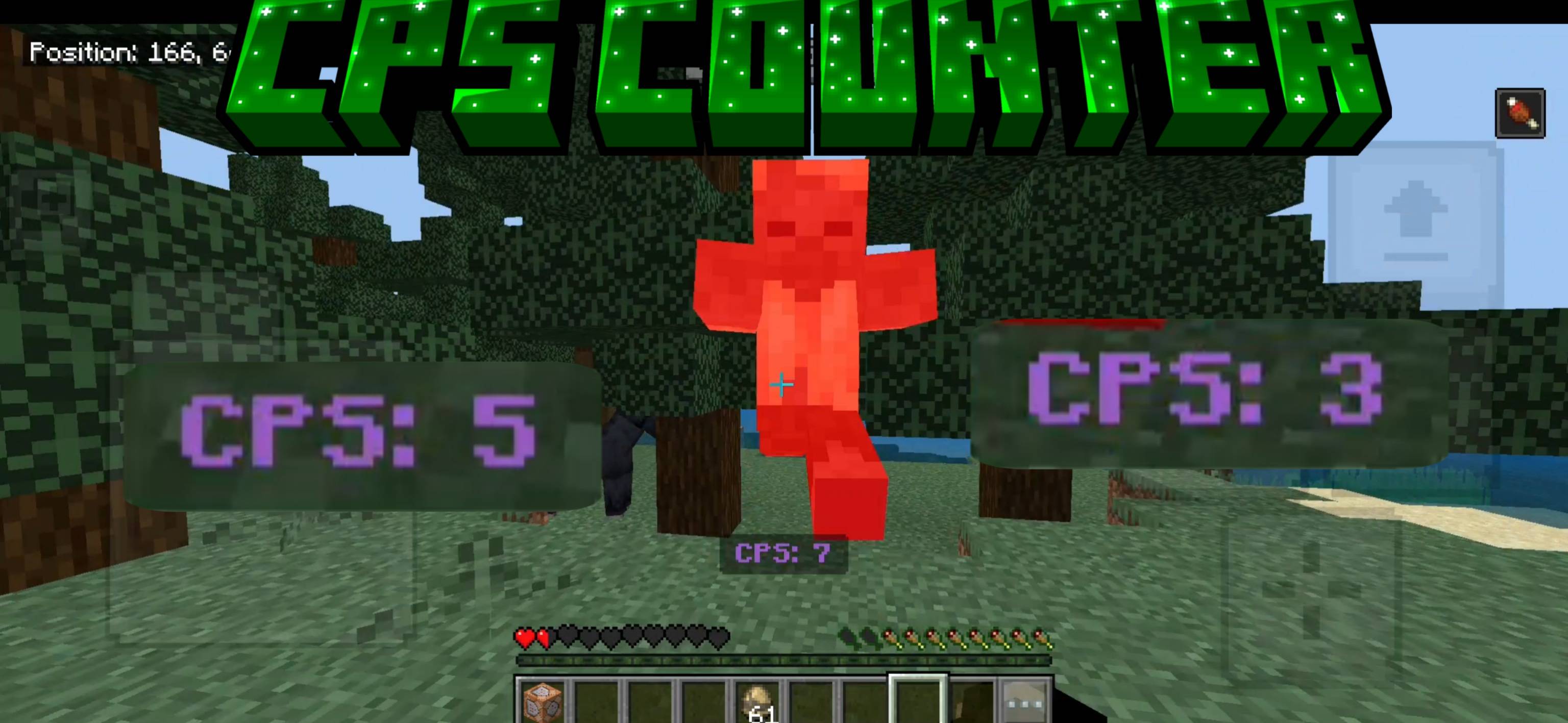
See how fast you truly click with this minimal CPS (Clicks Per Second)!
Just go and do PvP as you usually do, and see your CPS at the actionbar! (You can see your final cps in chat)
You can also customize CPS test duration! By default, this is 1 second. Just run this command: /function cps/set. It will open a UI and you can adjust test length (from 0.5 seconds to 10 seconds).
NEW function cps/reset command to reset CPS and settings.
For best experiences, use it with Better Knockback. It allows you to customise knockback and get the best of PvP.
Key Features
- ✅ Works in Multiplayer
- ⚡ Lightweight and Lag free
- 🌟 Totally Error free, no bugs!
- 🕧 Real time (resets per second or as defined by you) Counter
- 🎨 Customize Length
- 🔄 Multi version support
- 🔗 Works with any Addon/Script
- 🎯 Does not count wasted clicks.
- 🚫 No player.json
Example Usage:
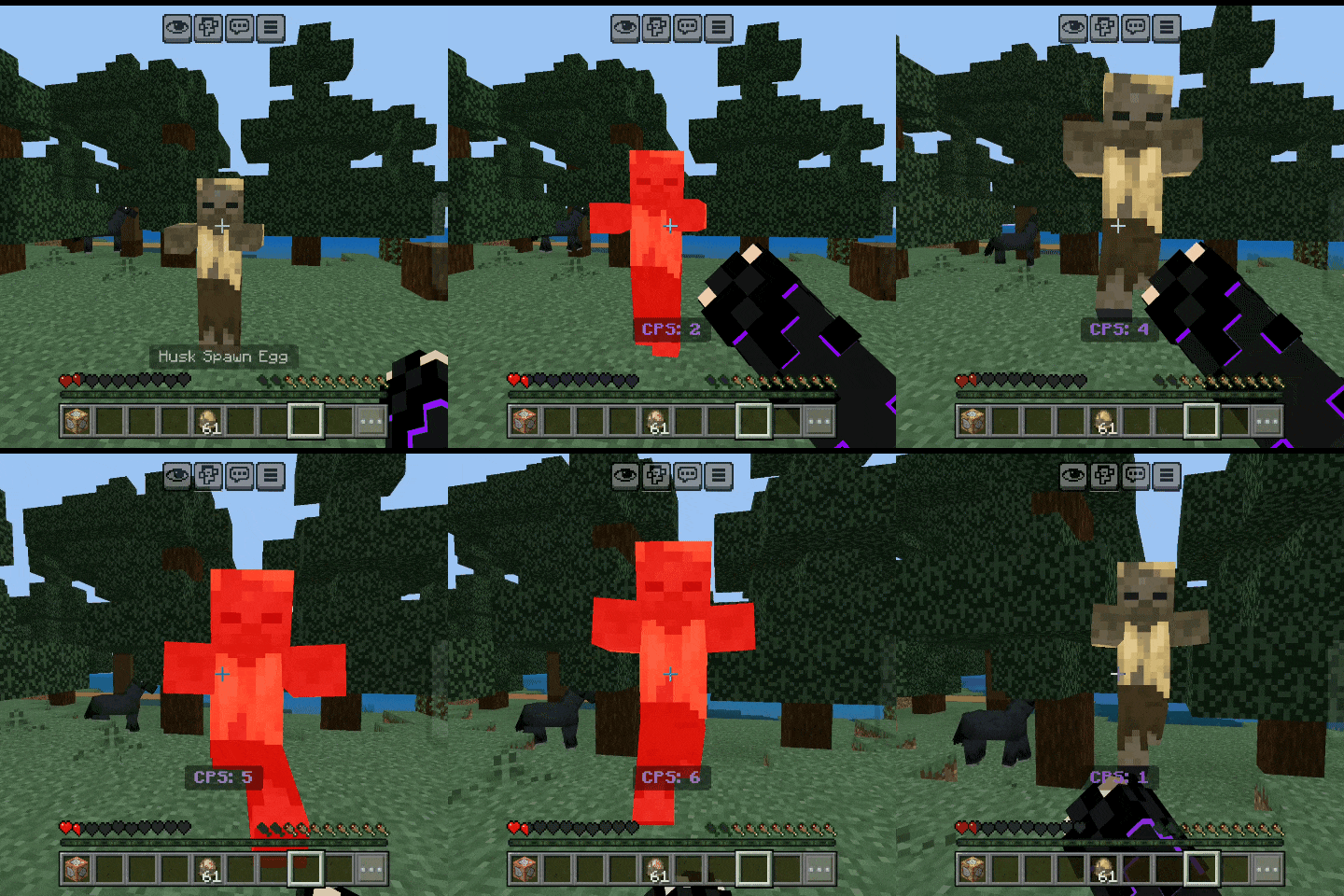
You can also share this cps counter on platforms like youtube with proper credit.
Quick facts
- Edition: Minecraft Bedrock
- File type: .mcpack or .mcaddon
- Minecraft versions listed: 1.21.30, 1.21.50, 1.21.81
- How to install: Download the .mcpack or .mcaddon file. → Open it — Minecraft imports it. → In your world: Behavior Packs → Available → Activate, then the same under Resource Packs.
- Where to get it: In MCModsHub, or directly above on this page.
Install steps are the general flow for this file type — How to install Minecraft Bedrock addons & mods walks through it step by step.
Verified by MCModsHub
- Pack type: .mcpack — a single pack
- Complete pack — everything it depends on is inside the file
- Download size: 2 KB
- Download link checked 25 Aug 2026 — working
These come from our own check of the pack file, not from the source page.