Authentic Dynamic Light
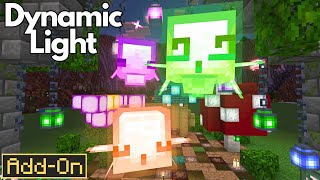
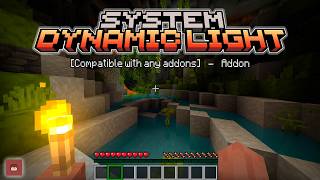
A powerful and customizable addon that adds dynamic lighting to all blocks and items, including custom light blocks. It’s designed for easy compatibility…
I don't know my version
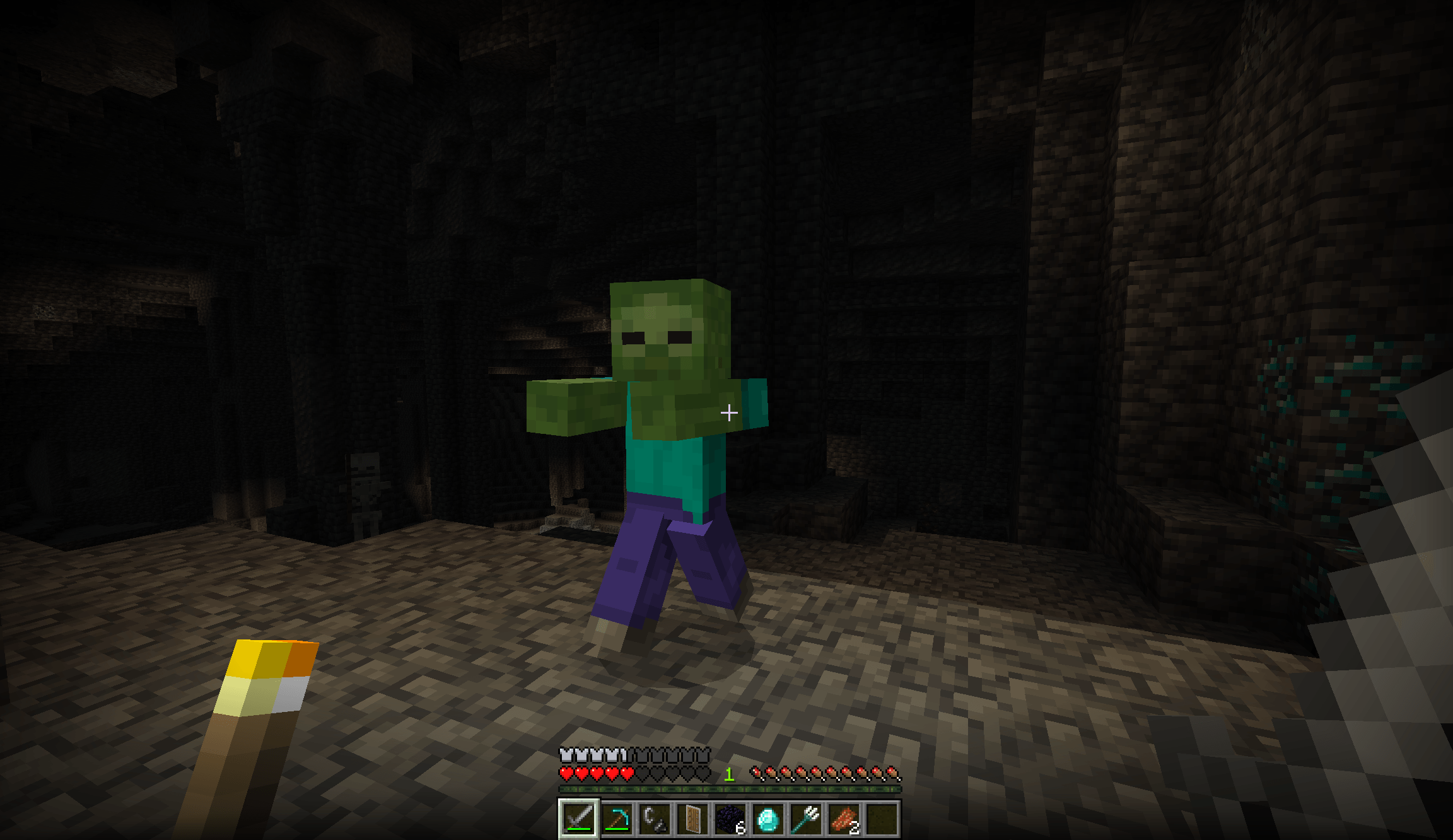
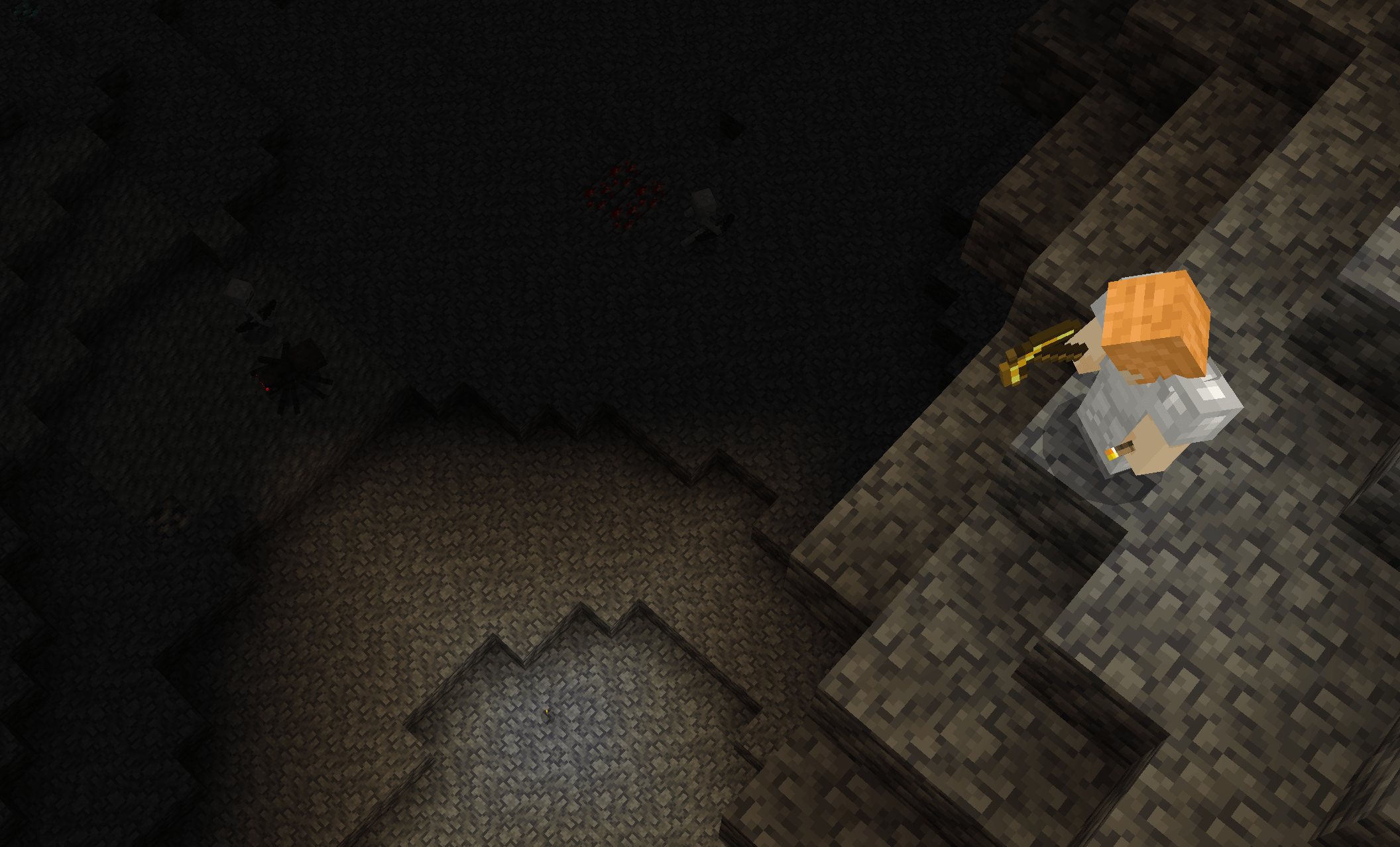
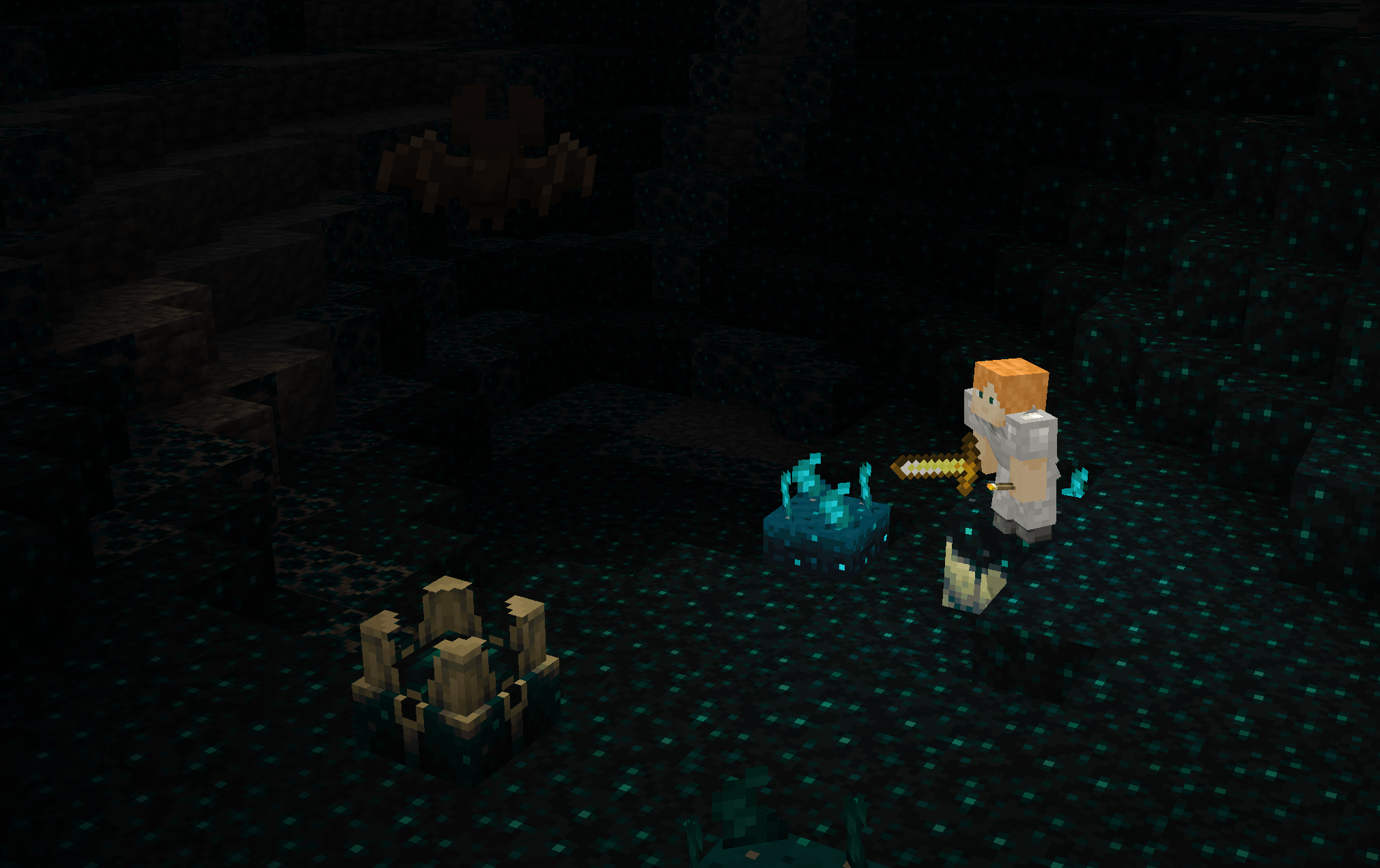
This is a simple and powerful addon that adds dynamic light for all blocks and items, even with custom light blocks.
Why should I use this add-on? Great question. It's because this add-on is fully customizable. Other developers can add their compatibility with this add-on with a simple scripting technique. So, in the future, it should be compatible with a bunch of add-ons (I hope so).
Features
- Dynamic Light
- Offhand item (right click on air while holding an item
- Documentation
Compatibility
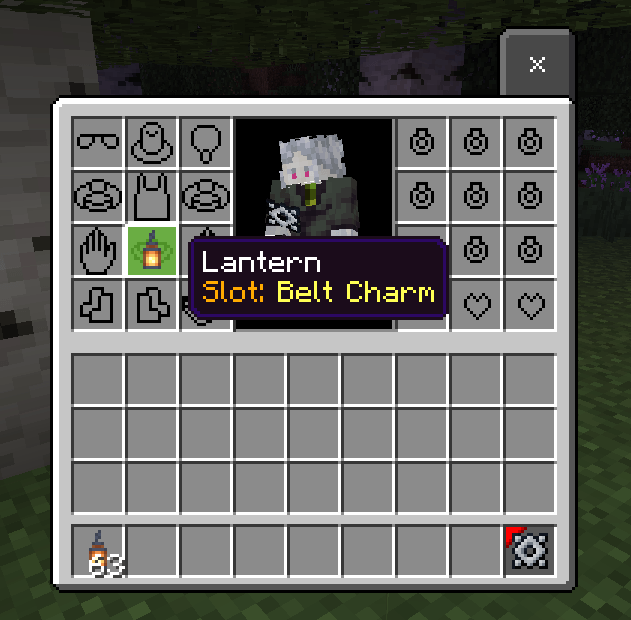
this addon is compatible with Novelty addon by using lanterns in a belt or charm slot it will emit light without holding the items in both hands
Documentation
You can copy the scripting library from this addon in the folder "scripts/lib/DynamicLightLib.js" The example of code:
import { DynamicLightLoader } from "./lib/DynamicLightLib.js";

DynamicLightLoader.addItemLight("minecraft:brush", 14);

DynamicLightLoader.addEntityLight("minecraft:cow", 11);

DynamicLightLoader.addEntityEventLight("minecraft:entity_spawned", 15, 100);
You can also use tag format to add custom dynamic light items. format tag you need is like:
dynamic_light:<light level 1-16>as an example:
{
  "format_version": "1.20.80",
  "minecraft:item": {
  "description": {
    "identifier": "example:custom_light_item"
  },
  "components": {
    "minecraft:icon": "brush",
    "minecraft:tags": {
    "tags": [
        "dynamic_light:10"
      ]
    },
    "minecraft:max_stack_size":  1
    }
  }
}- Edition: Minecraft Bedrock
- File type: .mcpack or .mcaddon
- Minecraft versions listed: 1.21.70, 1.21.50, 1.21.40
- How to install: Download the .mcpack or .mcaddon file. → Open it — Minecraft imports it. → In your world: Behavior Packs → Available → Activate, then the same under Resource Packs.
- Where to get it: Opens on CurseForge — not every file is mirrored on our own servers.
Install steps are the general flow for this file type — How to install Minecraft Bedrock addons & mods walks through it step by step.
- Pack type: .mcpack — a single pack
- Manifest requires Minecraft 1.21.0 or newer
- Complete pack — everything it depends on is inside the file
- Download size: 17 KB
- Download link checked 15 Sept 2026 — working
These come from our own check of the pack file, not from the source page.