AddonsBedrock
Just Sit!
Bedrock add-on listed for Minecraft 26.x (behavior + resource pack). File opened and checked on 27 Sep 2026; installs from the MC Bedrock Mods app on Android.
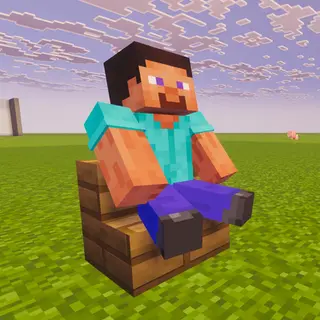
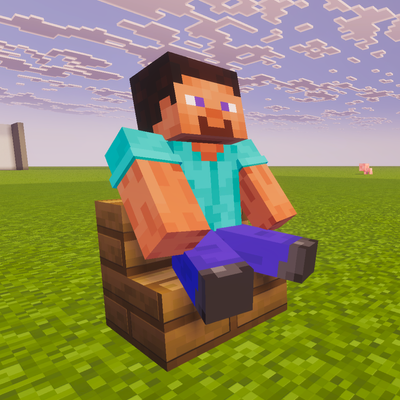
A sit-anywhere mod for Minecraft Bedrock. Stand on any block, look down, and right-click or tap to sit. Achievement friendly!
⬇ Download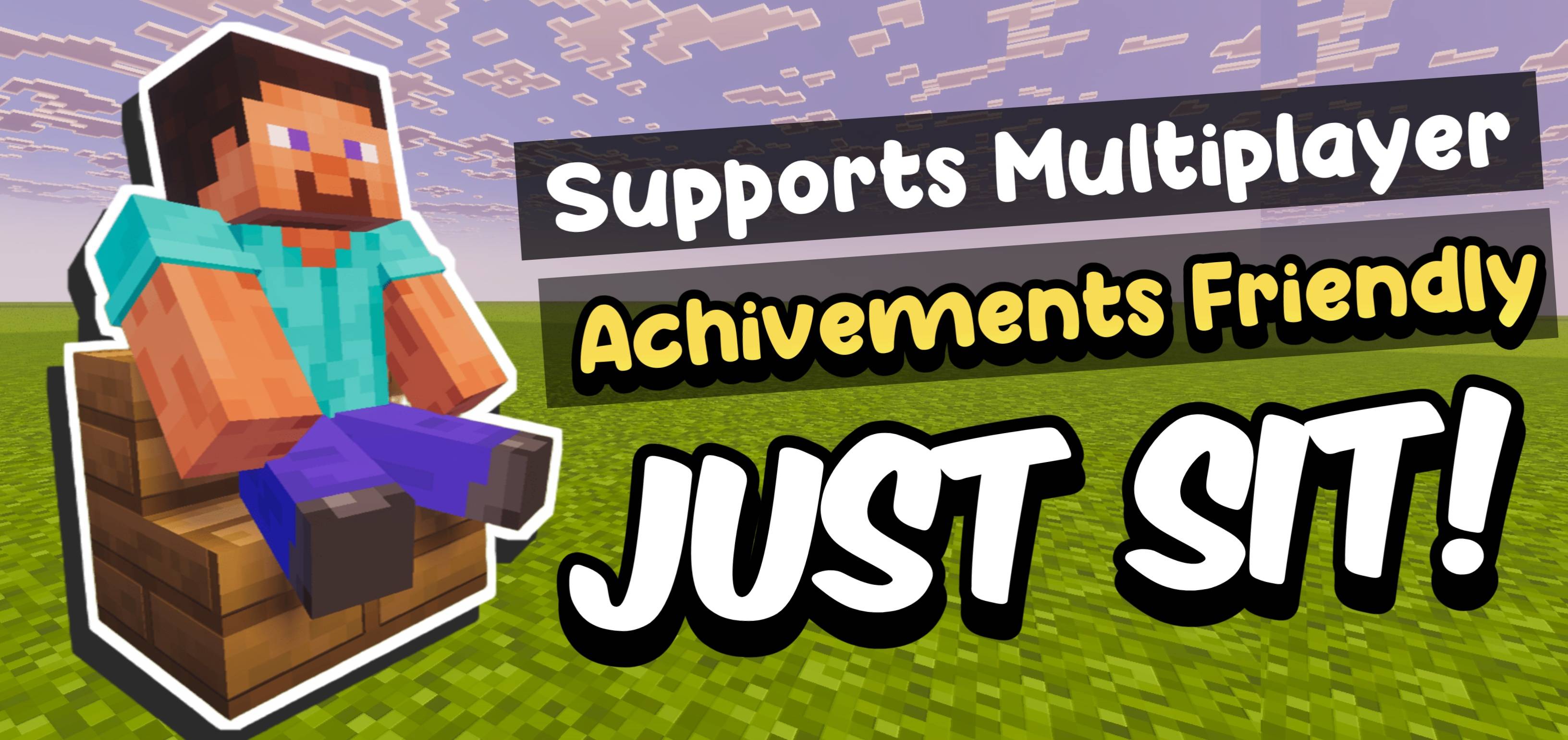
A simple, lightweight behavior pack that lets you sit on any block in Minecraft. No special items, no commands just stand on a block, look down, and right-click (PC) or tap (Mobile) to sit!
How to Use
- Step 1: Stand on top of the block you want to sit on
- Step 2: Look down (aim your camera downward)
- PC: Right-click the block to sit
- Mobile: Tap or hit the block once to sit
- To stand up: Simply jump
Requirements
- Your hand must be empty (no item selected)
Works On
- Any solid block
- Stairs, Carpets & slabs
- Crafting table, furnace, blast furnace, smoker
- Chest, barrel, ender chest
- Enchanting table, anvil, brewing stand
- Beds and much more!
Notes
- ✅ Achievement friendly — achievements are NOT disabled
- ✅ Multiplayer compatible
- ✅ Bedrock Edition only
Quick facts
- Edition: Minecraft Bedrock
- File type: .mcpack or .mcaddon
- Minecraft version listed: 26.10
- How to install: Download the .mcpack or .mcaddon file. → Open it — Minecraft imports it. → In your world: Behavior Packs → Available → Activate, then the same under Resource Packs.
- Where to get it: In MCModsHub, or directly above on this page.
Install steps are the general flow for this file type — How to install Minecraft Bedrock addons & mods walks through it step by step.
File checked by MCModsHub
- Pack type: .mcaddon — behaviour and resource pack in one file
- Complete pack — everything it depends on is inside the file
- Download size: 1.3 MB
- Download link checked 17 Jul 2026 — working
These come from our own check of the pack file, not from the source page.