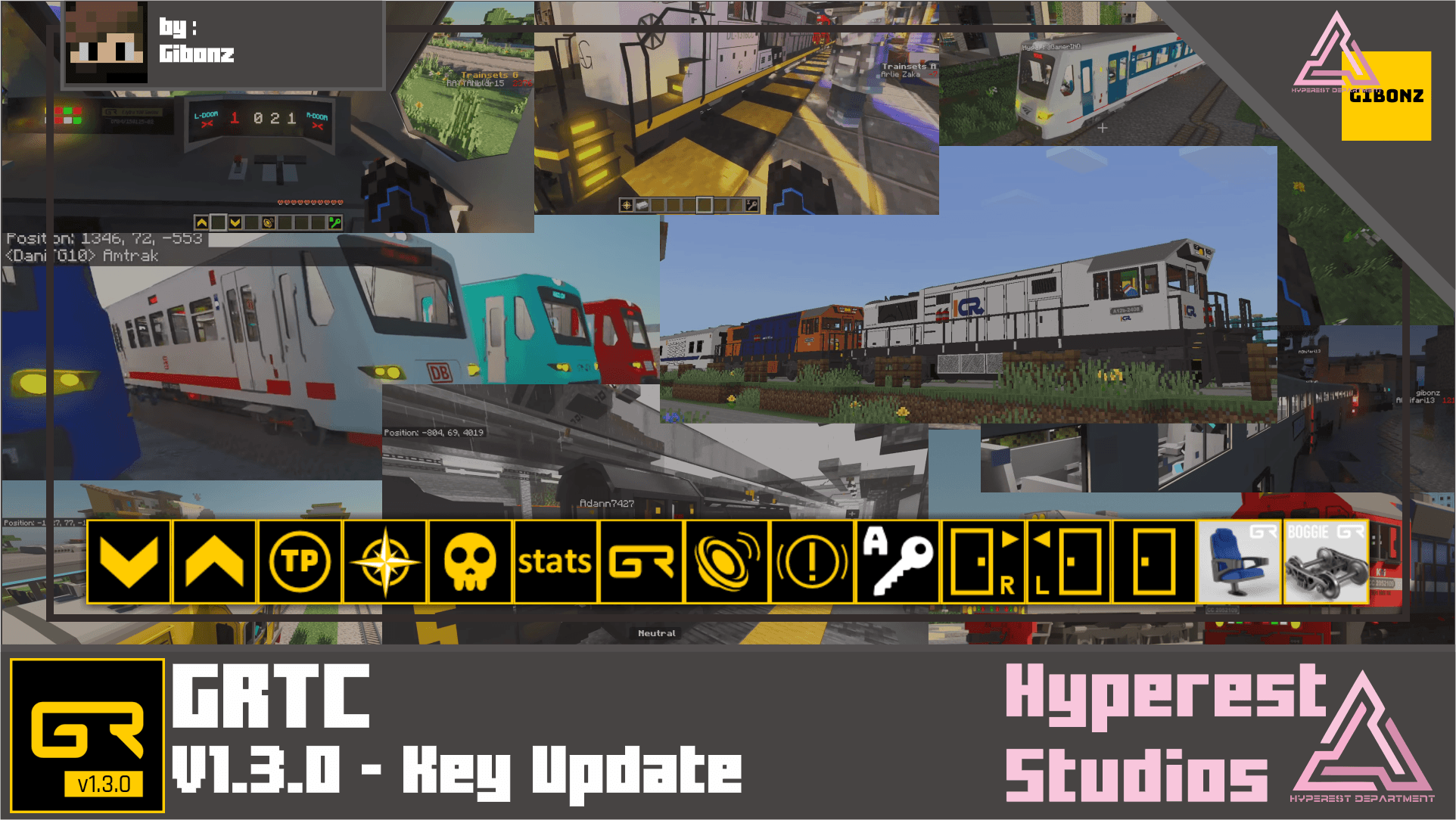
GRTC or Gibonz Railway Train Controller is a train controller for Minecraft Bedrock.

Basic Information
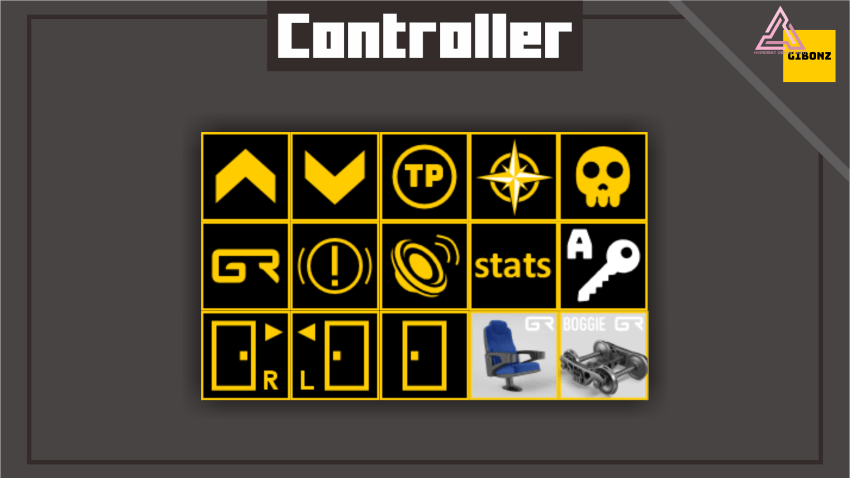
GRTC Basic Specifications
- Forward / Backward / Emergency Brake


Basic controller to run your train.
- Door Open Close / Door Open Close Left / Door Open Close Right


Basic controller to open and close the train door.
- Stats / Reset / Horn


Basic controller to see your speed stats train, or reset the GRTC whole, and train Horn.
- Teleport / Direction / Kill


Basic controller to teleport your trainset incase derailed or just to move the train and use the direction to which way your train going to go X -X Y -Y by standing on front of your train, and if you want to delete the trainset use kill.
- Key / Chair / Boggie


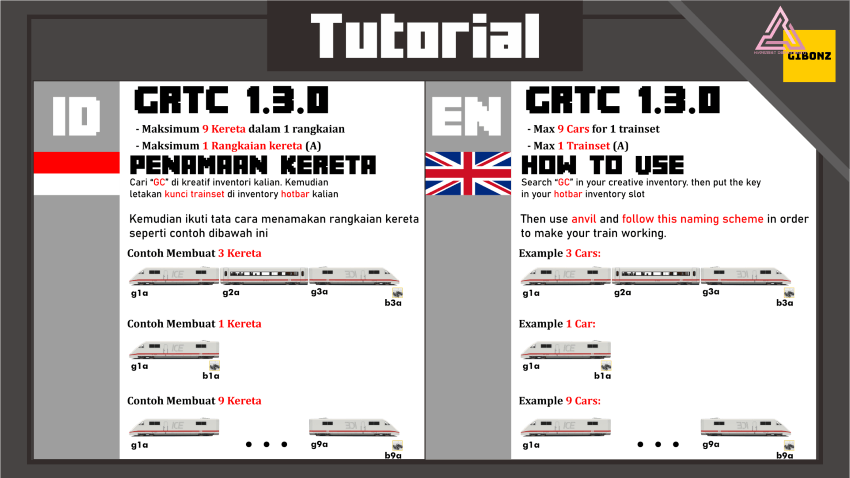
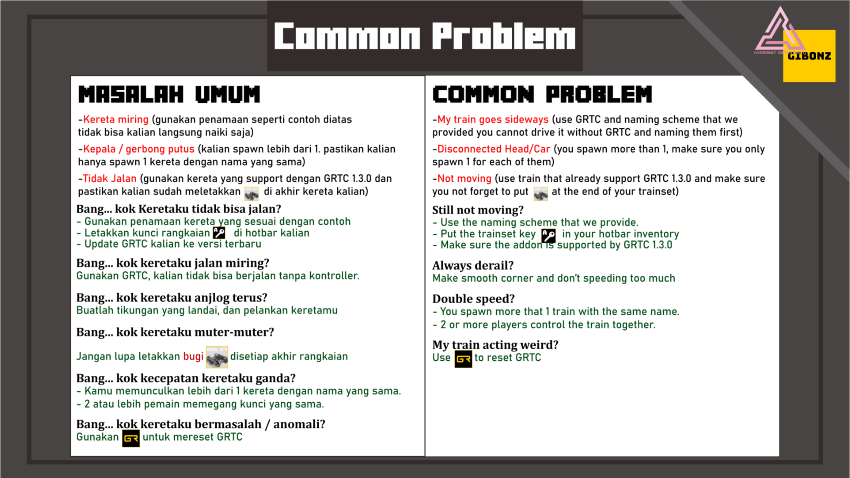
Basic controller to control the trainset in this case A key, it will controller the A Trainset don't forget to put in your hot bar inventory to control it, to put Chair spread it in Rails and let the train pass though the chair now you train can seat anywhere you want, set your bogie at very back end trainset.

GRTC Visual
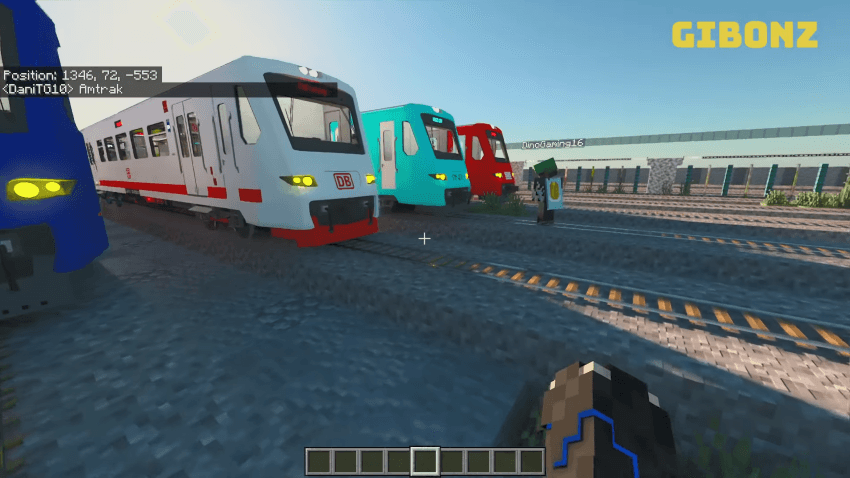
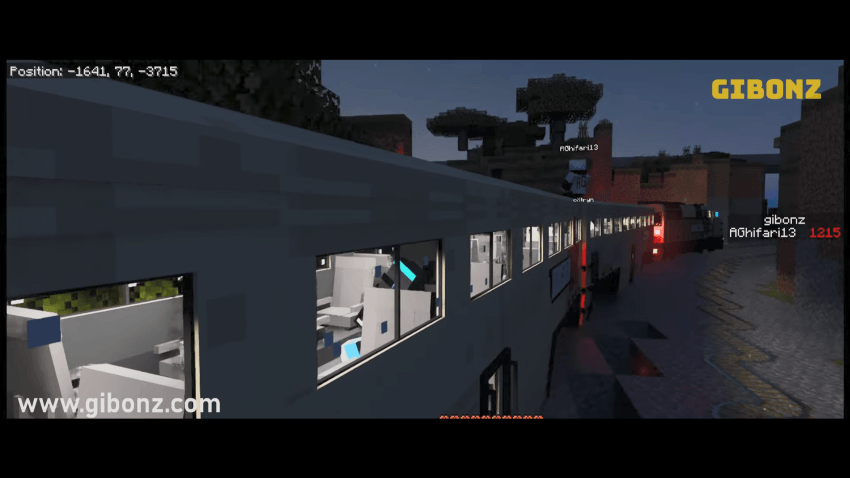
In-Game
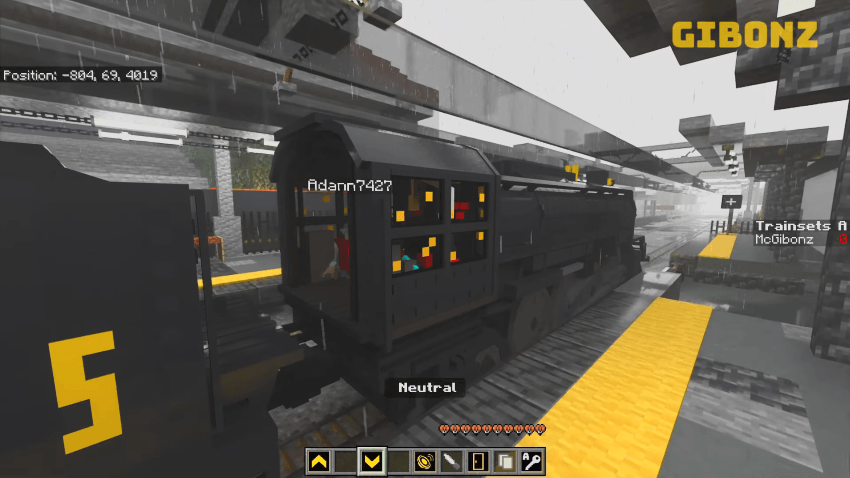
Video
A Key [GRTC v1.3.0]
A B C D E F G H I Key [GRTC v2.1.5]
Note
- You can mix and match the train model as long it's on same Key name.
- If you need more Key B C D E D G H I to control more train by individual player download v2.1.5 version of GRTC it's on Gibonz YouTube Membership to download, CLICK HERE.
- Need train? visit GIBONZ Website or Check my other creation, The Polar Express, Brown Streak [GTA SA], Freight Train [GTA SA], Hogwarts Express, Train Cargo Pack, Futuristic Freight Train. More Train will be coming.

Join our Discord and submit your ideas!
Visit website for more info about this addon!
If you are content creator, please use MCPEDL, ModBay or Planet Minecraft link if you want to share it, do not relink or use direct link to Mediafire! Do not upload to another websites or applications without my permission.
You can modify this pack for yourself only.
- Edition: Minecraft Bedrock
- File type: .mcpack or .mcaddon
- Minecraft versions listed: 1.21.30, 1.21.50, 1.21.81
- How to install: Download the .mcpack or .mcaddon file. → Open it — Minecraft imports it. → In your world: Behavior Packs → Available → Activate, then the same under Resource Packs.
- Where to get it: Opens on CurseForge — not every file is mirrored on our own servers.
Install steps are the general flow for this file type — How to install Minecraft Bedrock addons & mods walks through it step by step.
- Pack type: .mcaddon — behaviour and resource pack in one file
- Manifest requires Minecraft 1.20.0 or newer
- Complete pack — everything it depends on is inside the file
- Download size: 148 KB
- Download link checked 15 Sept 2026 — working
These come from our own check of the pack file, not from the source page.