Village Generator
With over 600 functions to choose from, you can design a custom village or place one instantly with a single command.
⬇ Download on CurseForge
Bring your superflat worlds to life in the blink of an eye. Village Generator adds over 600 functions to the game, giving you the power to instantly place villages or easily design your own from scratch.
Features
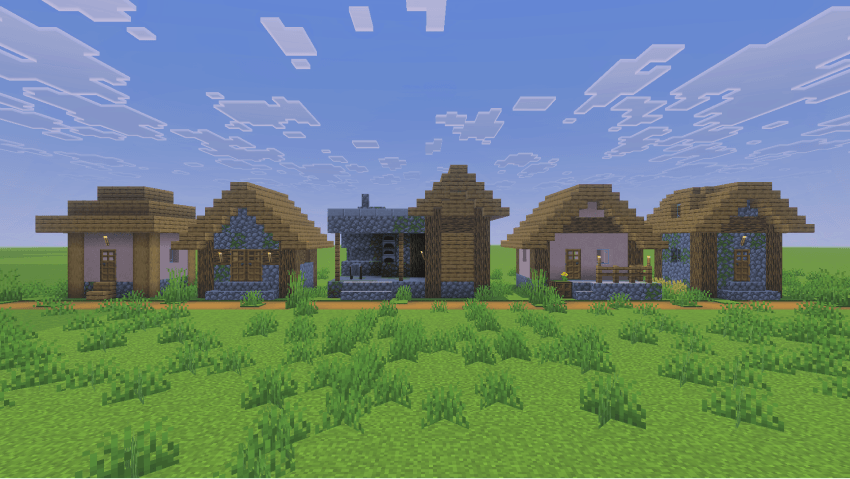
Individual structures
Build your own village, one structure at a time.
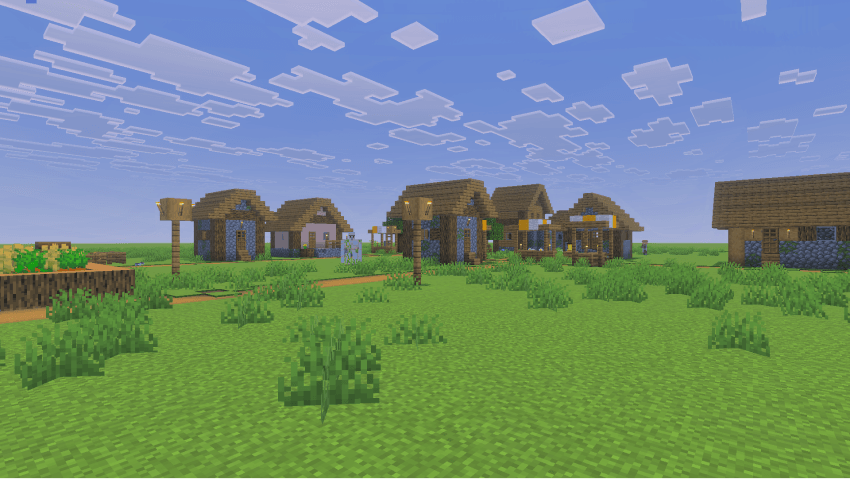
Instant village
Generate an entire village with a single command.
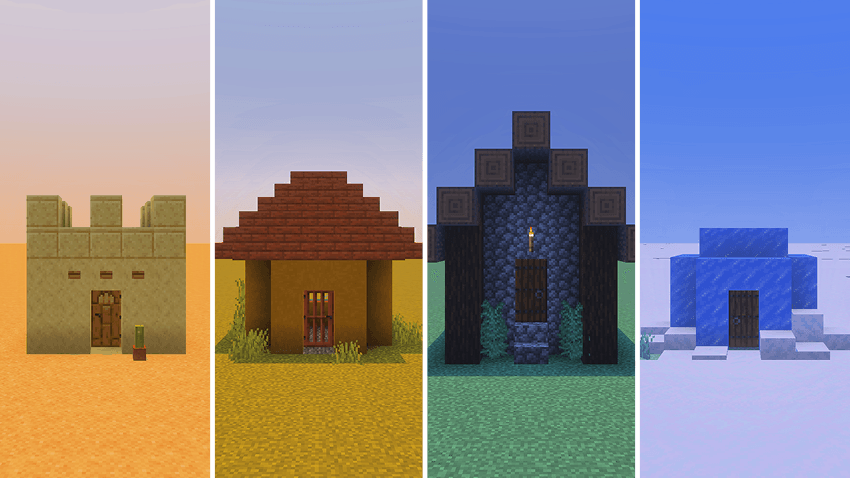
Multiple village types
Choose from different variants to complement your biome or theme.
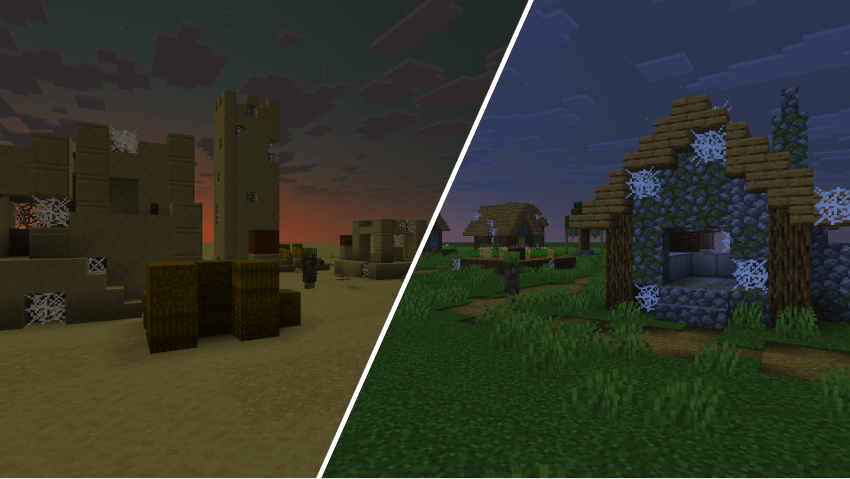
Abandoned villages
Generate instant zombie villages or individual zombie village structures.
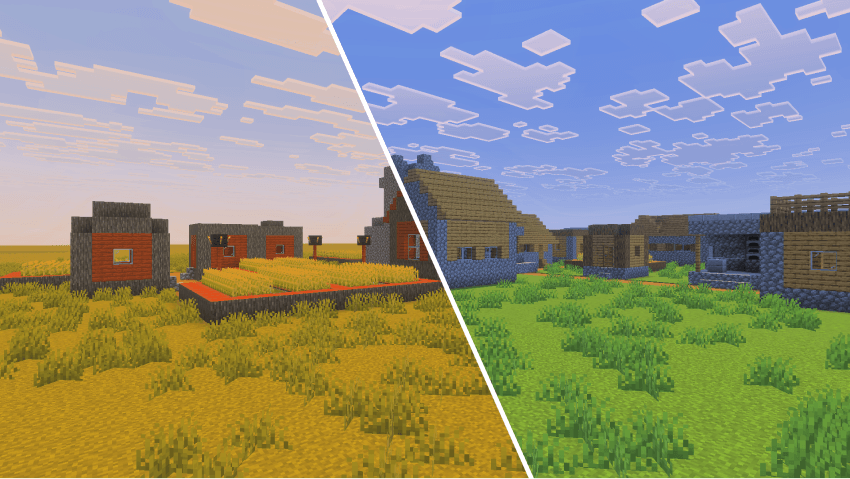
Old village
Generate instant old-type villages or individual old-type village structures.
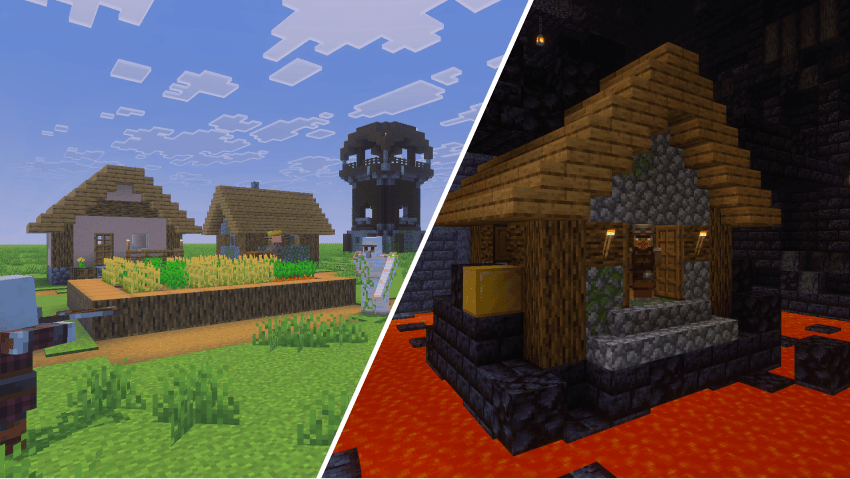
Compatible with other generators
Seamlessly pair this add-on with other generators, like Pillage Generator or Nether Generator.


Usage
In the chat screen, type /function vg/help to get a list of all the available functions in the main directory. Every subdirectory includes a similar function, such as /function vg/plains/help. Alternatively, you can use the web version of the help system.
Once you have found the structure you want to generate, make sure you are standing where you want it to be placed. When selecting a location, keep in mind that structures generate diagonally to the right, in the cardinal direction your character is facing. For example, if you are facing east, the structure will generate toward positive X and Y coordinate values.
Here are a few functions to get you started:
/function vg/instant/old/desert_2: Generate a prebuilt Old Desert Village/function vg/instant/taiga_1: Generate a prebuilt Taiga Village/function vg/instant/zombie_plains_4: Generate a prebuilt Abandoned Plains Village/function vg/snowy/houses/small_house_1: Generate a Snowy Small House/function vg/populate: Summon villagers, cats, and an iron golem for your village
Recommended settings
In order for instant villages to generate correctly, it is recommended to set your world’s simulation distance to at least 6 chunks. Instant villages are large structures and attempting to generate them in unloaded chunks may cause unexpected behavior.
Using on mobile
Village Generator follows the same (complex) structure naming scheme used internally by Minecraft. If you play on a mobile device, save yourself the pain and start autofilling functions effortlessly with Advanchat.

Video showcase
License
To learn what you are permitted and not permitted to do with the add-on, see Village Generator License.
Feedback
For any suggestions, bugs or help, feel free to join the Discord community.

- Edition: Minecraft Bedrock
- File type: .mcpack or .mcaddon
- Minecraft versions listed: 1.21.81, 1.21.93, 1.21.90
- How to install: Download the .mcpack or .mcaddon file. → Open it — Minecraft imports it. → In your world: Behavior Packs → Available → Activate, then the same under Resource Packs.
- Where to get it: Opens on CurseForge — not every file is mirrored on our own servers.
Install steps are the general flow for this file type — How to install Minecraft Bedrock addons & mods walks through it step by step.
- Pack type: .mcaddon — behaviour and resource pack in one file
- Manifest requires Minecraft 1.21.80 or newer
- Complete pack — everything it depends on is inside the file
- Download size: 1016 KB
- Download link checked 15 Sept 2026 — working
These come from our own check of the pack file, not from the source page.

![How To Generate Own Village In Minecraft PE🔥|| Village Generator Mod For Mcpe 1.19 [ Hindi ]](https://i.ytimg.com/vi/DwptsXIA_kg/mqdefault.jpg)