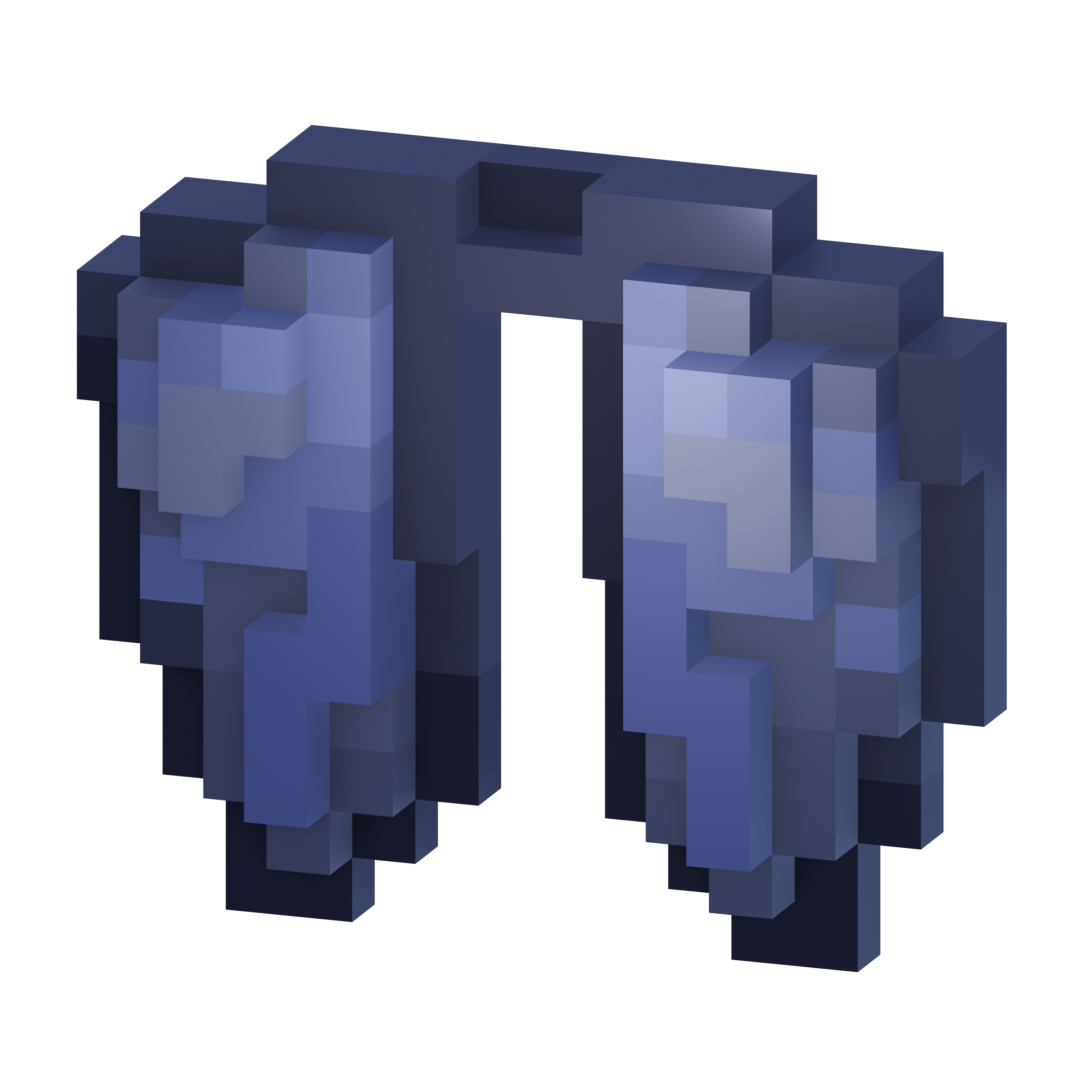
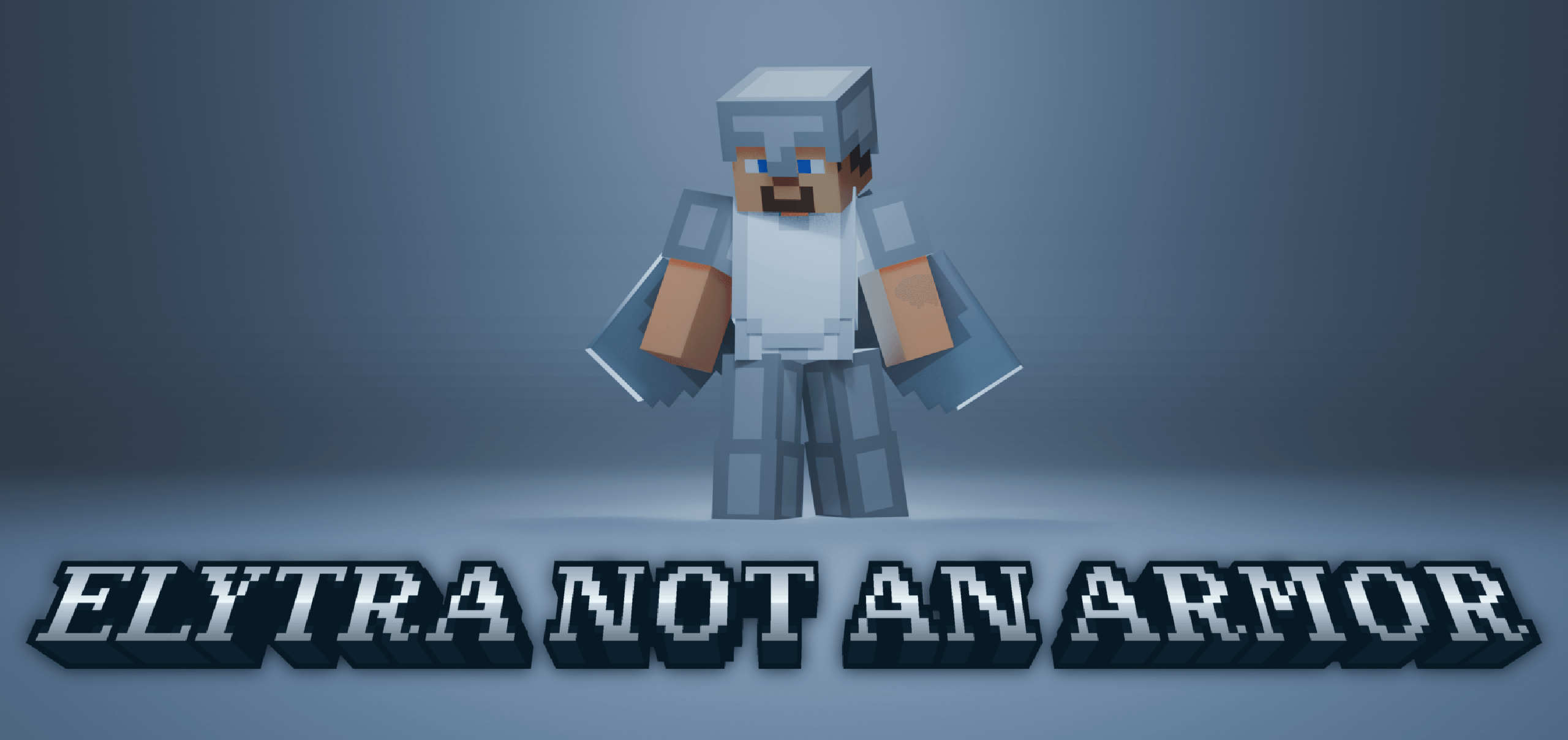
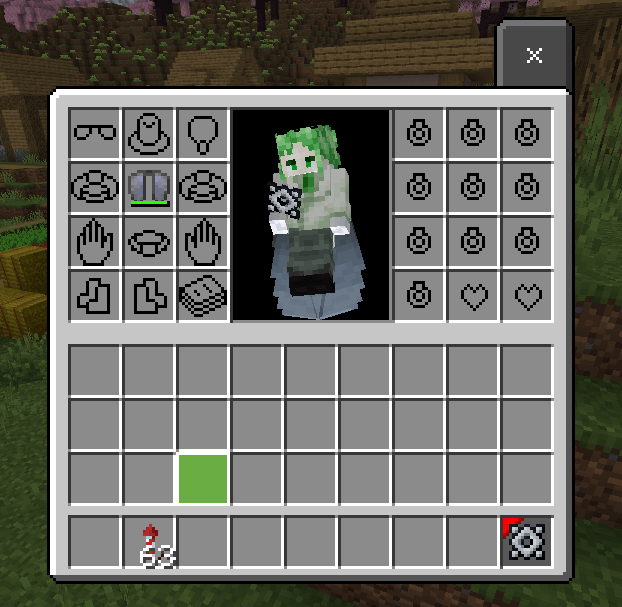
Elytra not an Armor is a simple addon that allows players to use elytra in the back accessories slot using Novelty addon.
Note
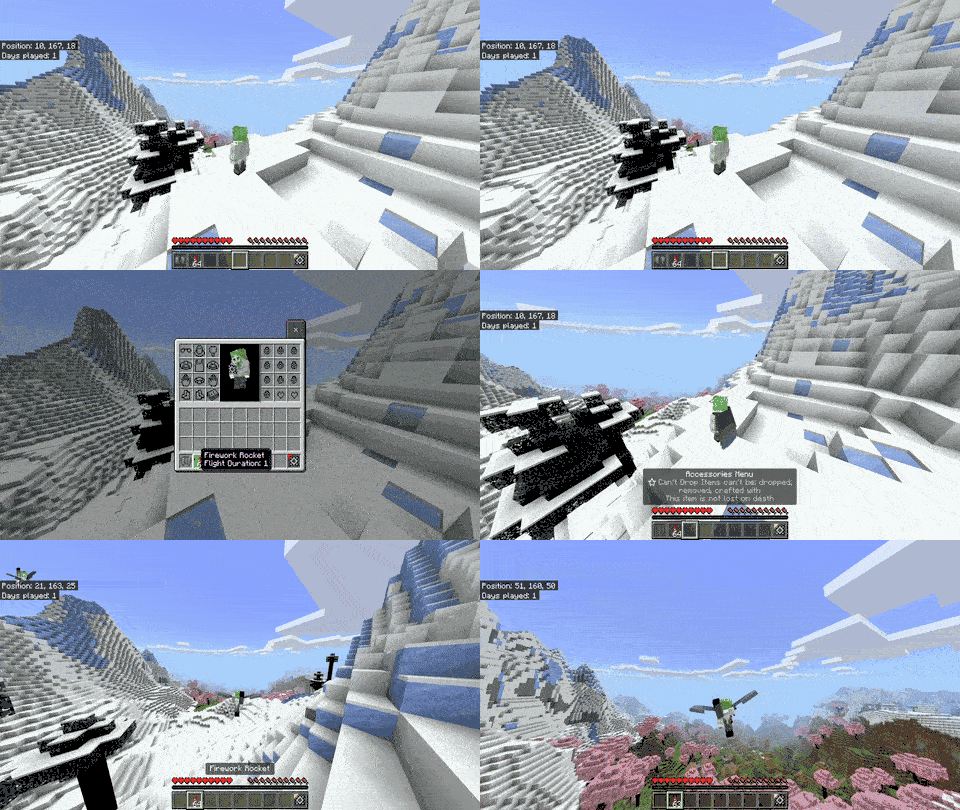
Please note that this addon does not use Minecraft flight mechanics; it only simulates the flight physics to make it look like using elytra. It doesn't same with the basic flight mechanic, but it's similar with some differences.
For Developer
Using this addon as dependencies for your addons can make developers create custom elytra by defining custom tags in the item tags component called "flight:enable_flight" or using a custom scriptevent command to add a player custom tag to trigger flight, or registeringa custom chestplate item to the world but it only registered on the memory so you should registering at the first world loaded or using tick function commands but I doesn't recommended it
Example code:
using item tags component
so the tags you should add is "flight:enable_flight" to make it like elytra
Example:
{
    "format_version": "1.21.30",
    "minecraft:item": {
        "description": {
            "identifier": "test:elytra",
            "menu_category": {
                "category": "equipment"
            }
        },
        "components": {
            "minecraft:icon": "elytra",
            "minecraft:wearable": {
                "protection": 0,
                "slot": "slot.armor.chest"
            },
            "minecraft:durability": {
                "damage_chance": {
                  "min": 20,
                  "max": 100
                },
                "max_durability": 15
            },
            "minecraft:max_stack_size":  1,
            "minecraft:tags": {
                "tags": [
                    "flight:enable_flight"
                ]
            }
        }
    }
}command list
/scriptevents ena:register_chestplate <item identifier : string>
this command is to registering item to script

/scriptevents ena:remove_chestplate <item identifier : string>
this command is to remove registered item to script

/scriptevents ena:register_tagchestplate <string>
this command is to registering custom player tag to script

/scriptevents ena:remove_tag <string>
this command is to remove registered custom tag to script
Example:
/scriptevents ena:register_chestplate test:elytra
/scriptevents ena:register_tag flight_tag_test- Edition: Minecraft Bedrock
- File type: .mcpack or .mcaddon
- Minecraft version listed: 1.21.70
- How to install: Download the .mcpack or .mcaddon file. → Open it — Minecraft imports it. → In your world: Behavior Packs → Available → Activate, then the same under Resource Packs.
- Where to get it: In MCModsHub, or directly above on this page.
Install steps are the general flow for this file type — How to install Minecraft Bedrock addons & mods walks through it step by step.
- Pack type: .mcaddon — behaviour and resource pack in one file
- Complete pack — everything it depends on is inside the file
- Download size: 17 KB
- Download link checked 17 Jul 2026 — working
These come from our own check of the pack file, not from the source page.