
BZF FURNITURE'S v3.1.0.
Bedrock add-on listed for Minecraft 1.21–26.x (behavior + resource pack). File opened and checked on 21 Oct 2026; installs from the MC Bedrock Mods app on Android.
I don't know my version



Version 3.1.0.
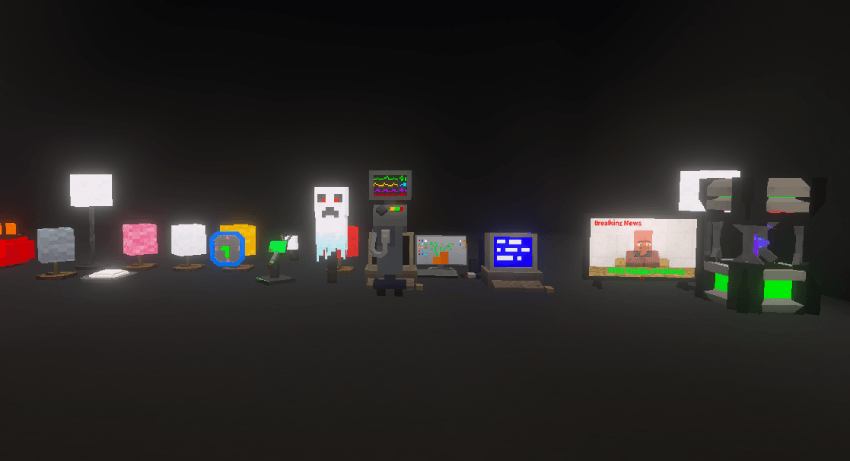
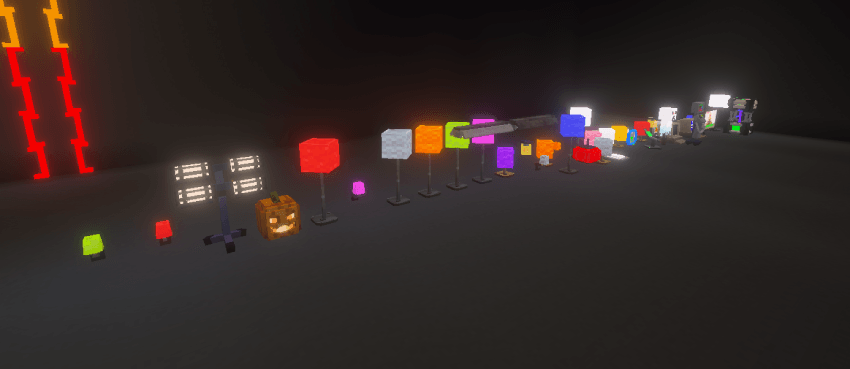
-Added Lights Blocks to Glow In VIbrant Visuals
-Fix The Aperture Science Radio Invisible
-Modified and smoothen some textures
-Added Missing Gold Table side (How did I miss this?)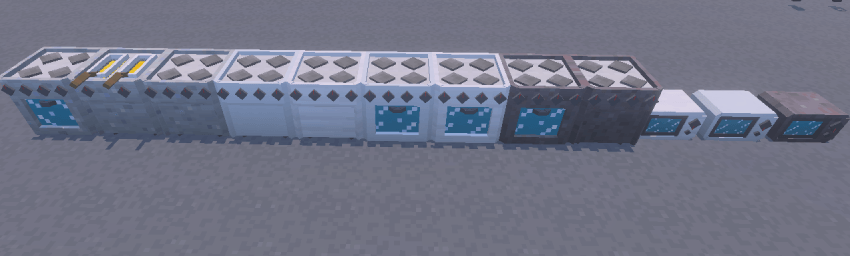
Version 3.0.0.
-Added New Guide Book (it's given to every new player that joins the world. No crafting recipe for this Item so far)

-New Furniture Icons on the creative Inventory.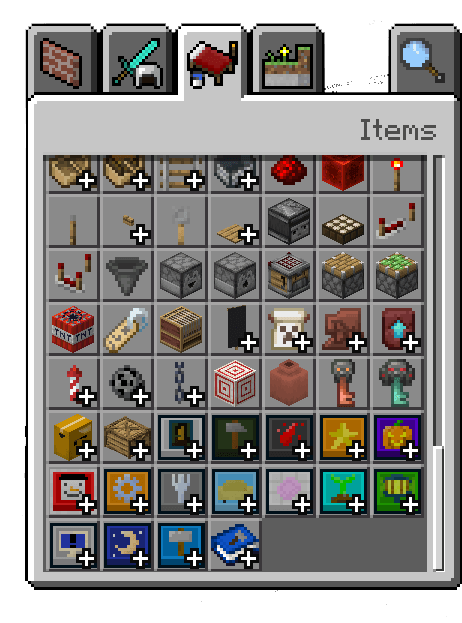
-Minor Fixes (might work on realms now, but if it doesn't please let me know)
Version 2.9.0. (Highlighted Version)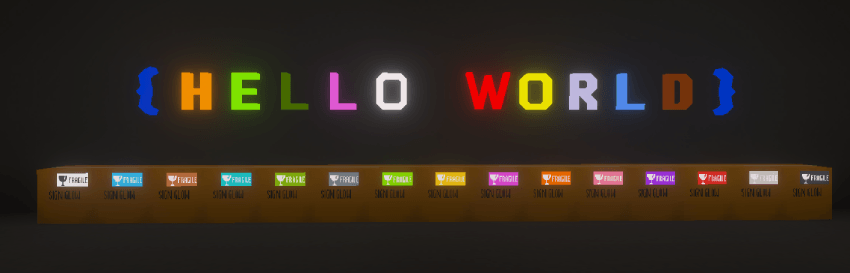
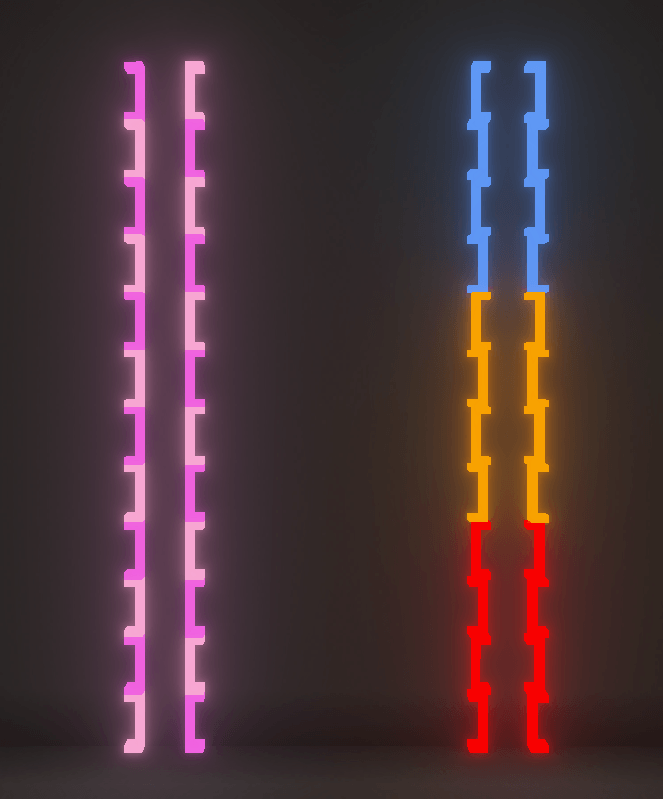

- How can I get the Furnitures?
There are what we call POLY-CLASS BLOCKS it's purpose is meant give better category for all the blocks in the game, (WHICH IS THOUSANDS) you can also use these blocks for decorating.
"Blocky Furniture Crate Recipe"
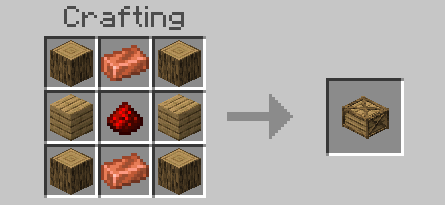
-Contains All Interior Decorations
"Garden Crate"
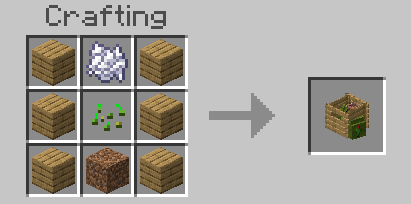
-Contains All Outdoor/Garden Related Furnitures
"Halloween Furniture Box"
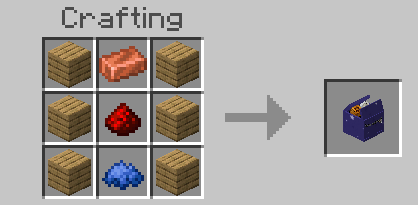
-Contains All Halloween Related Furnitures
"The Specials Box"
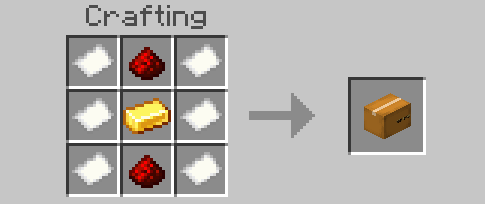
-If you've known my other projects, specifically my custom adventure maps, all blocks from those maps will be found here.
"Sign Board Pakage"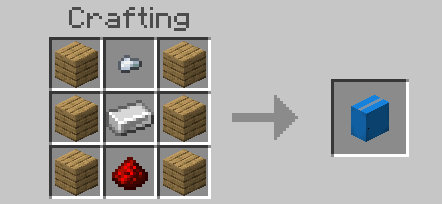
-Contains All Letters, Numericals and Signages Furnitures.
For your convience every POLY-CLASS BLOCKS is craftable in any wood types, if it uses wood.
(except bamboo)
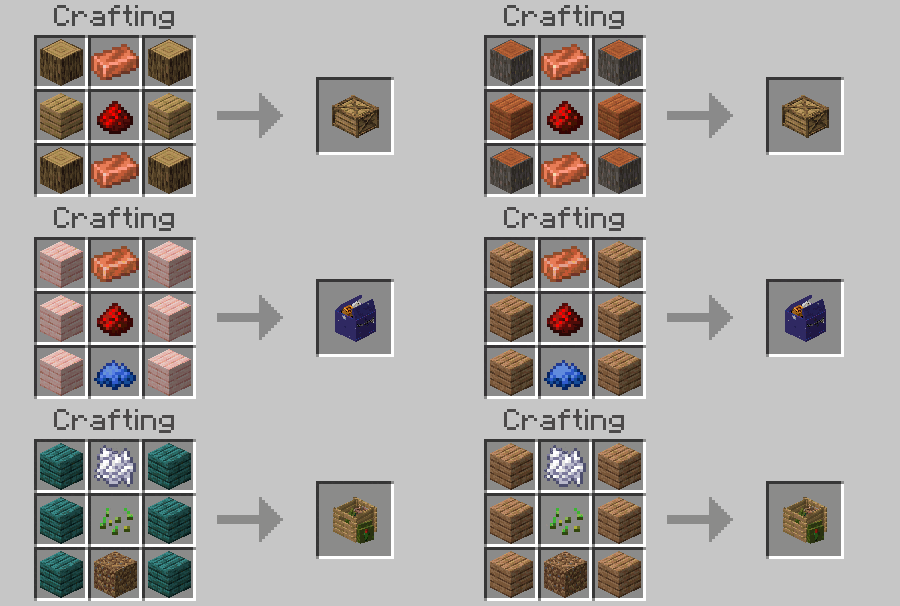
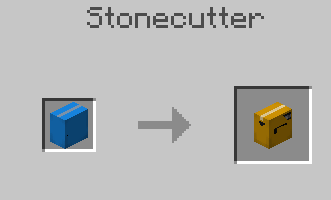
After Crafting the POLY-CLASS BLOCK use a Stonecutter to get the furnitures. (it's a classic for furniture mods)
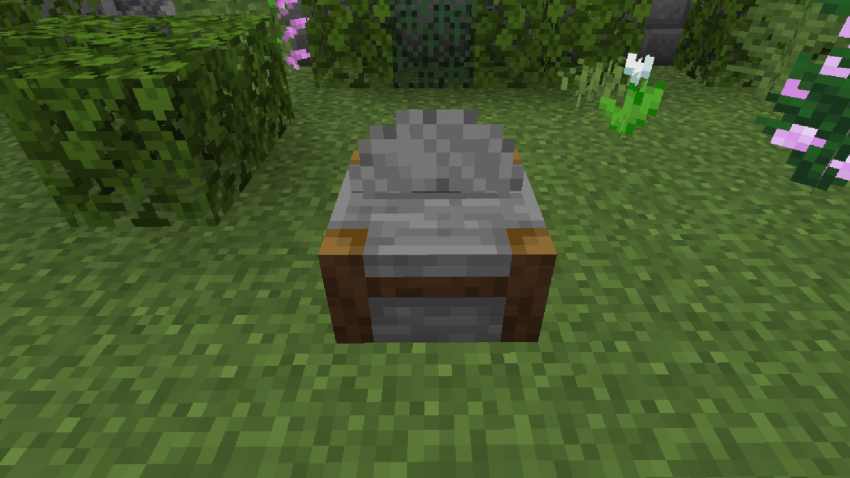
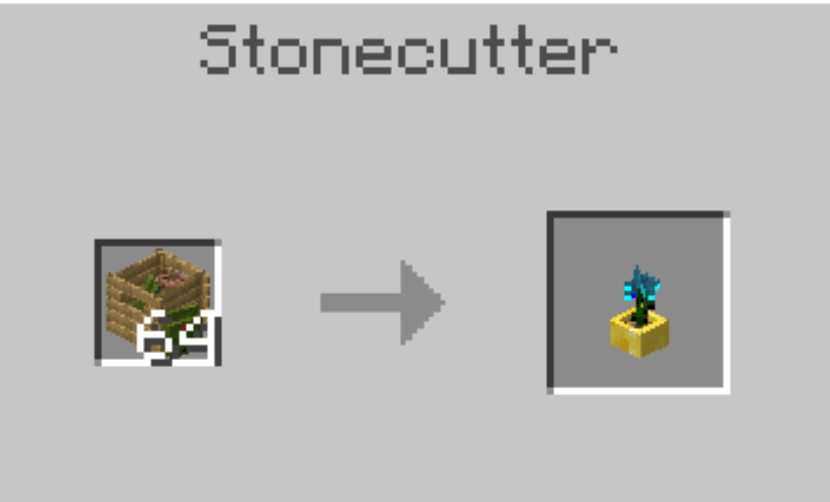
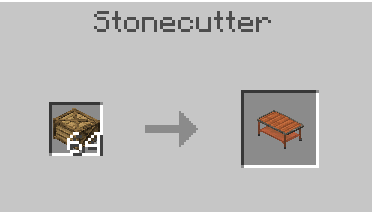
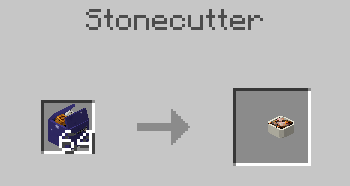
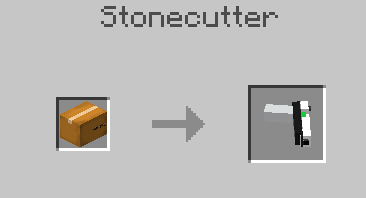
POV of using the Stonecutter


DISCORD | BLAZINGFIRE203
https://discord.gg/ErjgRT9eHY

YOUTUBE | BLAZINGFIRE203
https://www.youtube.com/@Bzf203

MCPEDL | BLAZINGFIRE203
https://mcpedl.com/user/blazingfire2073196/
General Questions:
1. What happens to my old world with the old version of bzf furnitures?
Answer: If your world is still with you, unfortunately I can't fix it that anymore, best you rebuild the whole thing again, the problem was the code changes in minecraft newer updates and so I basically rebuild the add-on again that took me days of work. so please support me :(
2. Experimental still needed?
Answer: So far no? Except Holiday Creator Feature to have the poolrooms tiles blocks.
3. Can I use this for my videos, add-on, mods or even 3D animation?
Answer: Yeah I'm not so Strict, Since I love supporting other content creator! Just give proper credits, Name of Creator (BlazingFire203) Addon link of curseforge or Mcpedl and add my YT channel https://www.youtube.com/@Bzf203
3. (for map makers like myself) Can I use this add-on in my maps? and share it online?
Answer: as long proper credits are given as Instructed in Q3 then yes.
4. Survival Friendly?
Answer: Yes, it's Survival Friendly you can finally put copper to good use... unfortunately it will disable achivements so duplicate your survival world, if you are planning to use it on a world with achivements on.
5. Creative Inventory location?
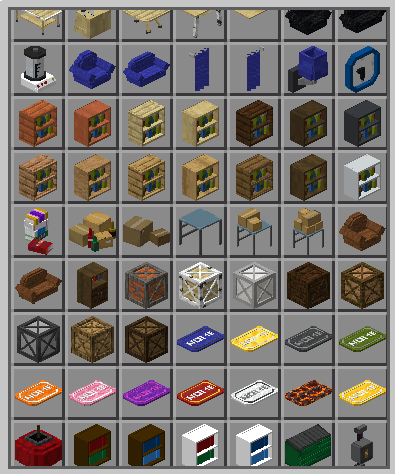
Answer: In the Inventory go to Items tab (diamonds, Iron, etc.) at the lowest point you can find all the furnitures (might categorize it in future updates to easily find the Items you need)
6. For Minecraft Java?
Answer: No.. Just Bedrock
You got a question yourself thats not here? leave them in the comments (I'll answer them ASAP)
Also Have Fun :)
- Edition: Minecraft Bedrock
- File type: .mcpack or .mcaddon
- Minecraft versions listed: 1.21.82, 1.21.80, 1.21.81
- How to install: Download the .mcpack or .mcaddon file. → Open it — Minecraft imports it. → In your world: Behavior Packs → Available → Activate, then the same under Resource Packs.
- Where to get it: In MCModsHub, or directly above on this page.
Install steps are the general flow for this file type — How to install Minecraft Bedrock addons & mods walks through it step by step.
- Pack type: .mcaddon — behaviour and resource pack in one file
- Complete pack — everything it depends on is inside the file
- Download size: 7.7 MB
- Download link checked 3 Aug 2026 — working
These come from our own check of the pack file, not from the source page.


