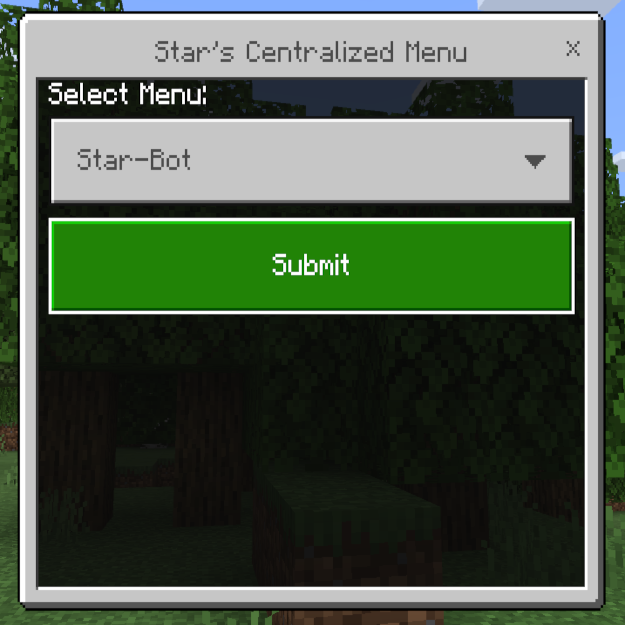
Star's Centralized Menu
I don't know my version
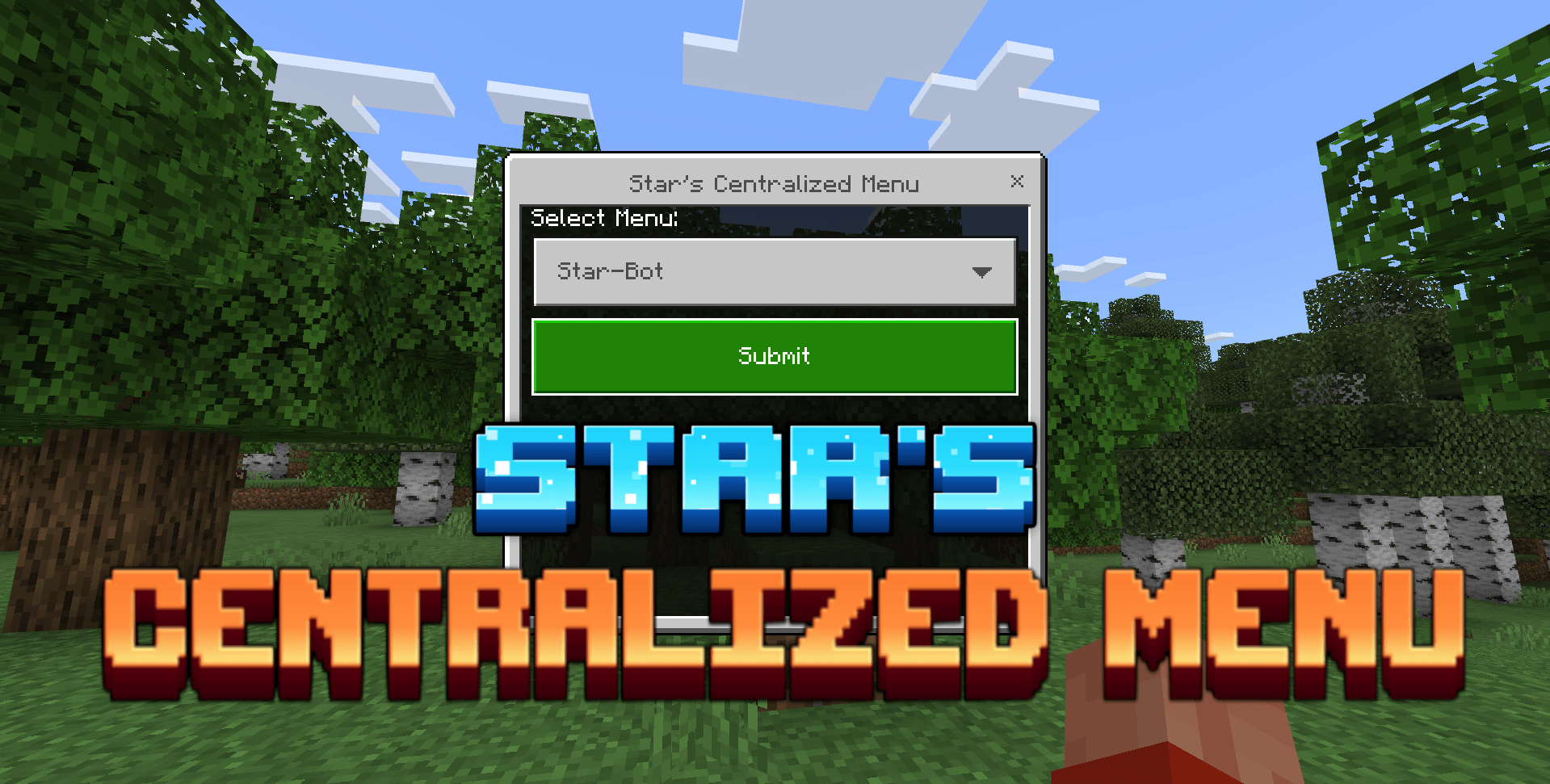
This Addon allows you to add an Emote based Menu for your addon in game without clashing with other addons that might also be using an Emote based menu system.
DOES NOT REQUIRE EXPERIMENTS.
Follow the following steps to add this into your addon:
Instructions for V-1.0:
1. Add Star's Centralized Menu as a dependency:
First, you need to add Star's Centralized Menu V-1.0 Addon as a depedency inside your pack manifest.josn file.
To do that, add the following json snippit inside the "dependencies" array in the manifest.json file of your behaviour pack:
{
    "uuid": "38fab1b9-c2b0-4111-a25d-4bad5f1b5a9f",
    "version": [1, 0, 0]
}
2. Register your menu:
const menu_name = "Your-Addon-Name";
const menu_persona_id = "your-emote-uuid";
const dim = world.getDimension("overworld");
dim.runCommandAsync(`scriptevent "star-menu:${menu_name}" ${menu_persona_id}`);
Add the above code sample inside your js after making the following changes:
- Put your Addon's name (as you want it to appear in the menu) in the menu_name variable. menu_name cannot contain spaces.
- Put the uuid of the emote to which you want to associate your menu. You can find emote uuids here.
You can register as many menus as you want as long as they have diffrent menu_name.
3. Perform actions on trigger:
After registering your menu, a scriptEvent will be fired whenever a player tries to open a menu from the centralized menu. This event will have the following useful information:
- event.id : it will always be "star-menu:trigger" and can be used to filter out any events which do not originate from the centralized menu.
- event.message : it will be your menu_name that you registered your menu with, can be used to filter out any triggers that do not originate from your registered menu(s).
- event.sourceEntity : the player that tried to open the menu.
You can then catch and process this event and take any action you want to take, such as, show another, more complex, menu to the player.
Here is a template that will work for most use cases:
system.afterEvents.scriptEventReceive.subscribe((e) => {
    if(e.id != "star-menu:trigger" || e.message != "your-menu-name") return;
    // your code goes here
});
4. Add Star's Centralized Menu addon in your world:
And last but not the least, you need to add Star's Centralized Menu in your world and convince all your players to do the same.
Instructions for V-2.0:
1. Add Star's Centralized Menu as a dependency:
First, you need to add Star's Centralized Menu V-2.0 Addon as a depedency inside your pack manifest.josn file.
To do that, add the following json snippit inside the "dependencies" array in the manifest.json file of your behaviour pack:
{
    "uuid": "38fab1b9-c2b0-4111-a25d-4bad5f1b5a9f",
    "version": [2, 0, 0]
}
2. Register your Menu Item:
const menu_details = {
    display_name: "Your Items Name",
    icon_path: "textures/your_menu_icon",
    uuid: "uuid-of-your-menu-item",
    trigger_persona_id: "4c8ae710-df2e-47cd-814d-cc7bf21a3d67"
}
world.afterEvents.worldLoad.subscribe(() => {
    const dim = world.getDimension("overworld");
    dim.runCommand(`scriptevent "star-menu:register" ${JSON.stringify(menu_details)}`);
});
Add the above code sample inside your js after making the following changes:
- Put your Menu Item's name (as you want it to appear in the menu) in display_name property of the menu_details object. This value cannot be null or undefined.
- If you want an icon to show up next to your Menu Item, put the icon's path in icon_path property of the menu_details object. If you do not want to do this, you can leave the value null or undefined.
- Put your an uuid in uuid property of the menu_details object. This uuid will be used to uniquely identify your Menu Item from the others. This uuid can later be used to unregister the Menu Item during runtime. This value cannot be null or undefined.
- Put the uuid of the emote to which you want to trigger your Menu Item. If left null or undefined, waving emote will be assigned to it by default. You can find emote uuids here.
You can register as many Menu Items as you want as long as they have unique uuids.
3. Perform actions on trigger:
After registering your menu, a scriptEvent will be issued whenever a player selects a Menu Item from the centralized menu. This event will have the following useful information:
- event.id : it will always be "star-menu:trigger" and can be used to filter out any events which do not originate from the centralized menu.
- event.message : it will be the uuid of the selected Menu Item, It can be used to filter out any triggers that do not originate from your registered Menu Item(s).
- event.sourceEntity : the player that tried to open the menu.
You can then catch and process this event and perform any action you want to perform, such as, show another more involved menu to the player.
Here is a template that will work for most use cases:
system.afterEvents.scriptEventReceive.subscribe((e) => {
    if(e.id != "star-menu:trigger" || e.message != "uuid-of-your-menu-item") return;
    // your code goes here
});
4. Unregister your Menu Item:
If you want to unregister your Menu Item during runtime, you need to issue a scriptevent with "star-menu:unregister" as event id and the uuid of your menu item as event message.
Take a look at the following template:
const dim = world.getDimension("overworld");
dim.runCommand(`scriptevent "star-menu:unregister" ${uuid-of-your-menu-item}`);
You don't have to run this command on dimension strictly, you can run it on any entity.
5. Add Star's Centralized Menu addon in your world:
And last but not the least, you need to add Star's Centralized Menu in your world and convince all your players to do the same.
Note: V-2.0 issues content log warnings if something is wrong. So if anything is not working as expected when you try to intigrate Centralized Menu with your Addon, You should take a look at the content log.
Supported Versions :
- V-1.0: 1.21.60+
- V-2.0: 1.21.90+
- If you like my Addon, please do consider supporting me, you could do that by donating to me or simply spreading your word!
SUPPORT ME ON PATREON: https://patreon.com/AyyStar
Doubts or queries? Join my Discord: Star's Studio
Copyright Message
All Rights Reserved
If you want to showcase this addon in your video, that's fine.
You cannot use any part of my addon, however little it may be, in your own addon without my permission.
You cannot distribute my addon in any way, shape or form without my permission.
- Edition: Minecraft Bedrock
- File type: .mcpack or .mcaddon
- Minecraft versions listed: 1.21.90, 1.21.93, 1.21.94
- How to install: Download the .mcpack or .mcaddon file. → Open it — Minecraft imports it. → In your world: Behavior Packs → Available → Activate, then the same under Resource Packs.
- Where to get it: Opens on CurseForge — not every file is mirrored on our own servers.
Install steps are the general flow for this file type — How to install Minecraft Bedrock addons & mods walks through it step by step.
- Pack type: .mcpack — a single pack
- Manifest requires Minecraft 1.21.9 or newer
- Complete pack — everything it depends on is inside the file
- Download size: 212 KB
- Download link checked 15 Sept 2026 — working
These come from our own check of the pack file, not from the source page.