
Expedition Blueprints
Bedrock add-on listed for Minecraft 1.21 (behavior + resource pack). File opened and checked on 19 Oct 2026; installs from the MC Bedrock Mods app on Android.
Tired of cluttering your world with ugly emergency shelters while exploring? Expedition Blueprints lets you place vanilla friendly, prebuilt expedition…
I don't know my version
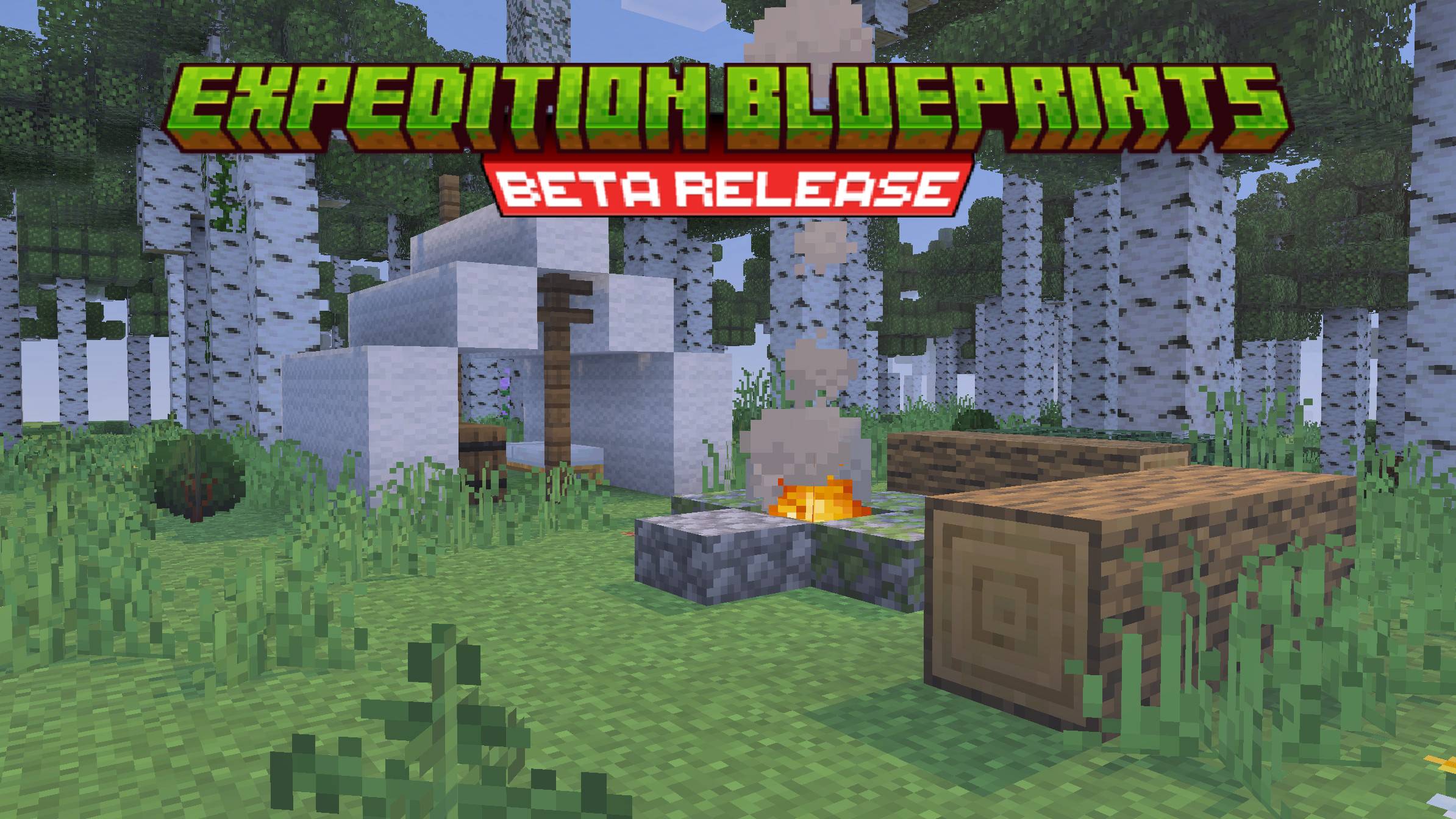
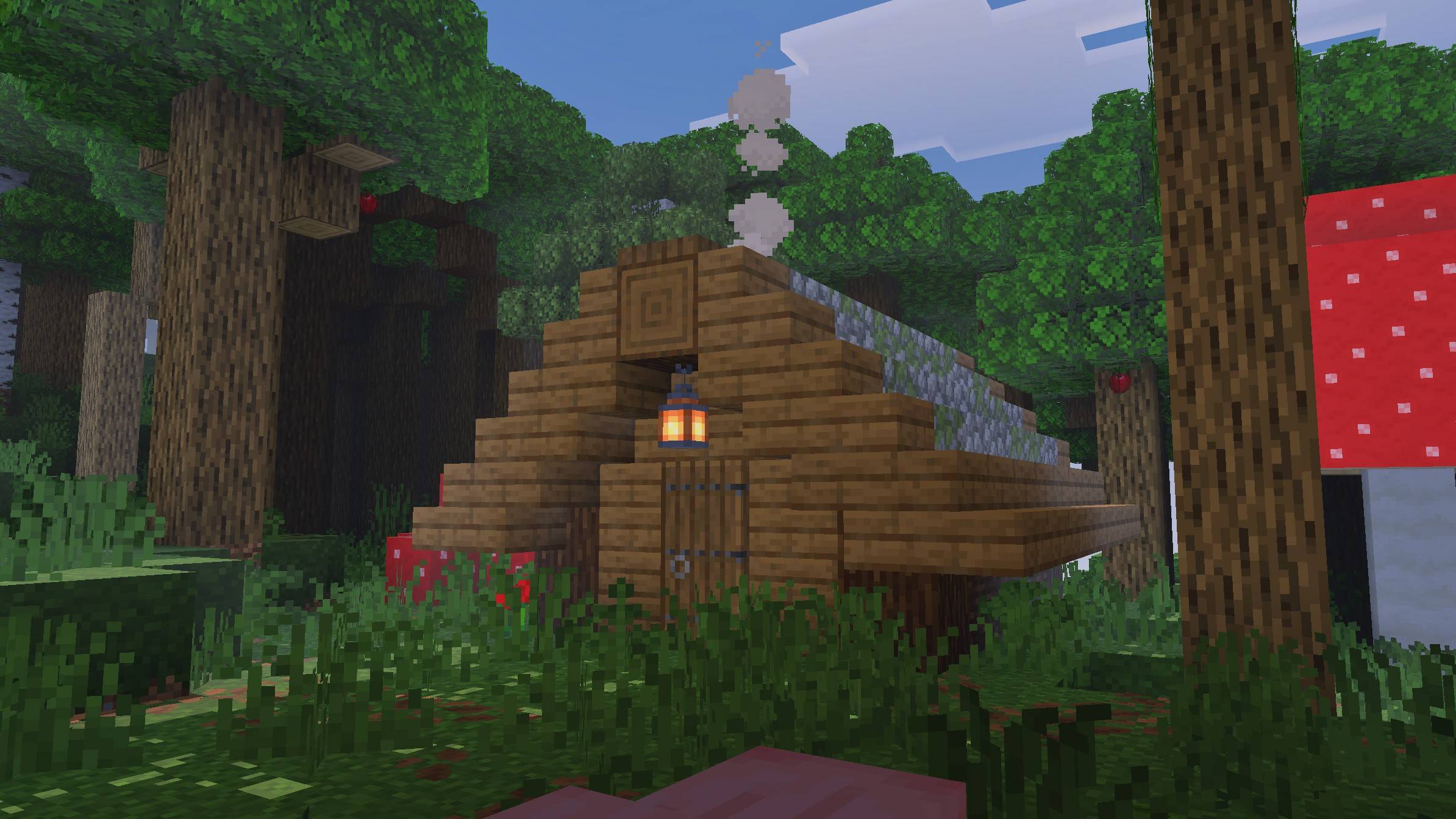
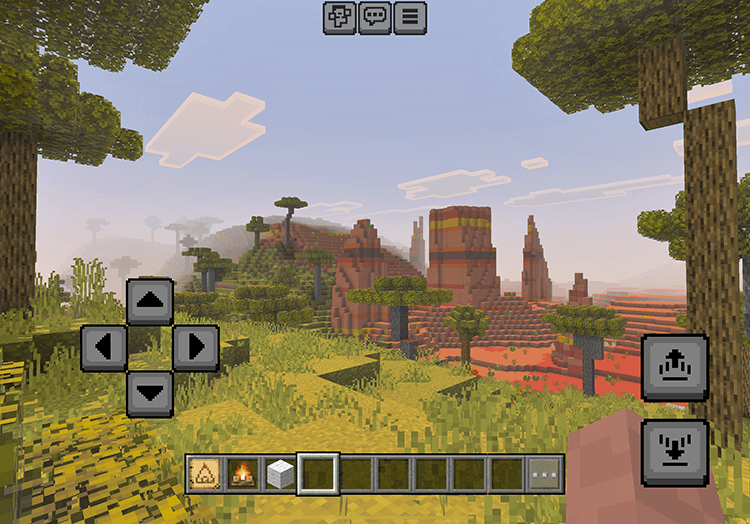
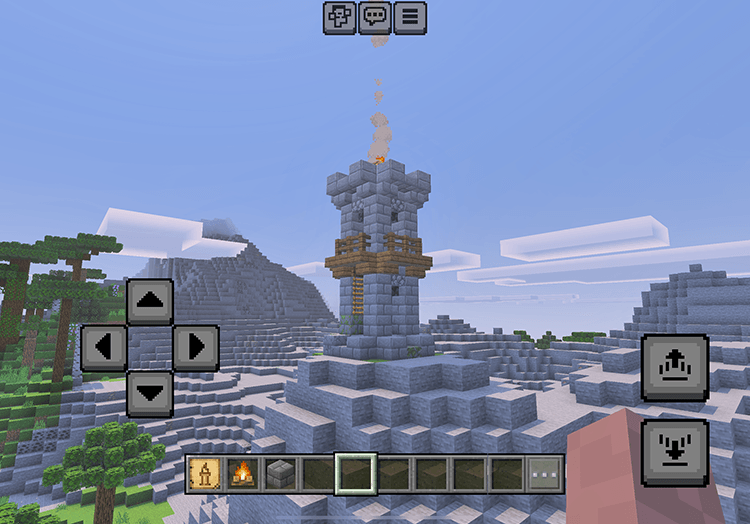
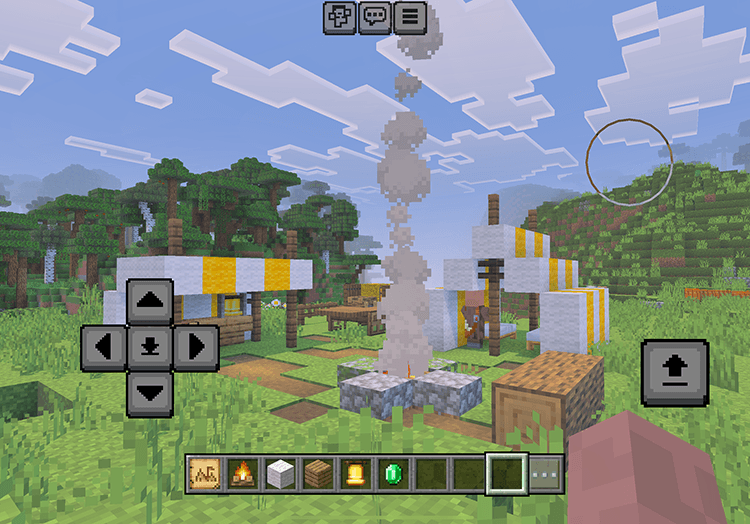
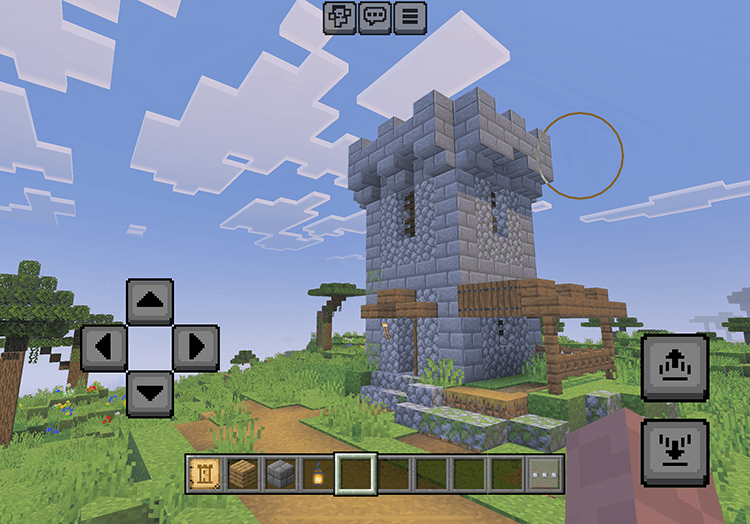

Expedition Blueprints adds blueprint items that allow you to place prebuilt expedition structures in a survival-friendly way. Instead of building everything block by block, you obtain blueprints through villager trading, gather the required materials, and place the structure directly in the world.
All placements follow strict rules to prevent floating structures and keep everything aligned with vanilla gameplay.
How It Works
- Craft a Basic Blueprint (paper + feather + ink sac).
- Upgrade it to:
- Refined Blueprint (Basic + emerald)
- Polished Blueprint (Basic + redstone)
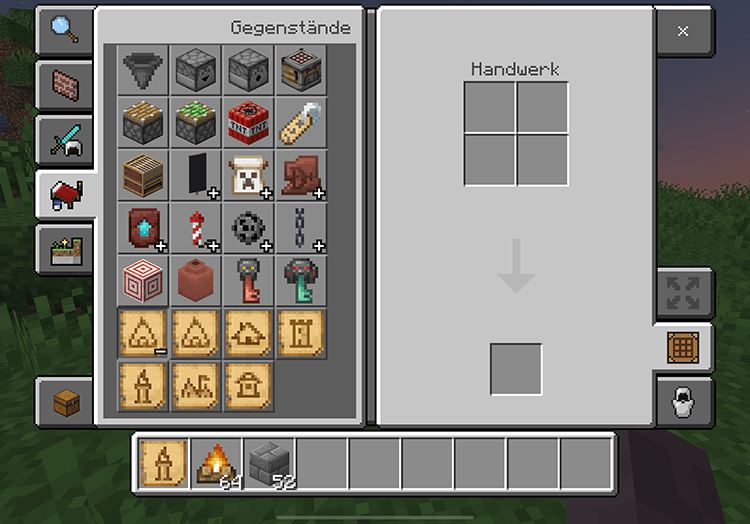
- Use the Drafting Table to craft structure blueprints by combining the correct blank blueprint with required materials.
- Hold a blueprint, look at a solid block, and use the item.
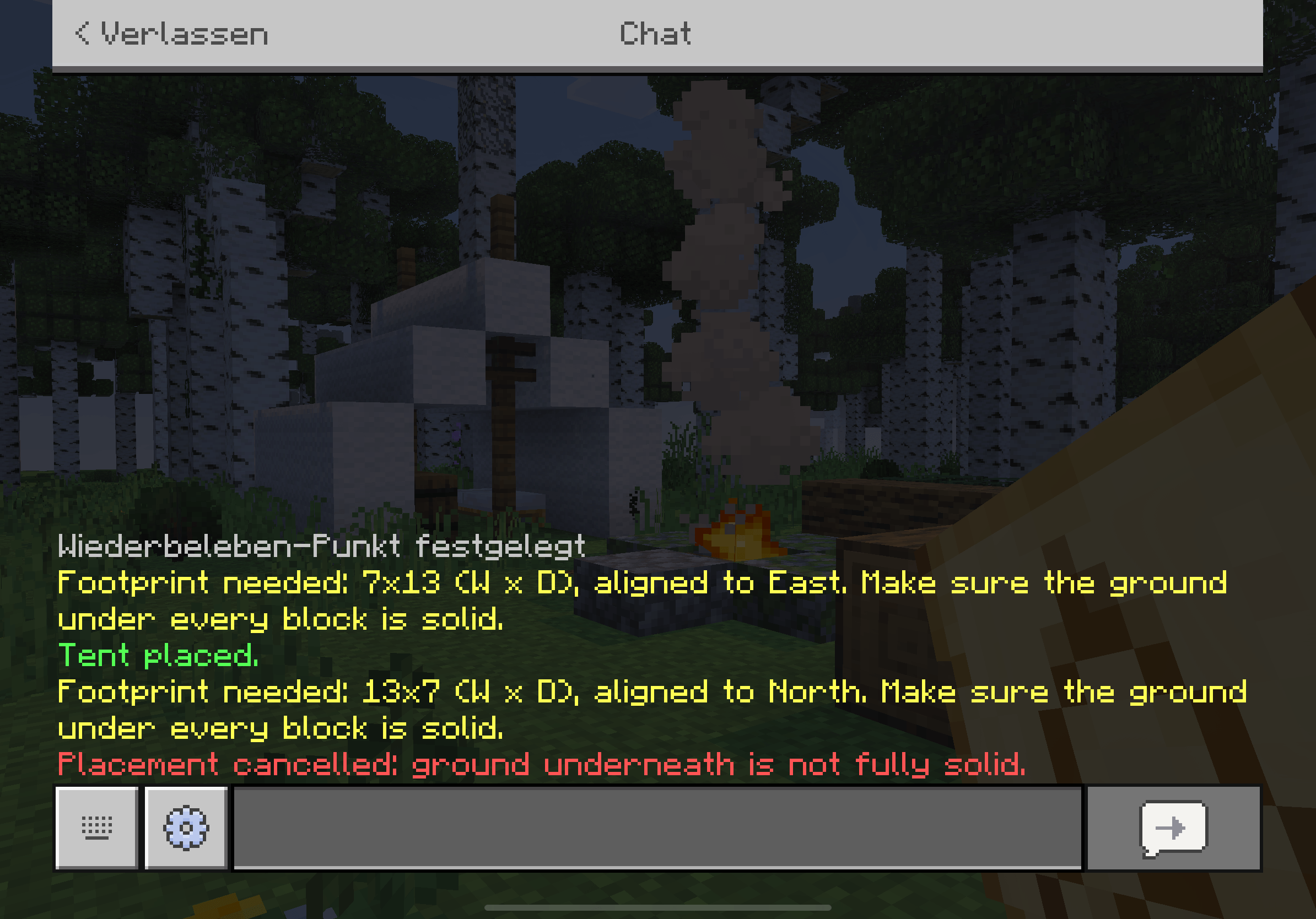
- A confirmation prompt appears before placement. If the ground is flat and you have the materials, the structure is built and materials are consumed.
Features
- Survival‑friendly structure placement
- Craftable blueprints with a Drafting Table
- Villager trading integration
- Automatic structure rotation
- Footprint preview before placement
- Placement confirmation
- Ground support validation
- No floating or partially placed structures
Starter Items
On first spawn, players receive a small starter kit:
- Tent Blueprint
- Campfire
- 12× white wool
Blueprints From Villager Trades
Blueprints can also be obtained through vanilla villager trades:
- Tent Blueprint – Shepherd (Level 1)
- Villager Camp Blueprint– Farmer (Level 3)
- Hunter’s Hut Blueprint – Fletcher (Level 3)
- Bonfire Blueprint– Cartographer (Level 2)
- Wayside Shrine Blueprint– Cleric (Level 2)
- Watchtower Blueprint – Mason (Level 4)
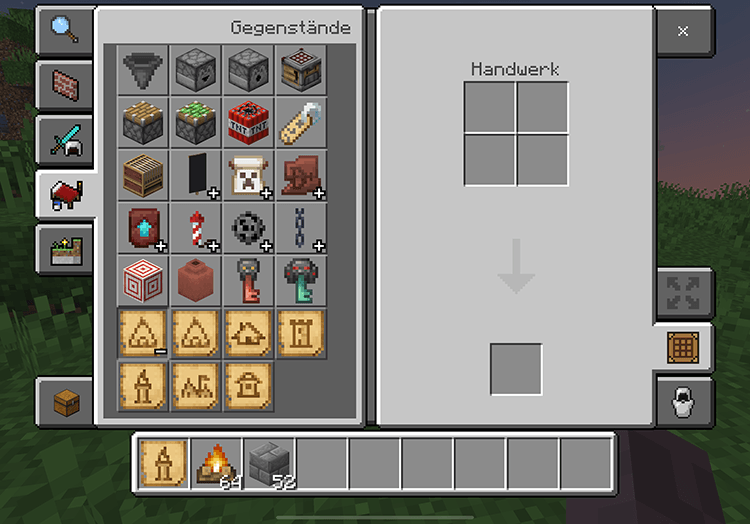
Available Buildings
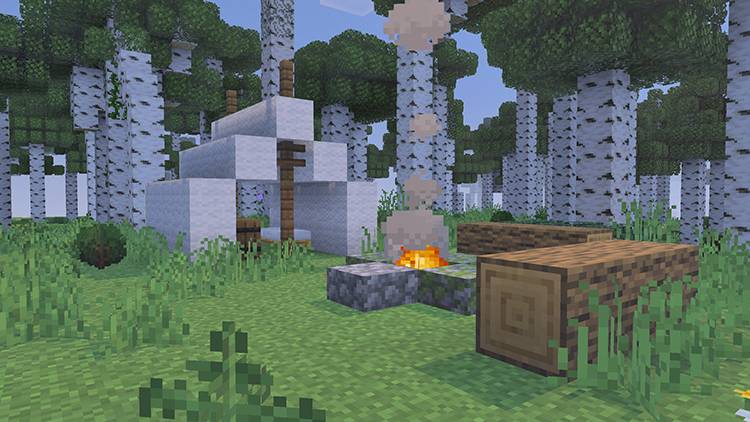
Tent
- 12× wool (any color)
- 10× planks (any type)
- 1× campfire
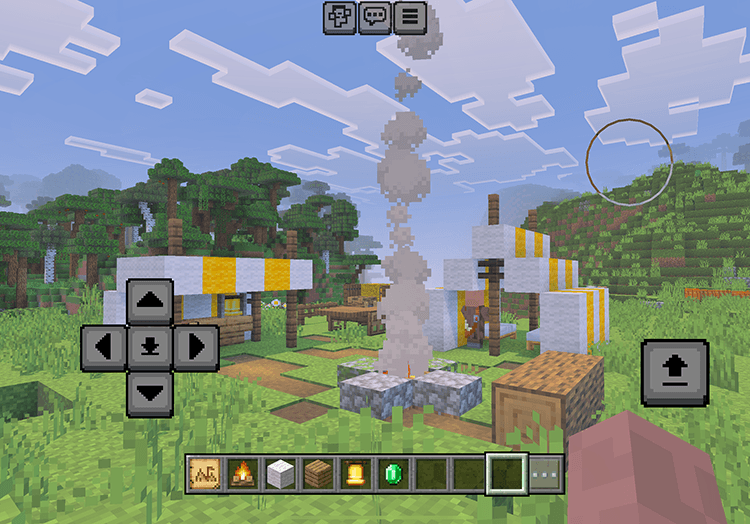
Villager Camp
spawns with two villagers
- 16× wool (any color)
- 14× planks (any type)
- 1× campfire
- 1x bell
- 2x emeralds
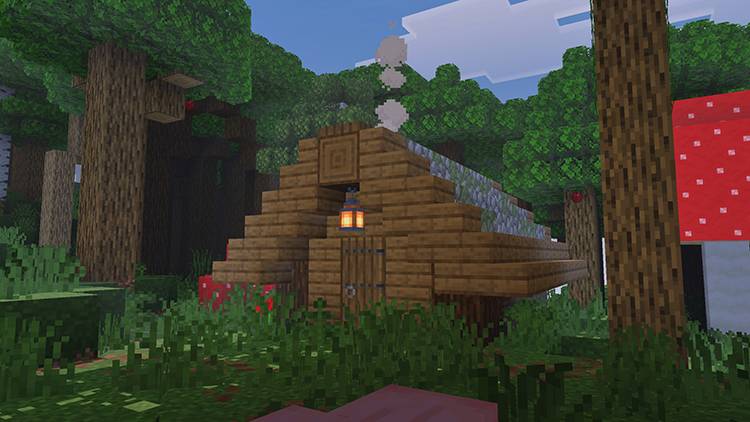
Hunter’s Hut
- 20× planks (any type)
- 12× cobblestone
- 1× lantern
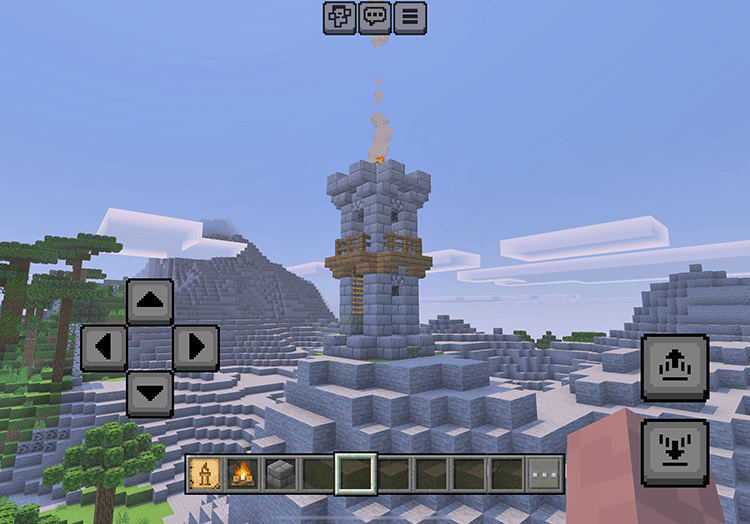
Bonfire
- 12× stone bricks
- 1× Bonfire
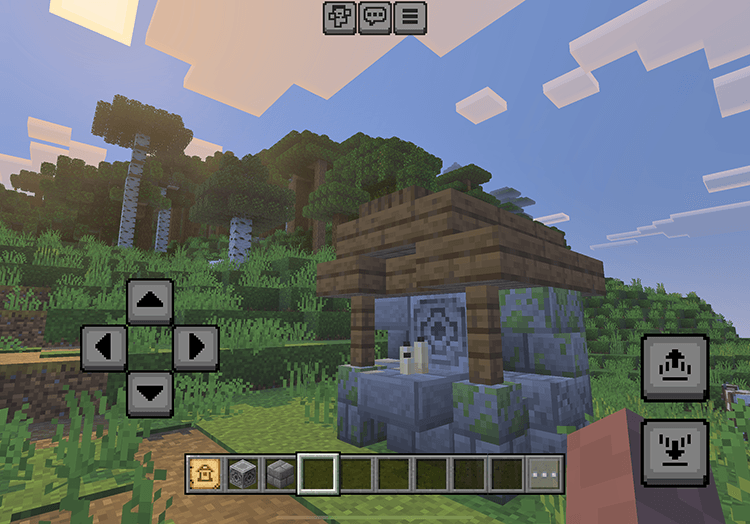
Wayside Shrine
- 6× stone bricks
- 1× lodestone
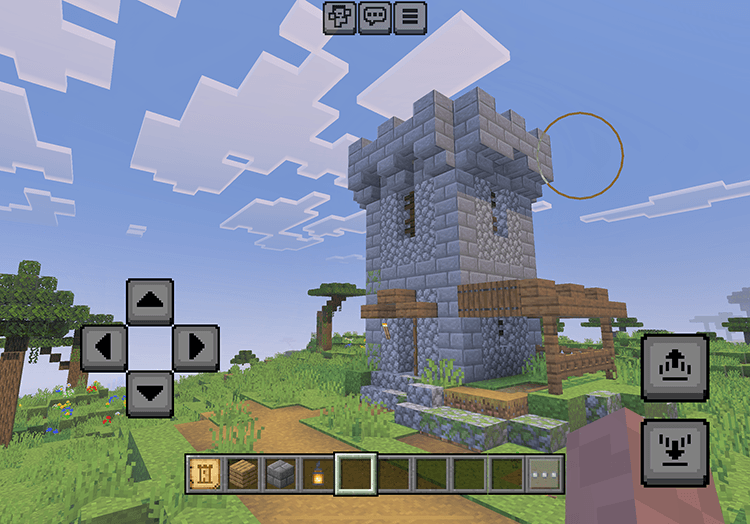
Watchtower
- 32× stone bricks
- 12× planks (any type)
- 1× lantern
Beta Notice
This addon is currently in beta.
This add‑on is currently in beta. Planned features include more expedition structures, Nether/End themed blueprints, vanilla‑friendly structure tweaks, and biome variants.
Compatibility
- Minecraft Bedrock Edition 1.21.131+
- No experimental features required
- Works with Achievements and Vibrant Visuals
Support & Updates
Join my Discord server for updates, support, and suggestions:
👉 FungusLabs Research Center
- Edition: Minecraft Bedrock
- File type: .mcpack or .mcaddon
- Minecraft versions listed: 1.21.131, 1.21.130, 1.21.114
- How to install: Download the .mcpack or .mcaddon file. → Open it — Minecraft imports it. → In your world: Behavior Packs → Available → Activate, then the same under Resource Packs.
- Where to get it: In MCModsHub, or directly above on this page.
Install steps are the general flow for this file type — How to install Minecraft Bedrock addons & mods walks through it step by step.
- Pack type: .mcaddon — behaviour and resource pack in one file
- Complete pack — everything it depends on is inside the file
- Download size: 175 KB
- Download link checked 3 Aug 2026 — working
These come from our own check of the pack file, not from the source page.