Spartan's Mech 1.21.120
I don't know my version
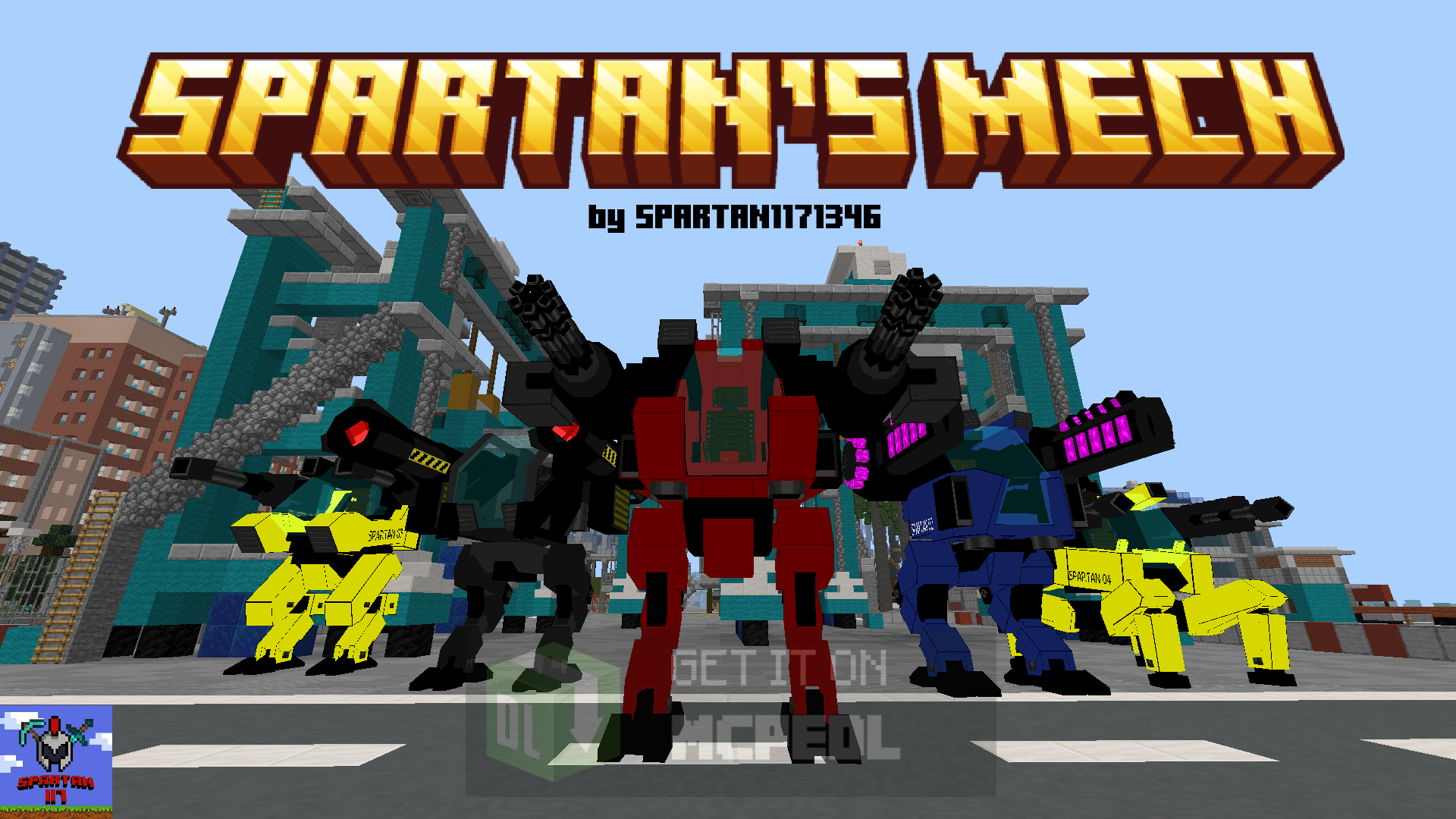
Get into your robot, choose your favorite weapon, and destroy your enemies with this addon. In this addon you can build a robot! With him, you will be unstoppable!

https://www.youtube.com/watch?v=8bCNNJMW2TU
This addon contains a mech to which you can equip powerful and lethal weapons.
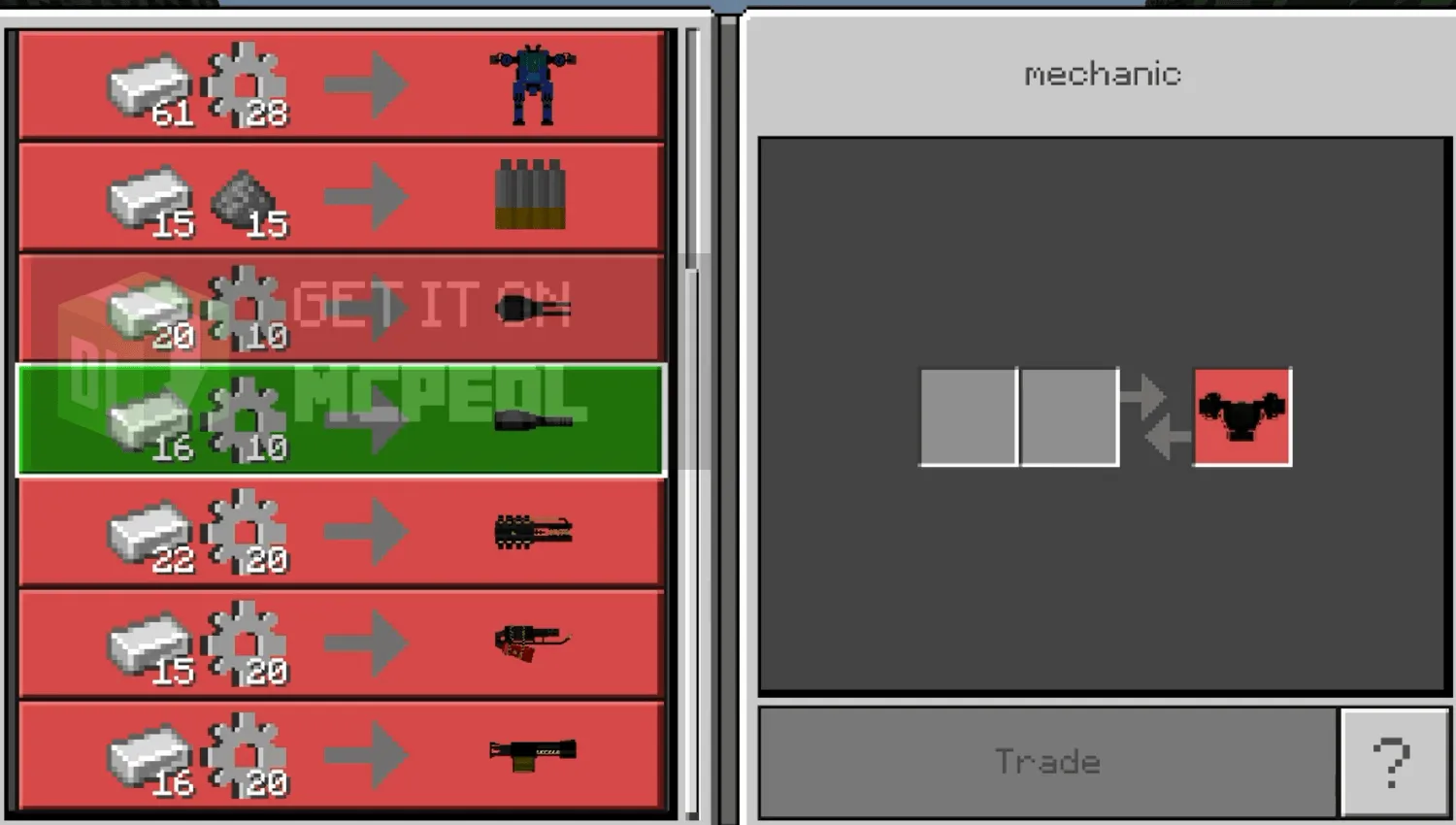
First, you have to find the mechanic to exchange robots and weapons. He will appear anywhere in the world. You will need "components" to trade, these items will be dropped by the enemies of this addon.
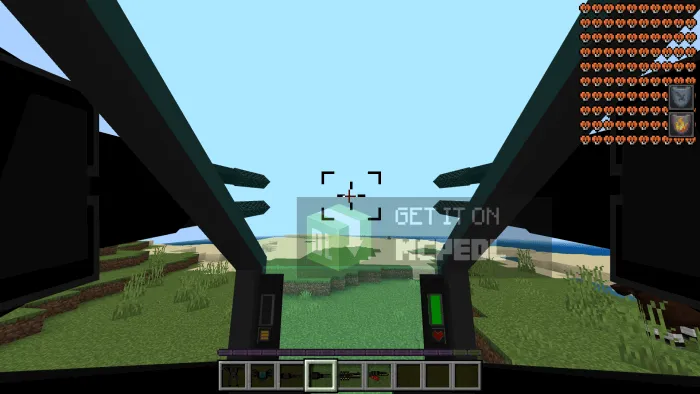
You will see that there are 2 bars inside, on the left is the ammo indicator, and on the right is the life indicator. To be able to shoot, you must use the ammunition item to load, to change weapons, you simply have to have the weapon in your hand, you no longer have to equip it like the previous version, to be able to shoot you have to use the weapon item, and now all that remains is to have fun!
----------- MECH -----------
Spartan "PROTOTYPE"
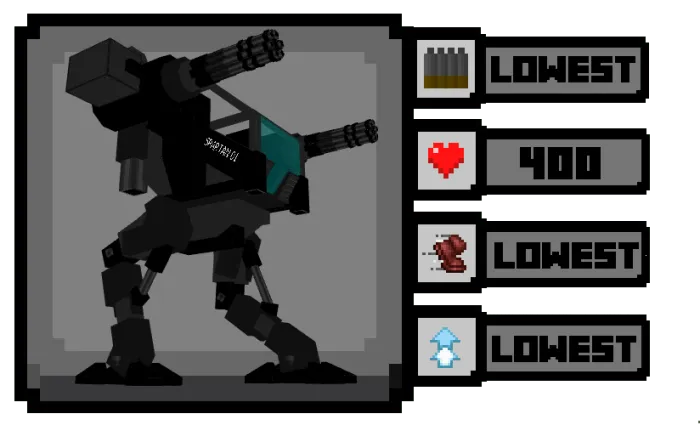
Spartan 01 "SHOOTER"
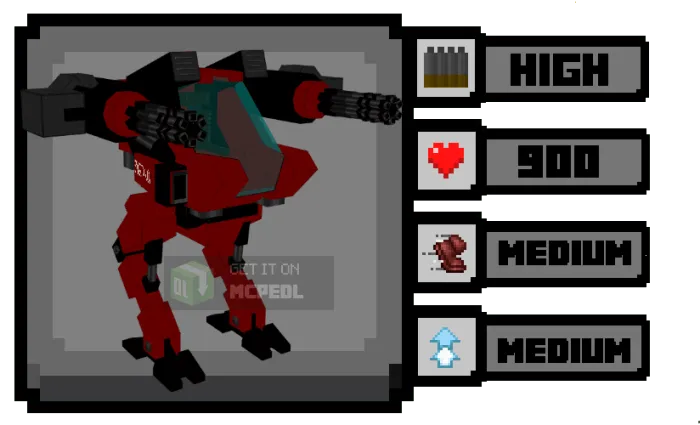
Spartan 02 "DEFENDER"
Special Ability: causes falling after jumping.
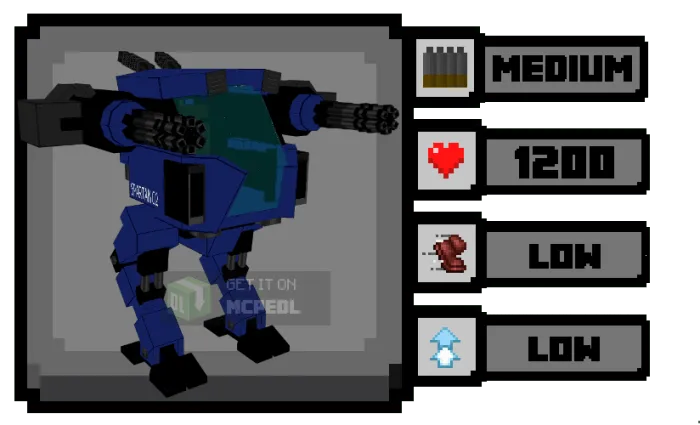
Spartan 03 "SPEEDER"
Special Ability: nitro, causes a speed boost for an instant.
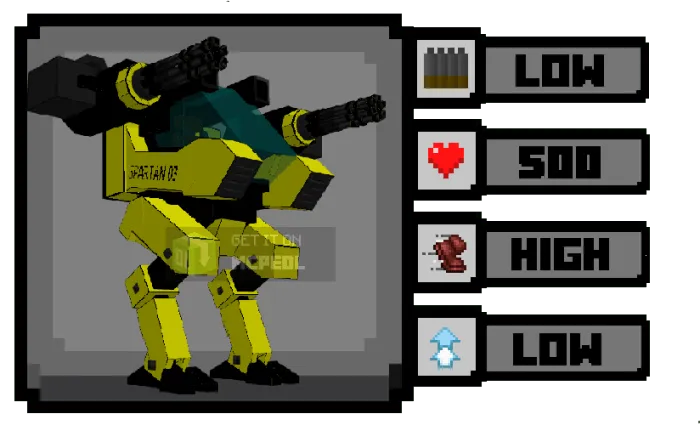
Spartan 04 "ENFORCER"
Special Ability: creates an energy shield that reduces 80% of the damage received.
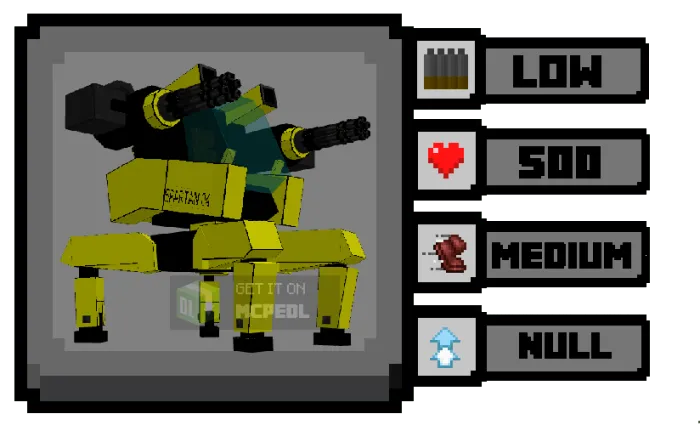
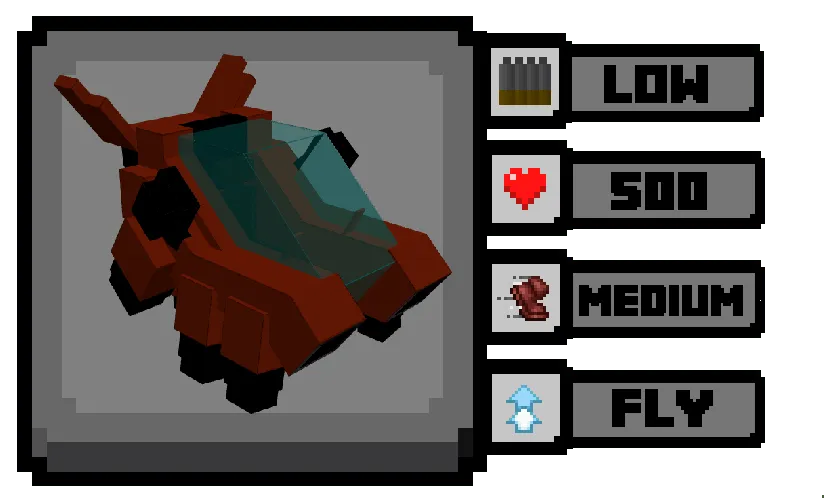
Spartan 05 "STRIKER"
Special Ability: FLY!
----------- WEAPONS -----------

Double Cannon

Gatling
Firegun

Voltgun

Rocket Launcher

Carronade

Railgun

Sniper

Stungun

Multimissile

Laser Gun

Grenade Launcher

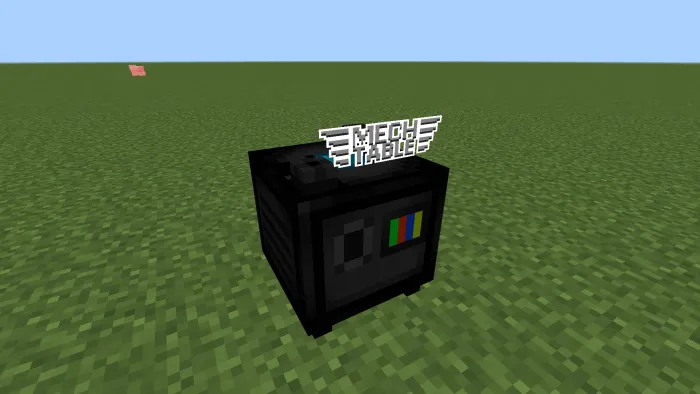
----------- Mech Table -----------
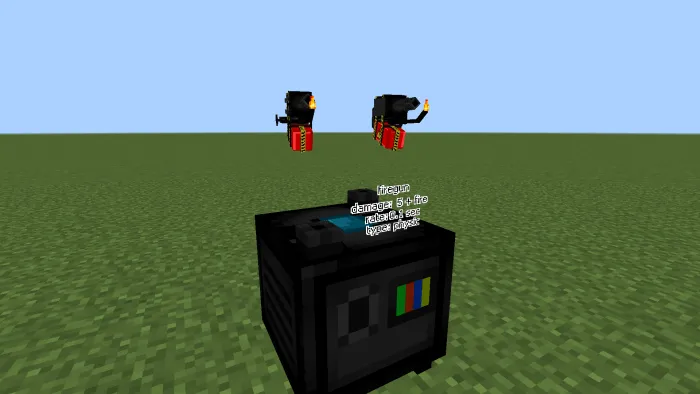
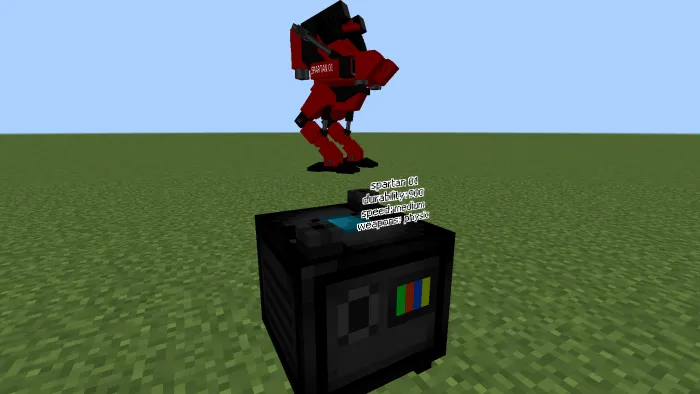
This table will give information about the weapons and robots that can be obtained, it can be obtained from the mechanic.
-----------ENEMIES-----------
- They attack villagers and players.

- Robot soldier: 30 HP.

- Drone: 20 HP.
- Deals 2-5 damage per shot.
- Drop item: "component". It will be used to trade with the mechanic in exchange for robots and weapons
Robot Soldier
War Drone

Radar
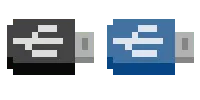
This entity will summon waves of enemy robots while downloading data, and when it finishes downloading, it will release the full USB item that will be used to trade with the mechanic.
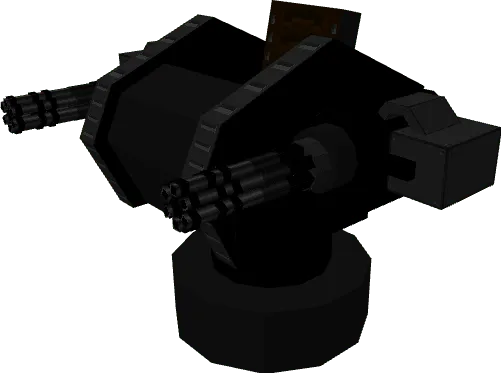
----------- TURRETS -----------
Turrets can only be controlled by villagers.
Common Turret
----------- ITEMS -----------
Component: Dropped by enemy robots, use it to trade with the mechanic.


Munition: reload your robot's ammunition.
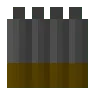
USB: You can buy it from the merchant to interact with the radar. When it finishes downloading data, the radar will release the blue USB that will be used to exchange data with the mechanic for robots.
STRUCTURES
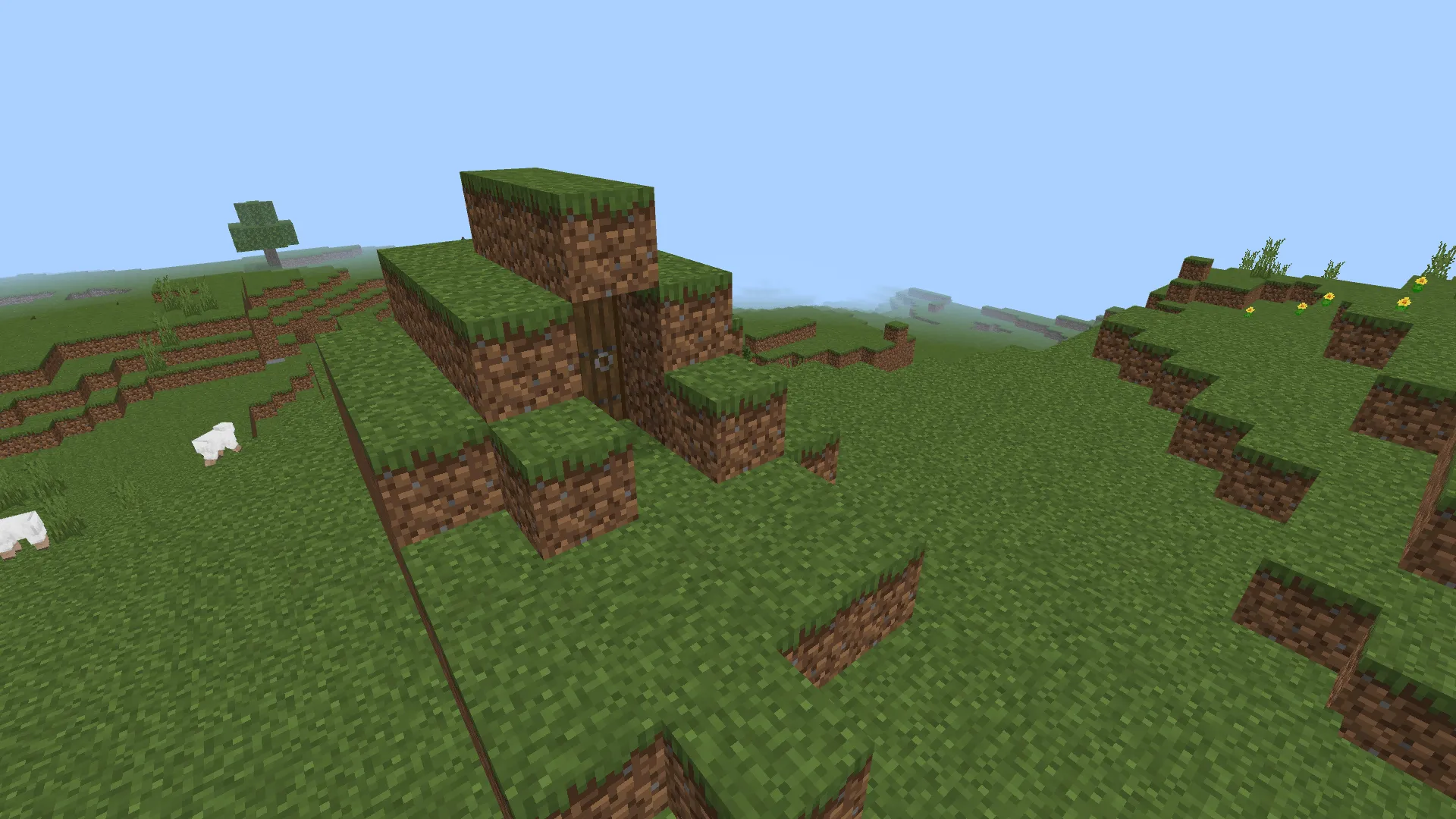
RADAR TOWER - Plains Biome
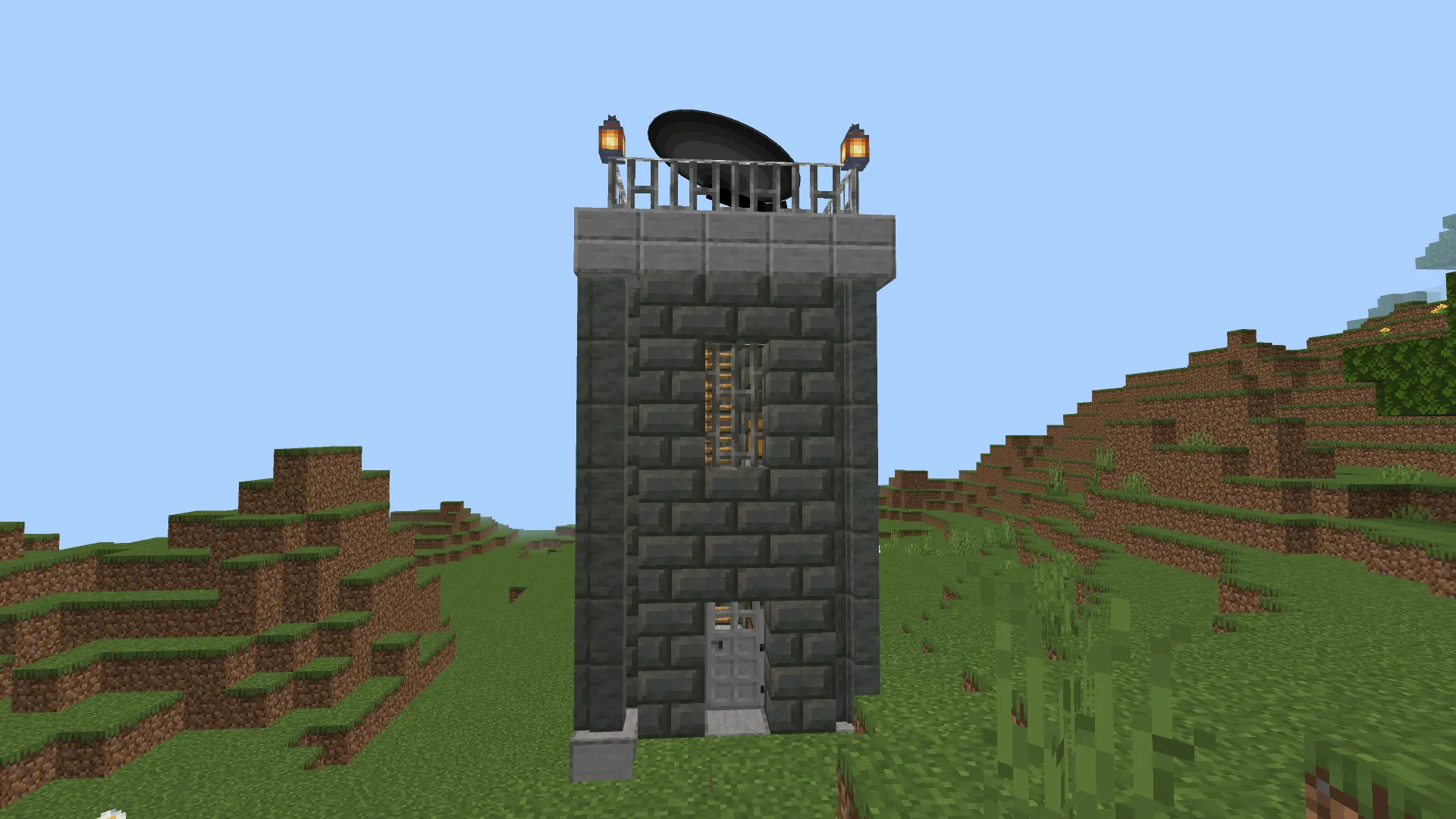
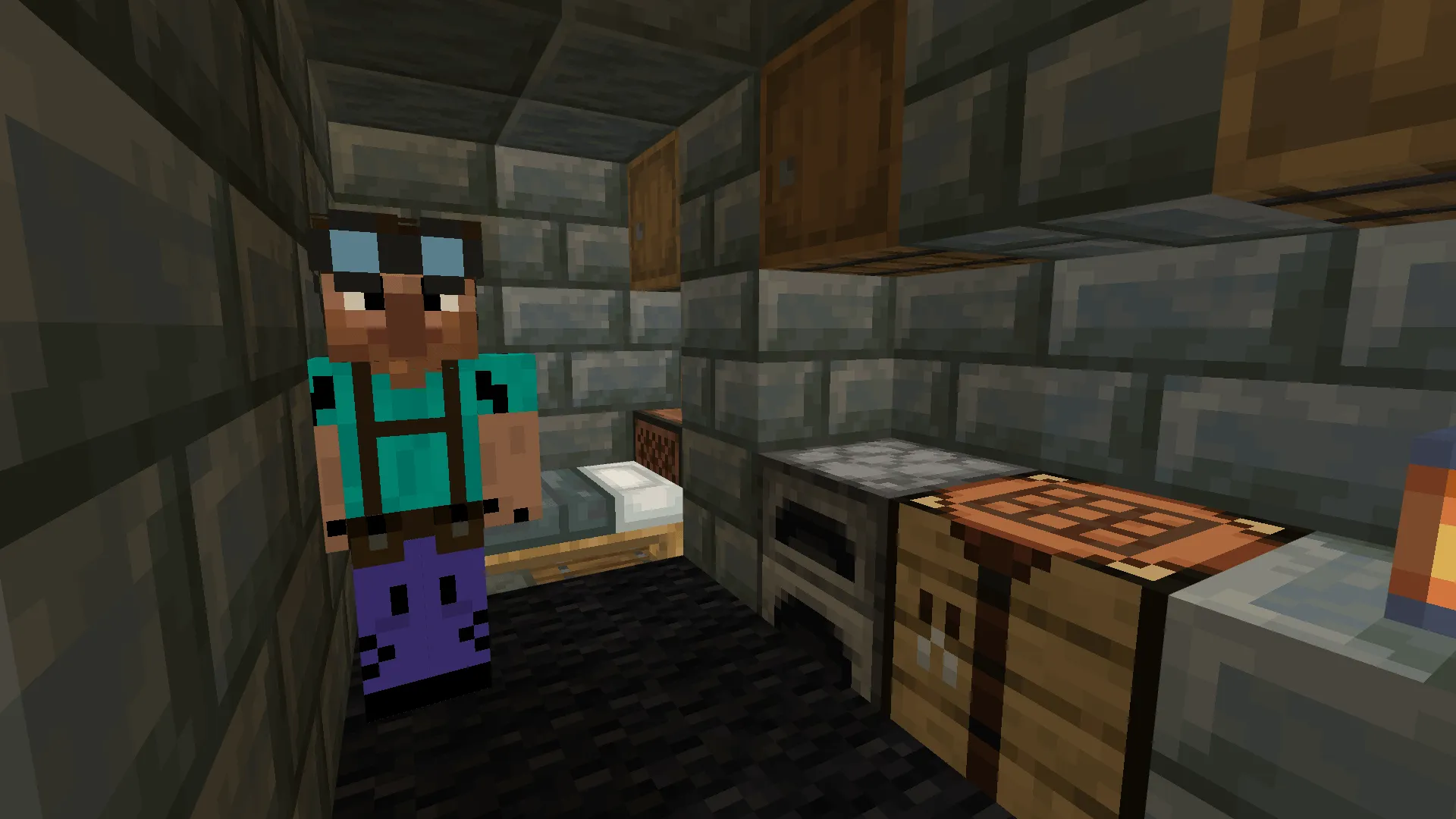
BUNKER - Plains Biome
EXPERIMENTS
>>>>>> THIS ADDON REQUIRES ENABLING "CUSTOM BIOMES" <<<<<<
If you have any questions or there are any errors, you can contact me:
- Discord: spartan1175208
- Edition: Minecraft Bedrock
- File type: .mcpack or .mcaddon
- Minecraft versions listed: 1.21.132, 1.21.93, 1.21.101
- How to install: Download the .mcpack or .mcaddon file. → Open it — Minecraft imports it. → In your world: Behavior Packs → Available → Activate, then the same under Resource Packs.
- Where to get it: Opens on CurseForge — not every file is mirrored on our own servers.
Install steps are the general flow for this file type — How to install Minecraft Bedrock addons & mods walks through it step by step.
- Pack type: .mcaddon — behaviour and resource pack in one file
- Manifest requires Minecraft 1.21.20 or newer
- Complete pack — everything it depends on is inside the file
- Download size: 1006 KB
- Download link checked 15 Sept 2026 — working
These come from our own check of the pack file, not from the source page.