Utility Backpacks v1.1 | by DustVeyn
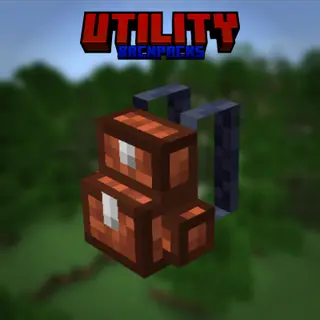
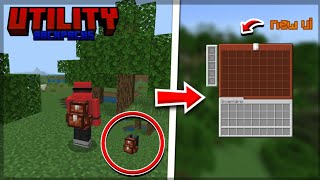
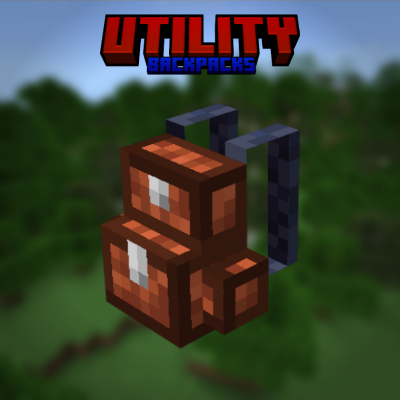
In this add-on you add a new backpack to the game, which can be placed on the ground or on your back, with a capacity of 54 slots + 5 for upgrades.
⬇ Download on CurseForge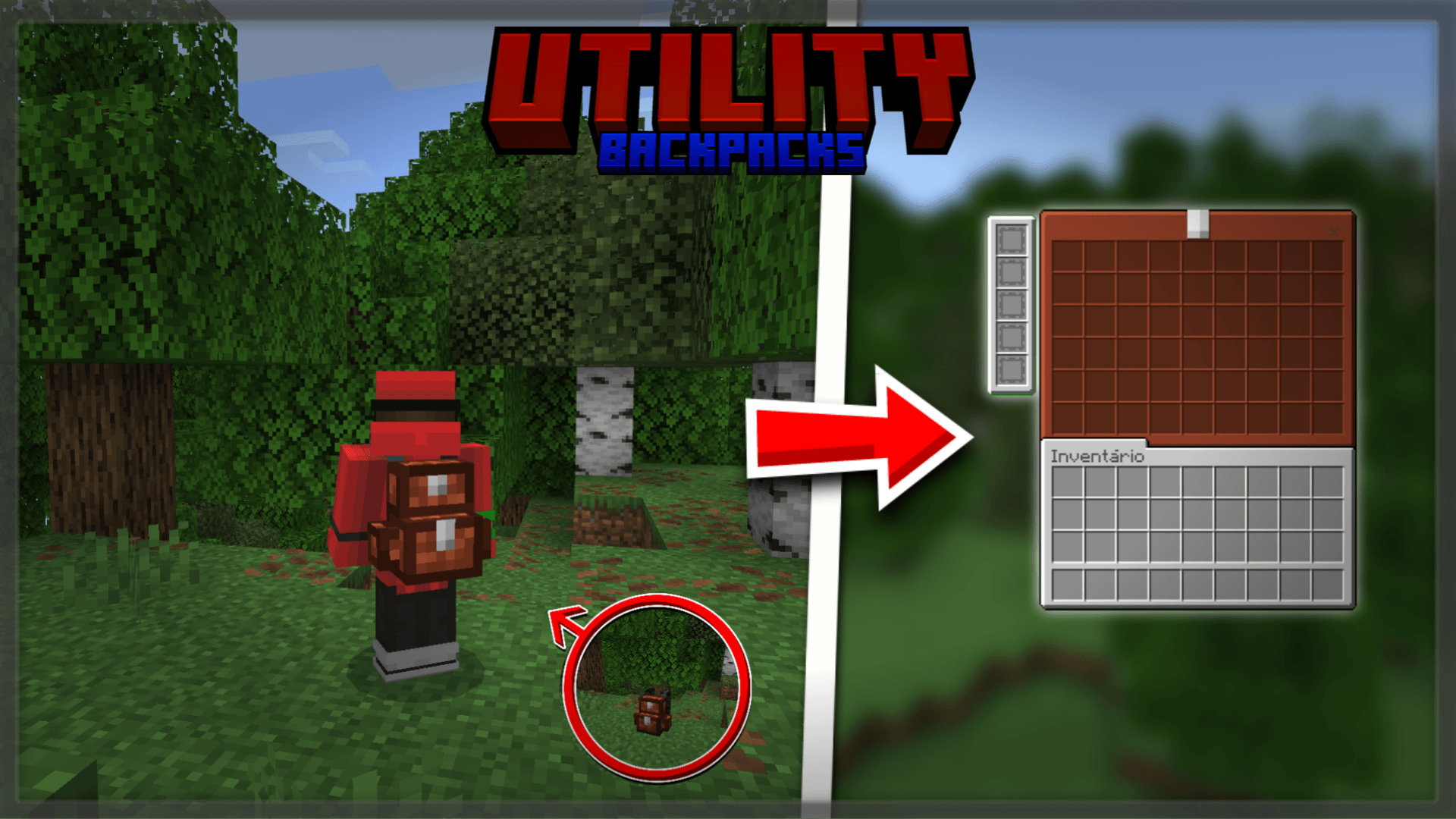
- Once you have your backpack, simply place it on the ground by clicking. Right in the center of the backpack, you'll be able to open your inventory, which has 54 item slots and 5 exclusive slots for upgrades.
- When placing upgrades in the backpack, simply leave it in the hotbar, inventory, or off-hand for the upgrades' abilities to be activated on the player.
NOTE: The backpack cannot be opened while in hand.
When the backpack is blown up, you won't lose it.
EQUIPPED AND PLACED:
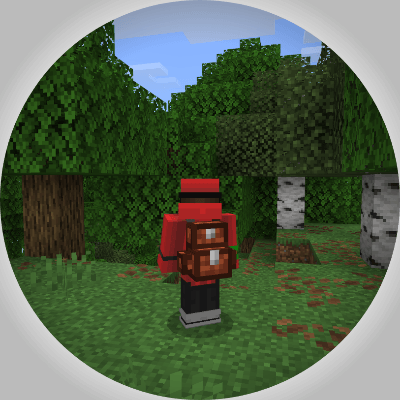
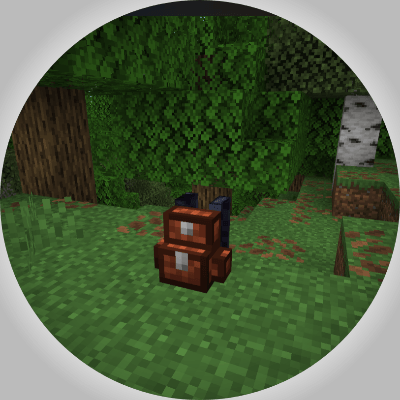
To keep the backpack on your back, simply place it in your secondary hand.
INTERFACE:
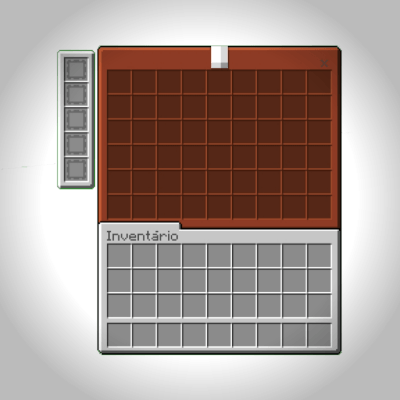
UPGRADES:
- Haste Upgrade: The player receives the Haste effect.
- Magnet Upgrade: Items will be pulled within an 8 block radius.
- Tree Capitator Upgrade: By breaking the base, the entire tree will be automatically felled. ( Axes lose durability when breaking blocks using one. )
- More Health Upgrade: Adds 4 extra hearts of life to the player.
- Torch placement Upgrade: When holding Shift with a torch in your inventory and being in a location with no blocks, a torch will automatically be placed at your feet and will be spent from your inventory.
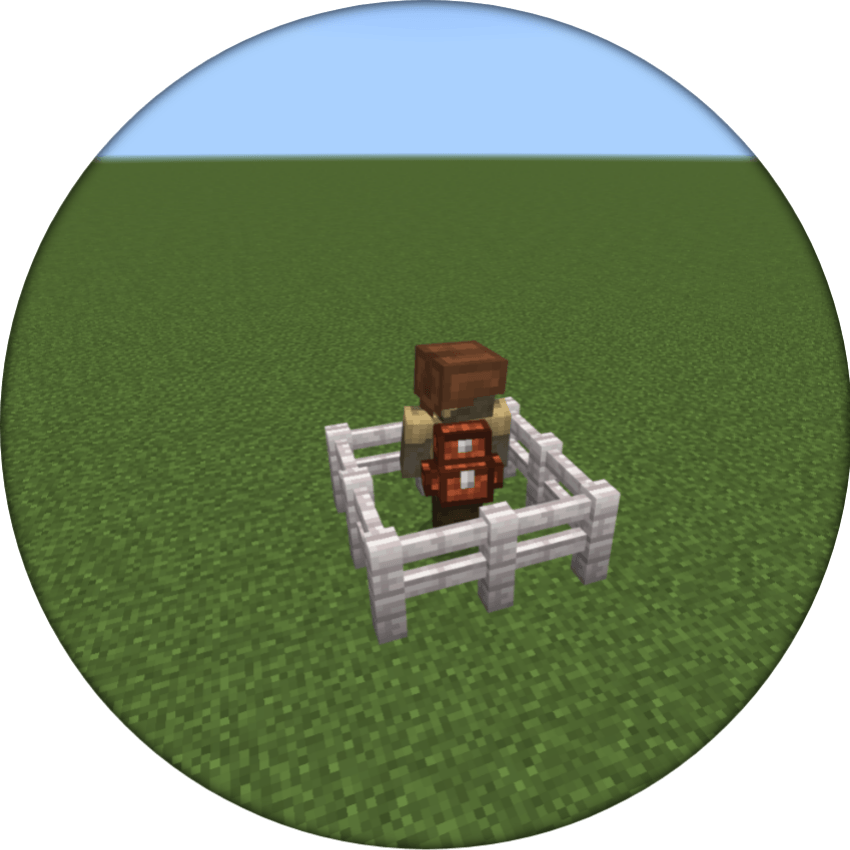
Entities such as Zombie, Husk, Wither Skeleton, Skeleton, Drowned, Stray, and Bogged now have a 0.25% chance to spawn with a backpack.
I invite you to visit:
- Edition: Minecraft Bedrock
- File type: .mcpack or .mcaddon
- Minecraft versions listed: 1.21.90, 1.21.101, 1.21.93
- How to install: Download the .mcpack or .mcaddon file. → Open it — Minecraft imports it. → In your world: Behavior Packs → Available → Activate, then the same under Resource Packs.
- Where to get it: Opens on CurseForge — not every file is mirrored on our own servers.
Install steps are the general flow for this file type — How to install Minecraft Bedrock addons & mods walks through it step by step.
- Pack type: .mcaddon — behaviour and resource pack in one file
- Manifest requires Minecraft 1.21.90 or newer
- Complete pack — everything it depends on is inside the file
- Download size: 204 KB
- Download link checked 15 Sept 2026 — working
These come from our own check of the pack file, not from the source page.