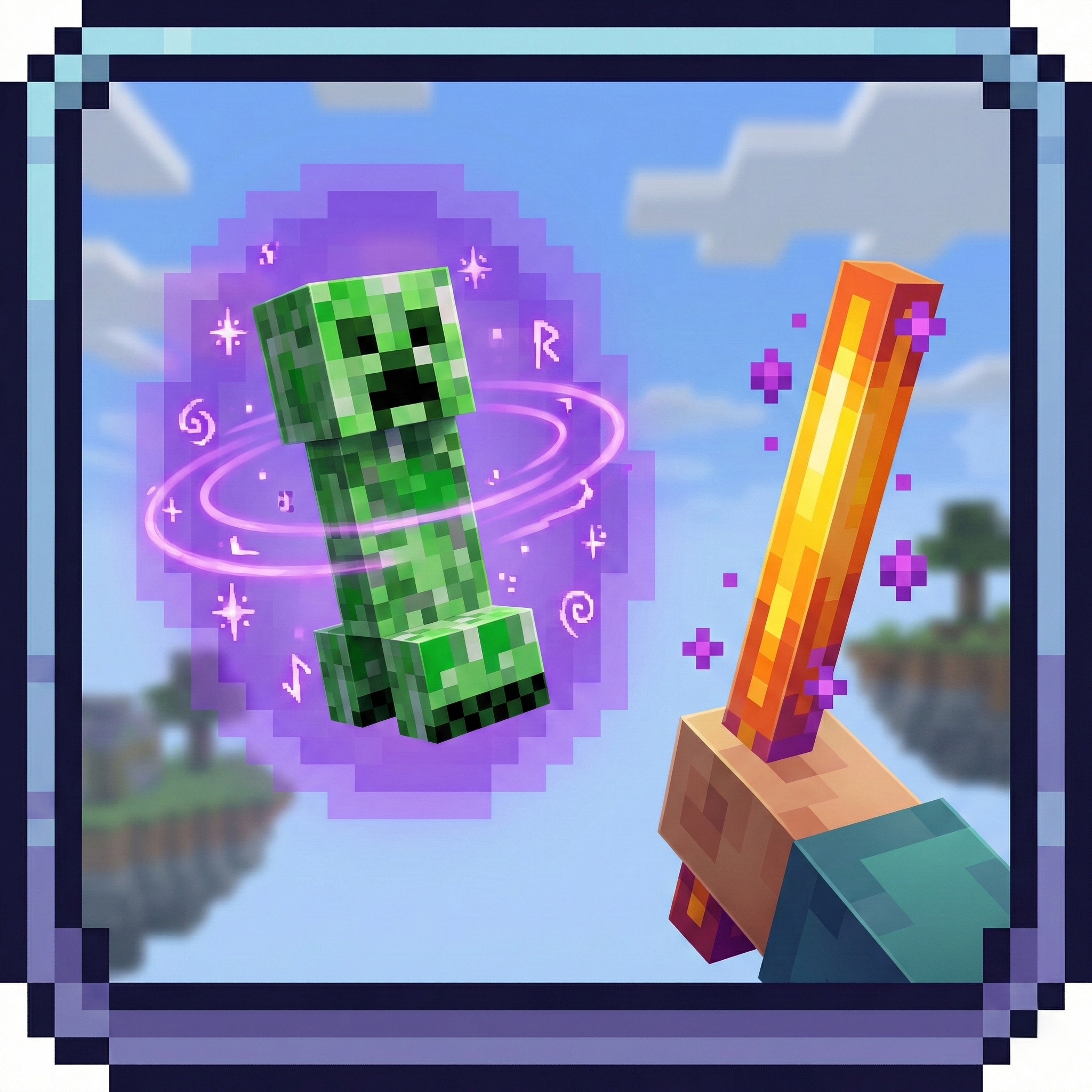
RR Gravity Staff: Real Telekinesis & Physics
Bedrock add-on listed for Minecraft 1.21–26.x (behavior pack only). File opened and checked on 16 Oct 2026; installs from the MC Bedrock Mods app on Android.
I don't know my version
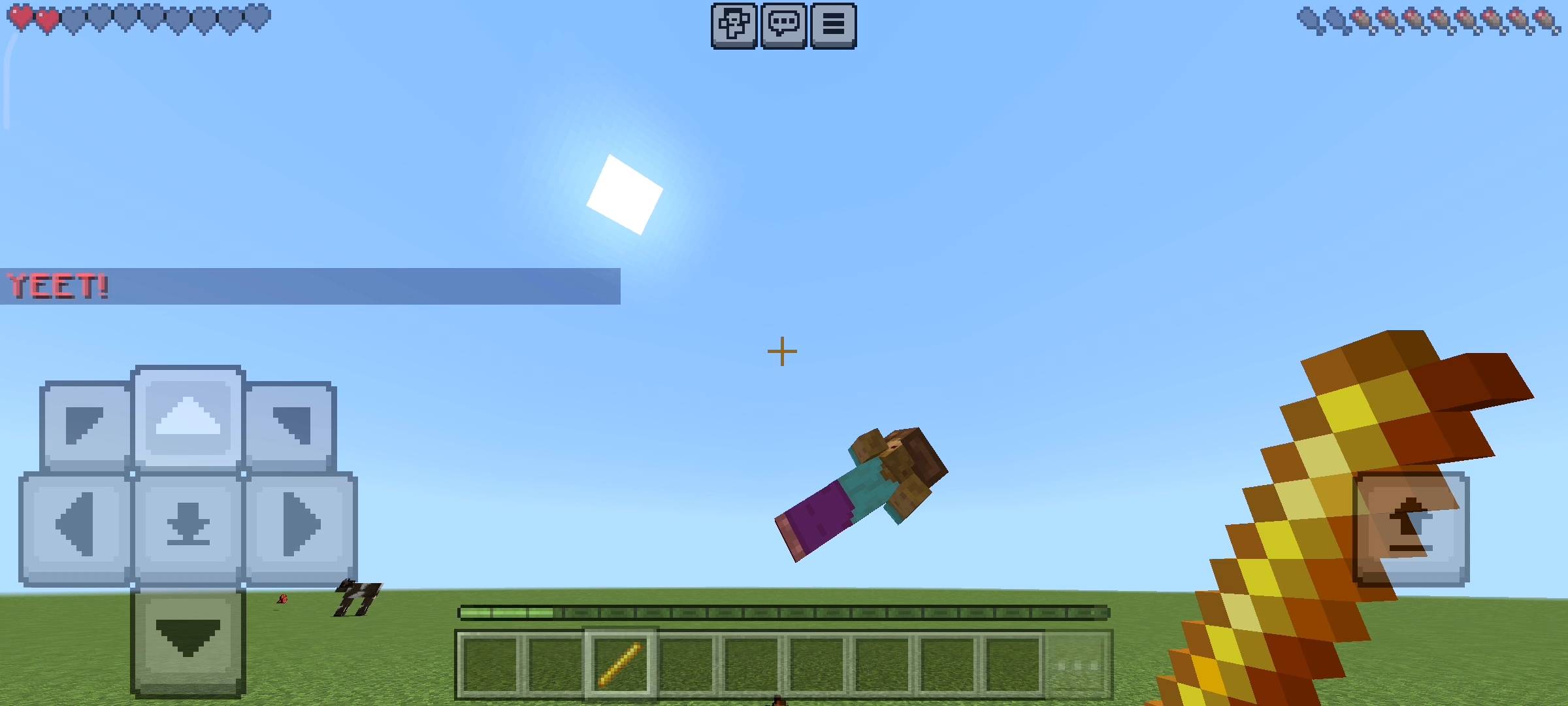
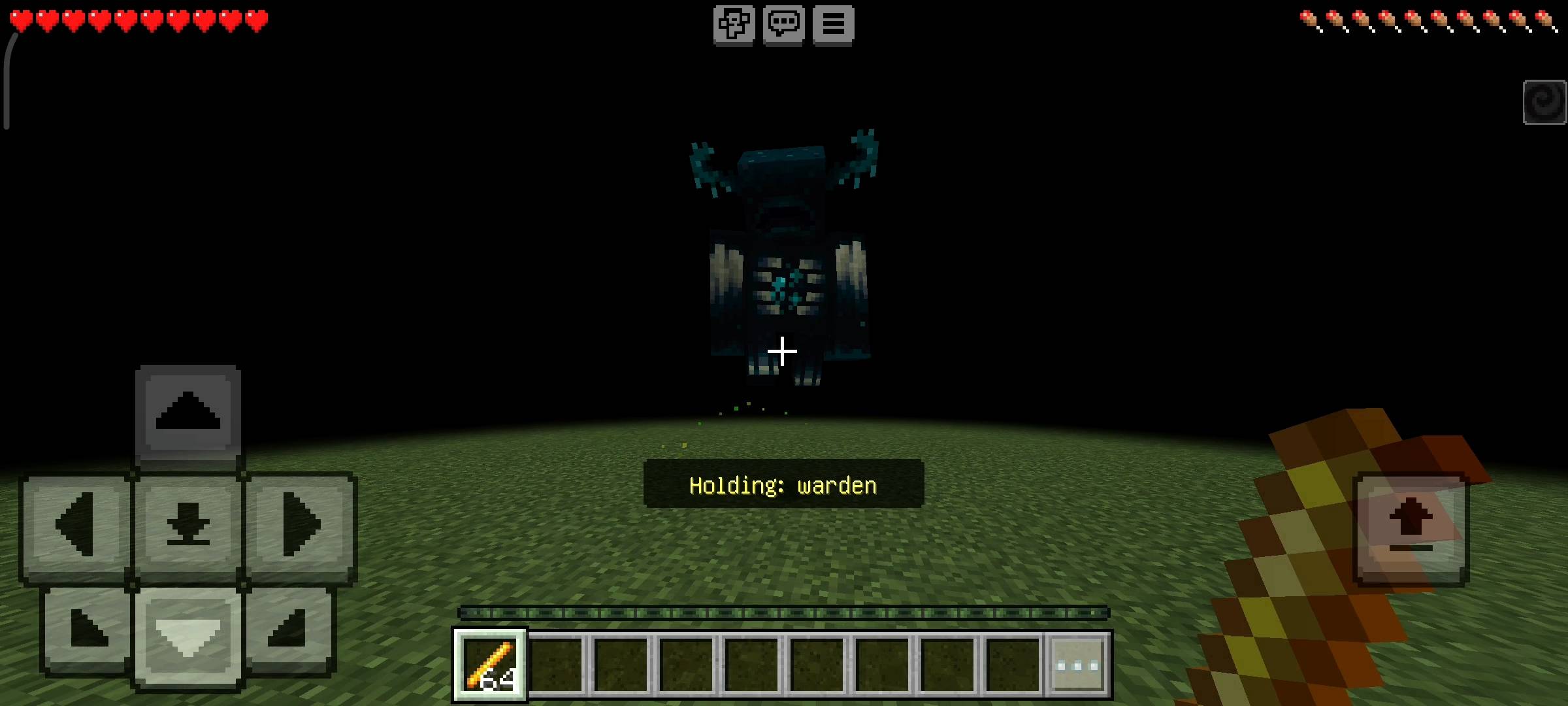
RR Gravity Staff v2.0.0 - Ultimate Telekinesis Addon
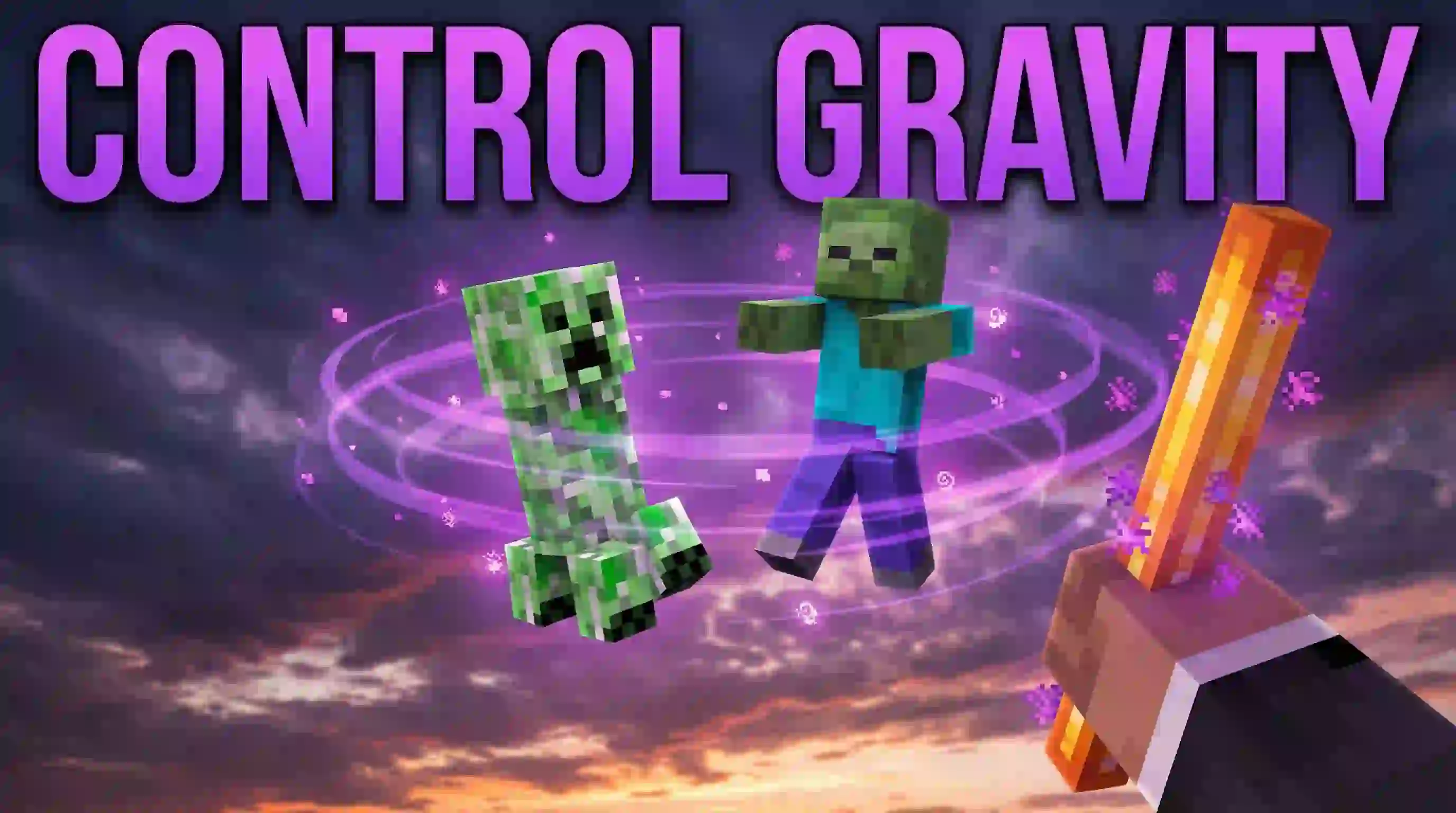
Hey everyone! Sword fighting in Minecraft has been exactly the same for over ten years. You walk up to a zombie, you click your mouse or tap your screen, you swing your weapon, and you deal a little bit of damage. It is classic, but let's be honest, it can get pretty boring. What if you could fight like a superhero? What if you did not even need to touch your enemies to destroy them? What if you could lift a Creeper into the air, hold it in front of you, and launch it off a massive cliff with your mind?
I am incredibly excited to introduce the RR Gravity Staff Addon. Most gravity and telekinesis mods in the past were extremely buggy. When you picked up a mob, it would slowly drift away, lag through walls, or just drop randomly. I fixed all of that. By rewriting the code for Version 2.0.0, this addon now uses a brand new Magnet Lock Technology. It calculates the entity's position 20 times per second, ensuring the mob stays perfectly locked in the air right in front of your eyes, no matter how fast you run or turn your camera. Best of all, this is the Full Access Edition, so every single god-tier gravity power is unlocked for you on day one!
The 5 Advanced Gravity Modes
I did not just want to give you a tool that picks things up. I wanted you to have total control over the physics of your Minecraft world. Your standard vanilla Blaze Rod is now your Gravity Staff, and it comes with 5 distinct power modes that completely change how you handle combat and survival:
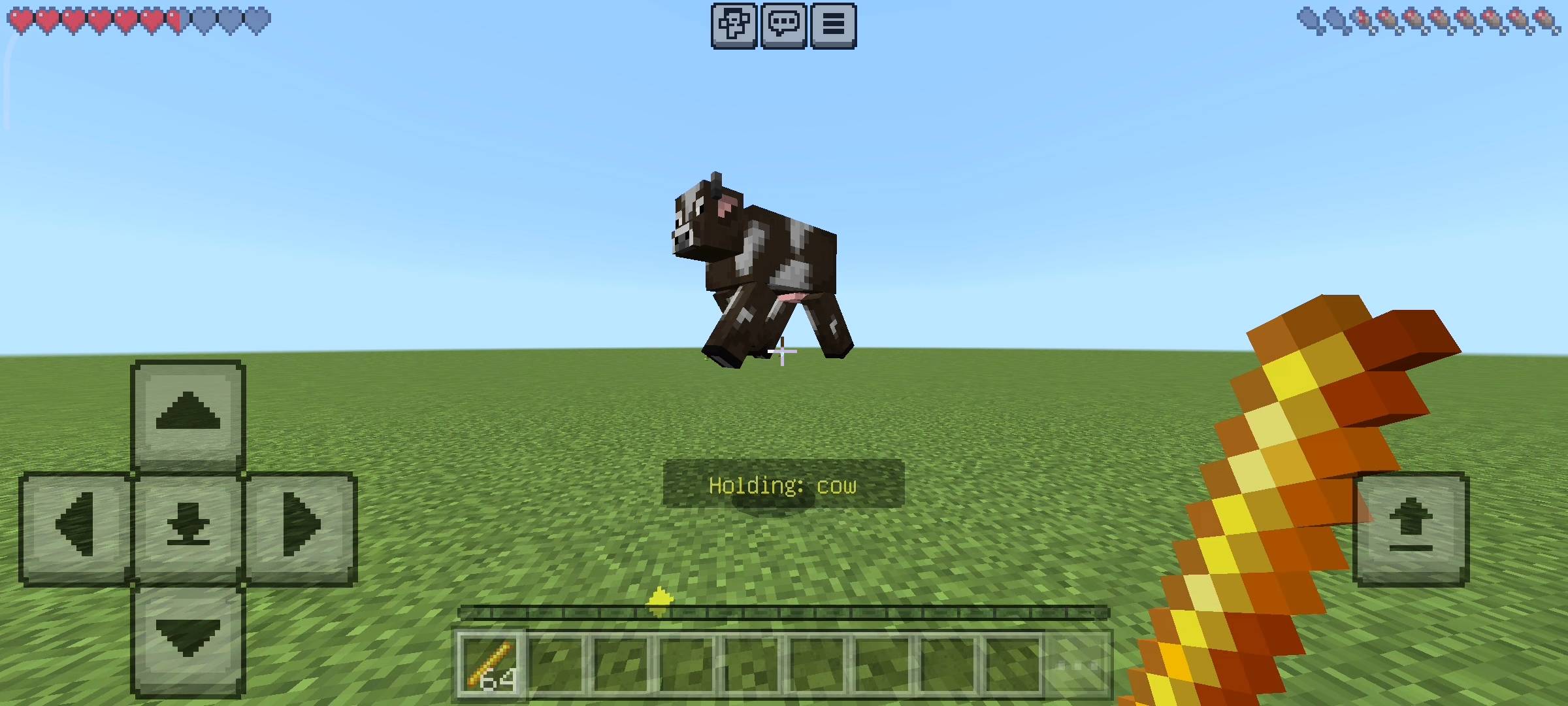
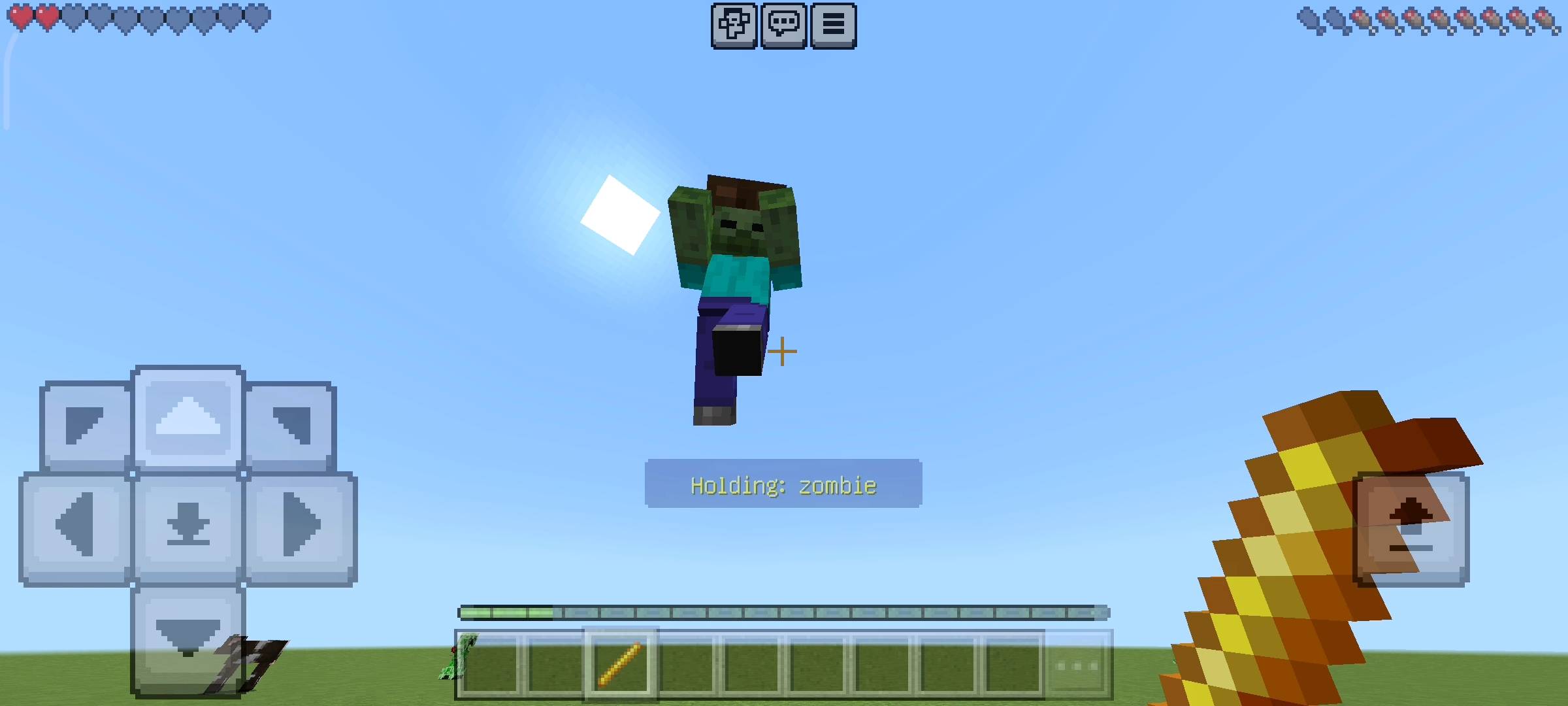
- Lift and Throw Mode: This is the classic telekinesis experience. Simply point your Blaze Rod at a target and tap. The entity will be lifted into the air and will follow your crosshair wherever you look. Once you have them suspended over a lava pool or a ravine, tap again to release a massive burst of energy and throw them with extreme force.
- Push Mode (Repel): Getting swarmed by a massive horde of Cave Spiders or Zombified Piglins? Switch to Push mode and tap. A shockwave will instantly repel all nearby valid entities far away from your player, giving you the space you need to heal or escape.
- Pull Mode (Attract): Did you just accidentally drop your favorite villager into a deep hole? Stand at the top, activate Pull mode, and the addon will safely attract the entity directly towards your location, pulling them up to safety.
- Levitate Mode: This is an incredibly fun crowd-control tool. Look at an advancing enemy and tap to shoot them straight up into the sky. They will float helplessly upward, eventually taking massive fall damage when the effect wears off.
- Slam Mode: The ultimate finishing move. Look at any entity and activate this mode to violently smash them straight downward into the ground. It deals 5 instant hearts of damage upon impact and creates a cinematic explosion particle effect at their feet.
Multi-Target & Smart Filtering
Why limit yourself to lifting just one zombie when you can lift an entire army? The new Multi-Target system allows you to control multiple entities at the exact same time. You can go into the settings and adjust your multi-target count from 2 up to 6 entities. If you activate the Push mode, you will literally send six creepers flying backwards all at once. It feels like pure Jedi magic.
To prevent you from accidentally throwing your own pet dog off a mountain, I built a highly intelligent Target Filter system. You have total control over what the staff affects. You can toggle "Target Animals" to safely move cows and sheep into your breeding pens. You can toggle "Target Hostiles" to only affect dangerous monsters. And if you are playing on a multiplayer server, you can toggle "Target Players" to pick up your friends and throw them across the map in PvP battles!
Visuals, Audio & In-Game GUI
I wanted this power to look and sound as epic as it feels. The addon comes with 6 custom particle styles to choose from: white End Rod sparkles, golden Totem magic, Fire flames, Red Hearts, Purple Enchantment runes, and Dragon Breath trails. It also features premium sound effects for every single action, including a heavy bass sound when you slam an enemy, a whoosh sound when you throw them, and a subtle ambient hum while you are holding an entity in the air.
You can customize all of these features without typing a single command. I built a beautiful Settings Menu right into the game. Just hold your Blaze Rod, Sneak (crouch), and the GUI will pop up on your screen. Alternatively, you can Sneak with a standard Book to open the quick menu. From here, you can use simple sliders to adjust your Lift Distance (2 to 8 meters away from your face), your Throw Power (1x to 5x multiplier), and your total Detection Range.
Live Stats Tracking & Zero Lag
For players who want to master telekinesis, the addon runs a silent Stats Tracking system in the background. It records exactly how many entities you have Lifted, how many you have successfully Thrown, your total Pulls and Pushes, and exactly how many devastating Slams you have executed. You can check your profile anytime to see your career of destruction.
Most importantly, lifting multiple entities 20 times a second can usually cause massive server lag, but I spent weeks optimizing the engine. I implemented strict try-catch error handling, safe entity validation, and memory-safe operations. This means the impulse physics are applied perfectly without dropping your frames per second or crashing your Realm.
Please note that some of the graphical assets in this project, including promotional thumbnails and gallery screenshots, may have been created or enhanced using AI tools to provide better visual quality and presentation.
This addon relies entirely on highly advanced custom Script APIs to alter entity gravity, calculate complex physics impulses, and render the custom UI settings menus. You MUST go to your World Settings > Experiments tab, and turn on Beta APIs before loading your world. If you do not enable this setting, the Magnet Lock technology will not activate and your staff will do nothing!
Developer: Racing Raftaar
Version: 2.0.0 Full Access Edition
Supported Minecraft Versions: 1.21.0 and above
- Edition: Minecraft Bedrock
- File type: .mcpack or .mcaddon
- Minecraft versions listed: 1.21.130, 1.21.131, 1.21.132
- How to install: Download the .mcpack or .mcaddon file. → Open it — Minecraft imports it. → In your world: Behavior Packs → Available → Activate, then the same under Resource Packs.
- Where to get it: Opens on CurseForge — not every file is mirrored on our own servers.
Install steps are the general flow for this file type — How to install Minecraft Bedrock addons & mods walks through it step by step.
- Pack type: .mcpack — a single pack
- Manifest requires Minecraft 1.21.0 or newer
- Complete pack — everything it depends on is inside the file
- Download size: 23 KB
- Download link checked 5 Oct 2026 — working
These come from our own check of the pack file, not from the source page.