Bundlepacks (Backpacks)
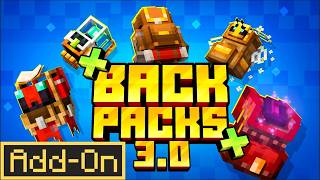
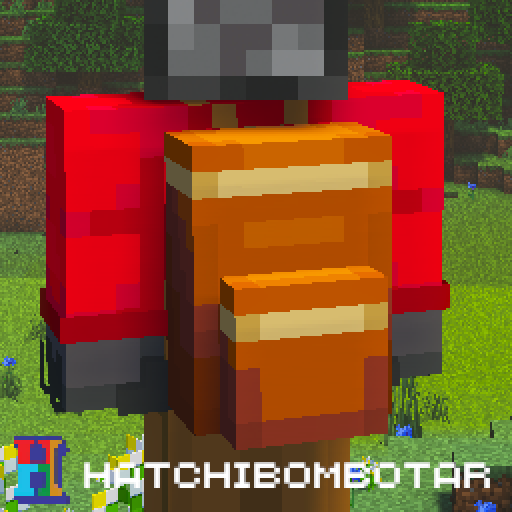
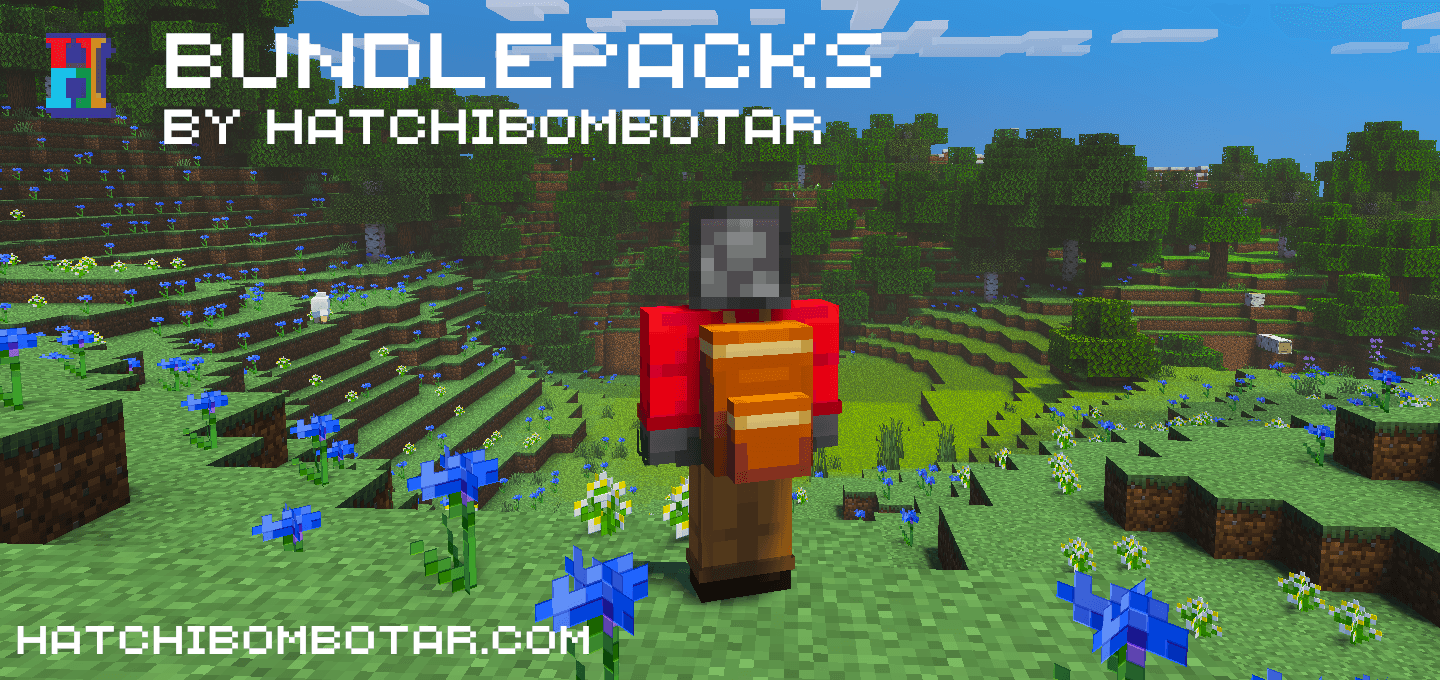
Adds Backpacks (Bundlepacks) to the game! Dye your backpack in 16 different colours and sort your inventory effectively.
I don't know my version
Bundlepacks (Backpacks) Add-On
This add-on adds 16+ backpacks to the game! They allow you to move large amounts of items from place to place or to use them for efficient inventory management.

Each bundlepack can hold 27 stacks of items at a time.
The default bundlepack can be crafted as follows:

Or if you want to organise your items by colour, you can create a coloured bundlepack by putting a dye into the center of the bundlepack:

Below are the 16 colours avaliable, plus one undyed.

And here it is!

How to use:
Keyboard/Mouse:
- Hold the item in your hand
- Right click to open the bundlepack as a normal container.
Controller:
- Hold the item in your hand
- Use the interact button to open the bundlepack as a normal container.
Touch:
- Hold the item in your hand
- Wait for the open button to appear above your hotbar
- Press the button and use the bundlepack as a normal container.
Limitations
There are some items that are unable to be stored inside bundlepacks due to technical limitations. A sound plays if the item doesn't work and a message will appear in chat.
Links
- Edition: Minecraft Bedrock
- File type: .mcpack or .mcaddon
- Minecraft versions listed: 1.21.100, 1.21.30
- How to install: Download the .mcpack or .mcaddon file. → Open it — Minecraft imports it. → In your world: Behavior Packs → Available → Activate, then the same under Resource Packs.
- Where to get it: Opens on CurseForge — not every file is mirrored on our own servers.
Install steps are the general flow for this file type — How to install Minecraft Bedrock addons & mods walks through it step by step.
- Pack type: .mcaddon — behaviour and resource pack in one file
- Manifest requires Minecraft 1.21.100 or newer
- Complete pack — everything it depends on is inside the file
- Download size: 303 KB
- Download link checked 15 Sept 2026 — working
These come from our own check of the pack file, not from the source page.