
True Warden Armor
Need more utility for the sculk? This guardian armor has great abilities, from seeing through walls to the closest enemies or players, converting sculk…
⬇ Download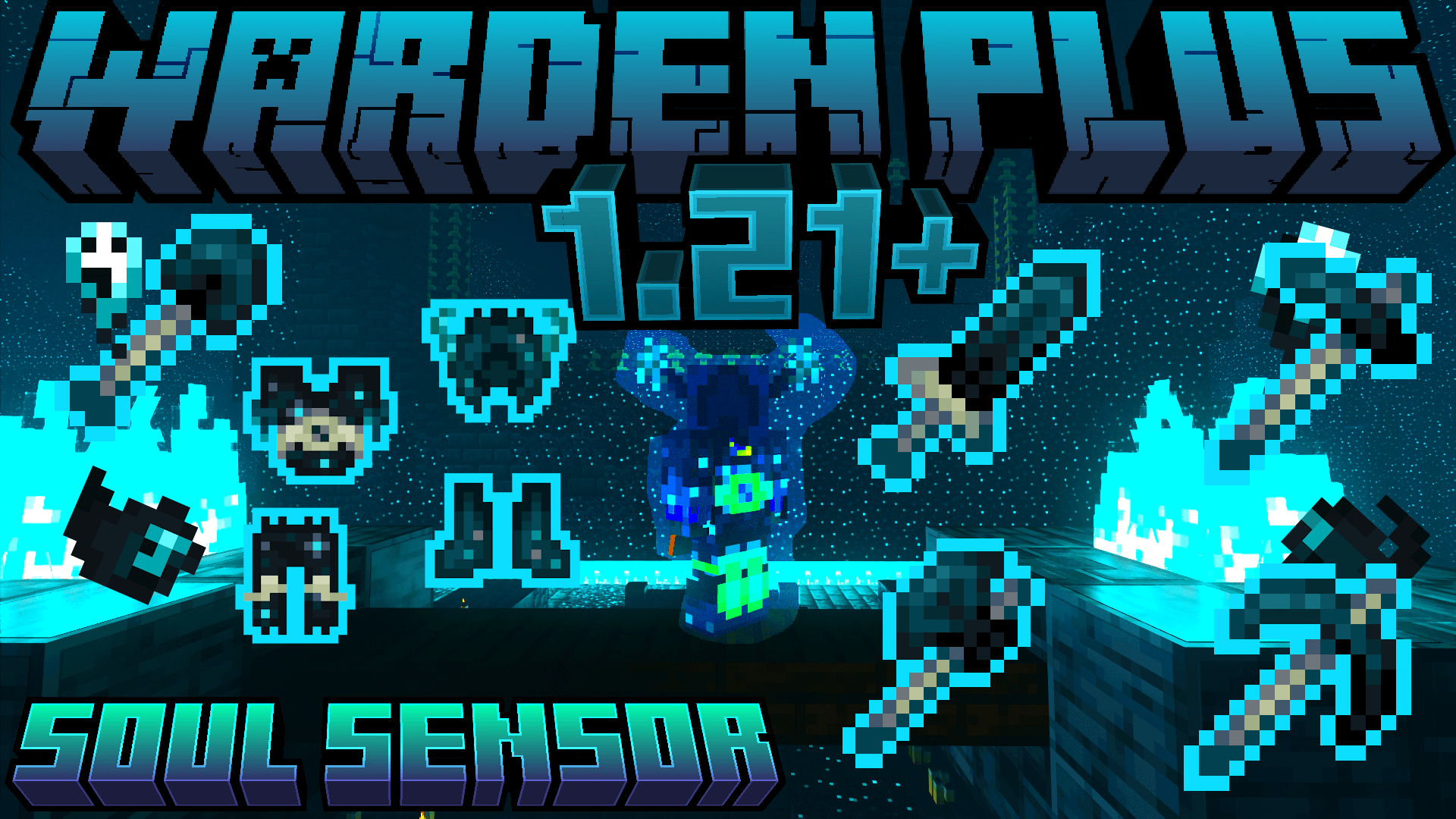
VERSION 1.2 NEW!!
Warden Armor

Warden Tools
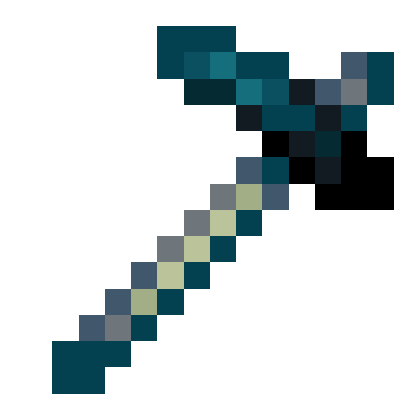
Sword
Damage: 8
-When you kill enemy mobs they become sculk
-When you destroy the tool you receive experience orbs

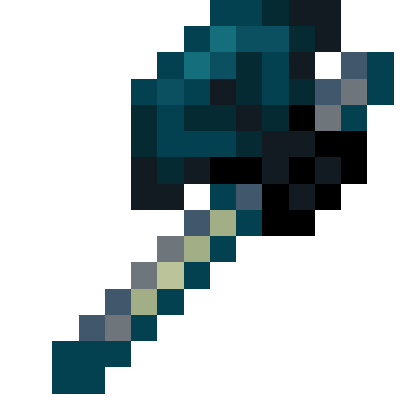
Axe
Damage: 7
-When you kill enemy mobs they become sculk
-When you destroy the tool you receive experience orbs
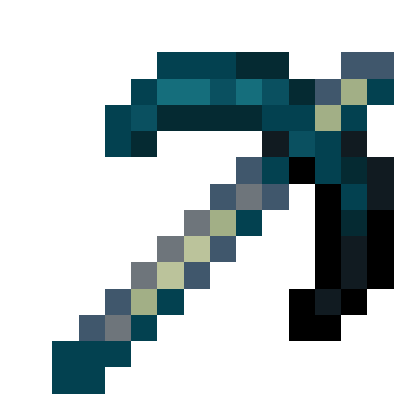
Pickaxe
Damage: 6
-When you kill enemy mobs they become sculk
-When you destroy the tool you receive experience orbs
-When you break dirt or grass it becomes sculk
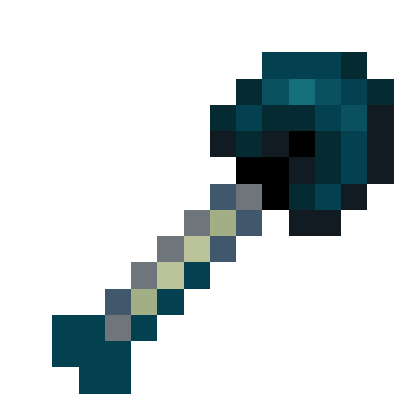
Shovel
Damage: 5
-When you kill enemy mobs they become sculk
-When you destroy the tool you receive experience orbs
-When you break dirt or grass it becomes sculk
Hoe
Damage: 6
-When you kill enemy mobs they become sculk
-When you destroy the tool you receive experience orbs
-When you break dirt or grass it becomes sculk
-Breaks large amounts of sculk more efficiently
Soul Sensor +1👻👻
Do you have a feeling that something is coming? Use the warden's helmet and when in "sneaking" mode you will be able to detect the closest entities.
When used it gives water breathing
WORK IN MINECRAFT 1.20.51
ARMOR TRIM


-The armor has a glow in the dark

⚙️Armor Part Ability:
Protection: 3
+1 Soul Sensor

Do you have a feeling that something is coming? Use the warden's helmet and when in "sneaking" mode you will be able to detect the closest entities. Don't worry, this won't give you so much lag. 
When used it gives water breathing


Protection: 8
+1 Fire Resistance

-When used it gives resistance to fire


Protection: 6
+1 Knockback Resistance


Protection: 3
+1 Warden Transmutation

-when using the boots the "sculk vein" when stepped on that automatically transforms into xp

-only works with the "sculk vein"

⚙️Recipe to make armor

➡️Warden Helmet

➡️Warden Chestplate

➡️Warden Leggings

➡️Warden Boots

- Edition: Minecraft Bedrock
- File type: .mcpack or .mcaddon
- Minecraft versions listed: 1.21.90, 1.20.60, 1.21.20
- How to install: Download the .mcpack or .mcaddon file. → Open it — Minecraft imports it. → In your world: Behavior Packs → Available → Activate, then the same under Resource Packs.
- Where to get it: In MCModsHub, or directly above on this page.
Install steps are the general flow for this file type — How to install Minecraft Bedrock addons & mods walks through it step by step.
- Pack type: .mcaddon — behaviour and resource pack in one file
- Complete pack — everything it depends on is inside the file
- Download size: 43 KB
- Download link checked 18 Jun 2026 — working
These come from our own check of the pack file, not from the source page.


