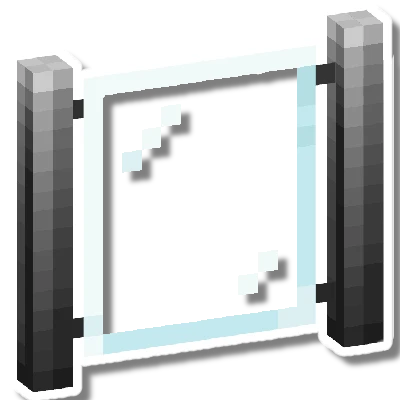
Modular Fences
Bedrock add-on listed for Minecraft 1.20–1.21 (behavior + resource pack). File opened and checked on 13 Oct 2026; installs from the MC Bedrock Mods app on Android.
⬇ Download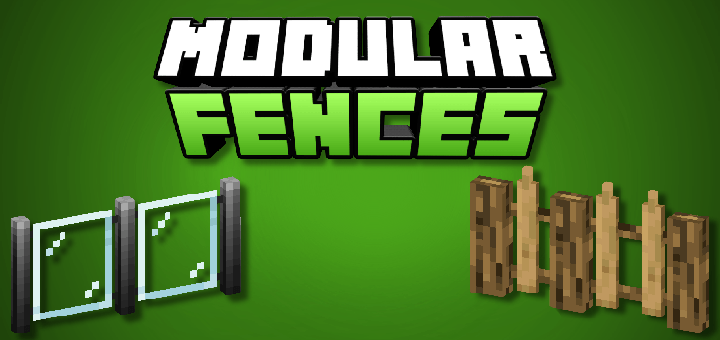
Modular Fences is a Minecraft Bedrock Add-On featuring over 10 fully functional modular fences, these fences are part of my other Add-Ons, but now they come with extra features and brand-new content!
For now, Modular Fences includes only a few variations and fence models. The available designs are:
Glass Panel Fence:
The glass fence comes from the Modern Furniture Add-On. It currently includes 1 model: a modular glass fence with black or silver aluminum joints.
Detailed Wooden Fence:
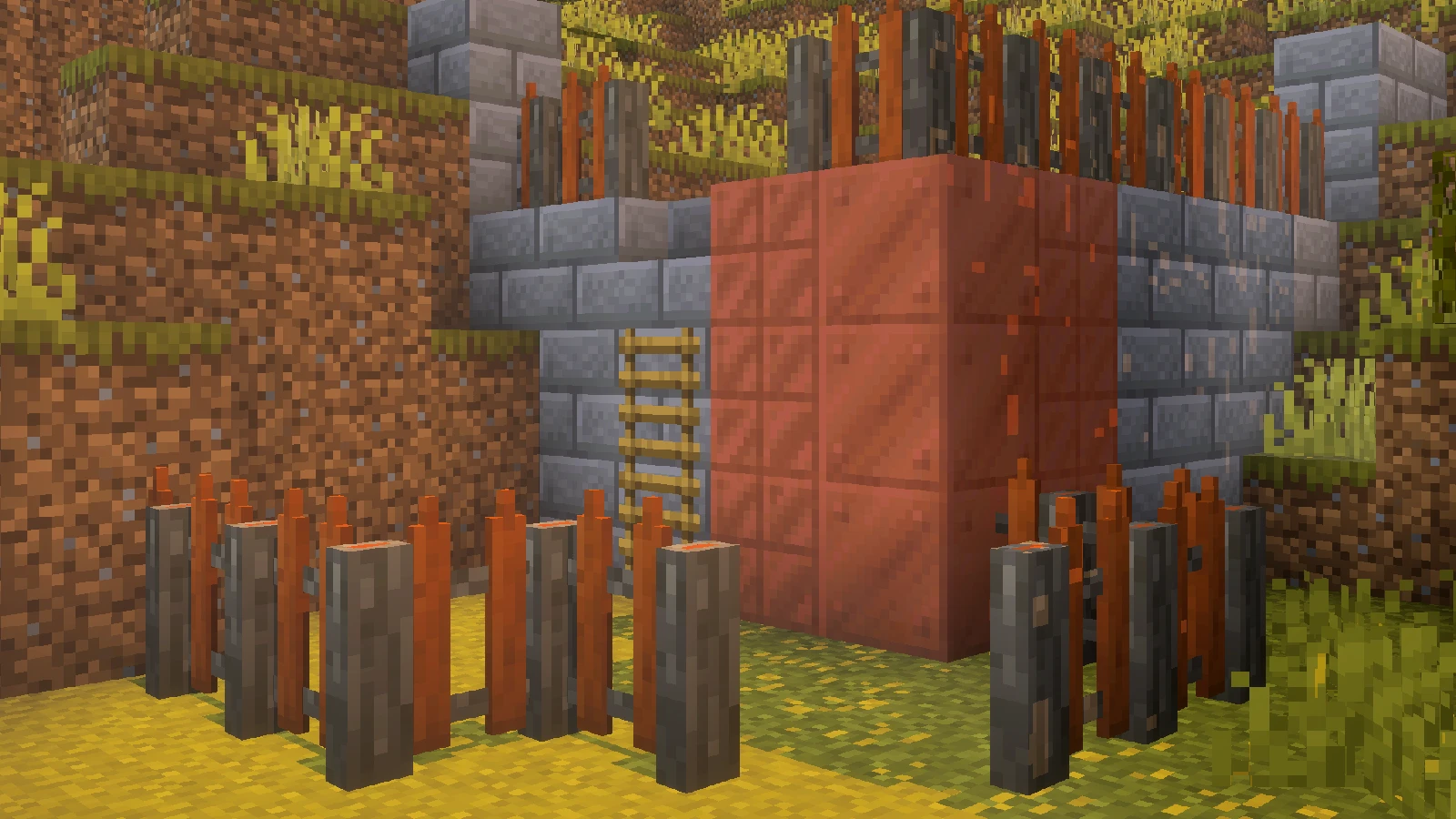
This wooden fence comes from the Feudal Furniture Add-On and includes 12 variations (one for each wood type). Unlike regular fences, this one features a more medieval design, with cut log details and a more intricate structure.
Outdoor Fence:
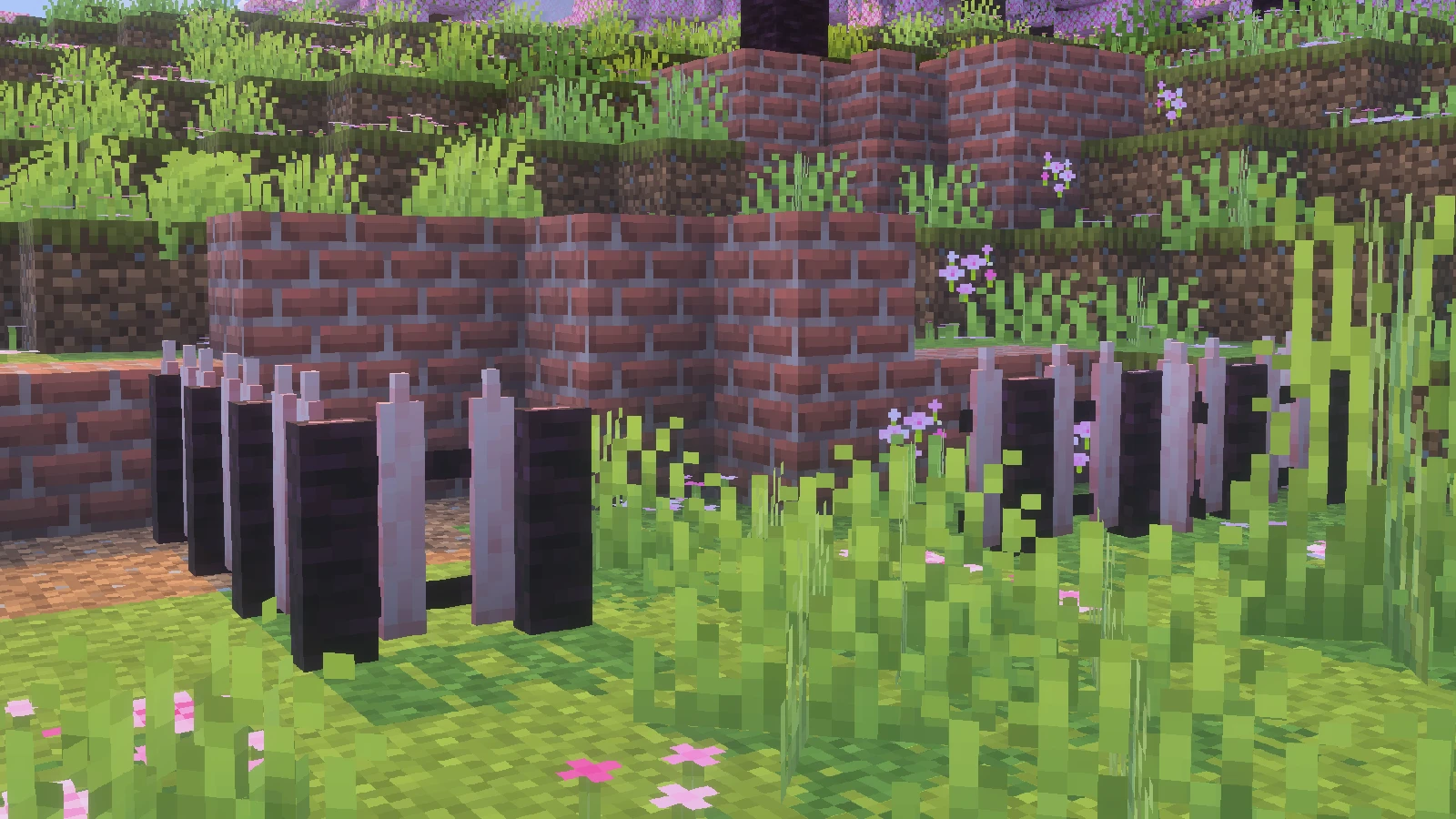
This fence comes from the Modern Furniture Add-On. It features a tall geometry and is designed to block visibility from one side only. Its style comes in a pale black finish.
White Fence:
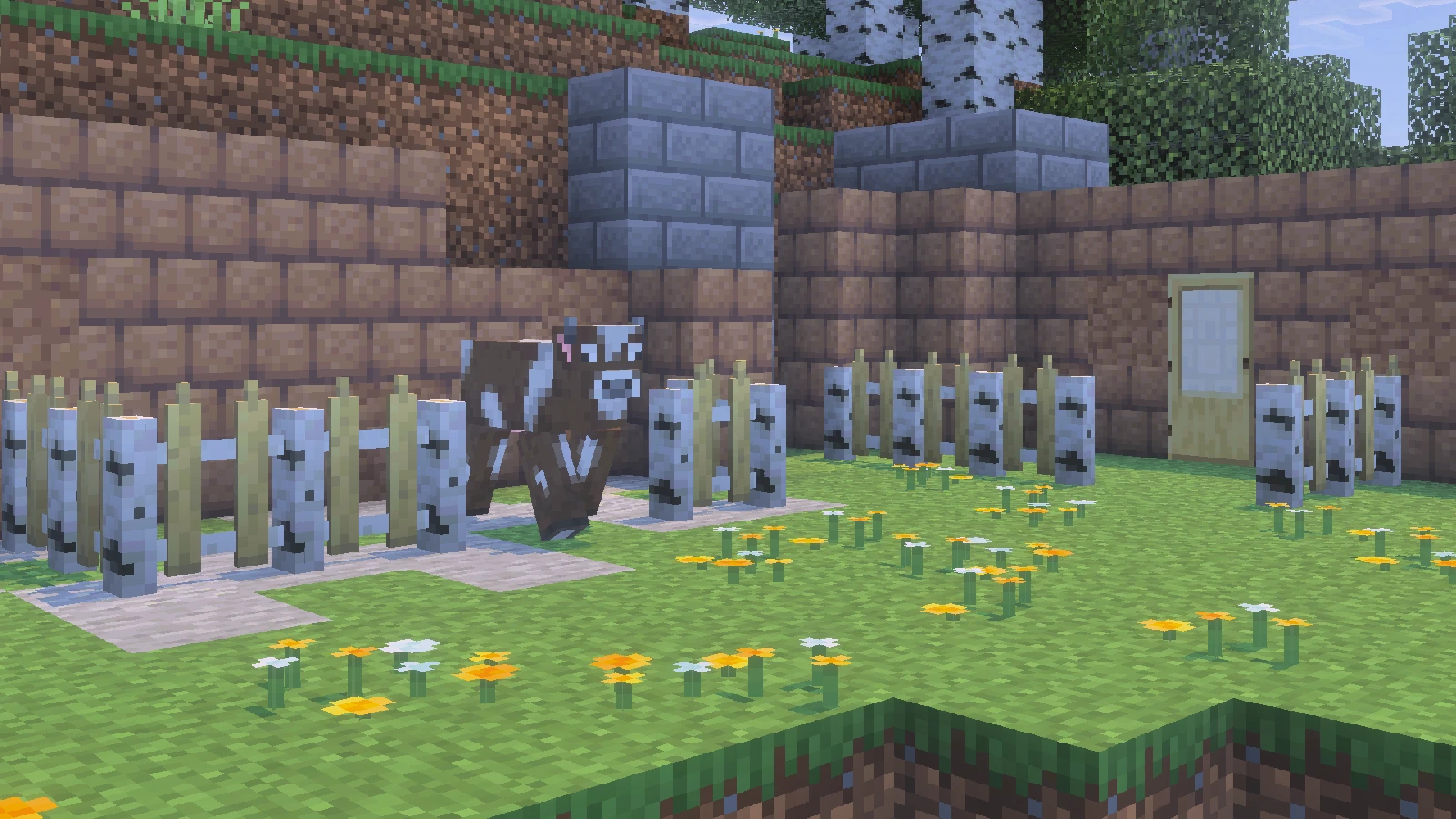
This fence replicates the classic American-style white picket fence, featuring the traditional upward-pointed tips.
Metal Fence:
This fence comes from the Modern Furniture Add-On. As its name suggests, it’s made of metal, featuring a simple, arcade-style design with straightforward slats. For now, it includes only one variant.
All of these fence types are modular and, most importantly, fully connectable with each other—allowing you to mix and match different styles seamlessly.
Crafting
Creative:
To get it in Creative mode, you’ll find the fences in the Items section some are grouped inside catalog accordions. If you prefer commands, you can use /give with the ms: prefix, like: mfc:"fence name".
Survival:
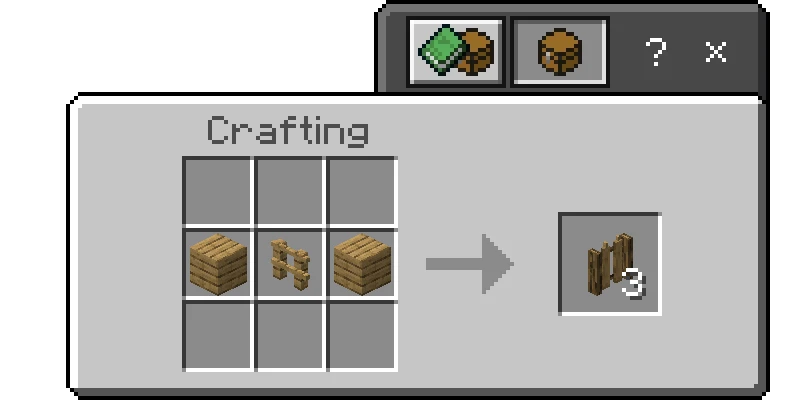
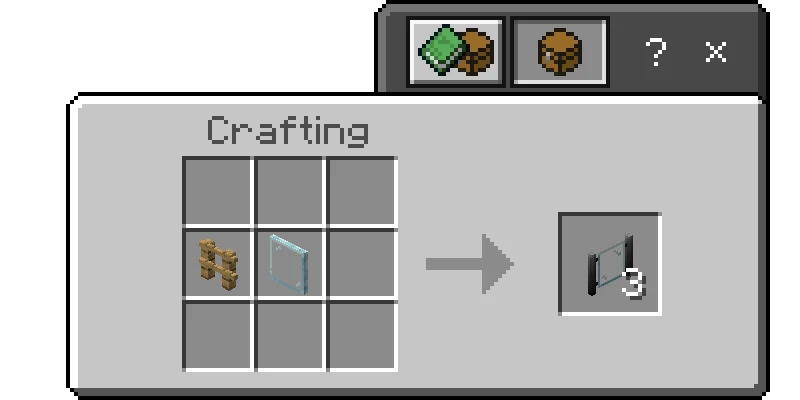
In Survival, you can craft it at the crafting table! Here are the crafting recipes:
Detailed Wooden Fence:
Glass Panel Fence:

Support me on Patreon to continue developing my addons!


Share your suggestions for creating better add-ons!
Downloads | Official Site
- Edition: Minecraft Bedrock
- File type: .mcpack or .mcaddon
- Minecraft versions listed: 1.21.101, 1.21.93, 1.21.94
- How to install: Download the .mcpack or .mcaddon file. → Open it — Minecraft imports it. → In your world: Behavior Packs → Available → Activate, then the same under Resource Packs.
- Where to get it: In MCModsHub, or directly above on this page.
Install steps are the general flow for this file type — How to install Minecraft Bedrock addons & mods walks through it step by step.
- Pack type: .mcaddon — behaviour and resource pack in one file
- Manifest requires Minecraft 1.20.30 or newer
- Complete pack — everything it depends on is inside the file
- Download size: 3.2 MB
- Download link checked 18 Jun 2026 — working
These come from our own check of the pack file, not from the source page.