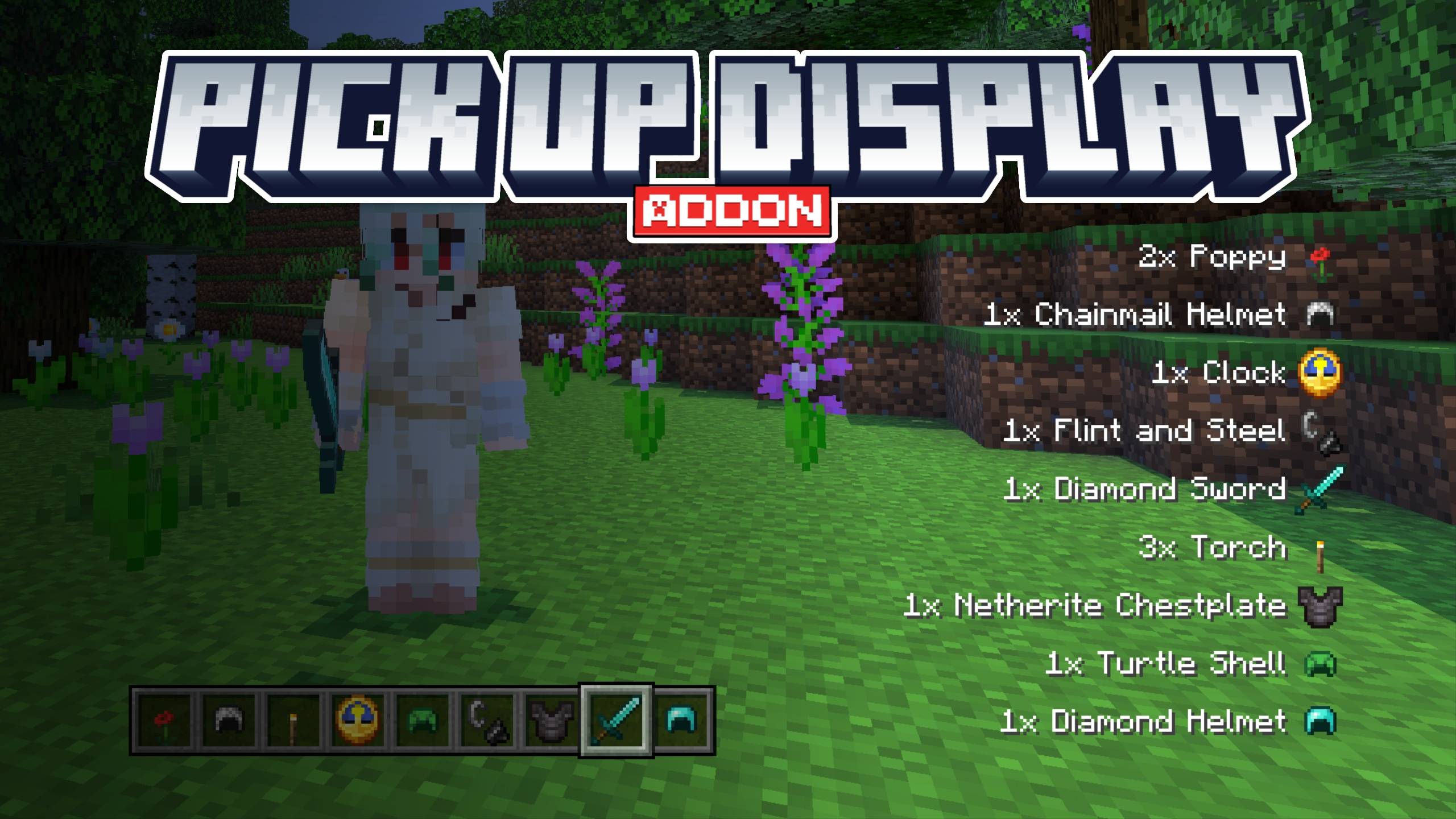
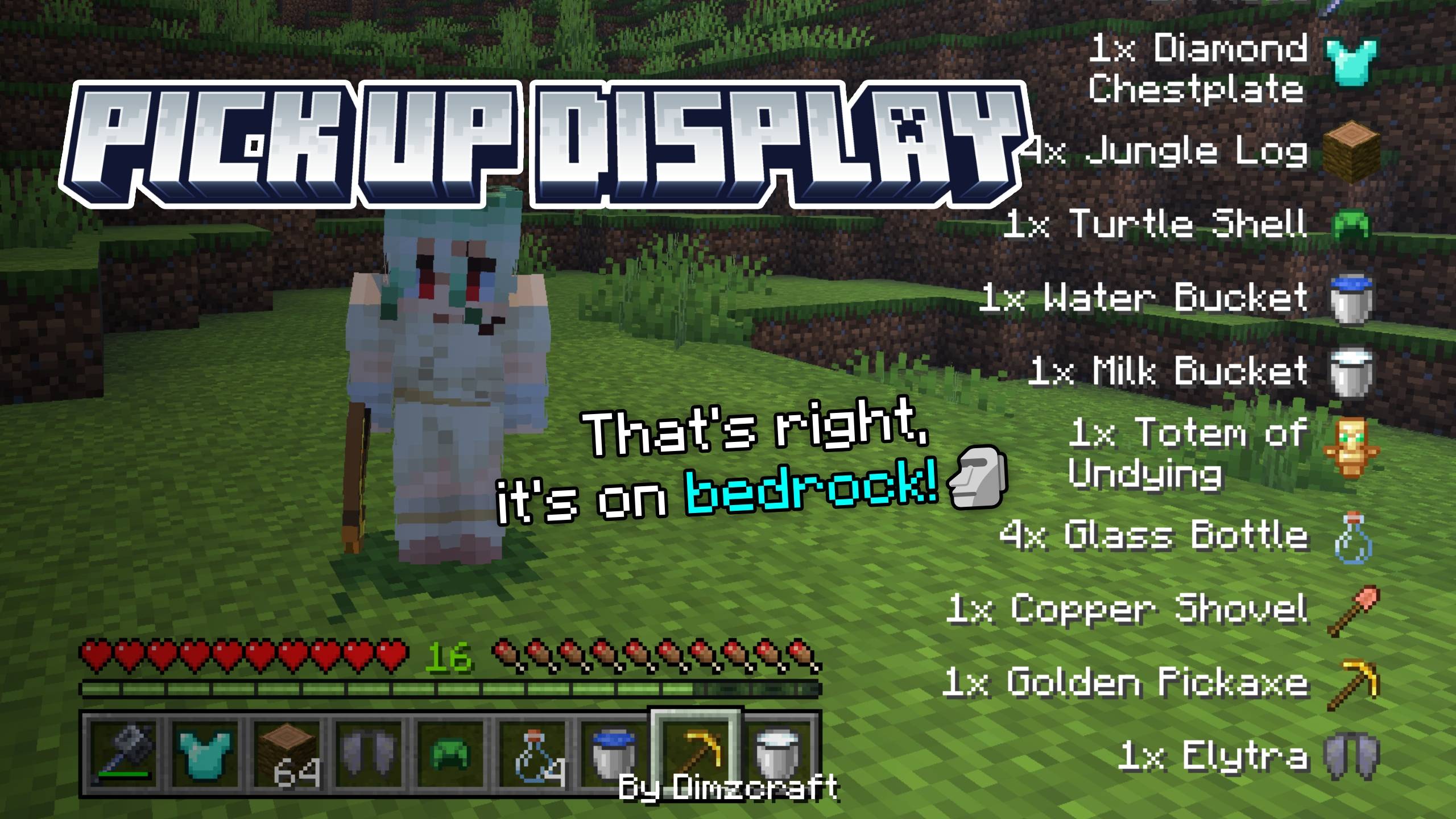
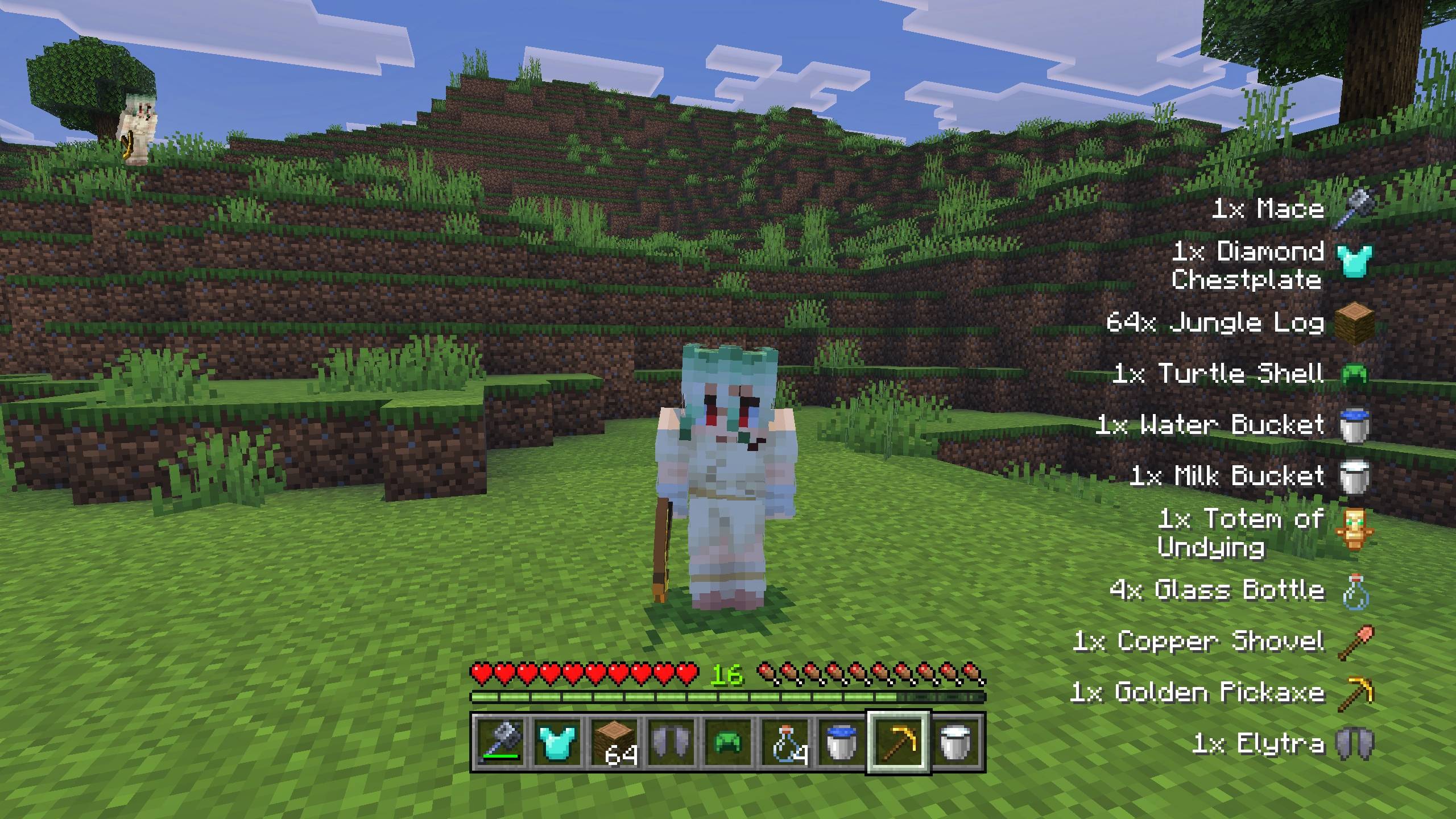


So in this addon, the HUD will display the items you pick up and that go into your inventory. This is useful if you want to know what items you got without opening your inventory, or if you want a Pick Up Notifier for Bedrock Edition!
So how do you use it? Simple, just pick up items from the ground, and a text along with the item image will appear (I added a little animation to make it smoother :D).
Showcase Video
watch if you don't understand or want to know how it works!
Note: Now it's automatic and supports custom items addon!
Known issue: sometimes, and only in certain conditions, the item renderer becomes incorrect (like when you drop an item, then the notification hasn't disappeared and you change an item in your inventory), changing an item in your inventory can trigger the pickup display (will be fixed in the next MC update)
Join Our Community
discussions, submit suggestions, report bugs and more
Discord Server | Telegram Group | Whatsapp Group(+62 only)
Reference: Pick Up Notifier
- Edition: Minecraft Bedrock
- File type: .mcpack or .mcaddon
- Minecraft versions listed: 1.21.130, 1.21.131, 1.21.132
- How to install: Download the .mcpack or .mcaddon file. → Open it — Minecraft imports it. → In your world: Behavior Packs → Available → Activate, then the same under Resource Packs.
- Where to get it: Opens on CurseForge — not every file is mirrored on our own servers.
Install steps are the general flow for this file type — How to install Minecraft Bedrock addons & mods walks through it step by step.
- Pack type: .mcaddon — behaviour and resource pack in one file
- Manifest requires Minecraft 1.21.130 or newer
- Complete pack — everything it depends on is inside the file
- Download size: 681 KB
- Download link checked 15 Sept 2026 — working
These come from our own check of the pack file, not from the source page.