

Discord
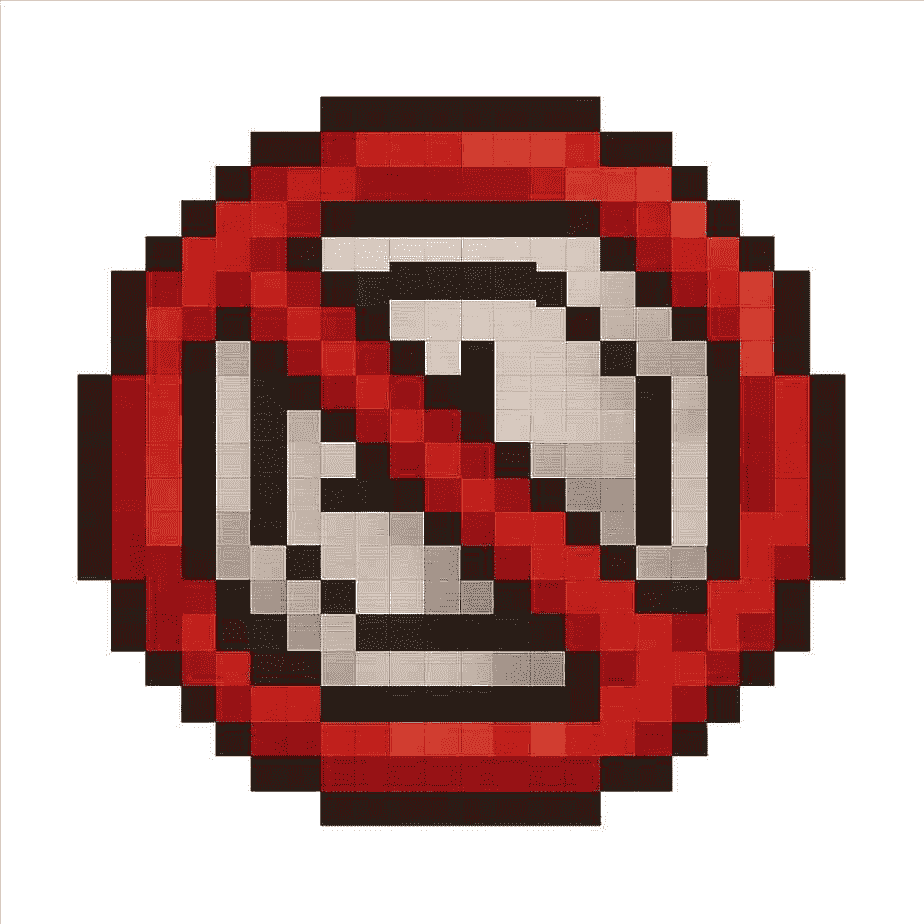
🛑 No More Loading Screen – Minecraft Bedrock
Tired of sitting through Minecraft’s loading screen?
This pack skips it completely so you can jump straight into your world. No waiting, no fluff — just instant gameplay.
And if you really want smooth performance, pair it with AD FPS Booster. Together, they make Bedrock feel way faster and lighter.
⚙️ What It Does
- Removes the default loading scree
- Tiny file size (under 1MB)
- Works alongside most other packs
- Built to run perfectly with AD FPS Booster
🔥 Why Use Both Packs?
On its own, this pack just gets rid of the loading screen.
With AD FPS Booster, you also get:
- Faster chunk loading
- More stable FPS (20–70% boost depending on your device)
- Less lag and stutter
- Better performance on phones, tablets, and even consoles
📦 How to Install
- Download the
.mcaddonfile - Open it with Minecraft (it’ll auto-install)
- Turn it on in Global Resources
- (Optional) Add AD FPS Booster for the full combo
- Restart the game → done
✅ Compatibility
- Works on Minecraft v1.21+
- Android, iOS, Windows, Xbox, PlayStation, Switch
- Safe with most UI/resource packs
- No crashes or conflicts
💡 Tips
- If you’re on a low-end device, run AD FPS Booster
- Add this to Global Resources
🎯 Final Word
This is the easiest way to make Minecraft start faster.
No More Loading Screen = don't have to see loading screen
AD FPS Booster = smoother gameplay
Put them together and you’ve got the ultimate setup. 🚀
- Edition: Minecraft Bedrock
- File type: .mcpack or .mcaddon
- Minecraft versions listed: 26.0.02, 26.0, 26.3
- How to install: Download the .mcpack or .mcaddon file. → Open it — Minecraft imports it. → In your world: Behavior Packs → Available → Activate, then the same under Resource Packs.
- Where to get it: Opens on CurseForge — not every file is mirrored on our own servers.
Install steps are the general flow for this file type — How to install Minecraft Bedrock addons & mods walks through it step by step.
- Pack type: .mcaddon — behaviour and resource pack in one file
- Manifest requires Minecraft 1.26.0 or newer
- Complete pack — everything it depends on is inside the file
- Download size: 51 KB
- Download link checked 25 Aug 2026 — working
These come from our own check of the pack file, not from the source page.