
TheOrbithal
Bedrock add-on listed for Minecraft 1.21–26.x (behavior + resource pack). File opened and checked on 25 Sep 2026; installs from the MC Bedrock Mods app on Android.
I don't know my version

🌌 Build Your Own Solar System in Minecraft Bedrock
Have you ever wanted to build your own space station, sci-fi world, or an entire Solar System inside Minecraft?
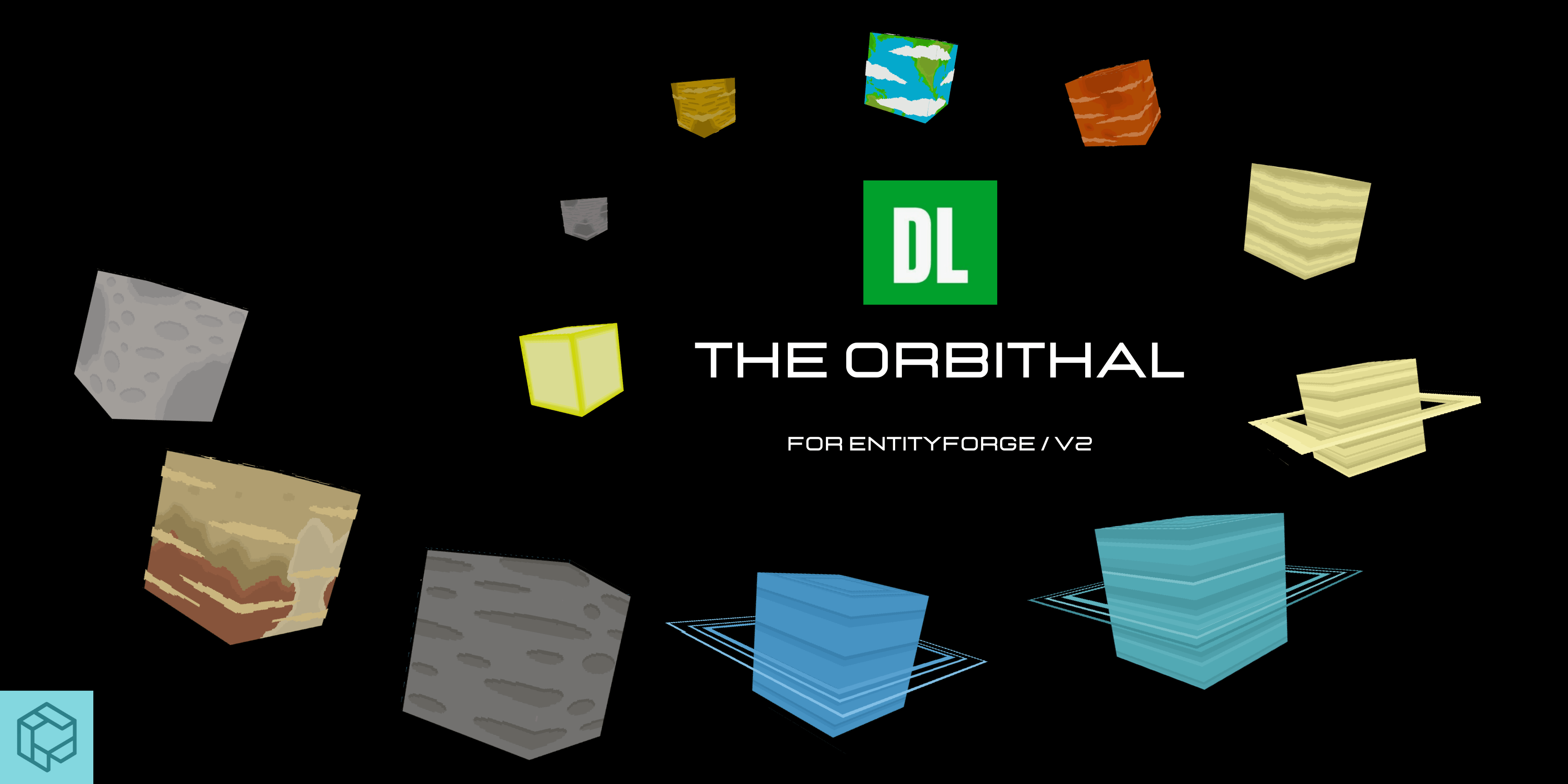
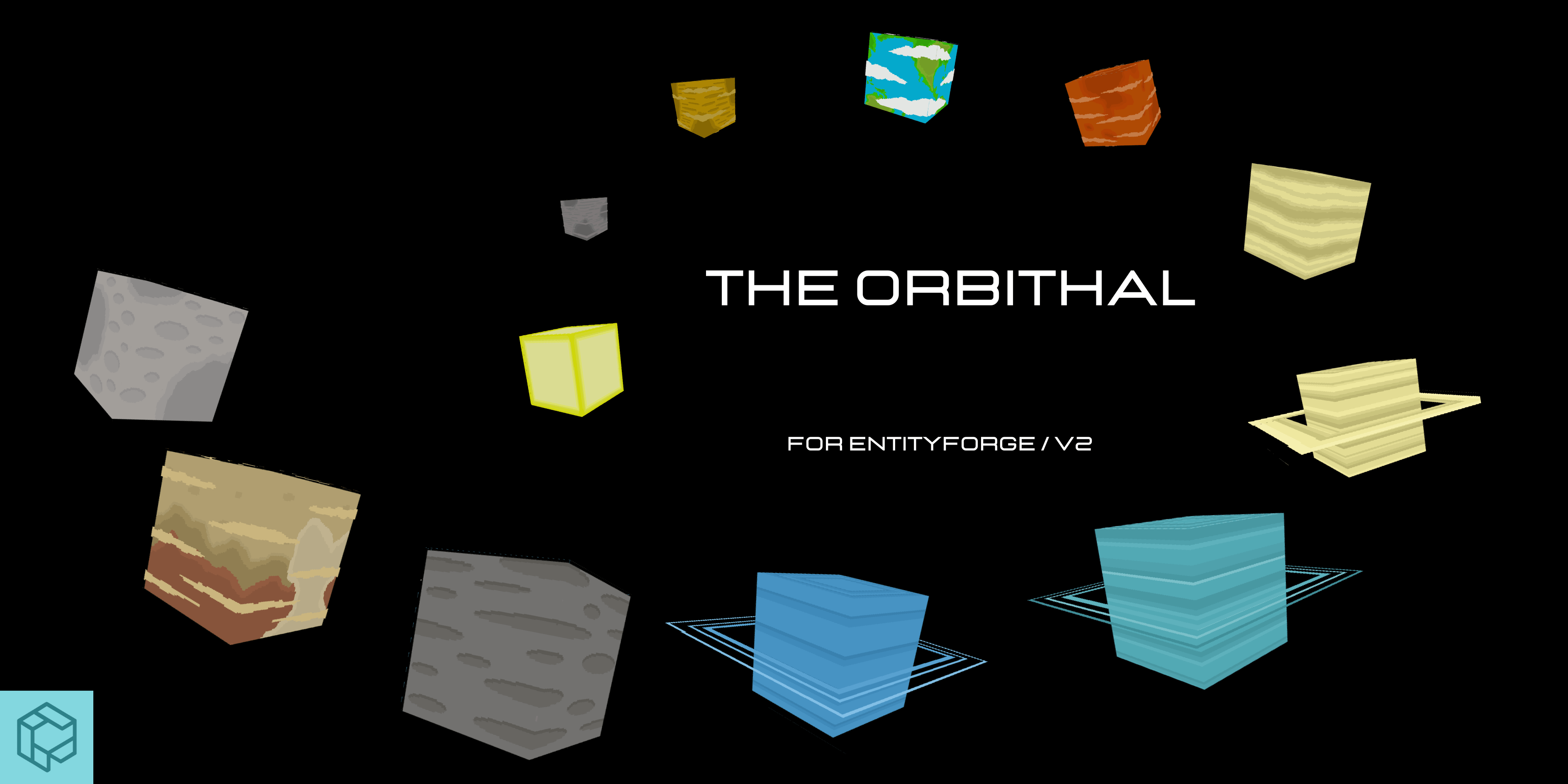
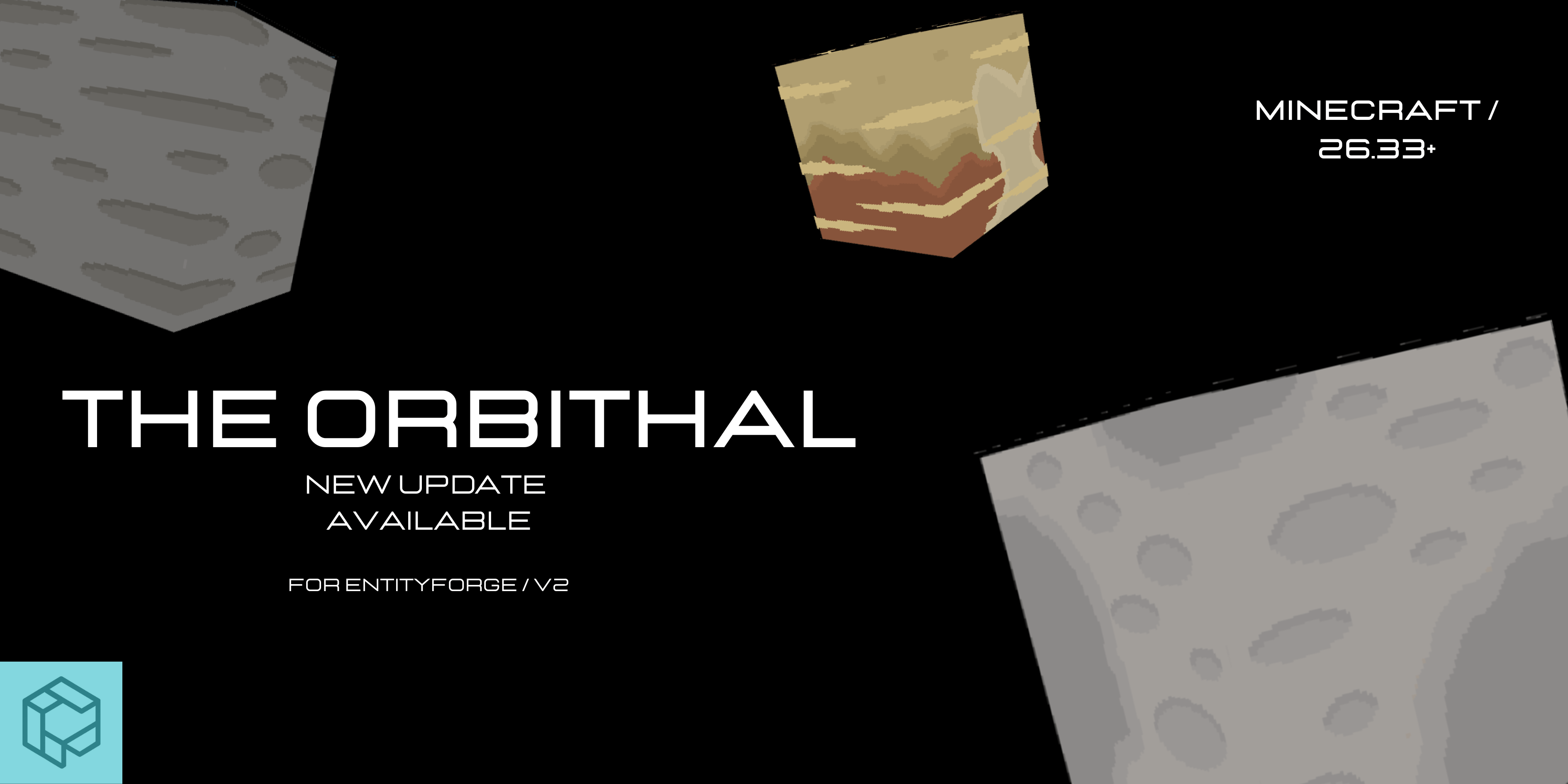
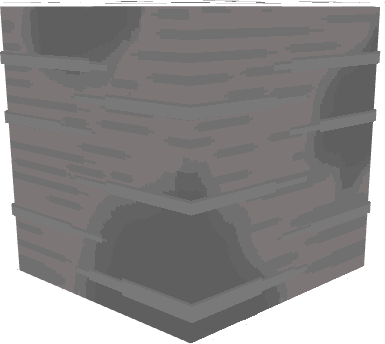
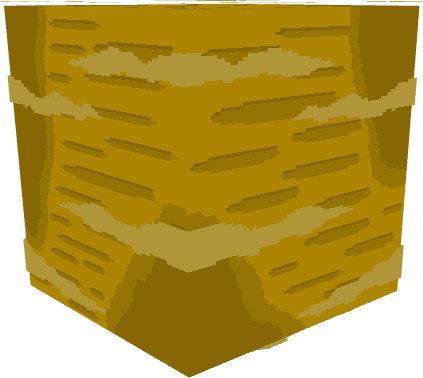
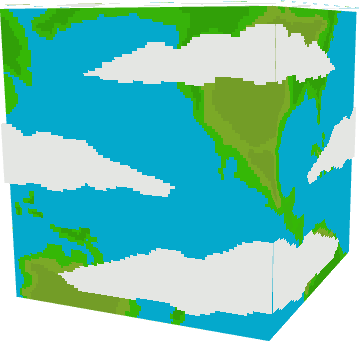
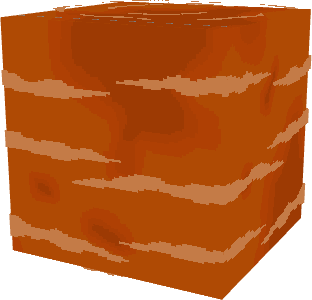
The Orbithal is EntityForge's flagship space project for Minecraft Bedrock. This visual and decorative addon brings the Solar System to life with giant planets and celestial bodies designed for builders, map creators, and multiplayer servers.
Whether you're creating a realistic observatory, a futuristic city, or an epic space adventure, The Orbithal gives you the freedom to build your own universe.
✨ Version 2 Features
☀️ The Sun
🪐 The 8 planets of the Solar System
🌑 3 Dwarf Planets
• Pluto
• Ceres
• Eris
📏 Completely Reworked Planet Scale
Every planet has been resized to better represent the proportions of our Solar System while maintaining excellent visual quality in Minecraft Bedrock.
🥚 Custom Spawn Eggs
Every celestial body now has its own unique spawn egg, making them easier to identify inside the Creative inventory.
🎨 Visual Improvements
• Improved planet scale
• Better organization
• Minor visual refinements
✔ Giant decorative entities
✔ Perfect for creative maps
✔ Multiplayer compatible
✔ Easy to use
🚀 How to Use
- Enter Creative Mode.
- Open the Creative inventory.
- Select the planet spawn egg.
- Place it anywhere in your world and start building your own Solar System.
⚠️ Important
The Orbithal is designed primarily for Creative Mode.
The planets are decorative entities created for builders, map creators, and multiplayer servers.
They are not explorable dimensions and currently do not include survival gameplay mechanics.
Due to Minecraft Bedrock limitations, planets are implemented as entities to provide the best possible performance and visual quality.
The Orbithal is actively being developed, and more planets, celestial objects, and improvements are planned for future updates.
💬 Join the Community
Be the first to discover upcoming updates, previews, and future projects from EntityForge.
Discord
YouTube
https://youtube.com/@entityforgestudio
🛠️ About EntityForge
EntityForge is dedicated to creating ambitious Minecraft Bedrock addons focused on quality, creativity, and community.
Our mission is to continue expanding our projects while helping new creators learn, create, and grow.
Thank you for supporting The Orbithal and being part of this journey.
- Edition: Minecraft Bedrock
- File type: .mcpack or .mcaddon
- Minecraft versions listed: 26.30, 26.10, 1.21.111
- How to install: Download the .mcpack or .mcaddon file. → Open it — Minecraft imports it. → In your world: Behavior Packs → Available → Activate, then the same under Resource Packs.
- Where to get it: Opens on CurseForge — not every file is mirrored on our own servers.
Install steps are the general flow for this file type — How to install Minecraft Bedrock addons & mods walks through it step by step.
- Pack type: .mcaddon — behaviour and resource pack in one file
- Manifest requires Minecraft 1.26.0 or newer
- Complete pack — everything it depends on is inside the file
- Download size: 215 KB
- Download link checked 5 Oct 2026 — working
These come from our own check of the pack file, not from the source page.