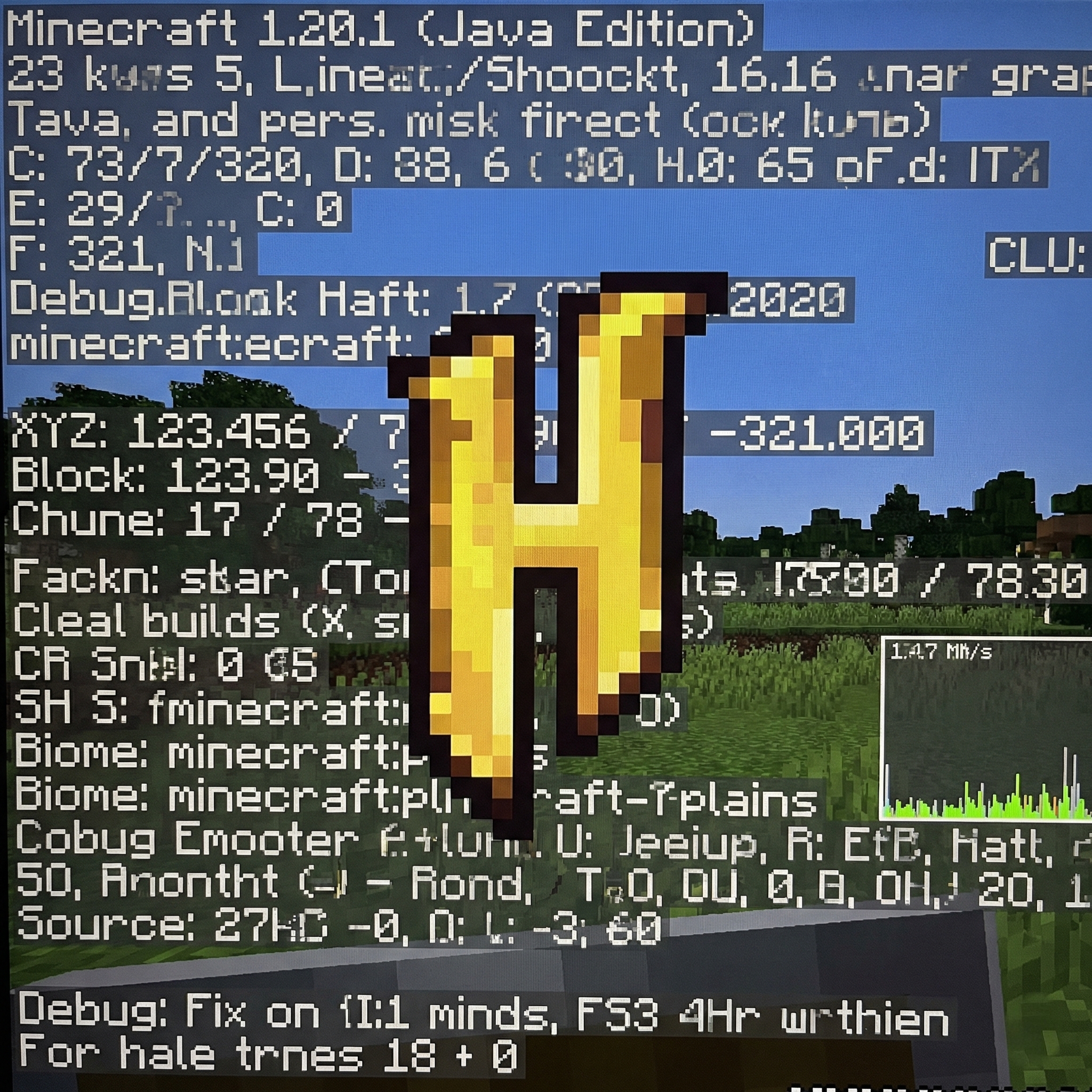
RR Debug Screen Ultimate: Java F3 HUD
Get the real Java Edition F3 Debug Screen on Bedrock! View Light Levels, Biomes, FPS & Entity Count instantly.
⬇ Download on CurseForge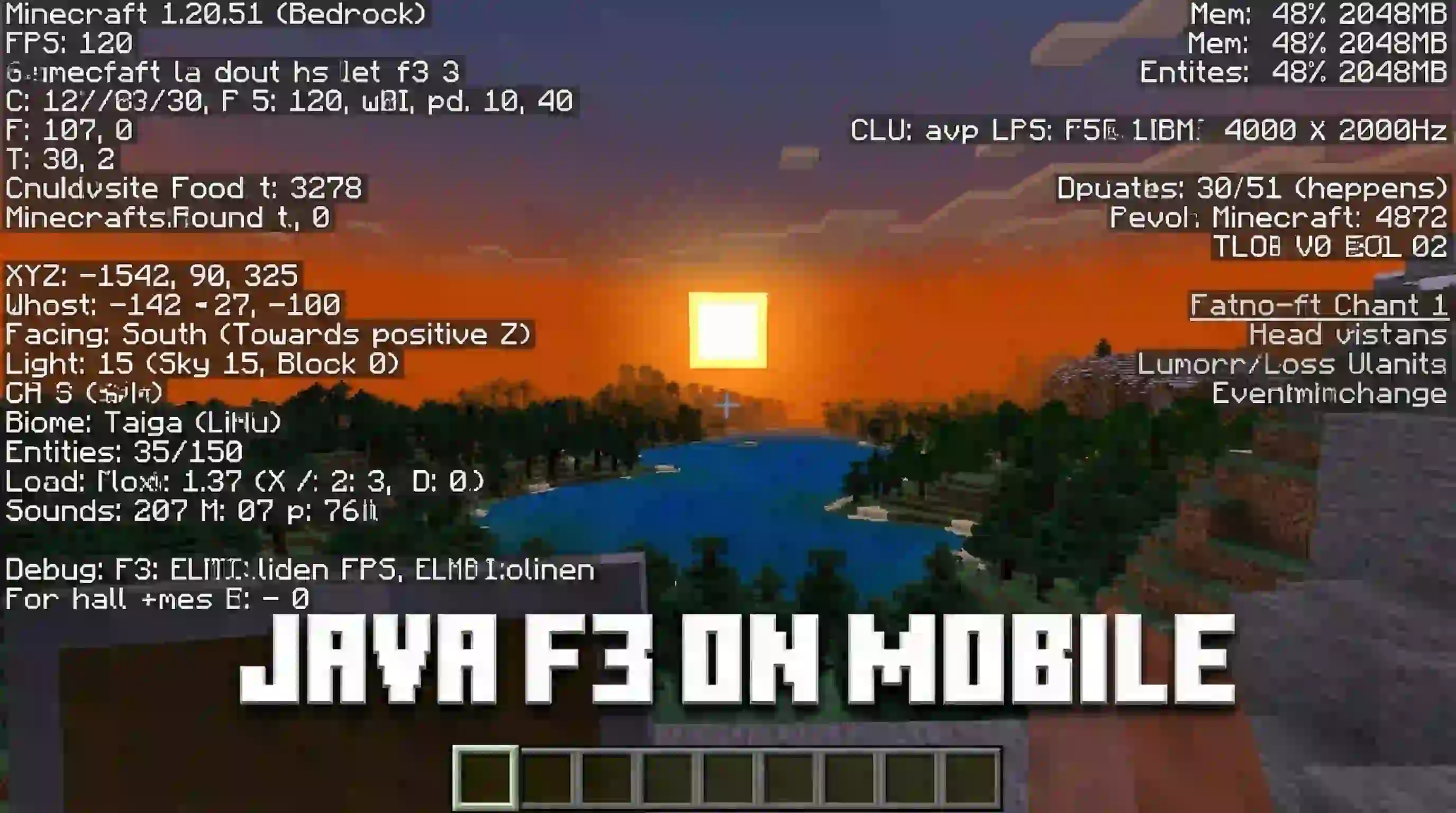
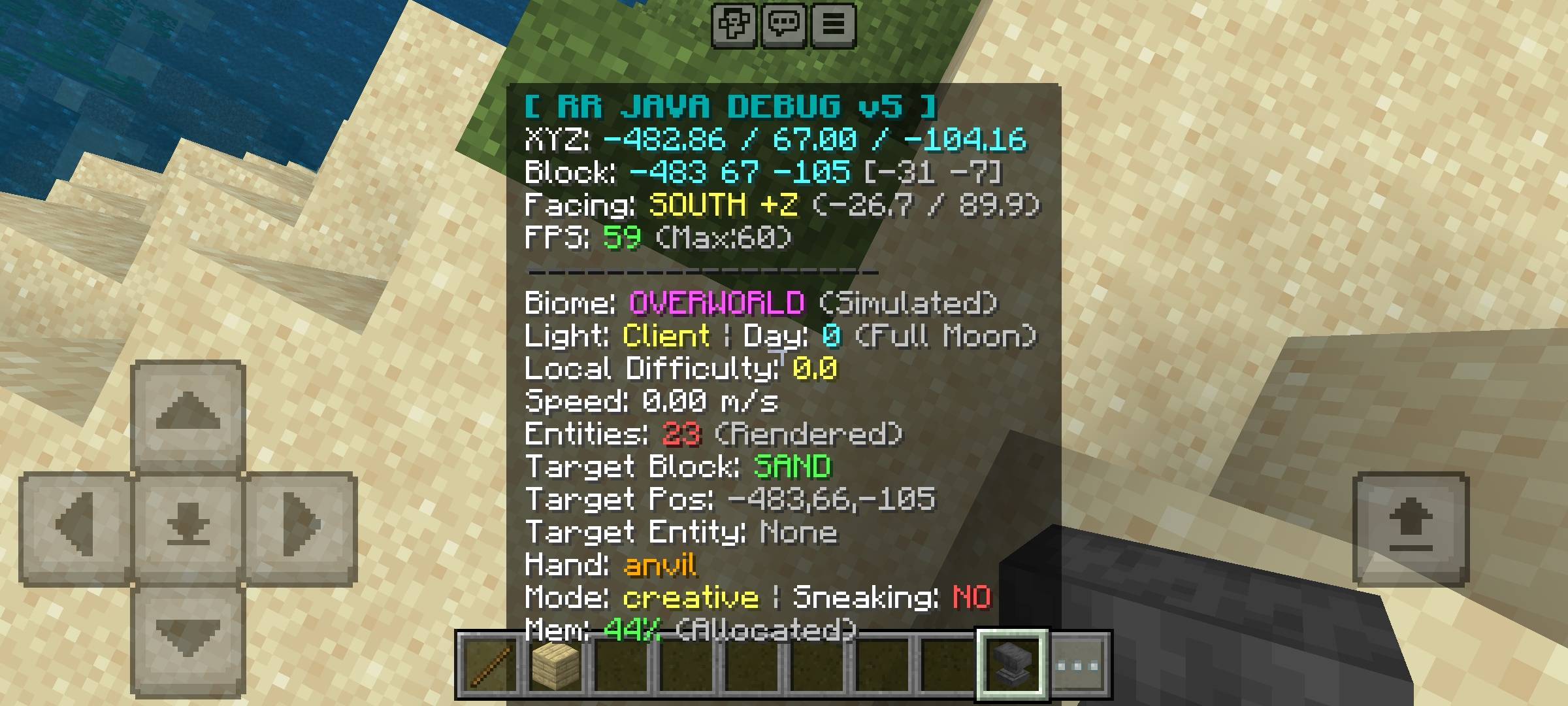
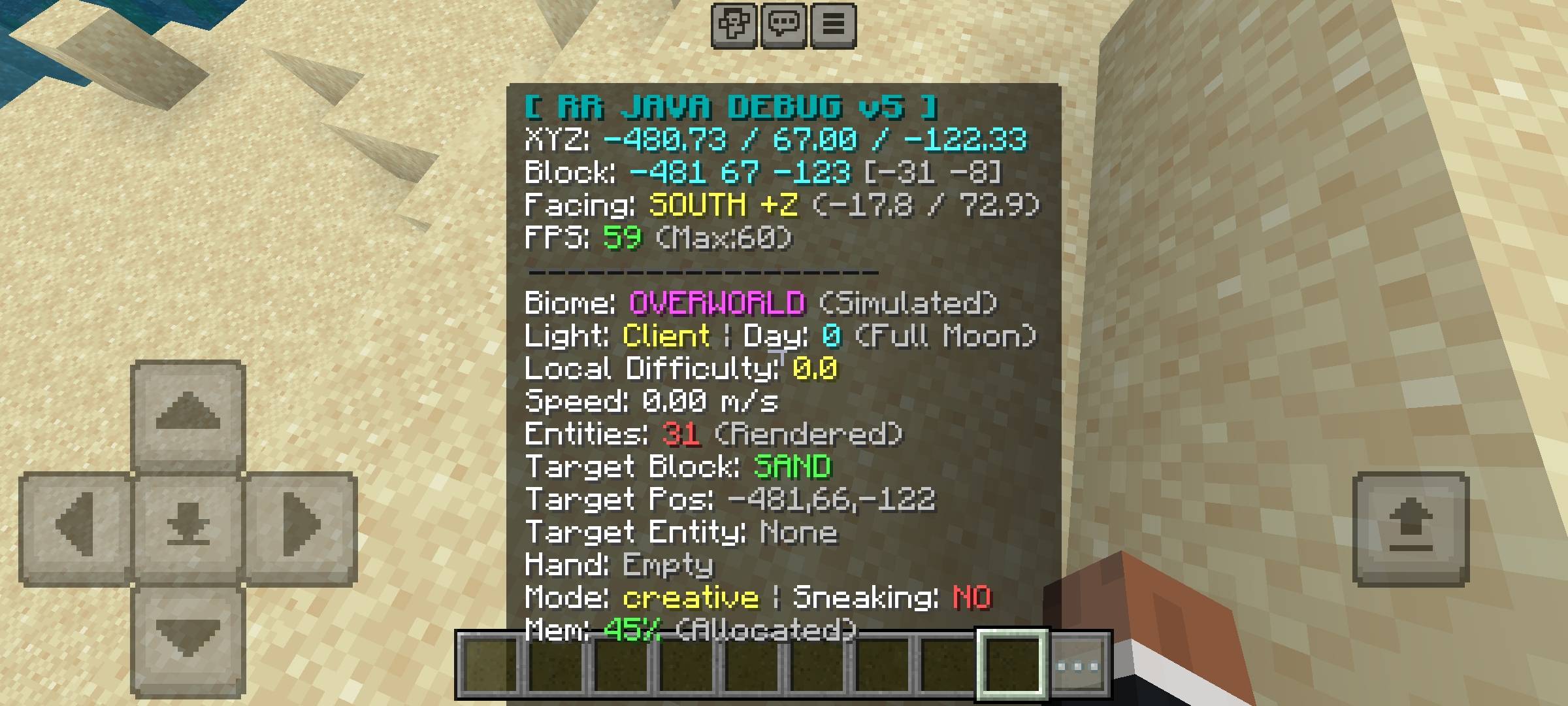
RR Debug Ultimate v2.0.0 - The Java F3 Screen for Bedrock
Hey everyone! If you watch Minecraft YouTubers play on Java Edition, you have probably noticed their biggest superpower: the F3 button. With a single click, Java players can see their exact coordinates, chunk borders, facing directions, light levels, and the exact durability of their tools. Meanwhile, us Bedrock players have always been forced to survive completely blind, guessing our directions and hoping our pickaxes do not break.
I got tired of this massive disadvantage, so I decided to level the playing field. Welcome to the RR Debug Ultimate addon. I have completely rewritten the system for Version 2.0.0 to bring a fully functional, highly detailed Java-style F3 Debug Screen directly to your mobile device or console. This Full Access Edition unlocks over 25 real-time statistics pulled straight from the game engine, giving you total control over your survival world.
Advanced Navigation & World Data
Building massive farms and linking Nether portals requires absolute precision. Vanilla Bedrock only gives you basic X, Y, and Z coordinates, but this addon gives you so much more to help you navigate like a pro.
- Chunk Coordinates: The screen displays your exact position within a chunk. This is absolutely essential if you are trying to find Slime chunks or build highly efficient mob farms that need to stay within specific chunk borders.
- 8-Direction Compass: Never get lost in the Nether again. The HUD tells you exactly which way you are facing (North, South, East, West, plus all diagonal directions like Northeast or Southwest). It even tells you the exact axis you are moving on (like +X or -Z), making Nether portal linking incredibly easy.
- World Day & Moon Phases: Tracking time is vital for survival. The addon tracks the exact Day number of your world. It also displays all 8 Moon Phases (Full Moon, Waning Gibbous, New Moon, Waxing Crescent, etc.). Did you know that Slime spawn rates in swamps are highest during a Full Moon and zero during a New Moon? Now you can track it perfectly and farm efficiently!
Performance Monitoring & Entity Radar
Minecraft Bedrock can sometimes suffer from sudden lag spikes, and it is usually hard to figure out why. I built professional performance tracking tools right into the debug screen.
- Live FPS & Memory Counter: Keep an eye on your device's performance. The screen displays your real-time Frames Per Second and estimates your device's memory usage, so you know exactly how well your game is running.
- Nearby Entity Counter: This is a massive game-changer. The addon scans the area around you and tells you exactly how many entities (mobs, dropped items, minecarts) are nearby. If your game is lagging, or if you are looking for a hidden zombie dungeon underground, just watch the entity counter. If the number suddenly spikes to 30, you know there is a monster spawner right next to you!
Target Detection & Player Statistics
You no longer have to guess what you are looking at. The crosshair target detection system pulls live data from whatever is right in front of your face.
- Target Block & Entity Info: If you look at a block, the debug screen will show you the exact coordinates of that specific block. If you look at a mob, it will display that entity and its current health.
- Held Item Durability: Stop breaking your favorite enchanted tools! The screen shows you the exact numerical durability of the item you are currently holding, so you know exactly when it is time to use a Mending book or an anvil.
- Live Speedometer: Want to know how fast your new Blue Ice boat highway is? Or how fast your Elytra is flying? The built-in Speed Meter calculates your exact movement speed in blocks per second.
- Detailed Vitals: The screen also displays your exact numerical Health, Hunger levels, XP level, Dimension, Game Mode, Sneak status, and a list of your active Potion Effects.
Total Customization & Clean UI
Having 25 different statistics on your screen is amazing for building, but it can be annoying during a PVP fight or a boss battle. I designed a smart toggle system and a beautiful custom Settings Menu so the text never blocks your view.
- Instant Quick-Toggle: Simply hold a normal Stick in your hand and Use it (Right-Click on PC, or Long Press on Mobile). The entire F3 Debug Screen will instantly turn ON or OFF. You can hide it during combat and pull it up when you are mining.
- The Settings Panel: Hold a Book in your hand, Sneak (Crouch), and Use it to open the advanced Settings Menu.
- Toggle Individual Stats: Don't care about the Moon Phase or the Memory Usage? From the Settings Menu, you can individually turn off any of the 25 statistics. You can customize the HUD to only show exactly what you want to see.
- 7 Custom Color Themes: I added 7 different color themes so the text matches your texture pack or personal style. You can choose between Classic (Blue/White), Green, Red, Purple, Gold, Aqua, and White.
Zero Lag Optimization
Because this addon uses the official Bedrock Script API, it does not rely on thousands of laggy command blocks or invisible armor stands. The text is rendered smoothly and natively on your screen, meaning it has zero impact on your game's performance. It is perfectly optimized for multiplayer Realms and low-end mobile devices.
Please note that some graphical assets in this project, such as promotional thumbnails and gallery screenshots, may have been created or enhanced using AI tools for better visual quality and presentation.
This addon relies on advanced custom scripts to extract live data from the game engine, calculate block positions, and generate the UI menu. You MUST go to your World Settings > Experiments tab, and turn on Beta APIs before loading the world. If you do not enable this setting, the debug screen will not appear!
Developer: Racing Raftaar
Version: 2.0.0 Full Access Edition
Supported Minecraft Versions: 1.21.0 and above
- Edition: Minecraft Bedrock
- File type: .mcpack or .mcaddon
- Minecraft versions listed: 1.21.124, 1.21.130, 1.21.131
- How to install: Download the .mcpack or .mcaddon file. → Open it — Minecraft imports it. → In your world: Behavior Packs → Available → Activate, then the same under Resource Packs.
- Where to get it: Opens on CurseForge — not every file is mirrored on our own servers.
Install steps are the general flow for this file type — How to install Minecraft Bedrock addons & mods walks through it step by step.
- Pack type: .mcpack — a single pack
- Manifest requires Minecraft 1.21.0 or newer
- Complete pack — everything it depends on is inside the file
- Download size: 14 KB
- Download link checked 15 Sept 2026 — working
These come from our own check of the pack file, not from the source page.