AddonsBedrock
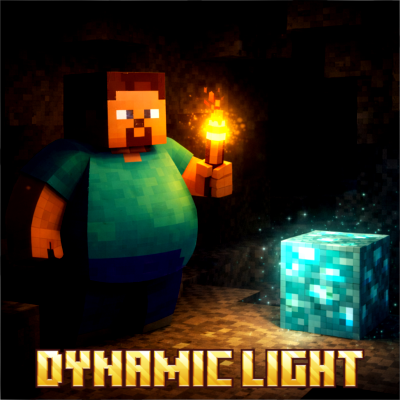
DYNAMIC LIGHT (gh9)
Have you ever wondered why there’s no light around you when you hold a torch? This addon solves that problem, allowing you to travel anywhere while…
I don't know my version
Open Minecraft and look at the bottom-left corner of the main screen — the version is printed there, like v1.26.30.
The game writes a 1. in front; the buttons above leave it off. v1.26.30 in the game is 26.30 here.

Before installing this addon, you had to place torches on every block to prevent monsters from spawning and to light your path.
After installing this addon, you no longer need to place torches, and you can walk around at night or mine ores without placing torches on every block.
Disclaimer: the thumbnail was made using an AI image generator.
JOIN DISCORD
Quick facts
- Edition: Minecraft Bedrock
- File type: .mcpack or .mcaddon
- Minecraft versions listed: 26.10, 26.20, 26.30
- How to install: Download the .mcpack or .mcaddon file. → Open it — Minecraft imports it. → In your world: Behavior Packs → Available → Activate, then the same under Resource Packs.
- Where to get it: Opens on CurseForge — not every file is mirrored on our own servers.
Install steps are the general flow for this file type — How to install Minecraft Bedrock addons & mods walks through it step by step.
Verified by MCModsHub
- Save it as dynamic_light 1.14 bp.mcaddon before opening — it downloads as .mcpack, but it is a .mcaddon pack
- Manifest requires Minecraft 1.20.30 or newer
- Download size: 192 KB
- Download link checked 25 Aug 2026 — working
These come from our own check of the pack file, not from the source page.