Visit Dragon Mounts 2 for this to work!
COMMUNITY SUPPORT
Join our Discord for discussions, updates, and support! We're mostly active there.
Now each seperate mod has moved to the official website. You can also get lots of information of how to convert, what each dragon is and how the tools and armors work. Offcial website here:Dragon Mounts Extra Dragons website.
GET STARTED
🧭 About Dragon Mounts: Extra Dragons
Also known as "Dragon Mounts: Community Edition", it is an extension add-on based on Dragon Mounts 2 which adds extra dragons that don't fit with the base add-on. Nevertheless, you can choose which dragons you want without conflicting with Dragon Mounts 2!
❓ Will it break if I play with Dragon Mounts 2?
Short answer, nope! It is fully compatible with Dragon Mounts 2. You don't have to worry about it breaking in your world.
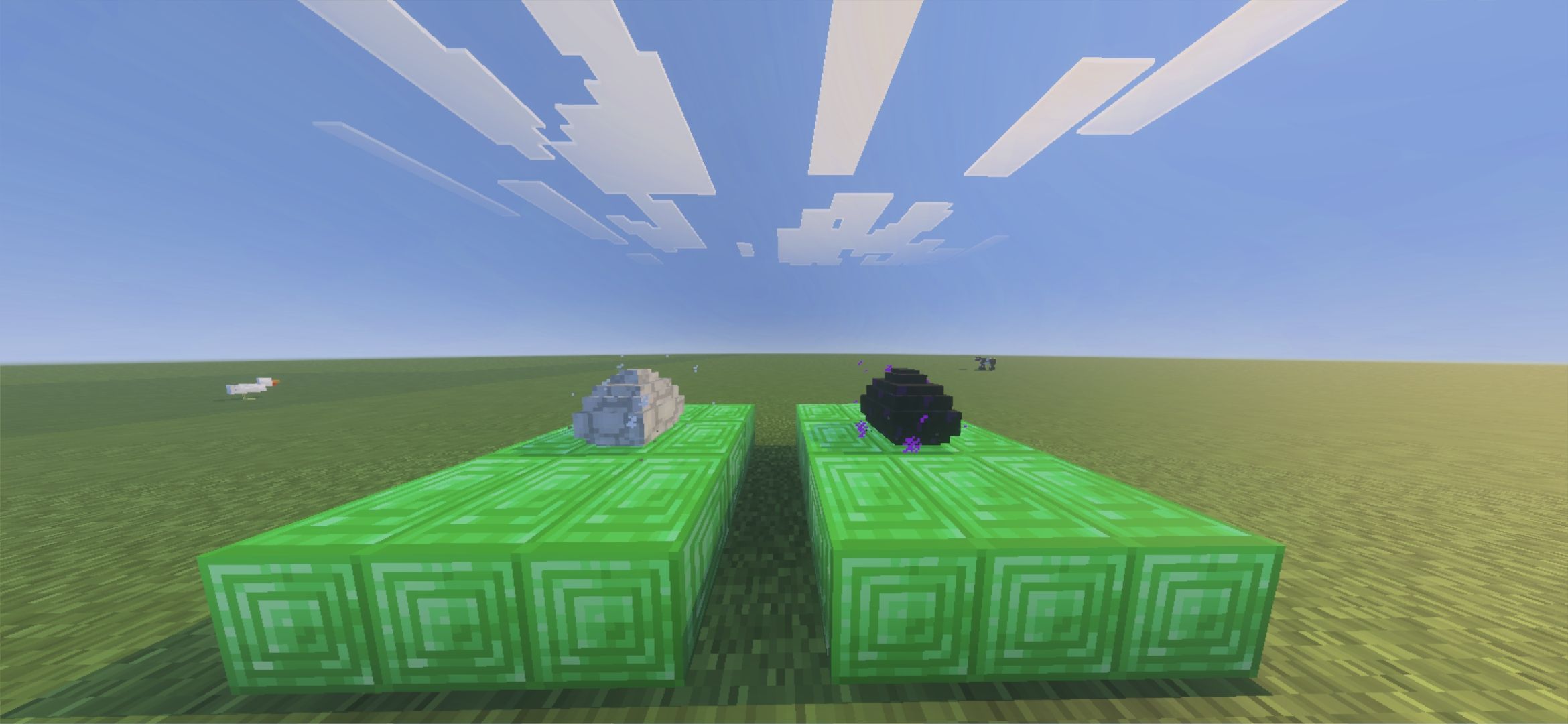
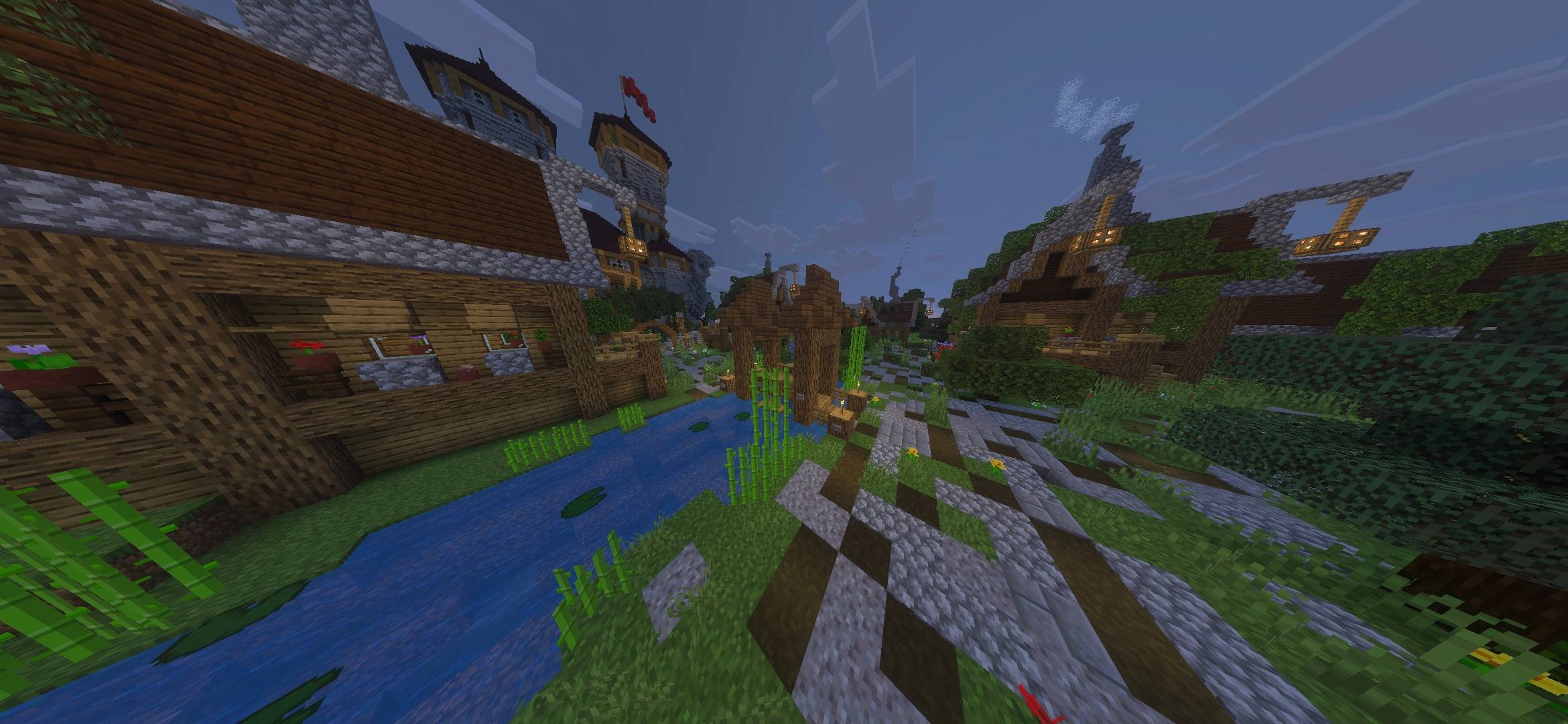
GALLERY

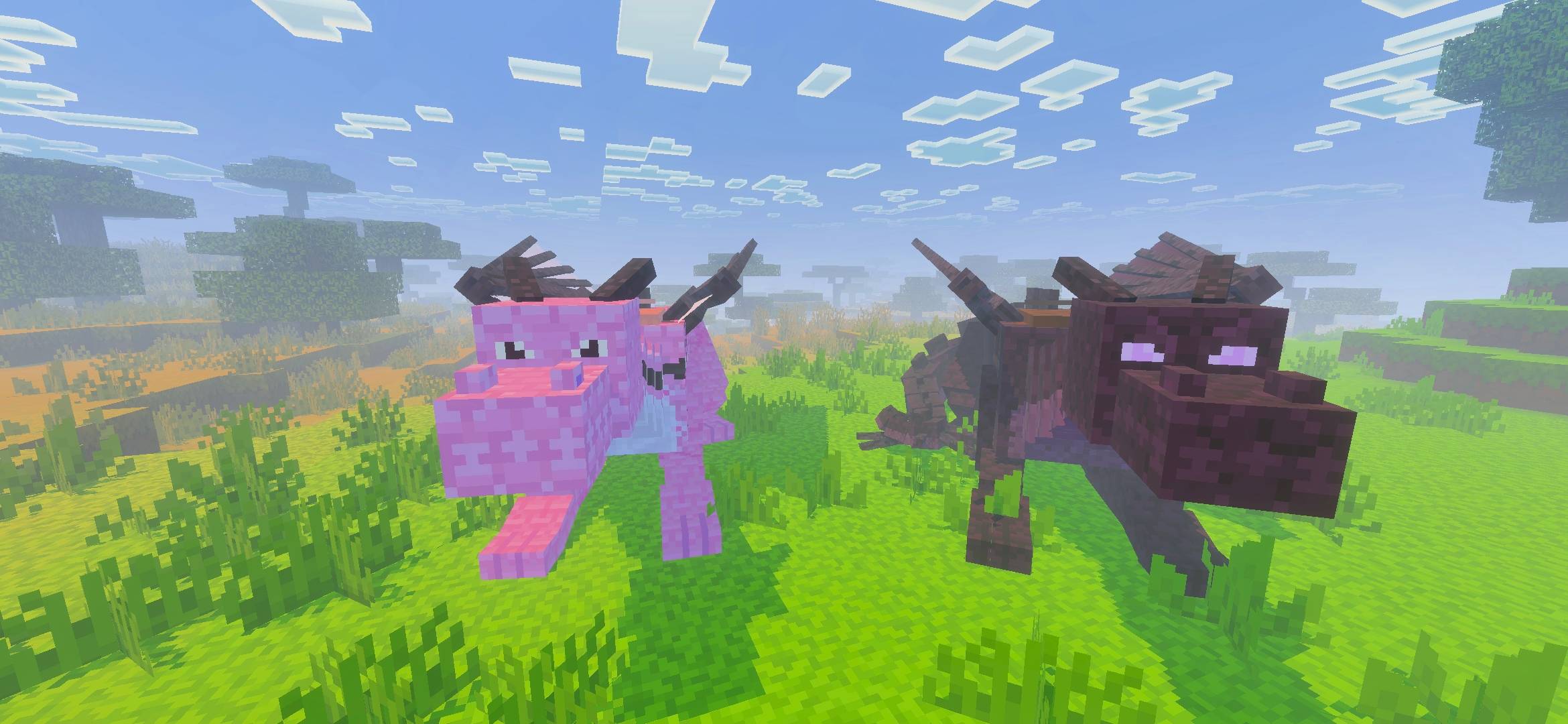
DRAGONS
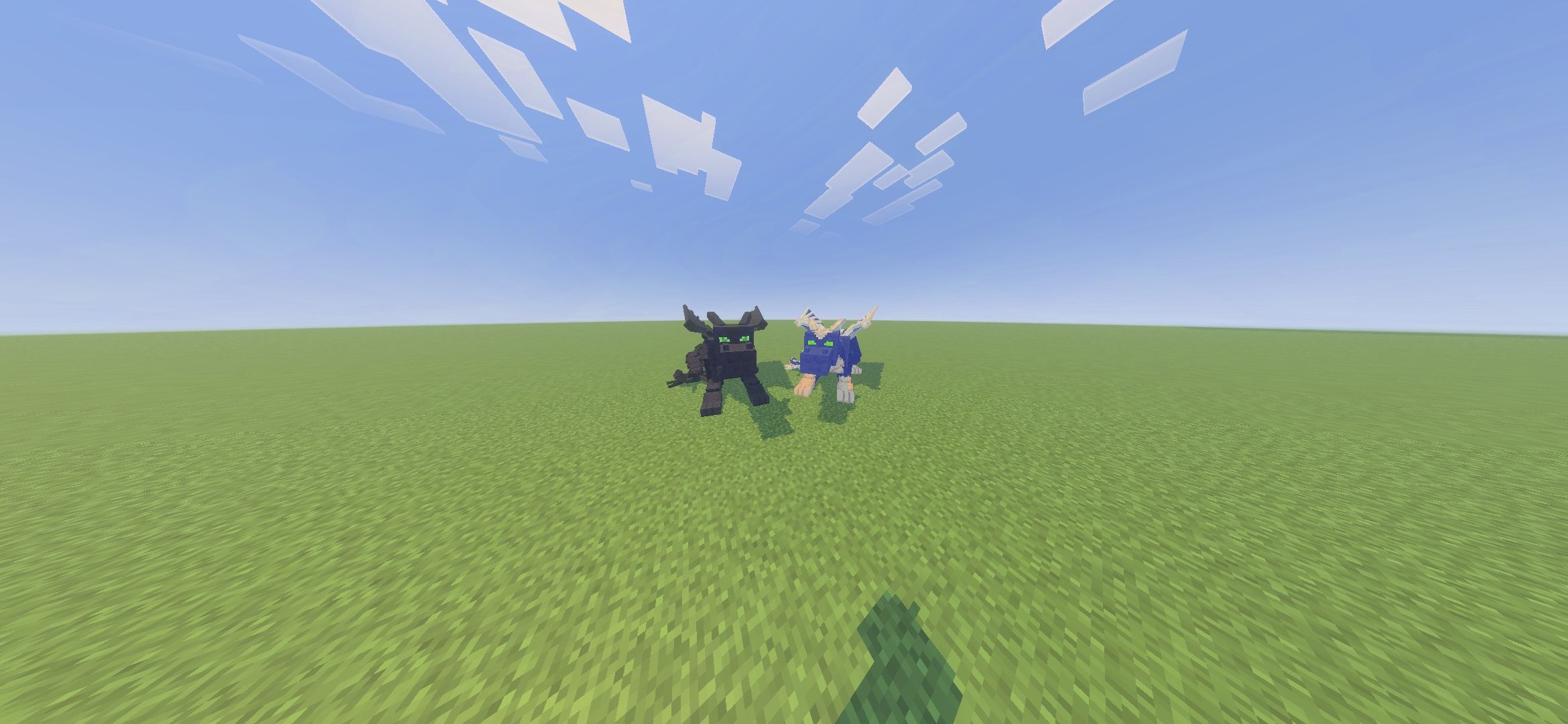
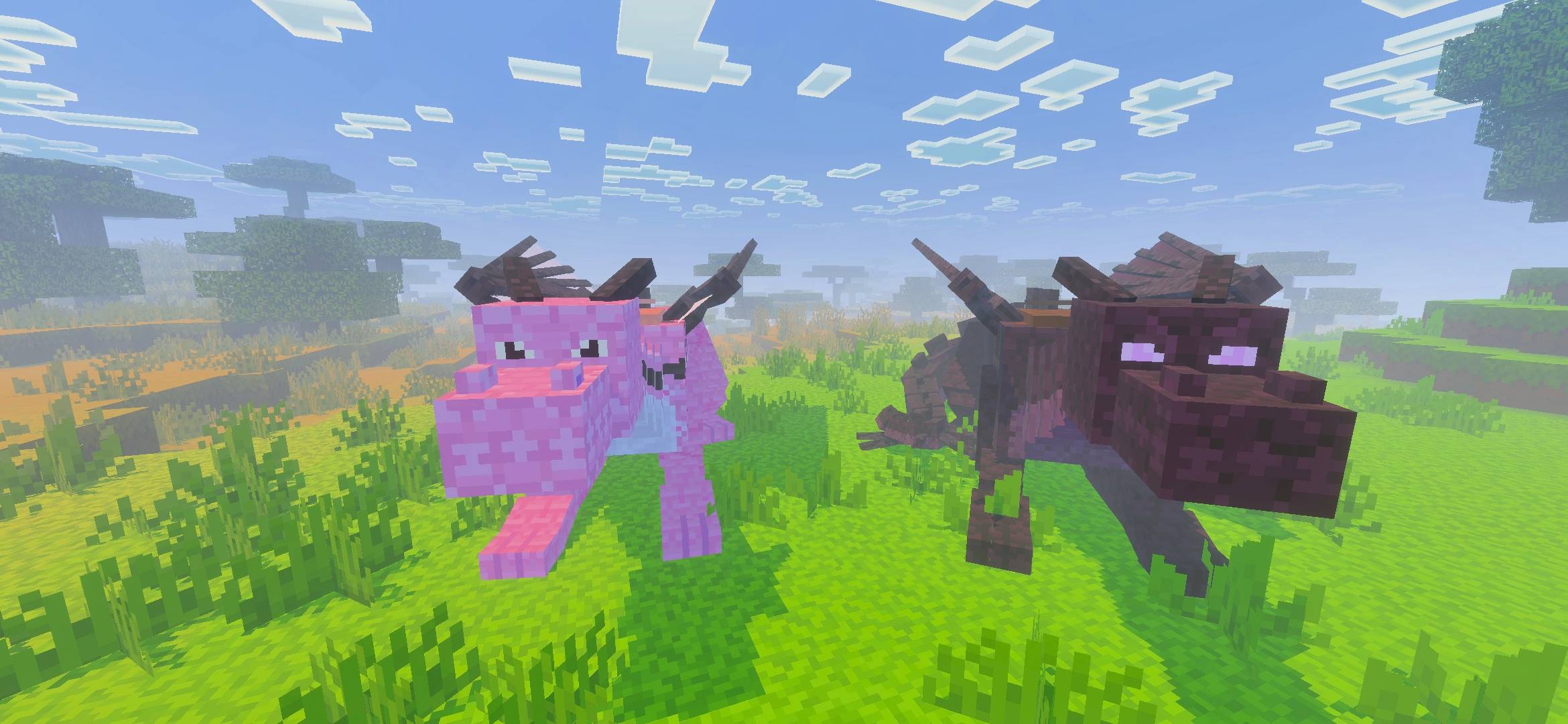
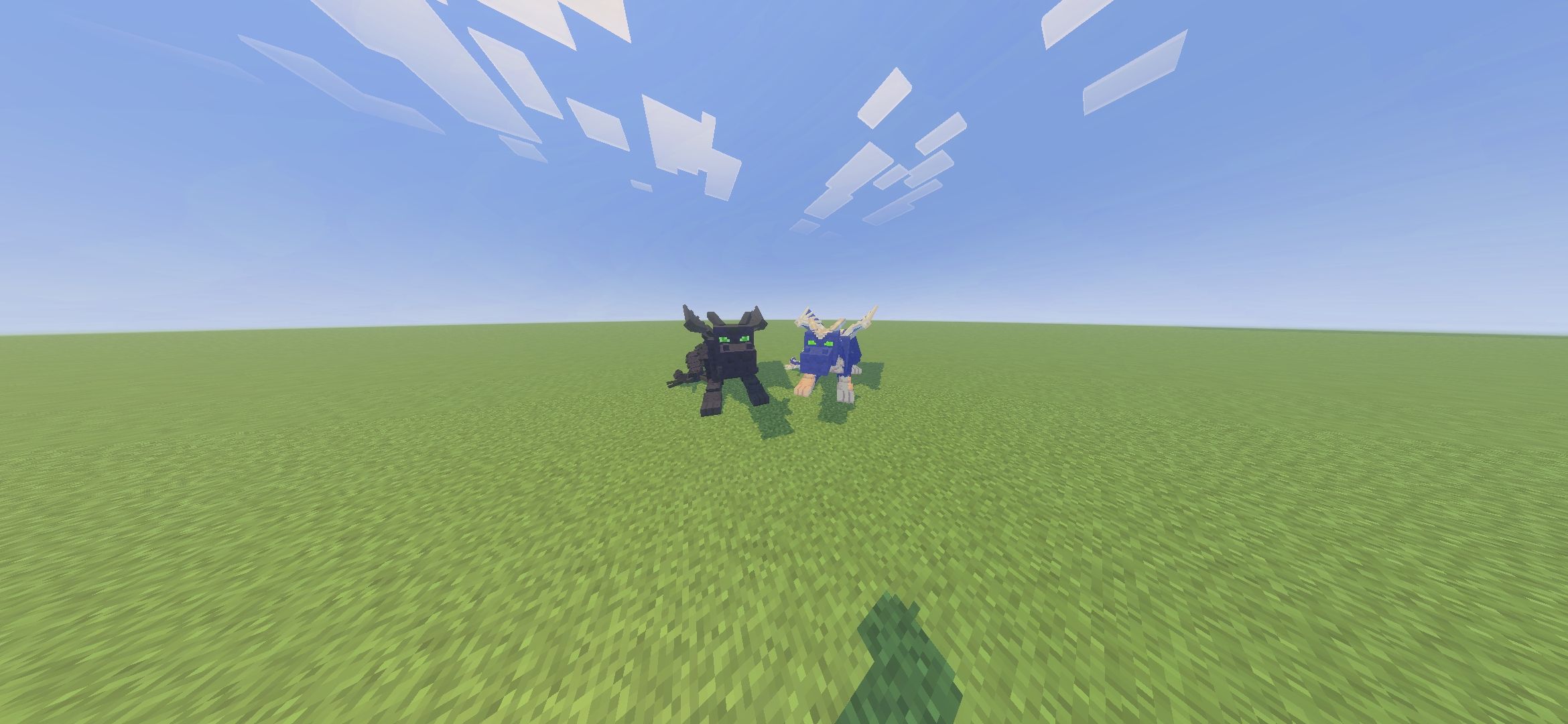
List of dragons currently:
- Phantom Dragon
- Sakura Dragon
- Sculk Dragon
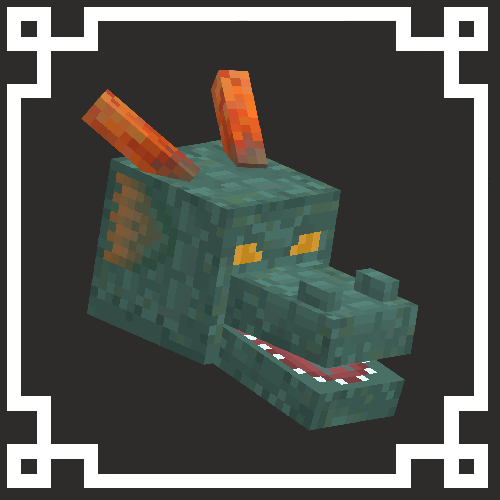
- Guardian Dragon
- Red Dragon
CHANGES
Quality of Life Additions:
- No need to toggle any experiments!
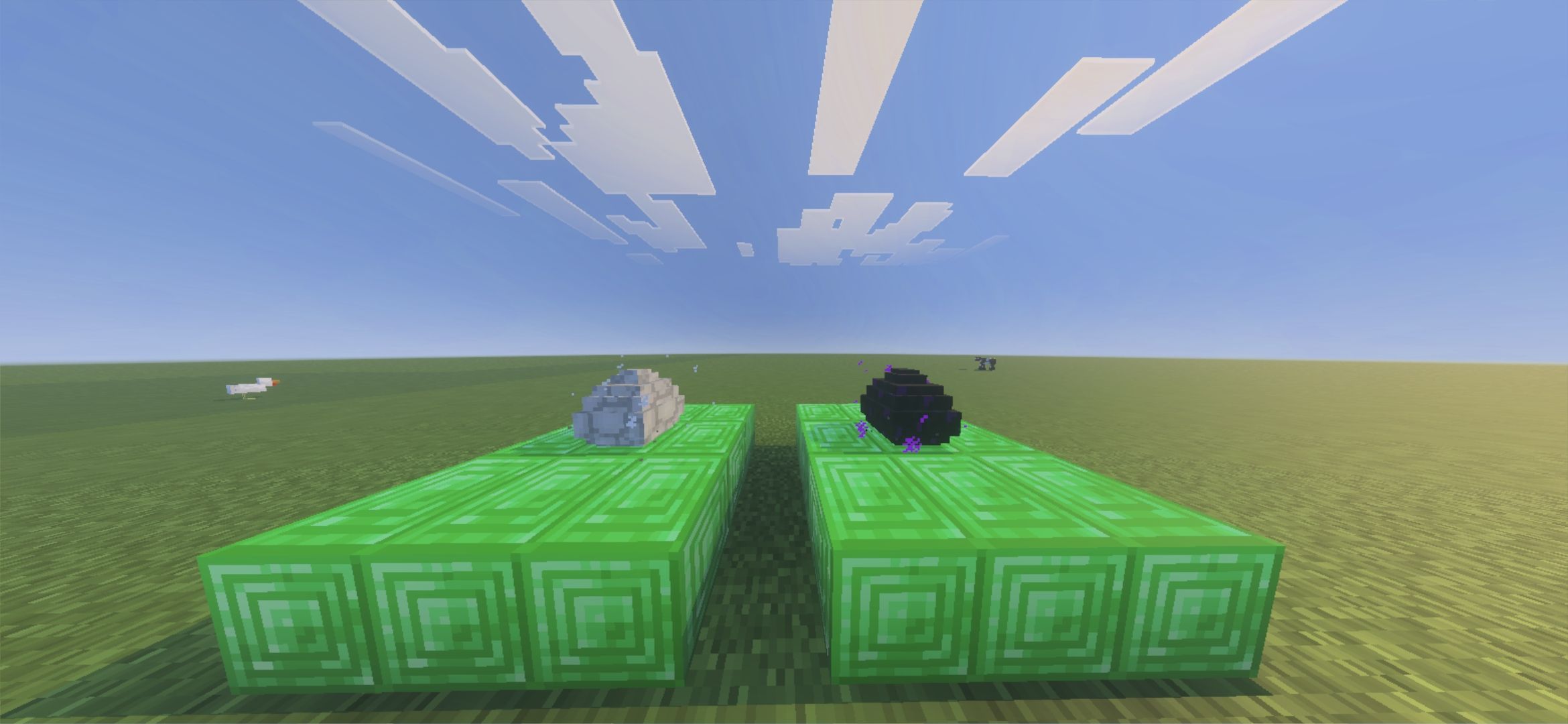
- Egg Functionalities (by Mrngda)
- Better Tooltips (by Moaswies)
Known Issues:
- You need to fully delete the older versions of the add-on to properly play with the newer versions
- Realms are inconsistent with add-ons
- Aternos Servers are inconsistent with add-ons
DISCLAIMER
Dragon Mounts 2 is fully endorsed by the original former developers. Anything outside of DM2 are unofficial works and forks
SOCIAL MEDIAS
CREDITS
Developers:
- Grummboy2 - Project Owner & Developer
- Tomanex - Dragon Mounts 2 Owner
- JDSKoala - Dragon Mounts 2 Co-Owner
- Mrngda - Lead Coder
- Eclipsed Light - Artist
- EquinoxtheWingedWolf - Artist
- Edition: Minecraft Bedrock
- File type: .mcpack or .mcaddon
- Minecraft version listed: 1.21.132
- How to install: Download the .mcpack or .mcaddon file. → Open it — Minecraft imports it. → In your world: Behavior Packs → Available → Activate, then the same under Resource Packs.
- Where to get it: Opens on CurseForge — not every file is mirrored on our own servers.
Install steps are the general flow for this file type — How to install Minecraft Bedrock addons & mods walks through it step by step.
- Pack type: .mcaddon — behaviour and resource pack in one file
- Manifest requires Minecraft 1.17.0 or newer
- Complete pack — everything it depends on is inside the file
- Download size: 1.2 MB
- Download link checked 15 Sept 2026 — working
These come from our own check of the pack file, not from the source page.