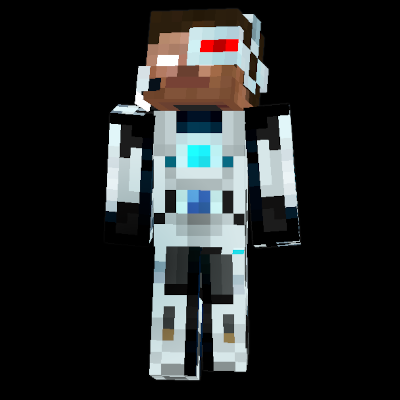
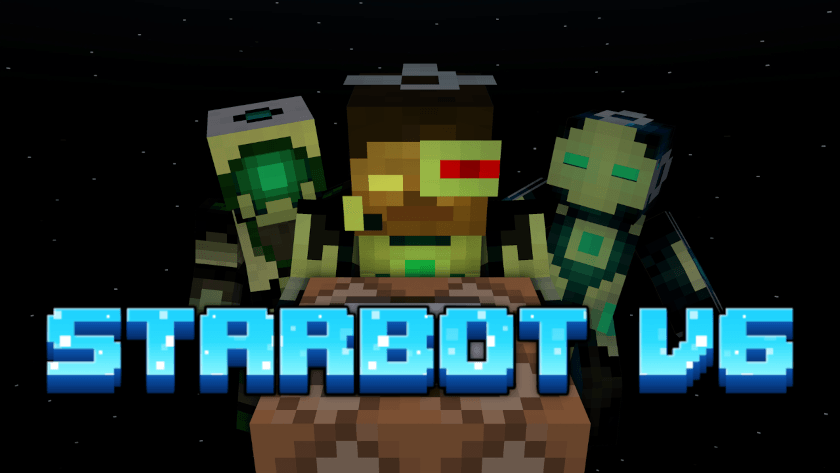
Star Bot V6
Summon Bot Players in your Minecraft bedrock world. You can use these Bots to afk at your farms or load an area while you do other work.
I don't know my version
Explanation Video:
Watch this to understand how the StarBot works.
If you like our work, please do consider supporting us, you could do that by donating to us or just spreading your word.
SUPPORT ME ON PATREON: https://patreon.com/AyyStar
Doubts or queries? Join our Discord: Star's Studio
Requirements:
- Beta APIs experimental toggle
- "Star's Centralized Menu" addon V-2.0
Setup:
- Download the StarBot V6 addon.
- Download the "Star's Centralized Menu" V-2.0 addon: MCPEDL Link, CurseForge Link
- Import both addons into Minecraft.
- Apply both addons to your world.
- Perform the wave emote to open the menu and perform the actions.
- Enjoy!
Notes:
- A player can only control those bots which they have summoned themselves and not the bots summoned by any other player, unless, the player has "Star:admin" tag which allows them to control all bots inside the world.
- A player with the "blocked" tag is blocked from using starbot.
- Experiments cannot be turned off once they are activated.
- If you close the world without removing the Bot first then it will be automatically removed without being killed and any items in its inventory will be lost.
Copyright Message
All Rights Reserved
If you want to showcase this addon in your video, that's fine.
You cannot use any part of my addon, however little it may be, in your own addon without my permission.
You cannot distribute my addon in any way, shape or form without my permission.
- Edition: Minecraft Bedrock
- File type: .mcpack or .mcaddon
- Minecraft versions listed: 26.0.02, 26.0, 26.3
- How to install: Download the .mcpack or .mcaddon file. → Open it — Minecraft imports it. → In your world: Behavior Packs → Available → Activate, then the same under Resource Packs.
- Where to get it: In MCModsHub, or directly above on this page.
Install steps are the general flow for this file type — How to install Minecraft Bedrock addons & mods walks through it step by step.
- Pack type: .mcpack — a single pack
- Needs Beta APIs switched on in the world settings
- Ships one half — this pack asks for another pack that is not included
- Download size: 47 KB
- Download link checked 3 Aug 2026 — working
These come from our own check of the pack file, not from the source page.